Skip to content
| Marketplace
Sign in
Visual Studio Code>Formatters>MATLAB Formatter PlusNew to Visual Studio Code? Get it now.
MATLAB Formatter Plus

MATLAB Formatter Plus

Krins

|
3 installs
| (0) | Free
A modified edition of AffenWiesel/matlab-formatter-vscode with improved block alignment and blank-line control features
Installation
Launch VS Code Quick Open (Ctrl+P), paste the following command, and press enter.
Copied to clipboard
More Info

MATLAB Formatter Plus

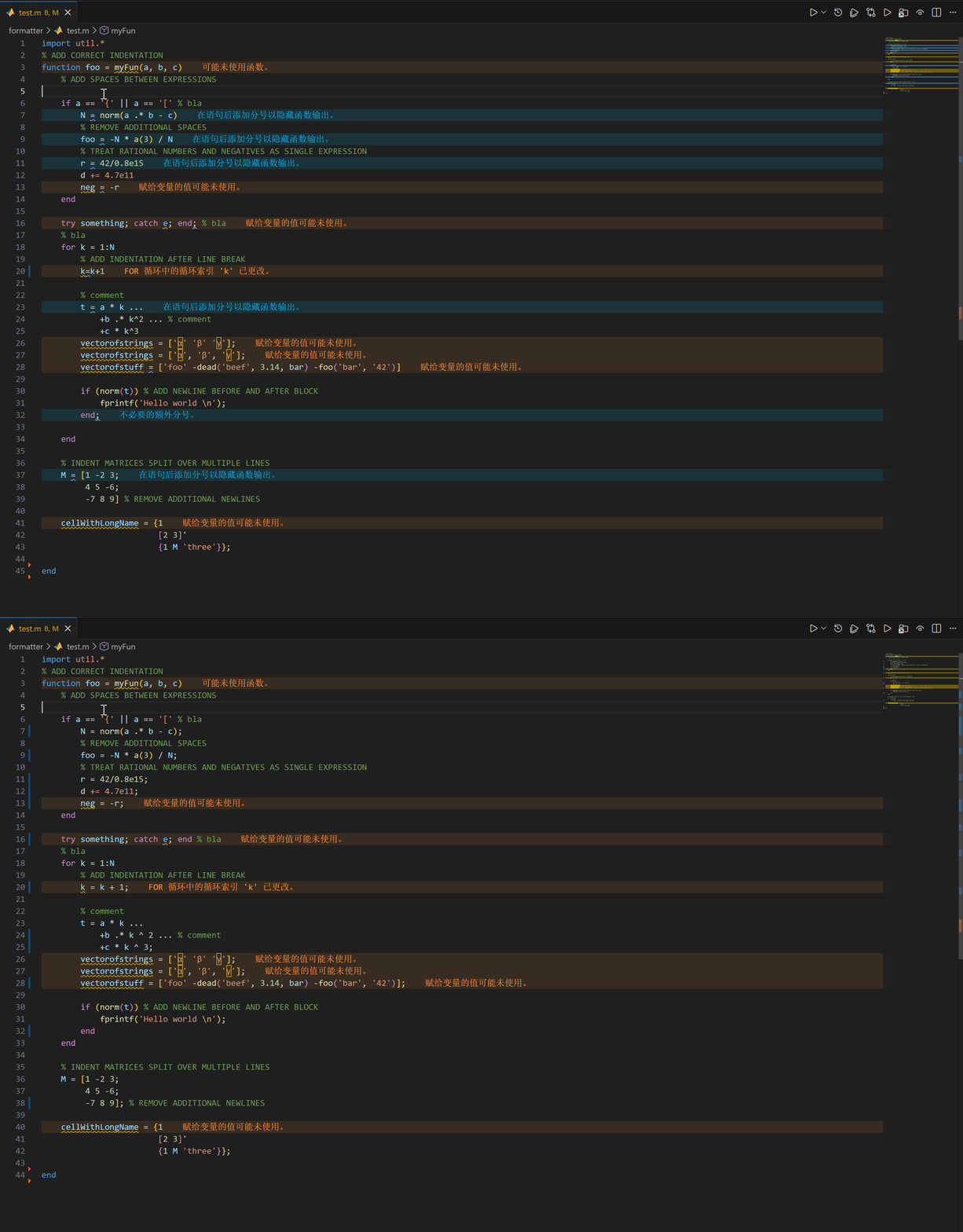
Indent and format MATLAB code.

Also usable as standalone without VScode.

This extension is modified from affenwiesel/matlab-formatter-vscode.

Added features in this edition:

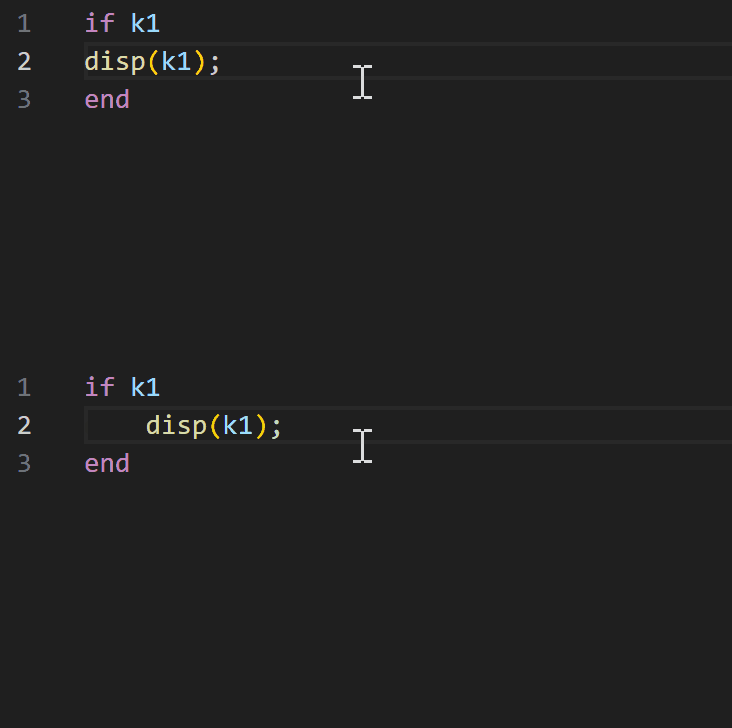
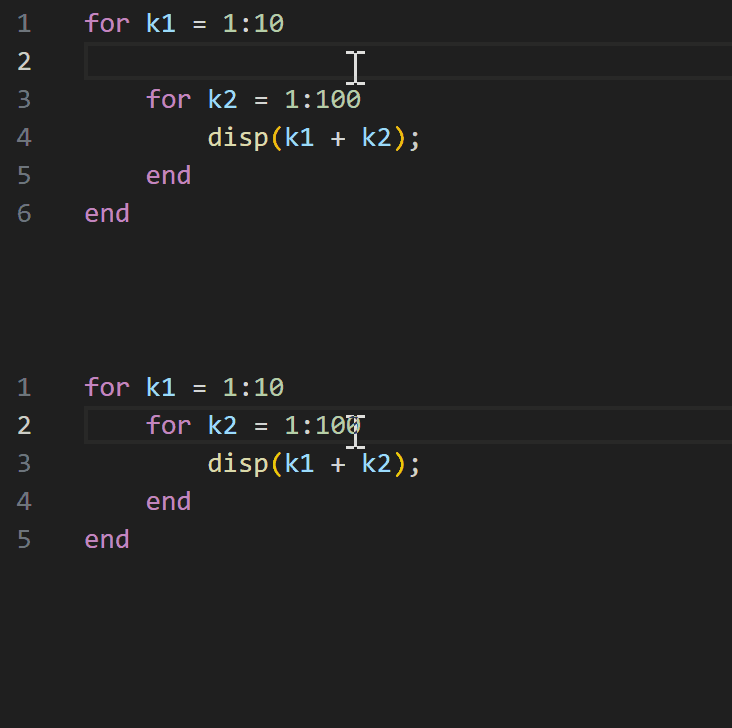
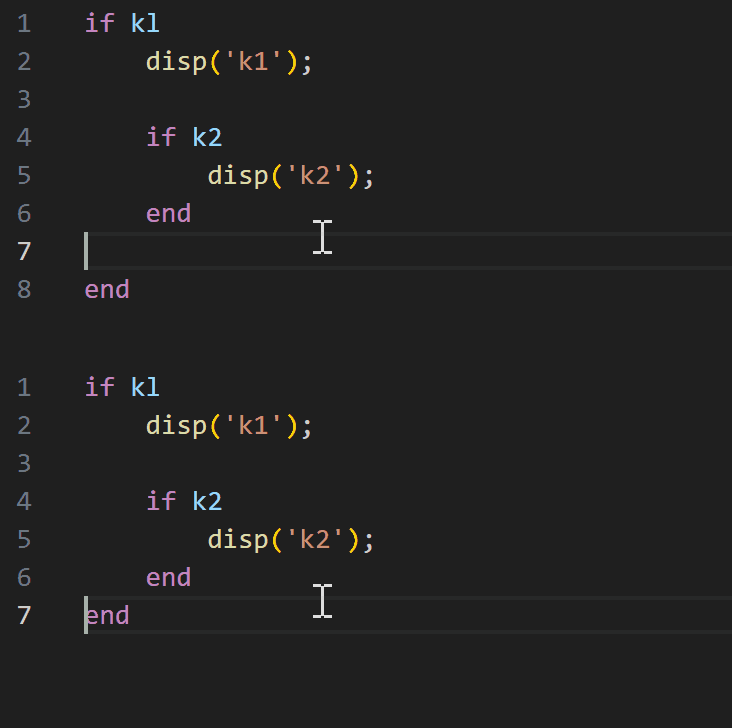
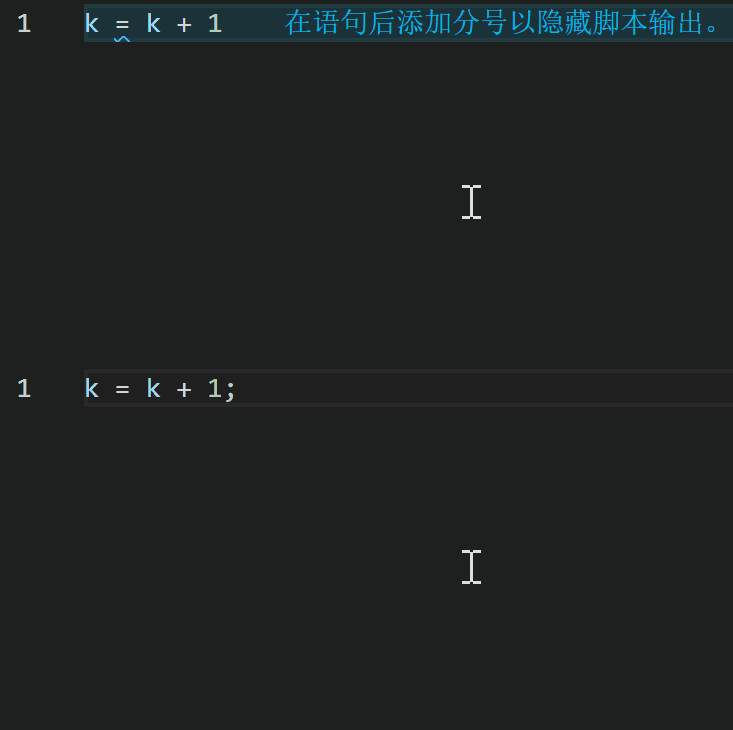
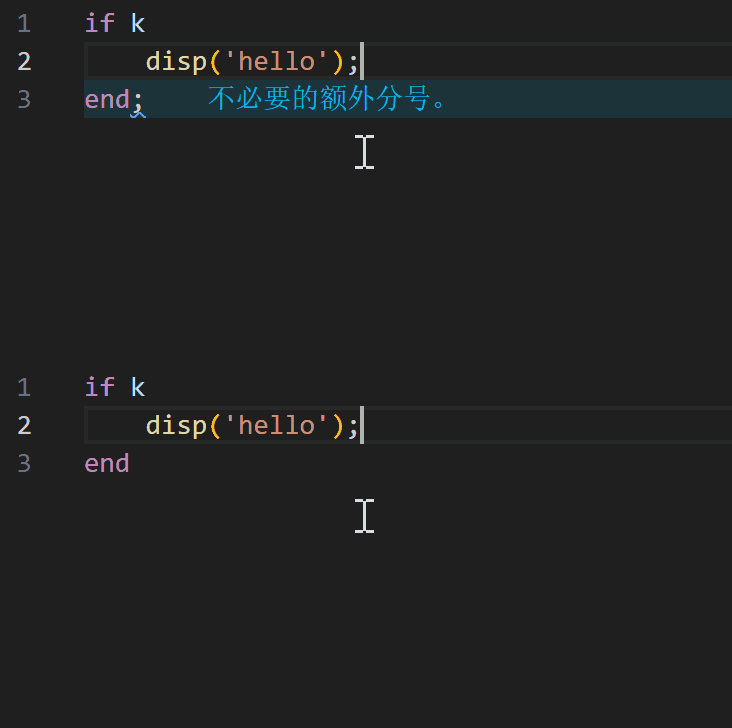
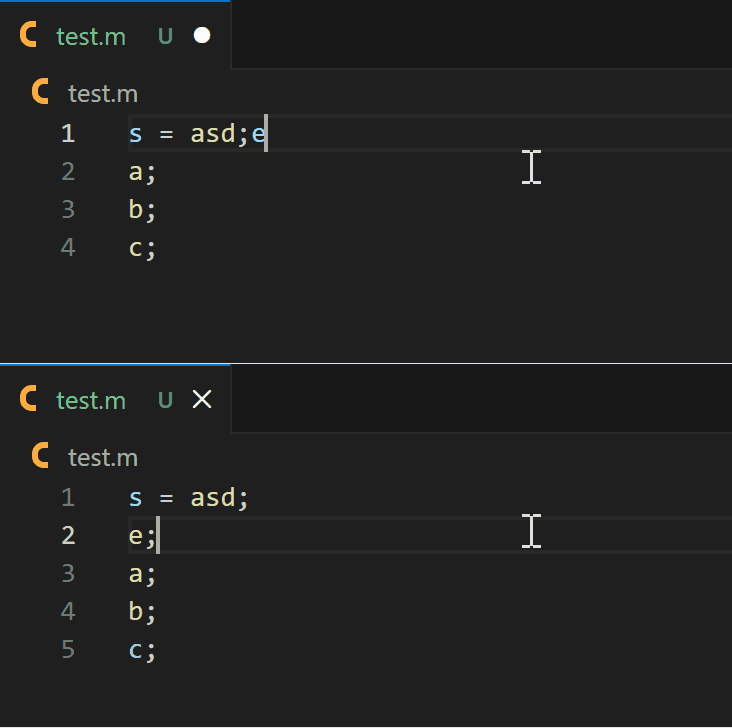
  • Improved for/end, if/end, try/catch/end, and range-formatting block alignment behavior
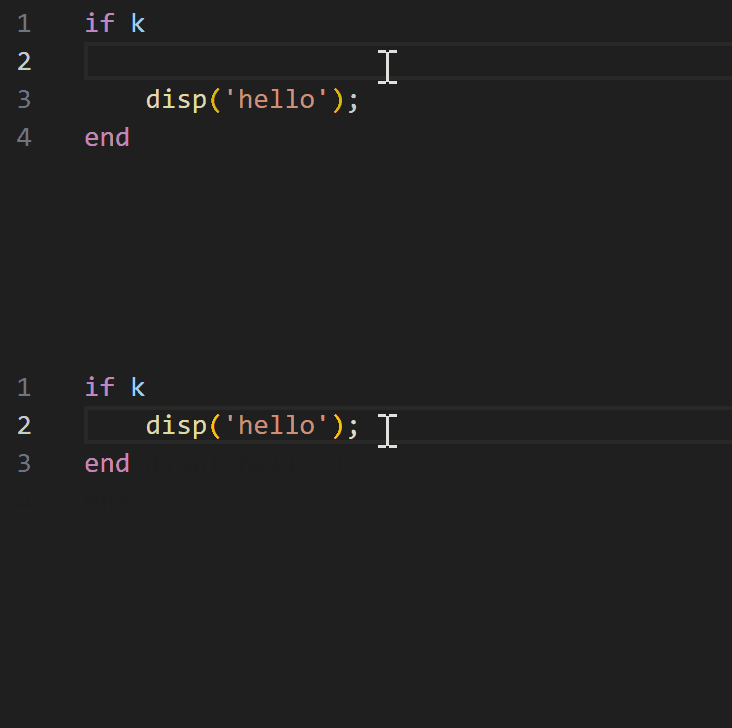
  • Added settings to force-remove blank lines after control blocks and after function/classdef
  • Added MATLAB language indentation rules in VS Code for better block editing experience

IMAGE

Requirements

  • VS Code 1.20 or newer for the extension
  • No extra runtime is required for extension users
  • Node.js is only needed if you want to run the formatter standalone from the command line or develop this project

Extension Settings

  • matlab-formatter-plus.indentwidth: Number of spaces used for indentation.
  • matlab-formatter-plus.separateBlocks: Legacy master switch for block blank-line formatting.
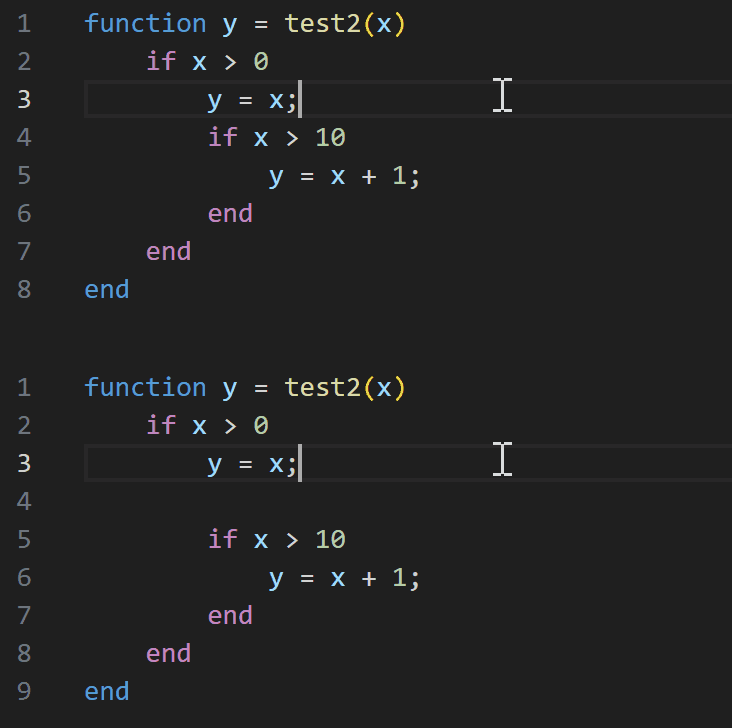
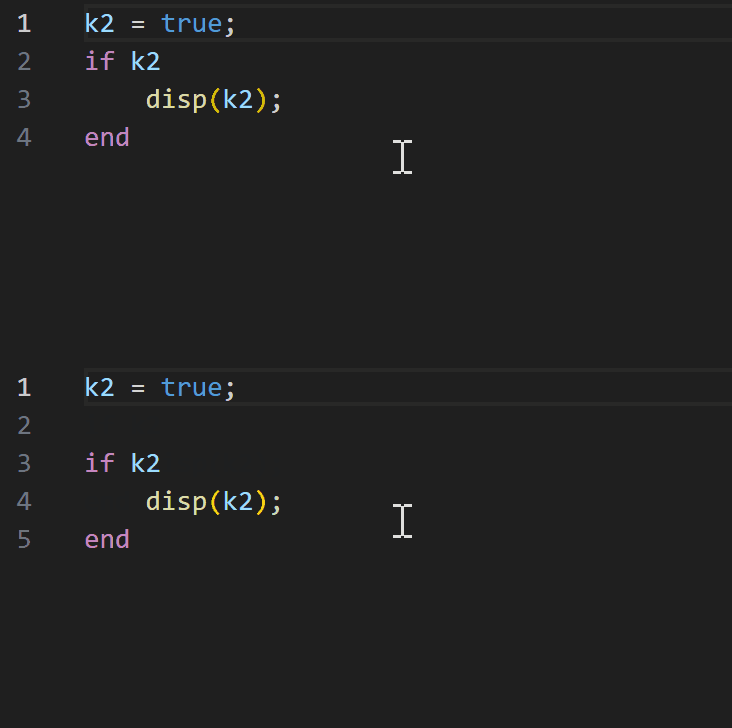
  • matlab-formatter-plus.insertBlankLineBeforeBlocks: Insert a blank line before block starts such as if, for, and try.
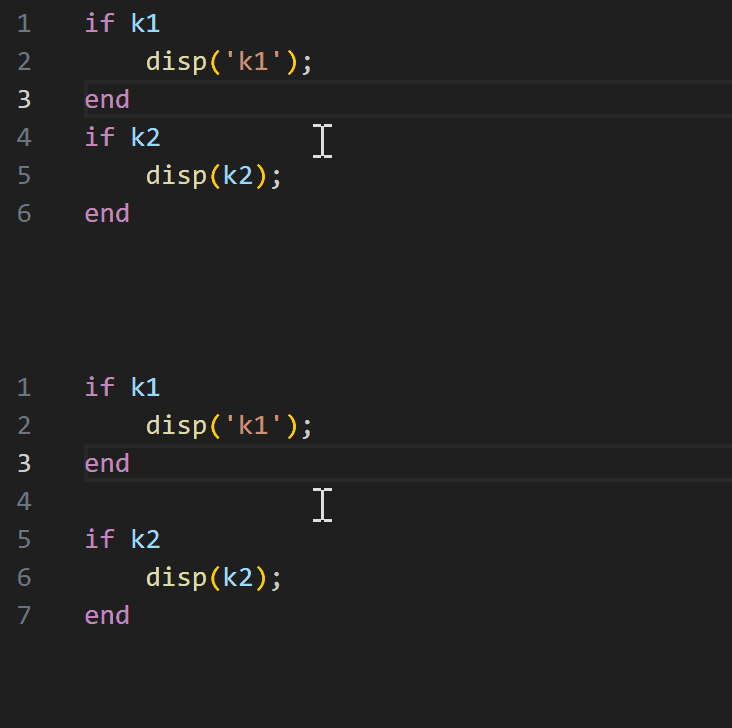
  • matlab-formatter-plus.insertBlankLineAfterBlocks: Insert a blank line after block endings.
  • matlab-formatter-plus.allowBlankLineBetweenConsecutiveBlockStarts: Allow or suppress blank lines between consecutive nested block starts such as for followed immediately by another for.
  • matlab-formatter-plus.allowBlankLineBetweenConsecutiveBlockEnds: Allow or suppress blank lines between consecutive nested block endings such as end followed immediately by another end.
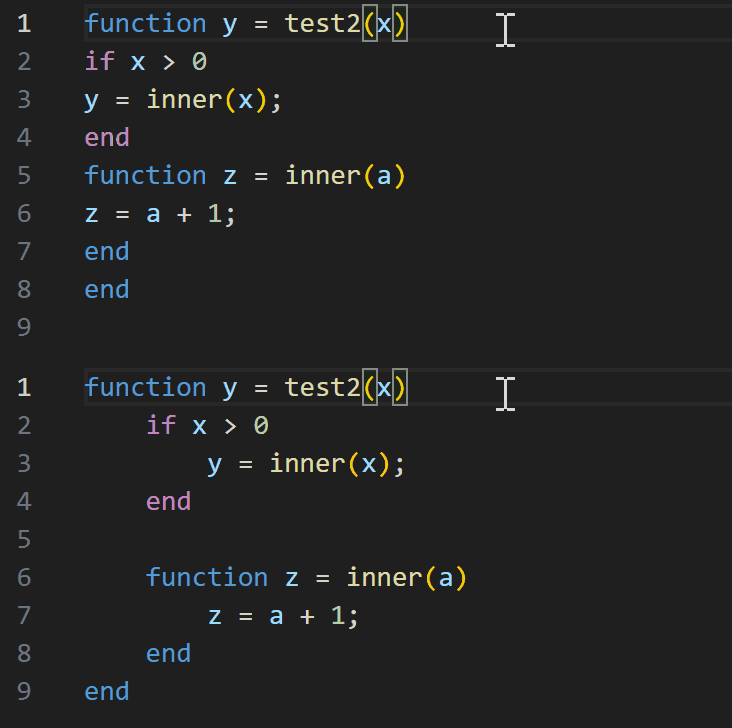
  • matlab-formatter-plus.indentMode: Chose smart indentation mode: indent all functions, indent only nested functions, or don't indent inside any function.
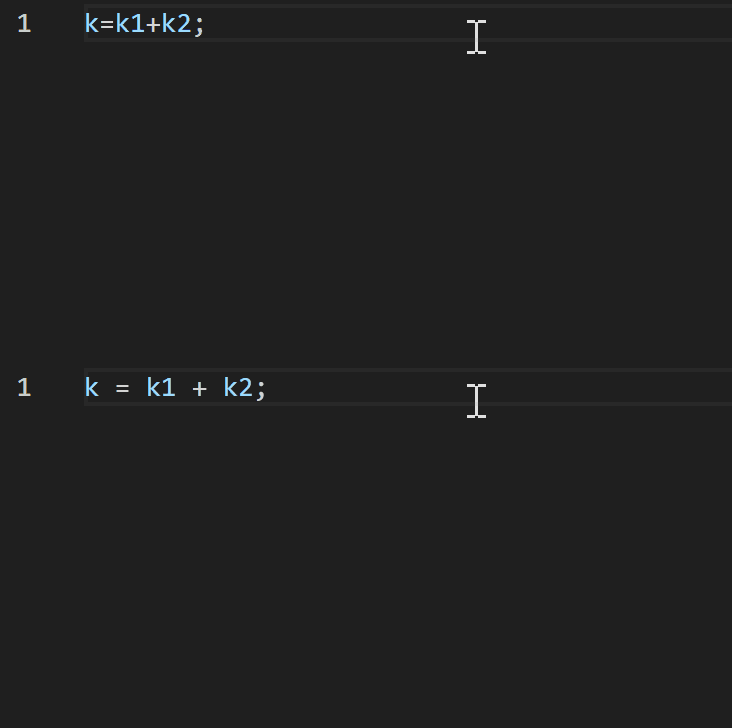
  • matlab-formatter-plus.addSpaces: Chose which operators should be wrapped with spaces: all operators, all but power (^, .^) or don't wrap any operators.
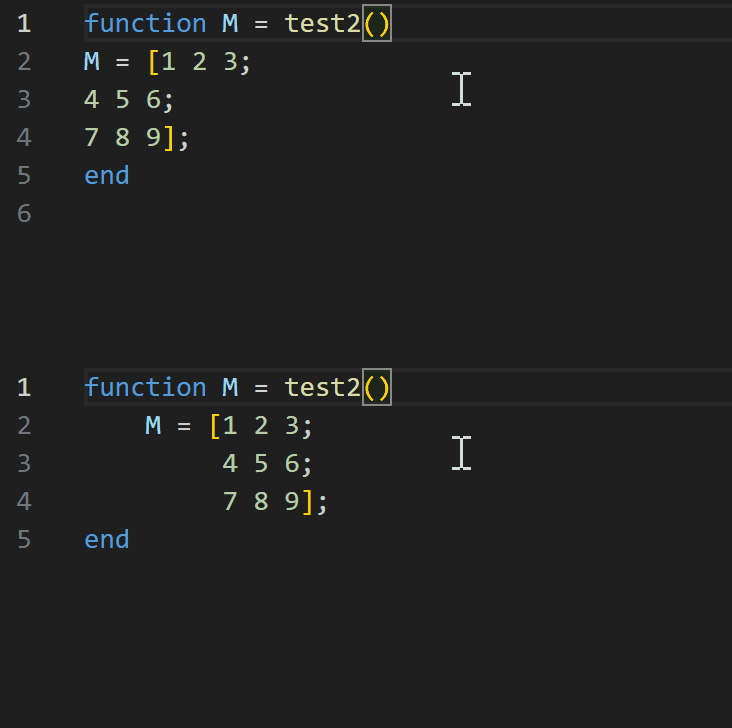
  • matlab-formatter-plus.matrixIndent: Chose how matrices should be indented. Either keep all rows aligned or use only one level of indentation.
  • matlab-formatter-plus.squeezeBlankAfterControlBlocks: Force-remove blank lines right after control blocks such as if and for.
  • matlab-formatter-plus.squeezeBlankAfterFunctionBlocks: Force-remove blank lines right after function and classdef.

Additional Options

  • The formatter can be switched off for selected lines by adding the comment formatter ignore N. For the next N lines, only the indentation will be fixed. Other than that, they will not be altered.

Standalone Usage

Run the formatter directly with Node.js:

node formatter/matlab_formatter.js path/to/file.m

Or via stdin:

Get-Content path/to/file.m | node formatter/matlab_formatter.js -
  • Contact us
  • Jobs
  • Privacy
  • Manage cookies
  • Terms of use
  • Trademarks
© 2026 Microsoft