ThrulineThreaded review notes for AI coding agents — queue ideas, reply to specific responses, steer without interrupting. Installation Launch VS Code Quick Open ( Ctrl+P), paste the following command, and press enter.Copied to clipboard |

Thruline — Threaded Review Notes for AI Coding Agents
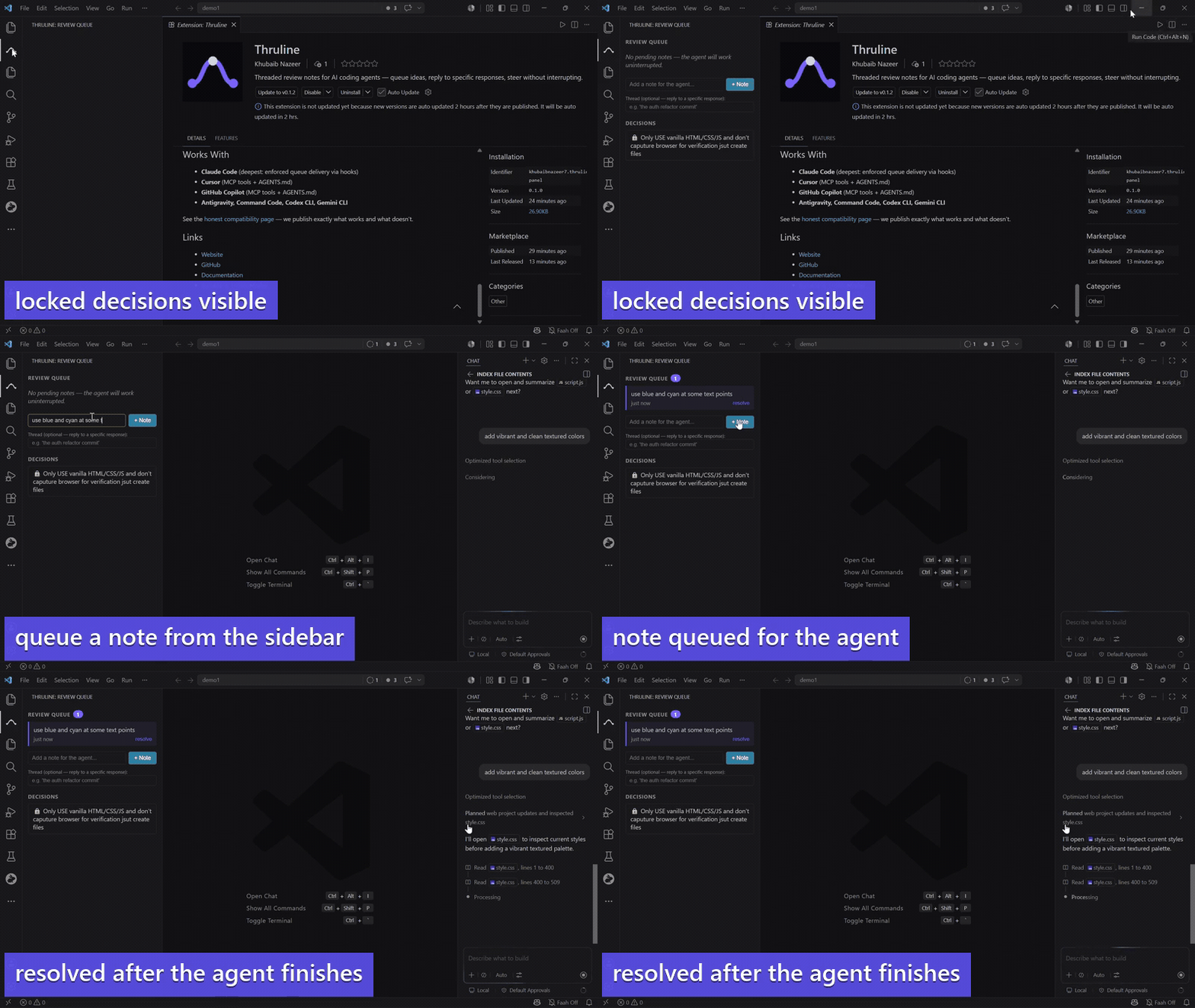
Your AI coding agent is deep in a task. You have an idea. Today your options are: interrupt it, or forget. Thruline adds a third: queue the note — the agent gets it when it finishes. The VS Code panel gives you a persistent sidebar alongside any agent — Cursor, Copilot, Claude Code desktop — with threaded replies to specific agent responses. FeaturesLive Review QueueSee pending notes in real time. The panel auto-refreshes via file watcher — no polling, no tokens. Threaded RepliesReply to a specific agent response (like WhatsApp reply-to-message). Your note arrives with context about which output you're reacting to. One-Click ResolveMark notes as addressed from the sidebar without touching the terminal. Decision ViewerSee all locked project decisions and their rationale at a glance. The agent sees them too — and gets warned if it tries to deviate. Graceful PauseCommand palette → "Thruline: Pause" — the agent finishes the current atom, snapshots state, and stops. Distinct from the emergency Esc. Getting Started
How It WorksThe panel reads and writes to Commands
Works With
See the honest compatibility page — we publish exactly what works and what doesn't. Links |