Keypup Engineering Analytics for VS Code
Ask your Keypup engineering data in plain language to track delivery, quality and team workload.
This extension registers the Keypup MCP server
with VS Code so you can query your engineering analytics conversationally from
agent mode in GitHub Copilot Chat. No configuration files to edit, no token to
paste — install the extension and the Keypup tools appear in your MCP server list.
What it does
Once installed, the extension contributes a remote MCP server pointing at
https://hq.keypup.io/mcp. VS Code handles authentication through its built-in
OAuth 2.1 flow: the first time the server starts, a browser window opens for you
to sign in to Keypup and authorize access.
The server exposes a focused set of read-only tools:
| Tool |
Description |
list_companies |
List the companies (teams) you belong to. |
list_datasets |
List the datasets (facts) available for querying. |
list_dataset_fields |
List the fields available on a given dataset. |
list_formula_operators |
List operators/functions usable in custom formulas. |
query_dataset |
Run an aggregated report against a dataset. |
generate_dataset_query |
Turn a natural-language prompt into a structured query. |
Getting started
- Install the extension.
- Open the Chat view and switch to agent mode.
- Run MCP: List Servers from the Command Palette and start the
Keypup Engineering Analytics server (or just ask a question — VS Code
starts it on demand).
- Authorize access in the browser window that opens.
- Ask a question (see examples below).
Example questions
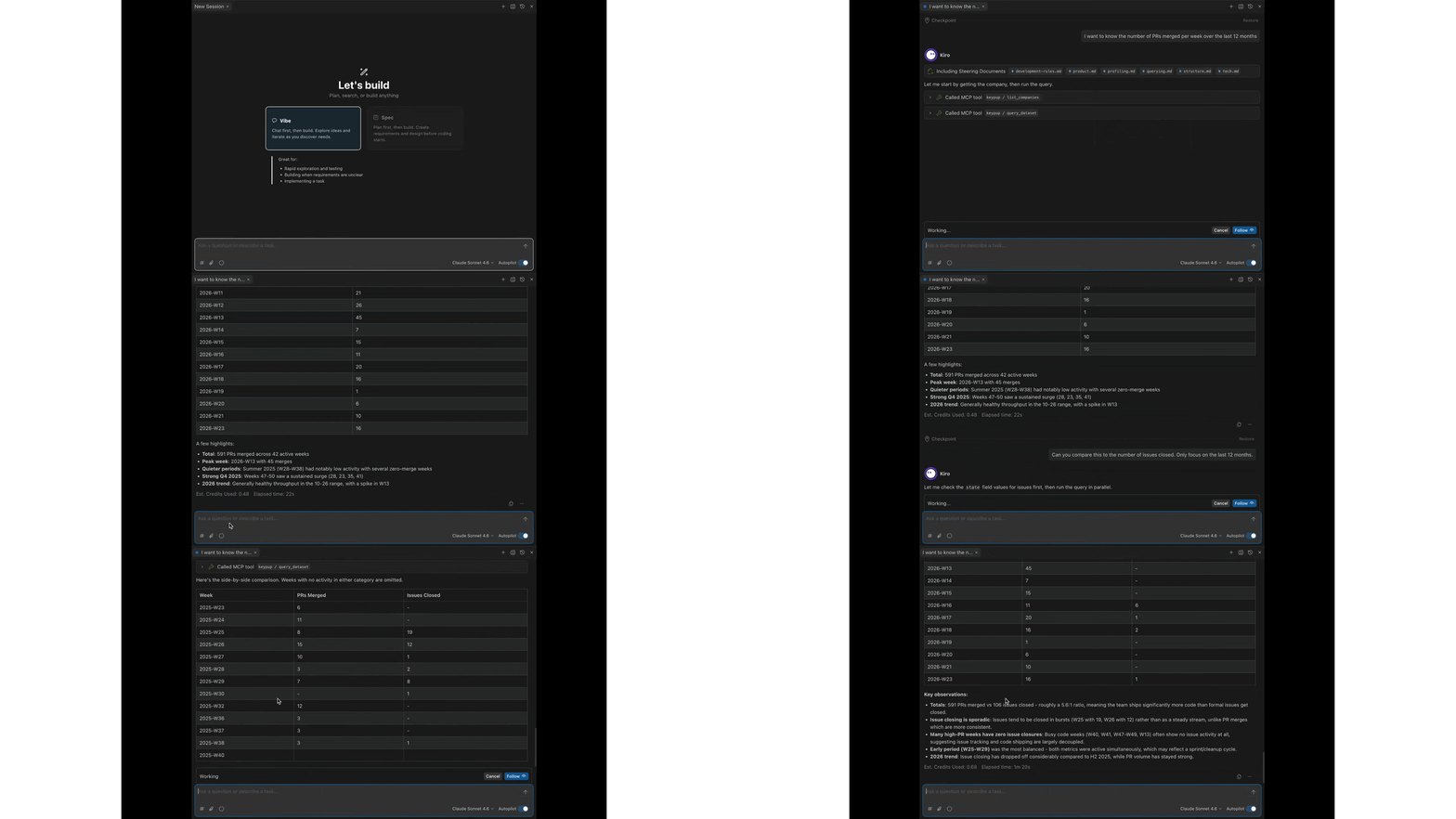
Once connected, ask your AI assistant questions like these. It picks the right
dataset, builds the metrics and filters, runs the query, and explains the
results. You can refine iteratively — "now break that down by repository",
"restrict it to the backend team", and so on.
Delivery & throughput
- "How many pull requests did we merge each month over the last 6 months?"
- "What's our weekly issue closing rate this quarter?"
- "How many commits were made per author last month?"
Cycle time & performance
- "What's the average time between PR creation and merge over the last 12 weeks?"
- "Show me the review turnaround time trend for the last 3 months."
- "Which repositories have the slowest cycle time?"
Quality & process
- "How many bugs were raised vs. closed each week this quarter?"
- "What proportion of our pull requests resolve at least one issue?"
- "How many PRs were merged without a review?"
Workload & collaboration
- "Who are our most active reviewers this month?"
- "How is work distributed across the team right now?"
- "How many comments do our pull requests receive on average?"
Open-ended exploration
- "Summarize our engineering activity over the last month."
- "Compare open vs. closed issues over time."
- "What labels are most common on our issues?"
Authentication
Authentication uses VS Code's native MCP OAuth 2.1 support. You do not need to
generate or store an API token for this extension. Queries are automatically
scoped to the companies you are a member of.
Resources
License
MIT

