Local N-Gram Code SuggesterFast, private, comment-aware code completion that runs locally.
Highlights
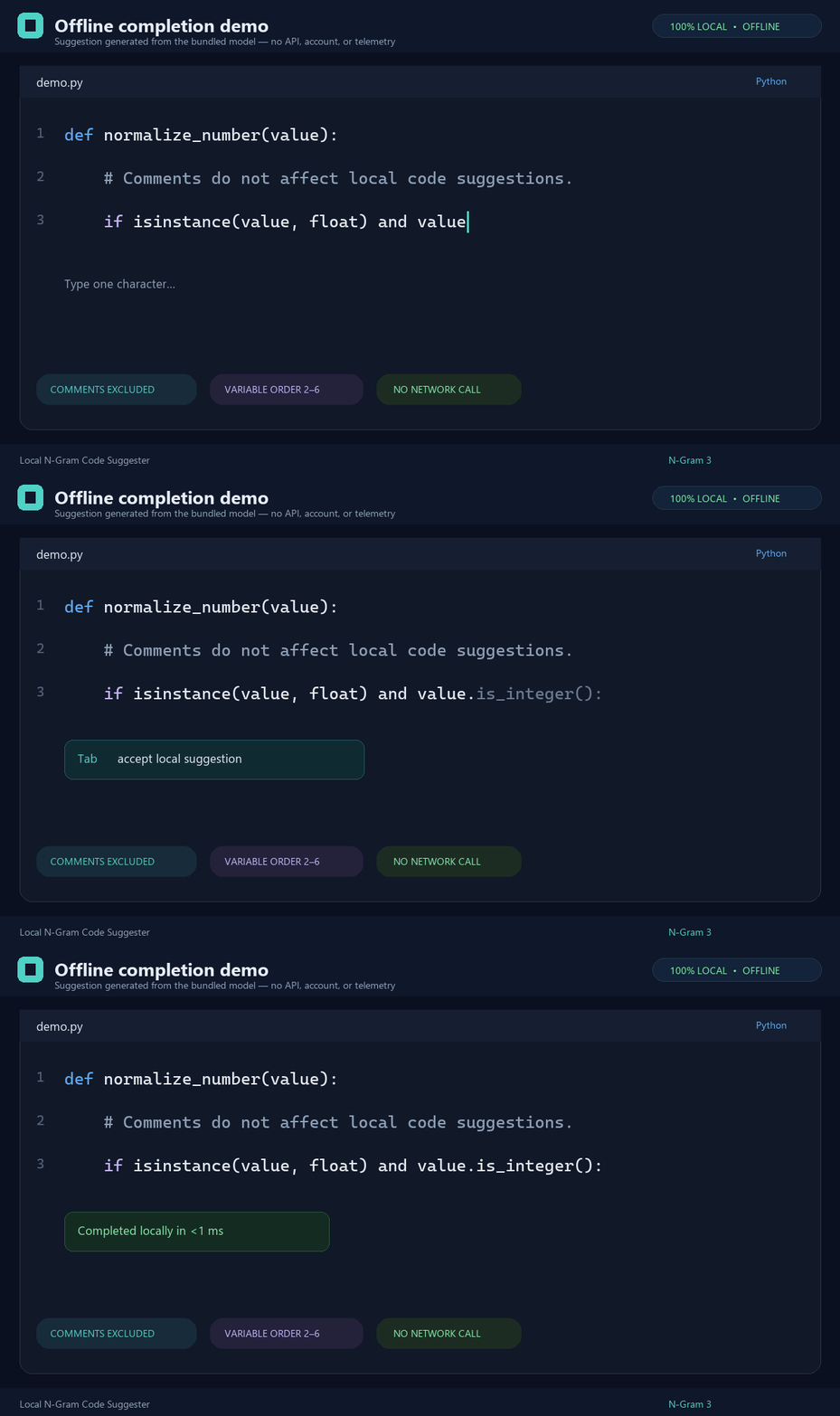
Supported profiles: C#, Java, JavaScript, TypeScript, JSON/JSONC, Python, JSX/TSX, Vue, and Razor. Source, releases, and issue tracking: kevinski119/local-ngram-code-suggester. Offline model demoThe following animation is a deterministic Pillow-rendered editor simulation. Its completion is queried from the bundled n-gram model; it is not an API response or a recording containing personal desktop data.
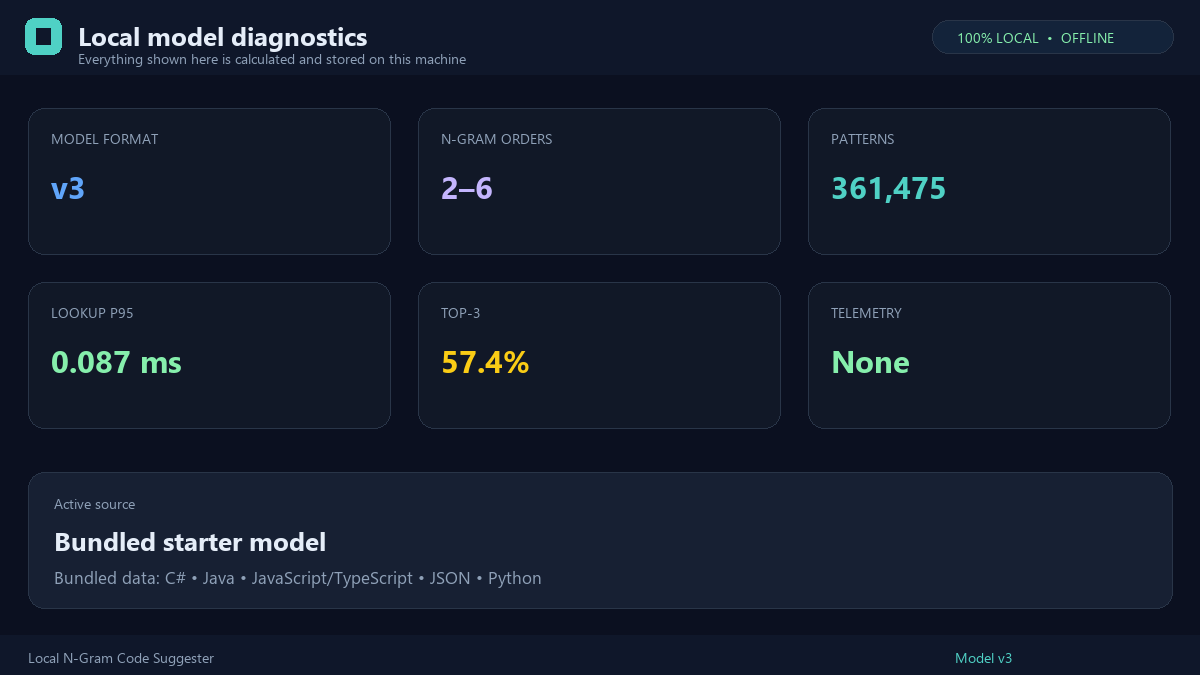
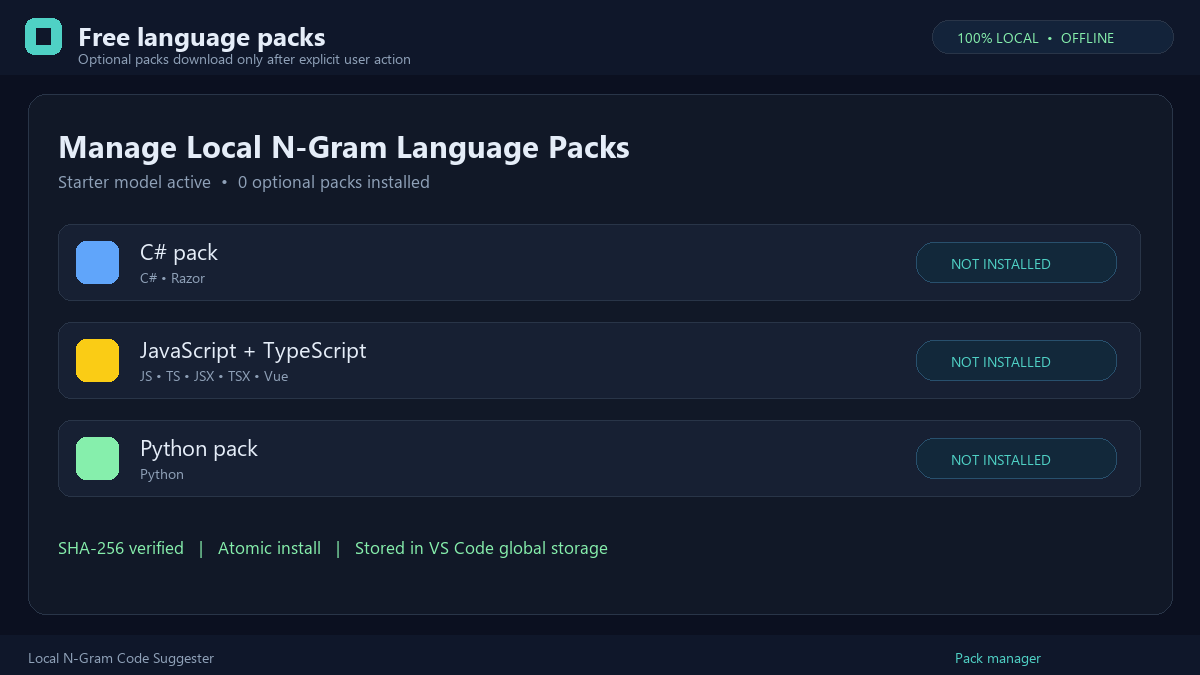
Run Local N-Gram: Show Model Diagnostics to inspect the active model and latency. Run Local N-Gram: Manage Language Packs to import a local pack or use a configured trusted catalog. No pack is downloaded without user action. PrivacyTokenization, completion, project context, and diagnostics stay on your machine. Network access is limited to user-initiated pack catalog/download operations or explicitly opted-in pack update checks. Cross-project learning stays in VS Code global storage on this machine. It stores hashed project identities, caps each project's contribution, ignores files with reported errors, and requires multiple-project support before a pattern can be suggested. Learned library identifiers are namespaced by detected pip, npm, Java, or .NET imports and activate only when the same dependency is present. Run Local N-Gram: Clear Cross-Project Learning at any time to erase it. AttributionDerived from Erik Klabukov's amest/vscode-ngram-code-suggester under the MIT License. The original Marketplace listing is maintained separately. LicenseMIT. See the included license. |