An extension for creating mind maps with nodes linked to code. Easily add code snippets as nodes and navigate between the mind map and your code files.
Installation
Launch VS Code Quick Open (Ctrl+P), paste the following command, and press enter.
An extension for creating mind maps with nodes linked to code. Easily add code snippets as nodes and navigate between the mind map and your code files.
1. Open the Mind Map Window
Run the Open Code Mind Map Panel command from the Command Palette (Ctrl+Shift+P)
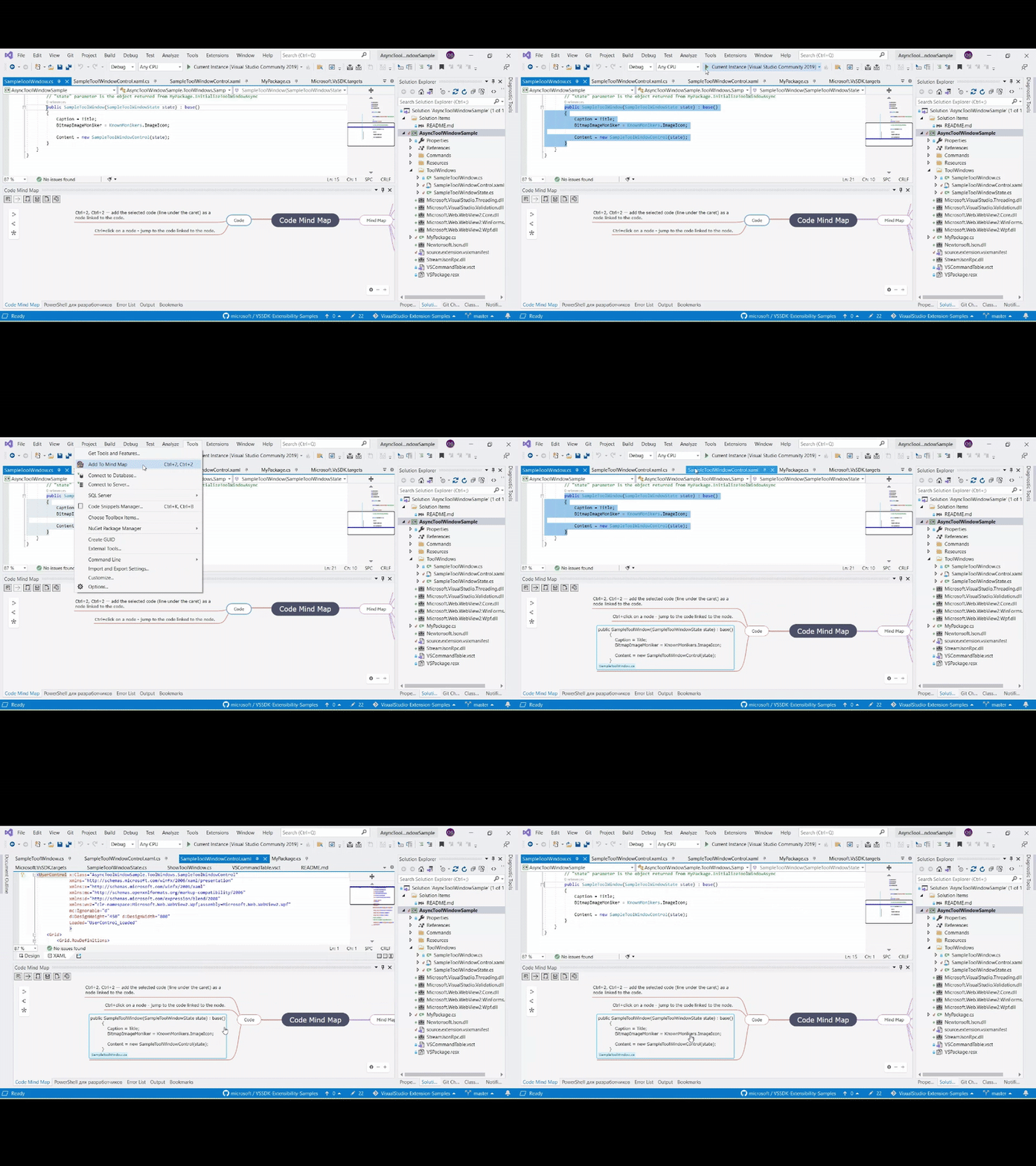
2. Add Code as a Node
Select any code in the editor (or place the caret on a line)
Press Ctrl+2, Ctrl+2 to add it as a new node in the mind map, linked to that code
3. Navigate to Linked Code
Ctrl+Click any node in the mind map to jump directly to the linked code.
4. Organize & Connect Nodes
Drag and drop nodes to rearrange
Right-click to edit, delete, or add connections
That's it! Start visualizing and navigating your code faster with Code Mind Map.
Tip: Use the toolbar buttons for quick actions like saving/loading maps.