context-lint for VS Code
Better context. Better output.
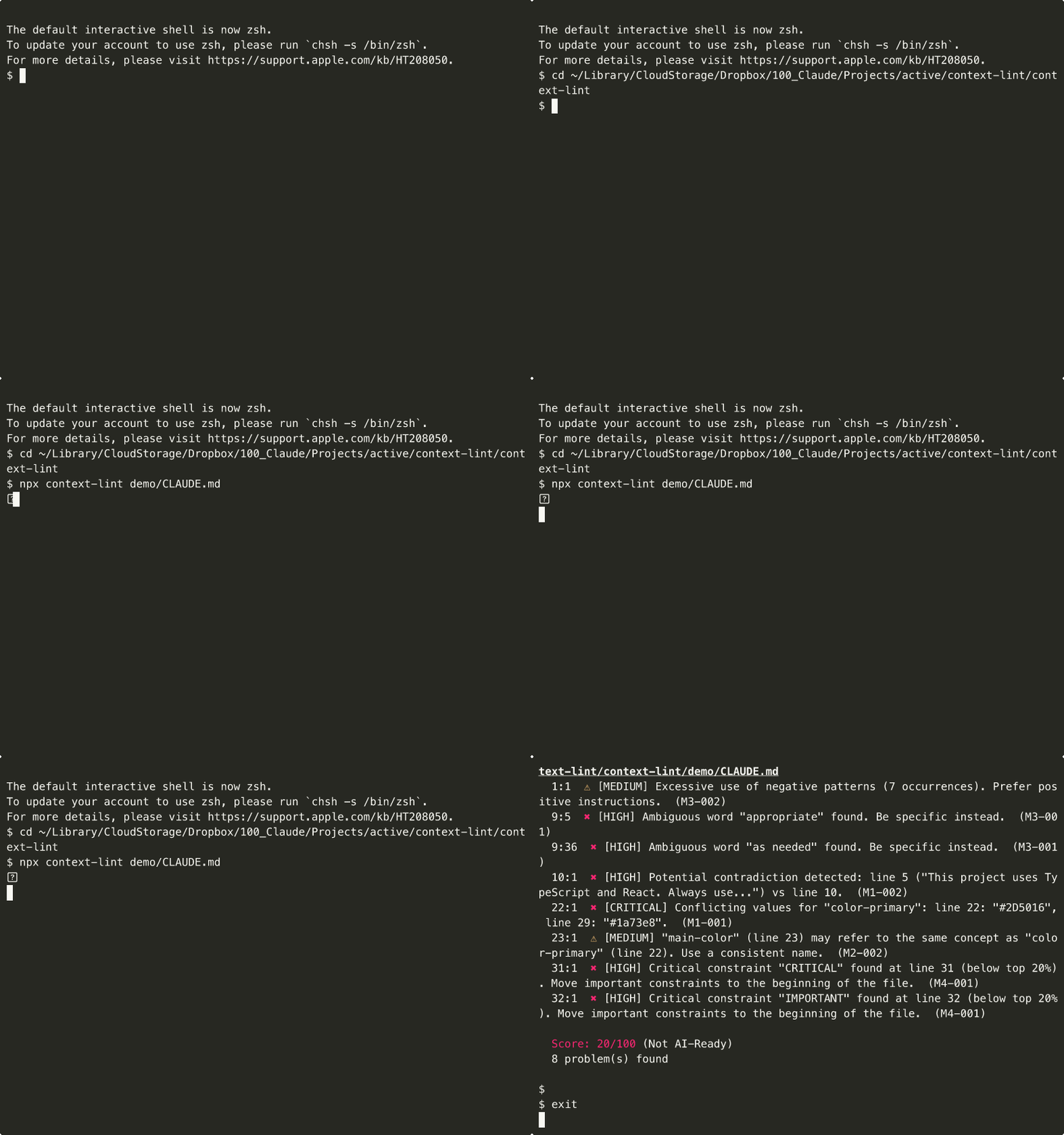
Lint your AI context files (CLAUDE.md, DESIGN.md) for contradictions, ambiguity, and lost-in-the-middle risks — right inside VS Code.
Features
Real-time Diagnostics
Problems are highlighted as you type. Errors and warnings appear inline with squiggly underlines, and in the Problems panel (Ctrl+Shift+M).
Score in Status Bar
The bottom-right status bar shows your file's AI-readiness score (e.g. context-lint: 87/100). Click it to run Fix All.
Quick Fix
Press Ctrl+. on a highlighted issue to apply an auto-fix (when available).
Hover over any highlighted issue to see the rule ID, severity, description, and whether a fix is available.
Commands
| Command |
Description |
context-lint: Fix All |
Apply all auto-fixable rules at once |
context-lint: AI Fix (BYOK) |
Generate AI-powered suggestions (uses CLI) |
Supported Files
| File |
Activation |
CLAUDE.md |
Filename match (case-insensitive) |
DESIGN.md |
Filename match (case-insensitive) |
.claude |
Filename match |
*.claude.md |
Extension match |
*.design.md |
Extension match |
Rules
M1: Contradiction
- M1-001 (CRITICAL) — Conflicting token/variable values
- M1-002 (HIGH) — Contradictory positive/negative constraints
- M1-003 (HIGH) — Unverifiable file path references
M2: Duplication
- M2-001 (MEDIUM) — Duplicate content across sections
- M2-002 (MEDIUM) — Same concept with multiple names
M3: Clarity
- M3-001 (HIGH) — Ambiguous words (English + Japanese)
- M3-002 (MEDIUM) — Overuse of negative constraints
- M3-003 (LOW) — Missing units or types on values
M4: Lost in the Middle
- M4-001 (HIGH) — Critical constraints not in the top 20%
- M4-002 (MEDIUM) — File exceeds 8,000 token limit
- M4-003 (LOW) — Important references scattered outside opening section
Configuration
VS Code Settings
{
  "contextLint.enable": true,
  "contextLint.aiKey": ""
}
Config File
Create .context-lint.config.json in your project root:
{
  "rules": {
    "M1-001": "error",
    "M3-001": "warn",
    "M4-002": "off"
  }
}
Links
License
MIT © Kedama Design
Built with Claude Code

