Leader
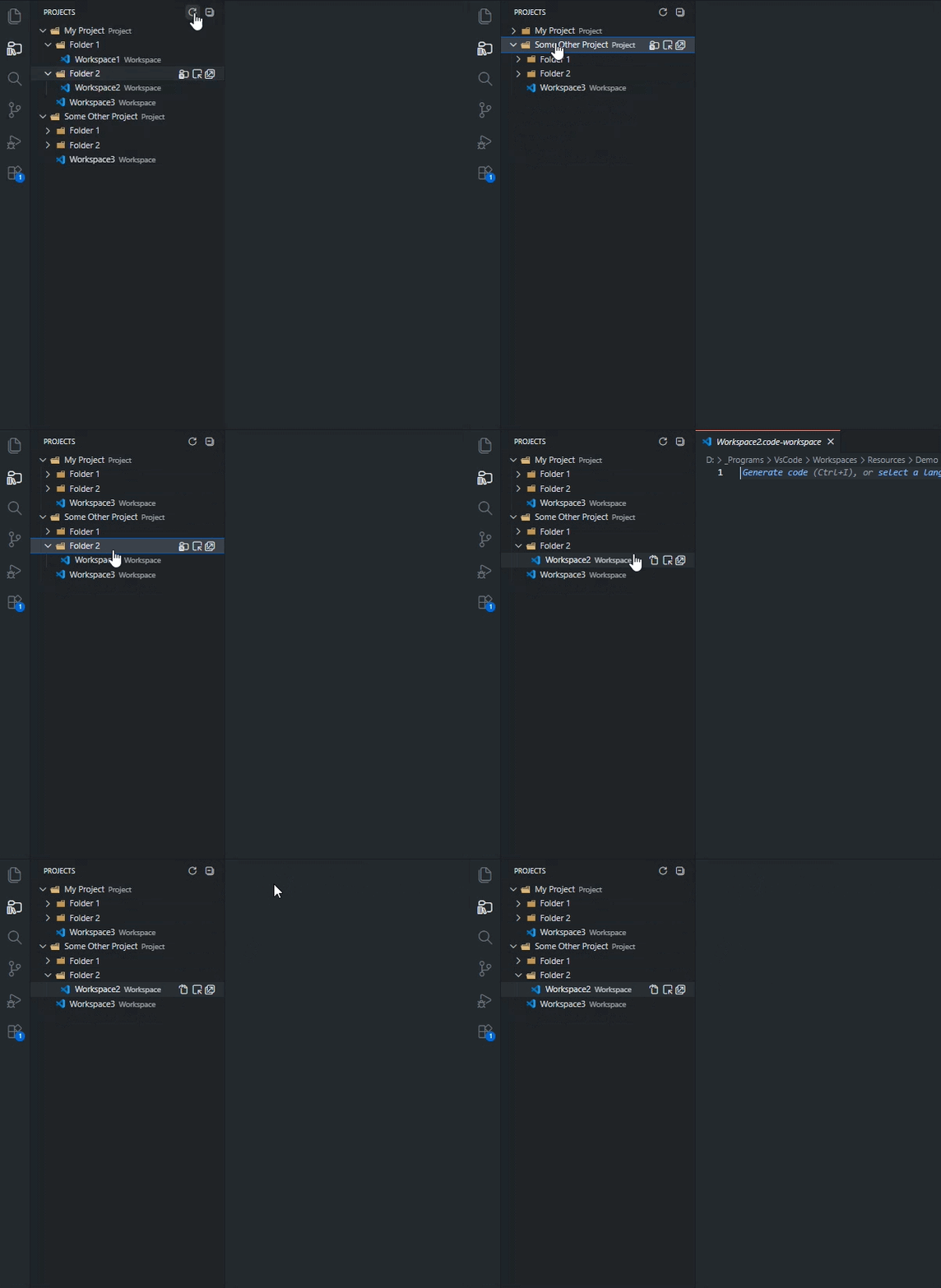
A workspace explorer to have an overview over all of your projects
Features
Actions
- Clicking a workspace opens the workspace file in the editor
- Double-clicking a workspace opens the workspace in the current window
ctrl+alt+p focuses the projects view. If it's already focused the behavior depends on the current location of the extension
- Side Bar: Editor is focused.
- Panel: Panel is closed.
- Secondary Side Bar: Secondary Side Bar is closed.
In addition, there are buttons for
- refreshing and collapsing the tree
- opening a folder in
- the file explorer
- this window
- a new window
- opening a workspace in
- the editor
- this window
- a new window
Behavior
- Settings and files are watched and updated automatically
- Unneccessary layers of folders are removed from the tree
- Folders named one of the following are excluded from searches:
Extension Settings
| |

