AlgoBridgeCodeforces Bridge for VS Code Installation Launch VS Code Quick Open ( Ctrl+P), paste the following command, and press enter.Copied to clipboard |

AlgoBridge for VS CodeBring competitive programming problems directly into your editor. No more switching tabs to read statements or copy constraints. Why?Context switching between browser and editor is annoying and slow. You lose focus, miss constraints, and waste time scrolling back and forth. On platforms where the problem statement stays visible while you code, the workflow is faster and more reliable. AlgoBridge brings that experience to VS Code, allowing you to reference constraints instantly and catch edge cases as you write. Preview
Features
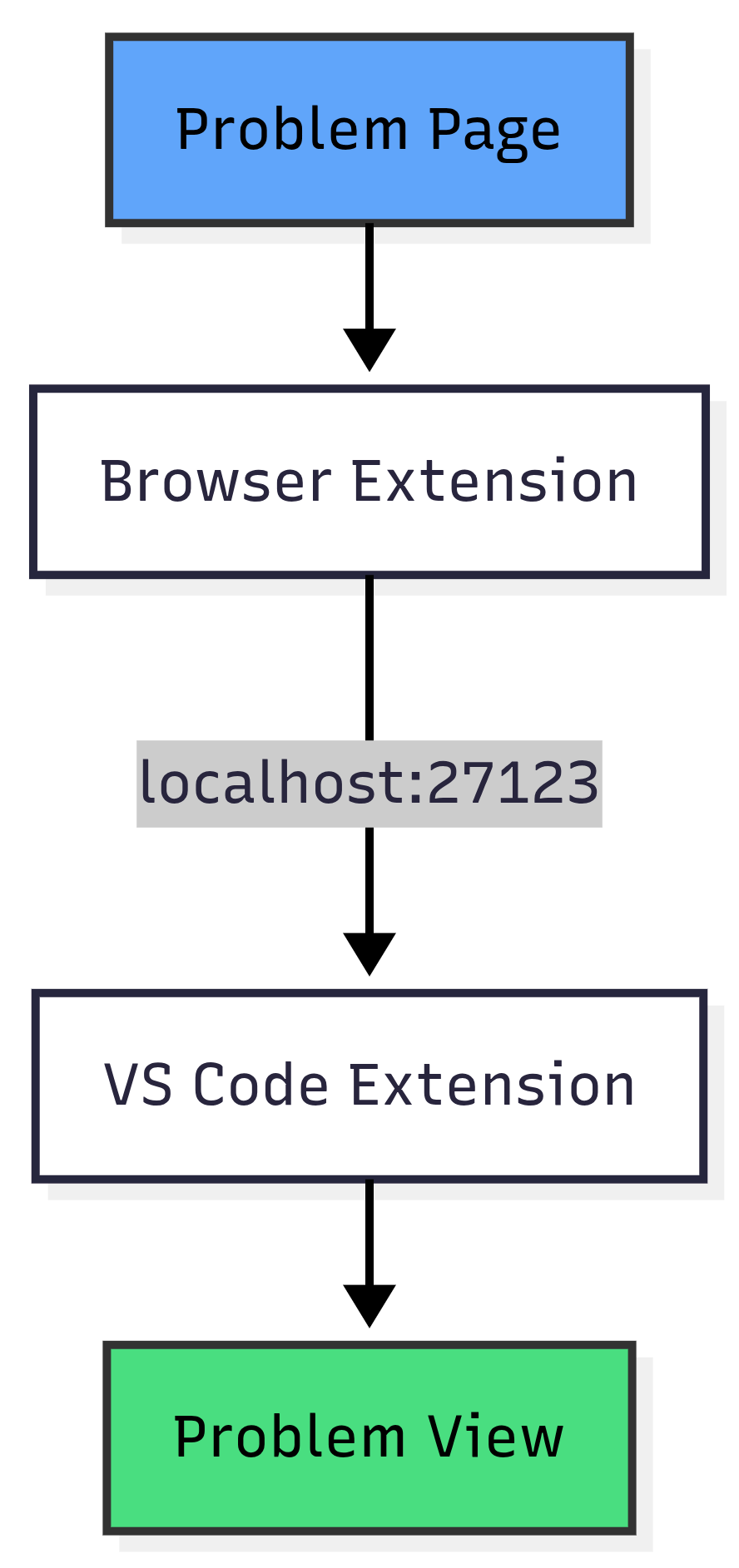
How it works
RequirementsTo use this extension, you must also install the AlgoBridge Browser Extension to extract problem data from web pages.
Browser Extension InstallationFirefoxInstall the AlgoBridge browser extension from the Firefox Add-ons store. Chrome (Manual Installation)The Chrome version of the browser extension is not published on the Chrome Web Store and must be installed manually:
After installation, you can use the extension normally. Installation
Supported Platforms
Privacy
Built for competitive programmers who want to stay in their editor. |
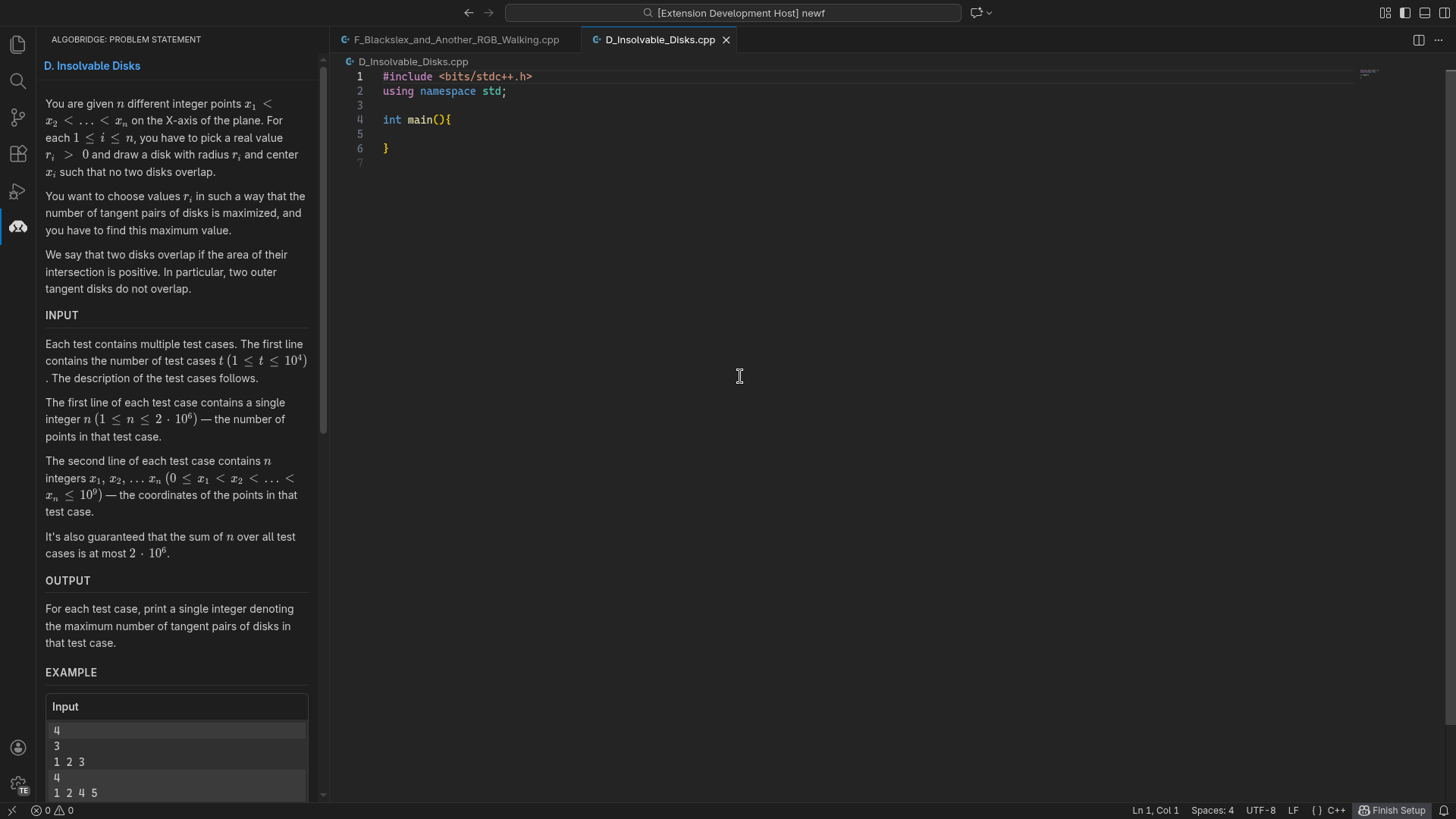 Problem statement
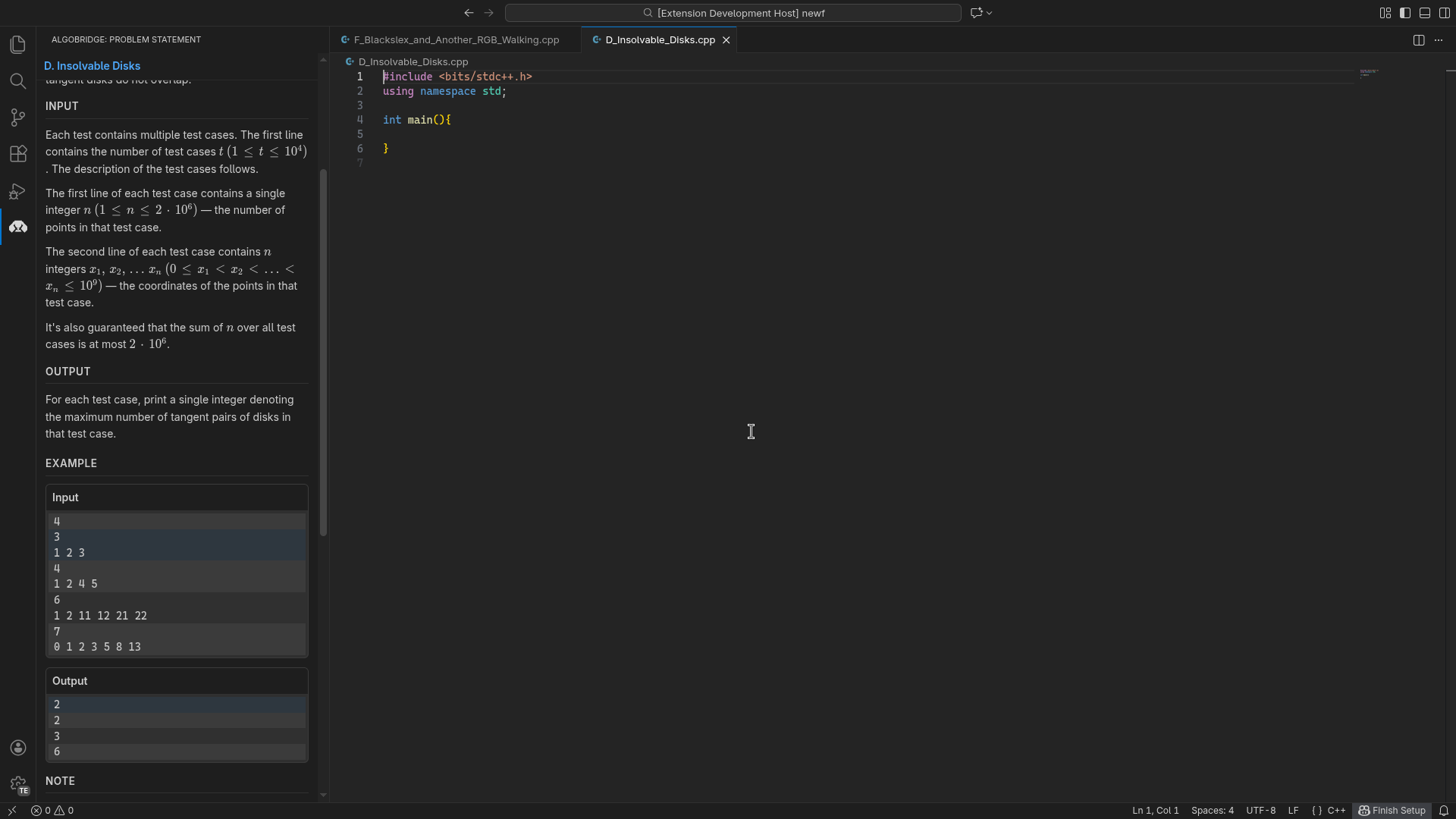 Sample Input and Output
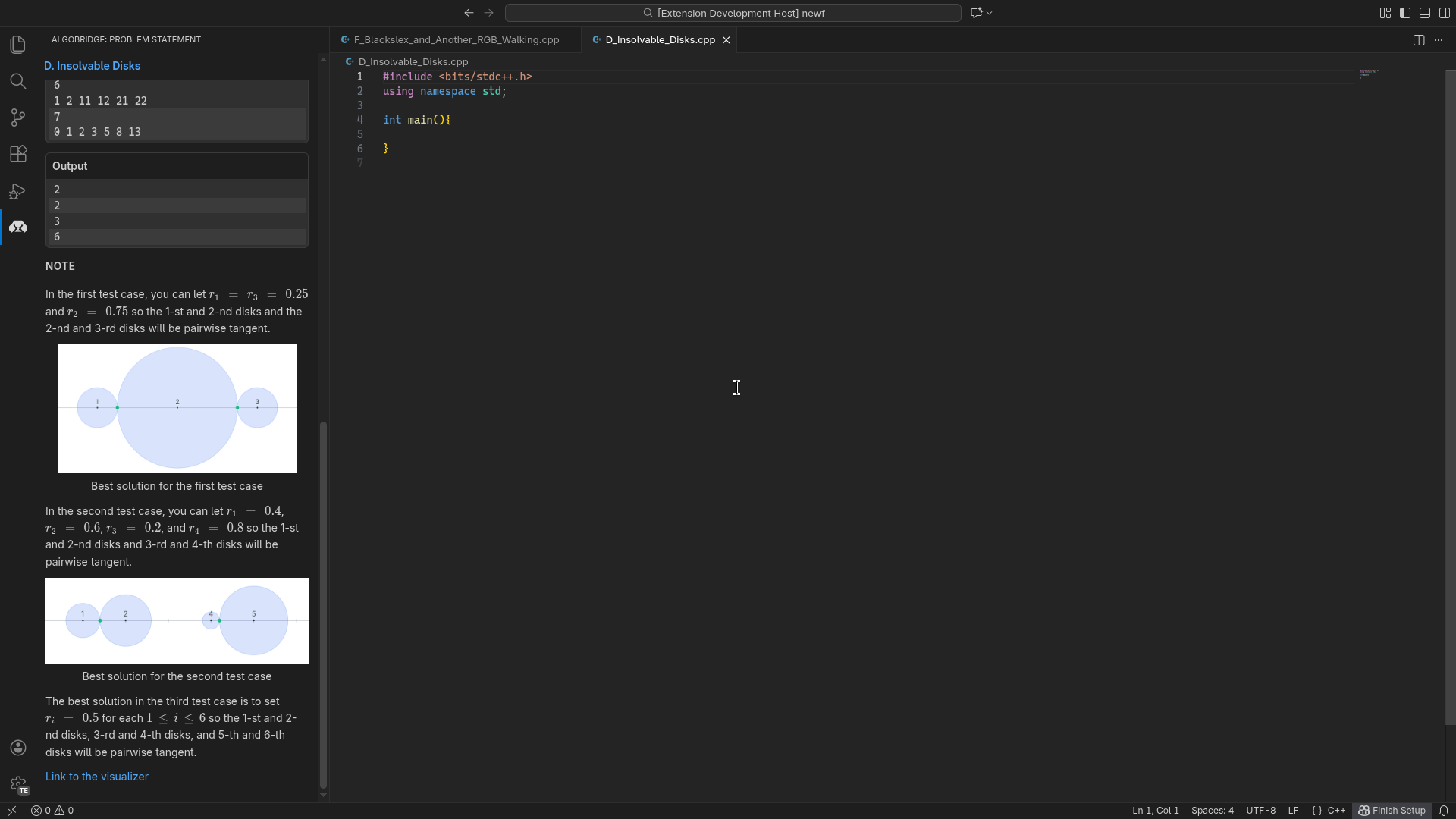 Diagrams and Notes