Skip to content
| Marketplace
Sign in
Visual Studio Code>Other>GrailNew to Visual Studio Code? Get it now.
Grail

Grail

Joshua Carter

| (0) | Free
Grail — read-only tail -f viewer with live follow, inline grep-style filtering, and safe log wipe.
Installation
Launch VS Code Quick Open (Ctrl+P), paste the following command, and press enter.
Copied to clipboard
More Info

Grail (tail and grep)

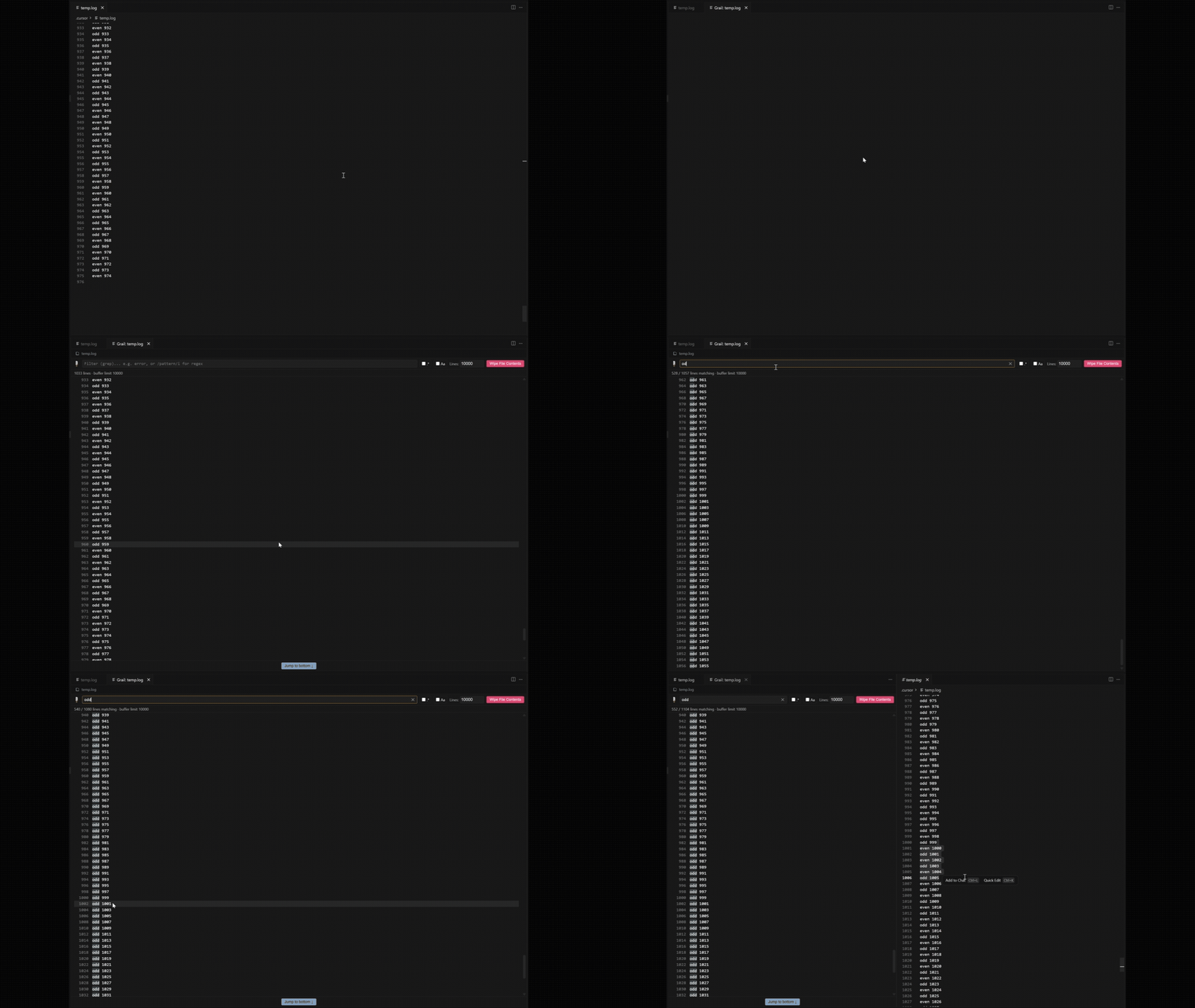
Tail any file in an editor window, filter lines with ease, wipe the log with a single click.

Grail — tail, filter, and live follow

Usage

  1. Right-click a file (Explorer, editor tab, or inside an open file) → Grail: Open File.
  2. Use the file link at the top of the Grail panel to open the source file.
  3. Type in the filter bar to narrow down lines — plain text or /regex/flags.
  4. Adjust Lines to change how many lines are kept.
  5. Click the line number next to any log line to open the real file at that exact line in a normal editor beside the viewer.
  6. Click Wipe File Contents to clear the log (when possible).

Installation

From the marketplace Search for Grail and install. From GitHub Releases: Download and install the grail-<version>.vsix.

License

MIT

  • Contact us
  • Jobs
  • Privacy
  • Manage cookies
  • Terms of use
  • Trademarks
© 2026 Microsoft