Skip to content
| Marketplace
Sign in
Visual Studio Code>Themes>Warm LumaNew to Visual Studio Code? Get it now.
Warm Luma

Warm Luma

Jordan Walker

|
7 installs
| (1) | Free
A dark theme with a warm amber palette and bright, high-contrast token colours.
Installation
Launch VS Code Quick Open (Ctrl+P), paste the following command, and press enter.
Copied to clipboard
More Info

Warm Luma

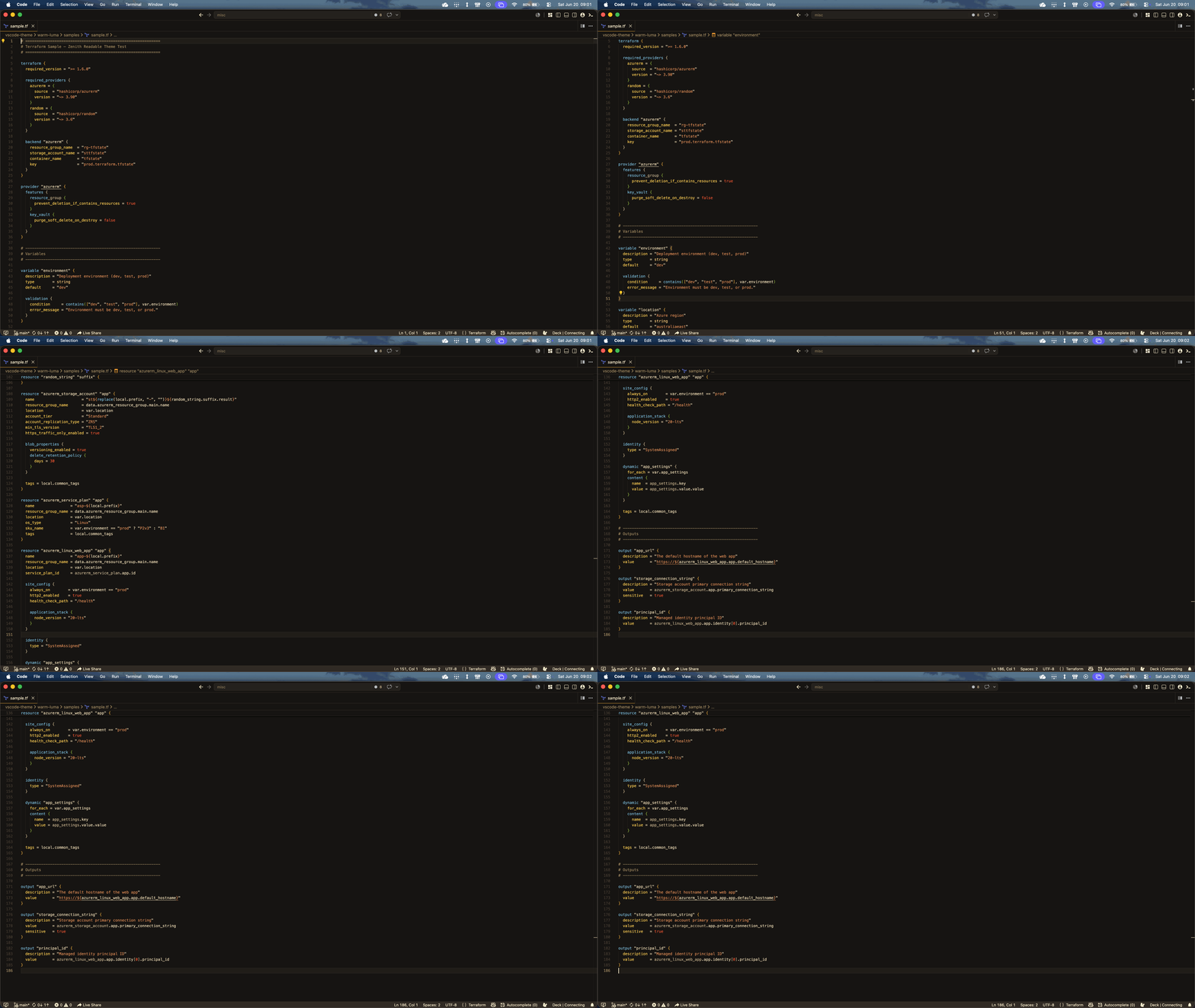
A dark VS Code theme with a warm amber/orange palette and bright, high-contrast syntax colours.

preview

Palette

  • Dark warm brown background (#181512)
  • Main text in light warm cream (#F2E0BC)
  • Comments in muted warm brown (#AE9468)
  • Strings and keywords in soft orange (#E8905A)
  • Functions, classes, and tags in sky blue (#7EC8E3)
  • Control keywords and accents in bright amber (#FFD050)

Terraform / HCL

Token Example Colour
Block keywords resource, data, variable, terraform Gold
Resource type / reference name azurerm_storage_account, app White
Block type identifiers + built-in functions entity.name.type, tostring() Sky blue
Attribute keys resource_group_name, location Amber
Variable references var.location, local.prefix Cream

Installation

  1. Open VS Code
  2. Cmd+Shift+P → Extensions: Install from VSIX...
  3. Select the .vsix file
  • Contact us
  • Jobs
  • Privacy
  • Manage cookies
  • Terms of use
  • Trademarks
© 2026 Microsoft