Skip to content
| Marketplace
Sign in
Visual Studio Code>Other>Copy Cursor PositionNew to Visual Studio Code? Get it now.
Copy Cursor Position

Copy Cursor Position

Jesse Wu

|
1 install
| (0) | Free
Copy cursor position (file:line:col) to clipboard
Installation
Launch VS Code Quick Open (Ctrl+P), paste the following command, and press enter.
Copied to clipboard
More Info

Copy Cursor Point

Copy cursor position or error info to clipboard, formatted for AI tools and grep.

Features

Copy Cursor Position

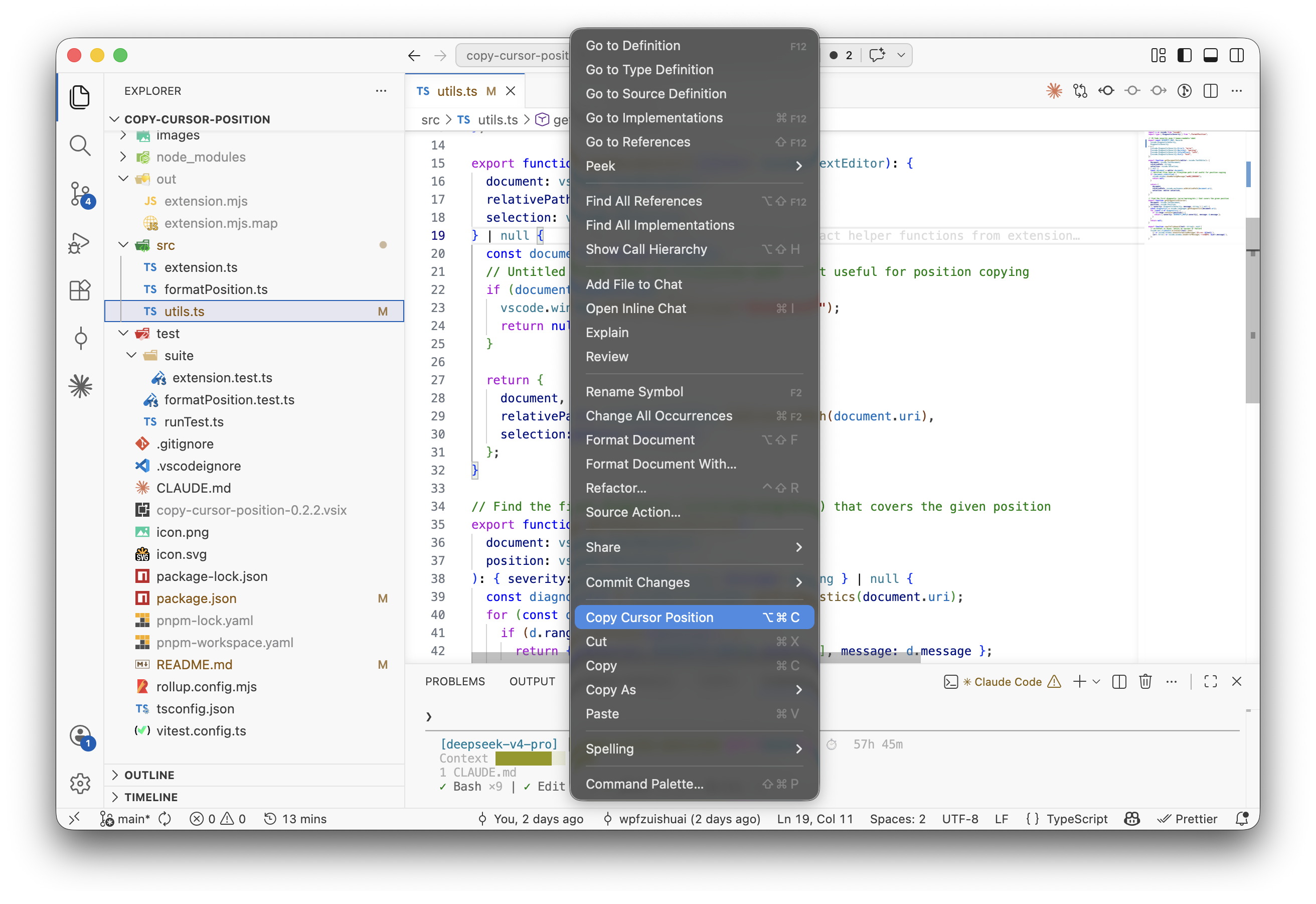
Copies file path with line and column to clipboard in path:line:col format.

Trigger How
Keyboard Cmd+Alt+C (Mac) / Ctrl+Alt+C (Windows/Linux)
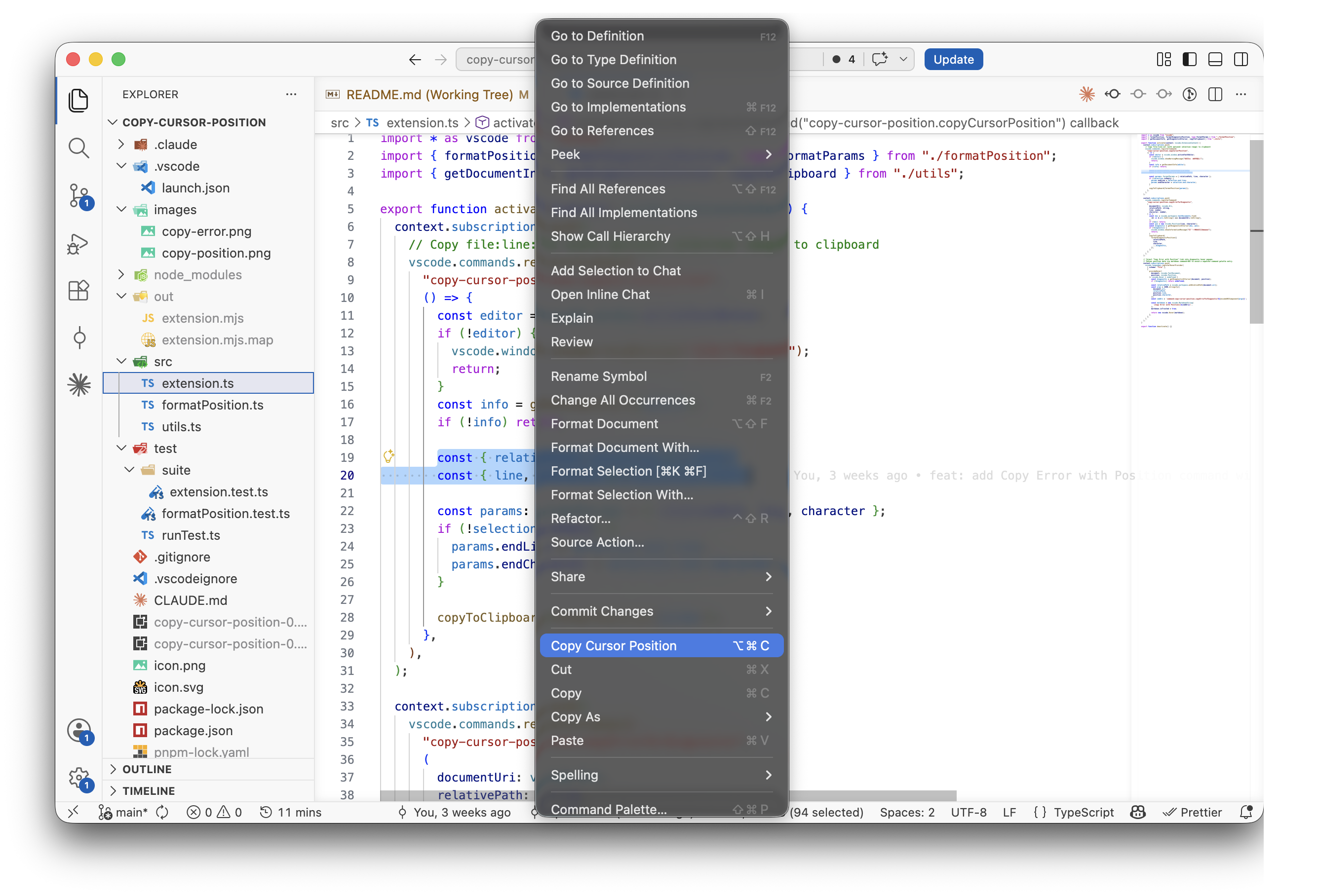
Right-click Copy Cursor Position in editor context menu

If text is selected, copies the full range: path:startLine:startCol-endLine:endCol.

Copy Error with Position

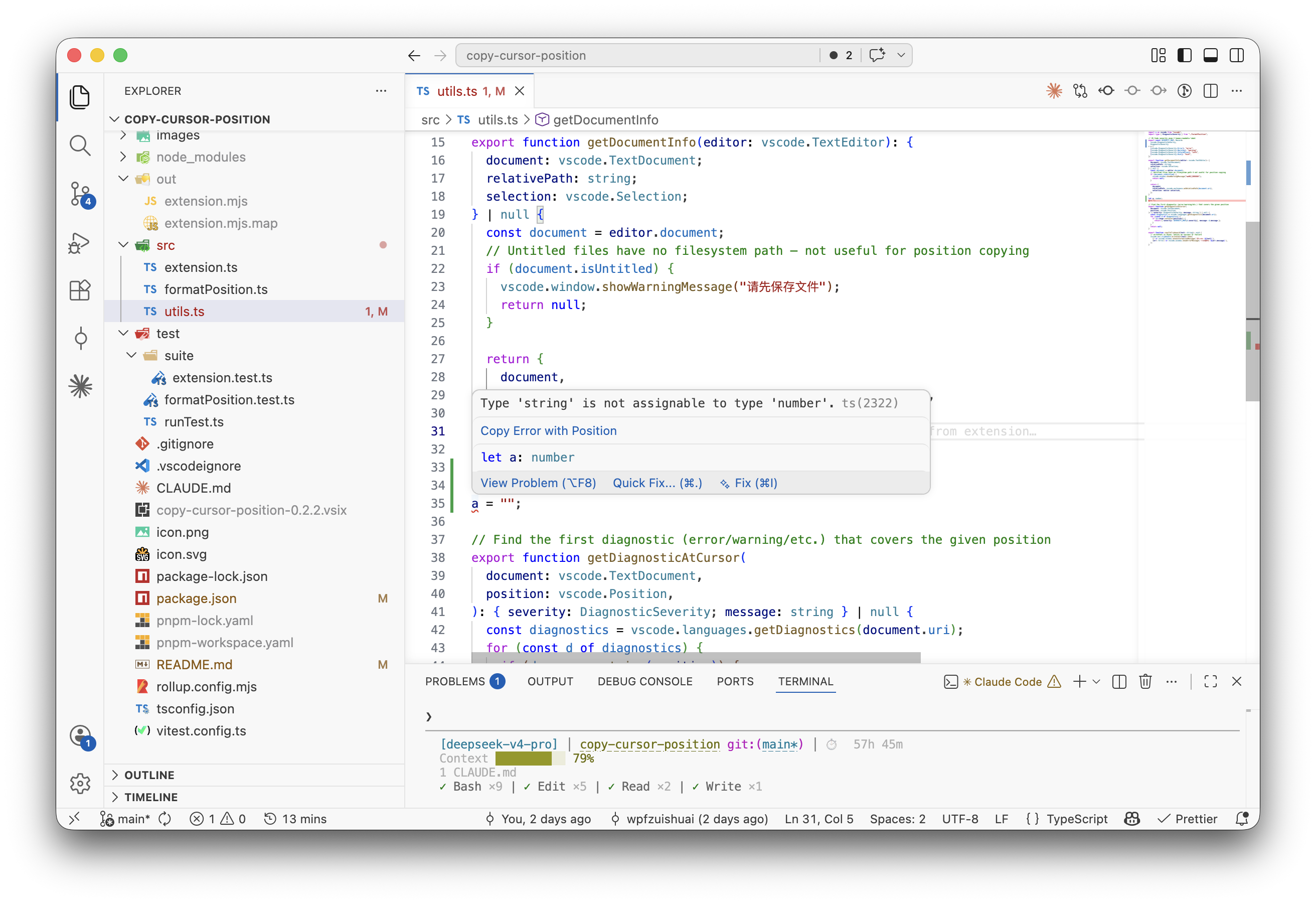
Copies diagnostic info at the cursor position in path:line:col - severity: message format.

Hover over any error in your code and click the Copy Error with Position link in the hover popup.

Output Format

# Cursor (no selection)
src/utils/helper.ts:42:17

# Cursor (with selection)
src/index.ts:1:1-3:5

# Error
src/foo.ts:42:17 - error: Type 'string' is not assignable to type 'number'.

Requirements

VS Code ^1.85.0

  • Contact us
  • Jobs
  • Privacy
  • Manage cookies
  • Terms of use
  • Trademarks
© 2026 Microsoft