A VS Code-integrated lens for local AI coding sessions.
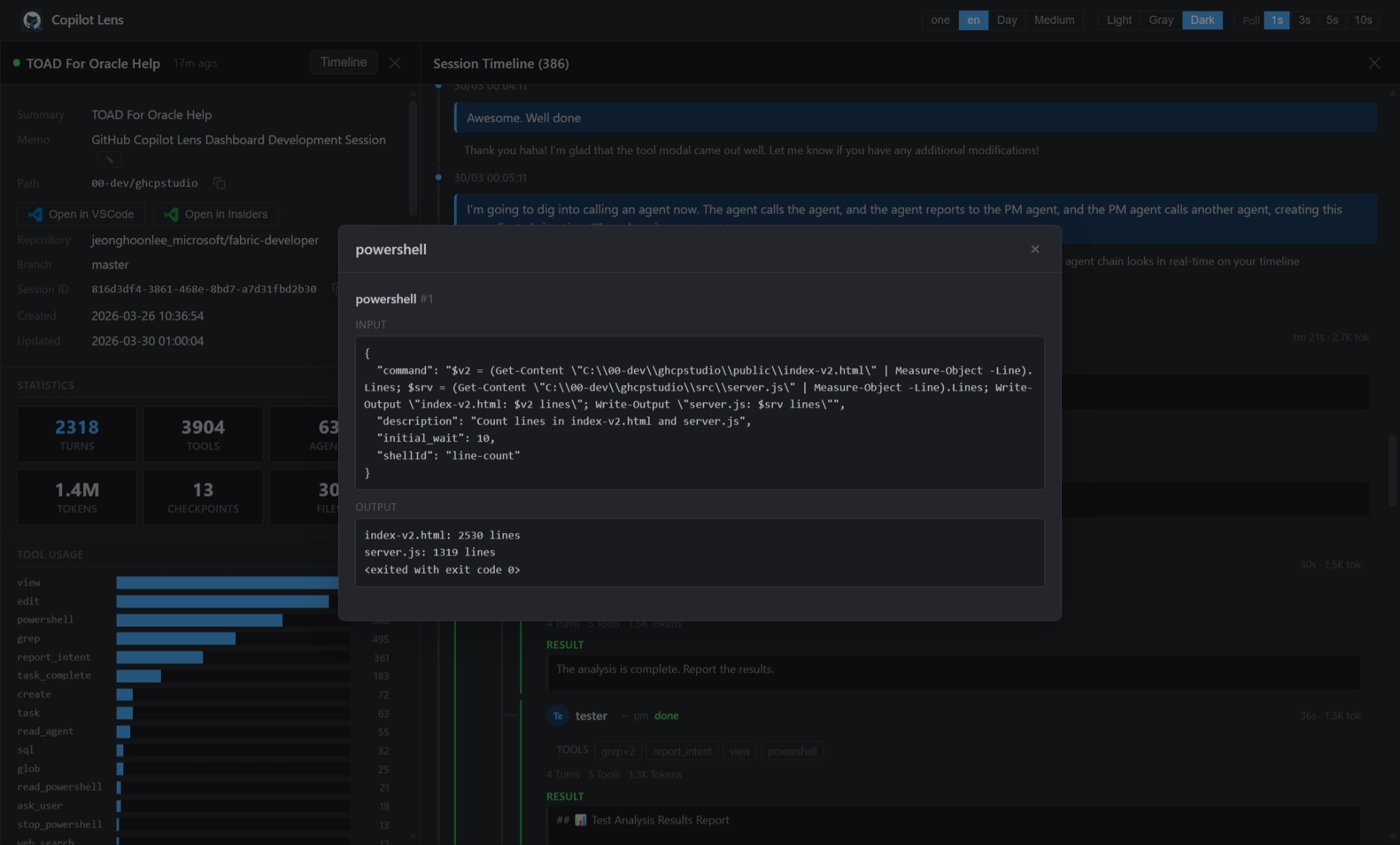
Monitor GitHub Copilot CLI, Claude Code, and VS Code Chat activity from one local workspace experience: a fast VS Code sidebar, dedicated Session Timeline tabs, and a full GHCP Dashboard webview.
What's new in v1.7.0
VS Code-first workflow: browse sessions from the Activity Bar without leaving your editor.
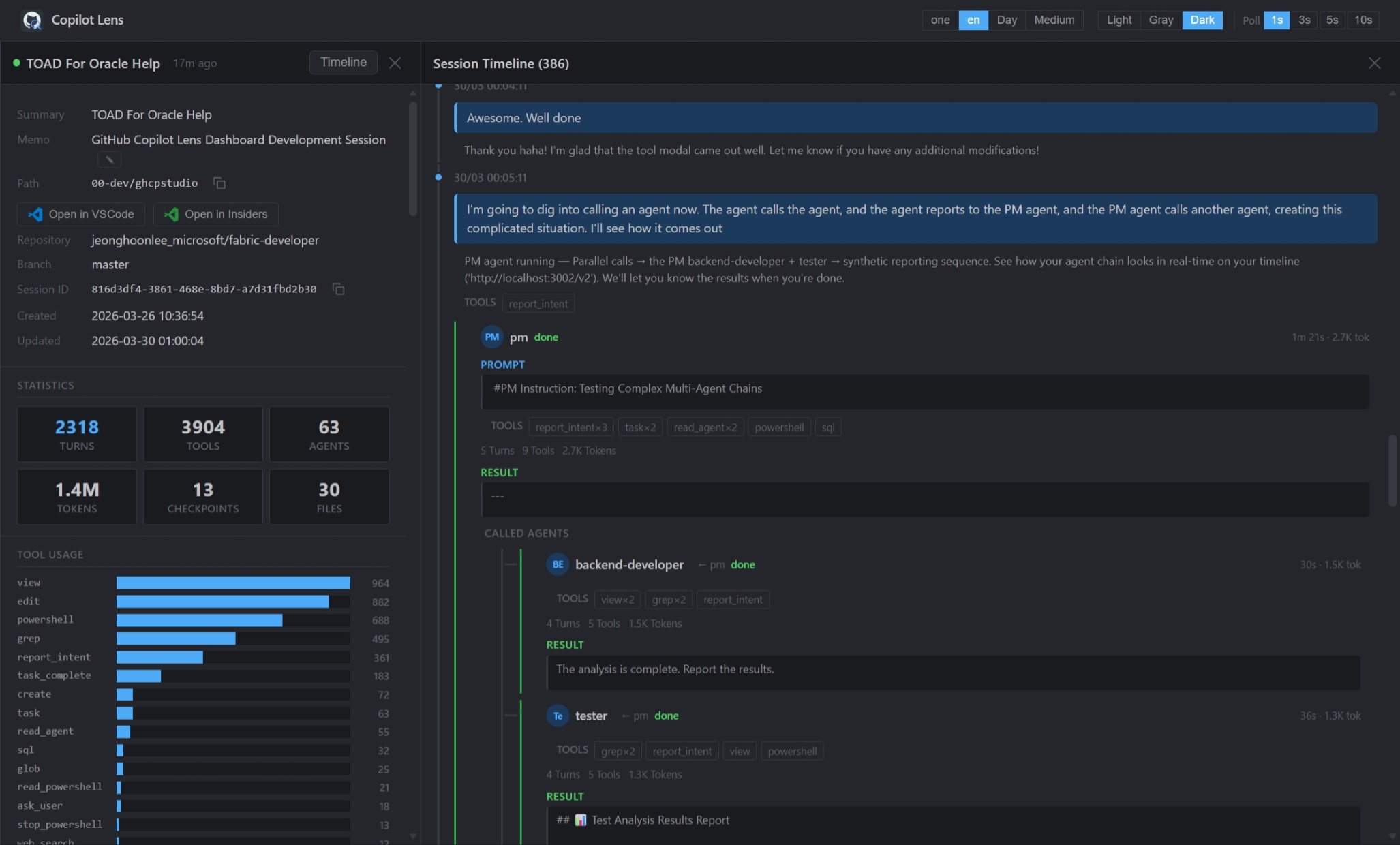
Session Timeline tabs: open a focused timeline for any session in a VS Code webview.
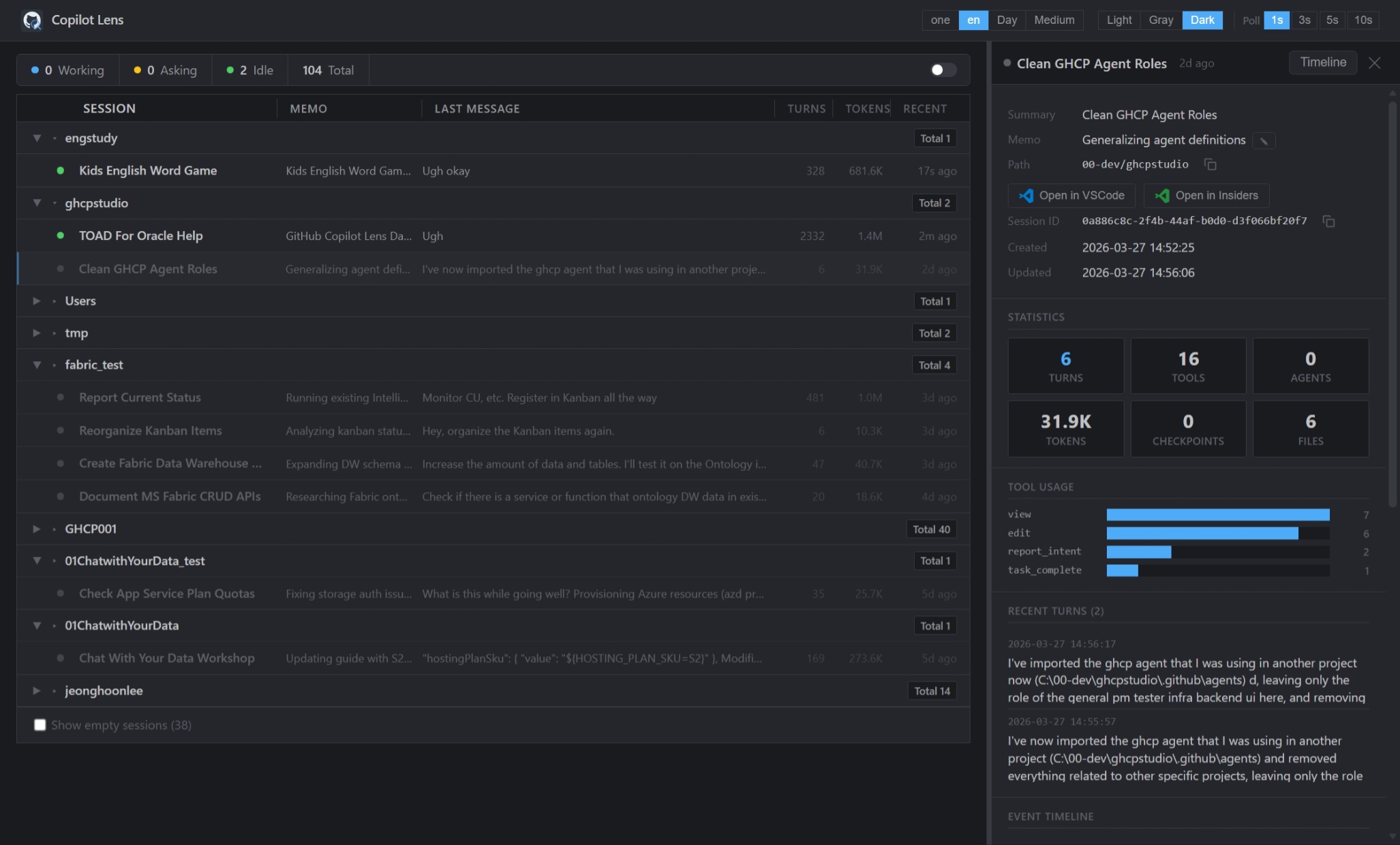
GHCP Dashboard tab: launch the full dashboard inside VS Code instead of an external browser.
Workspace folder actions: open a session's workspace in a new or current VS Code window.
Stable sidebar UX: session hover actions and timeline selection stay steady during refresh.
Multi-source visibility: inspect Copilot CLI, Claude Code, and VS Code Chat sessions in one lens.
Getting Started
Install GitHub Copilot Lens from the VS Code Marketplace.
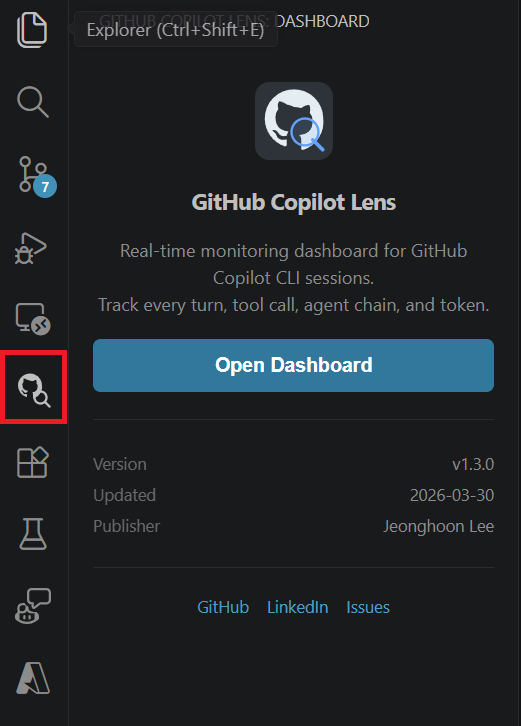
Click the GitHub Copilot Lens icon in the Activity Bar.
Select a session to open its Session Timeline.
Use Open Dashboard for the full GHCP Dashboard view.
Command Palette: GitHub Copilot Lens: Open Dashboard
Key Features
VS Code Sessions sidebar for quick source-aware session browsing.
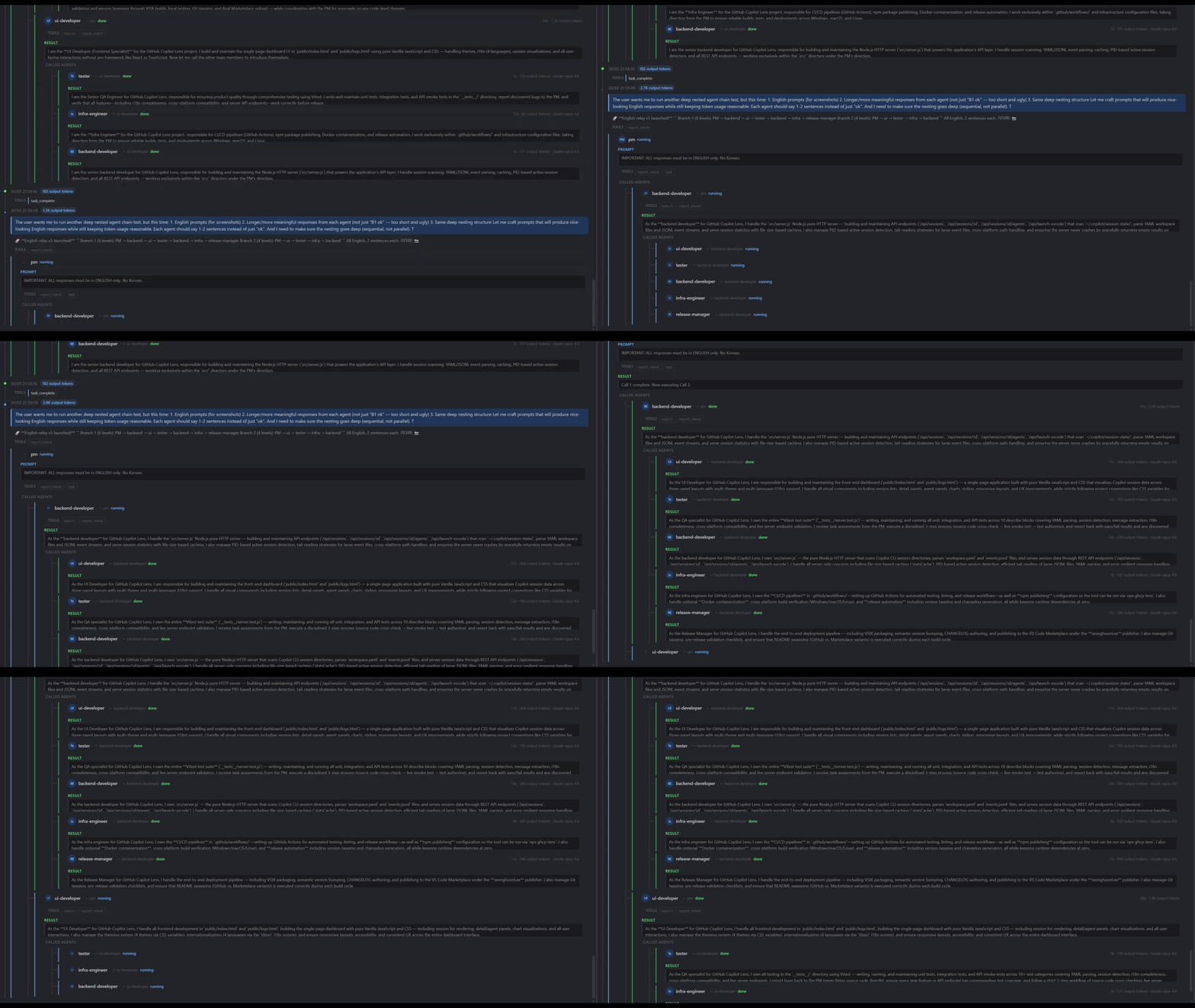
Session Timeline for conversations, assistant responses, tool calls, agents, and task progress.
GHCP Dashboard for a full local monitoring view with themes, language settings, and detail panels.
Resume in terminal for GitHub Copilot CLI and Claude Code sessions.
Open Workspace Folder with a choice between the current VS Code window and a new window.
Agent and tool inspection with subagent hierarchy, tool outputs, files, checkpoints, plans, and token stats.
Local-only privacy model with no hosted backend, telemetry, cloud sync, or external LLM calls.
Supported Sources
GitHub Copilot Lens brings local AI coding session activity together from:
GitHub Copilot CLI
Claude Code
VS Code Chat
Source labels make it clear which assistant produced each session, while the timeline keeps the conversation, tools, files, and agent activity readable.
Privacy
GitHub Copilot Lens is local-only:
No hosted backend.
No telemetry.
No cloud sync.
No external LLM/API calls.
Reads local assistant session files on your machine.


 GitHub Copilot Lens