AL Development Collection





From business requirements to AL development—with specialist AI agents and human review.
Design the architecture, define connected specifications, and coordinate implementation, testing and review for Microsoft Dynamics 365 Business Central. ALDC gives each agent a defined role and keeps you involved at key decisions.
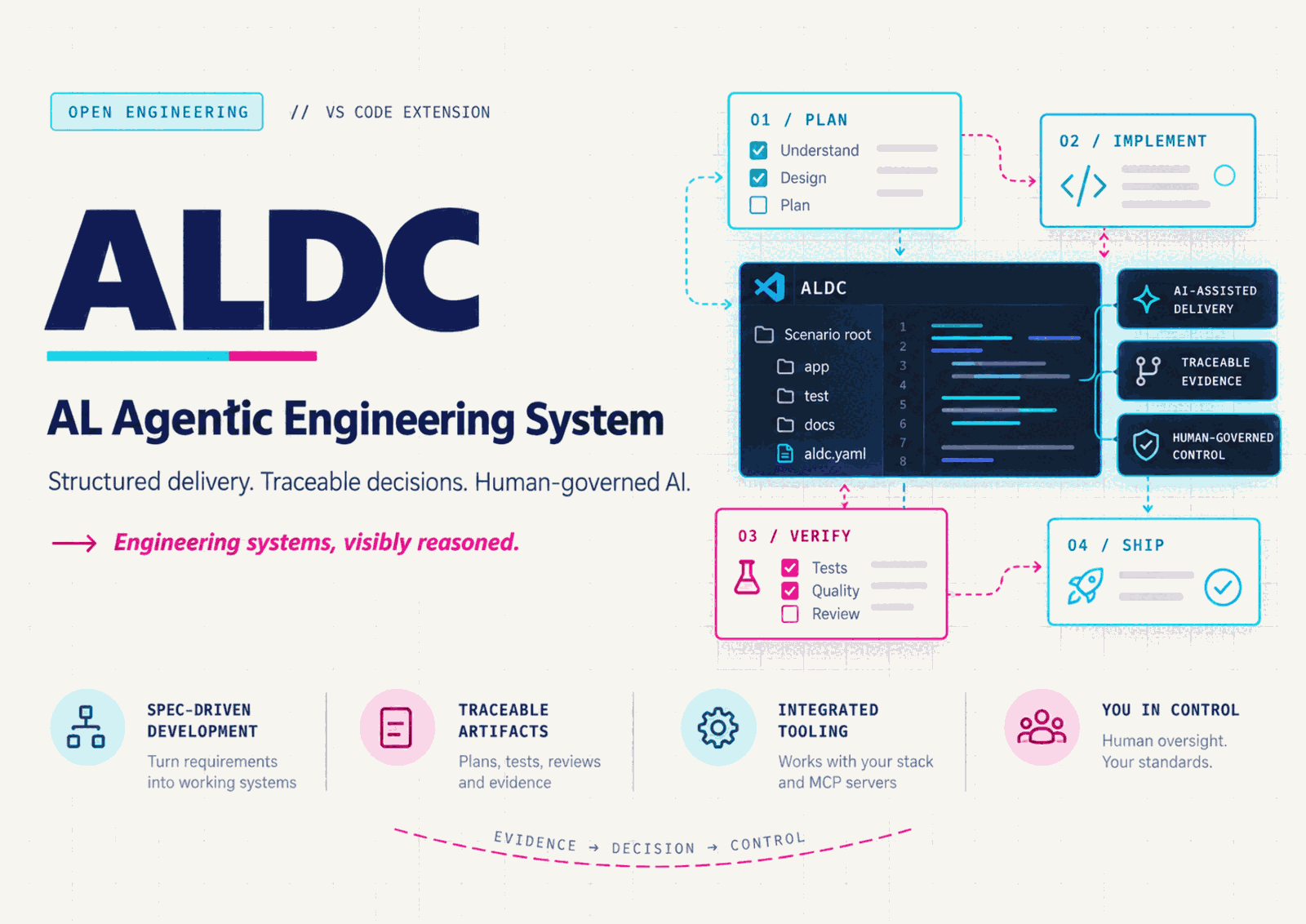
What is new in 5.0.2
| Change |
What it means for your project |
| Sonnet 5.5 for Copilot Chat |
Both BC28 and BC29-native install all 12 agents and the five explicitly modelled prompts with Claude Sonnet 5.5 (copilot). The other six prompts inherit the selected agent. Your account and host must offer that model. |
| Role-specific AL LSP and MCP guidance |
Query-only roles remain separate from implementation and dependency setup. The profile uses available providers; it does not install or certify them. |
| Initialize an existing App/Test |
The preparation-only route verifies the executing official AL MCP connection, with bounded registration and retry when authorized. It does not scaffold, restore dependencies or build as a fallback. |
| Preserve MCP configuration |
Toolkit installation, update, profile switching and rollback preserve existing .vscode/mcp.json. Editing a recommended server through the separate, confirmed MCP card remains an explicit user action. |
| Complete Chat packaging |
The VSIX includes the Chat projector and tooling guide, regenerated from matching clean canonical and extension inputs with build provenance. |
Updating the extension does not automatically replace toolkit files already installed
in a project. Run AL Collection: Update Toolkit, review the preview and any
managed-file collisions, and verify the result. Keeping an older customized agent
can also keep its previous model selection.
This model policy applies to Copilot Chat only; terminal distributions retain their
own models. Architect and Spec still read the configured BCQuality corpus directly:
automatic al-knowledge integration is not included in 5.0.1. A packaged tool or
model declaration does not prove it was loaded or called by the host.
See the changelog and
GitHub release.
GitHub delivery and Marketplace publication are separate; the version badge above
reports Marketplace availability.
| Capability |
What it helps you do |
| Architect and Spec Agent |
Split a requirement into bounded specifications with shared contracts, ownership and explicit dependencies. Review the specifications together before implementation. |
| Parallel specification planning |
Identify which specifications can be drafted independently. Drafting dependencies and implementation dependencies are evaluated separately; actual parallel execution depends on the host. |
| Native AL tools |
Select the compatible bc28 profile or opt into bc29-native guidance for Copilot Chat with AL 18 / Business Central 29. |
| Context Doctor |
Inspect the whole solution — every project that holds an app.json, with its own .vscode configuration — and the evidence for specification, App compilation, Test compilation and test execution. See what is known and what still needs verification. |
| BCQuality in the design phases |
The Architect and the Spec Agent read the BCQuality corpus as context, so a design meets the house rules before review instead of after it. The architecture records the constraints it applied, the specification declares the criteria the review will answer, and nothing in this path blocks: a deviation is recorded with its reason and reaches the approval gate you already have. |
| Recommended BCQuality integration |
Choose plugin or external multiroot mode. Track discovery, loading, review execution and knowledge-index generation separately; retain native review when external results are unavailable. |
| Recoverable toolkit updates |
Preview file collisions, verify installed content and restore the previous installation transaction when integrity checks permit it. |
| Project Manager |
Install, update, verify, restore and run Doctor for the selected solution from one panel, also available as an Explorer view. Selecting app/ or test/ answers for the solution that holds them. Every change is previewed and confirmed; results and technical detail stay in the panel. |
| ALDC Visor |
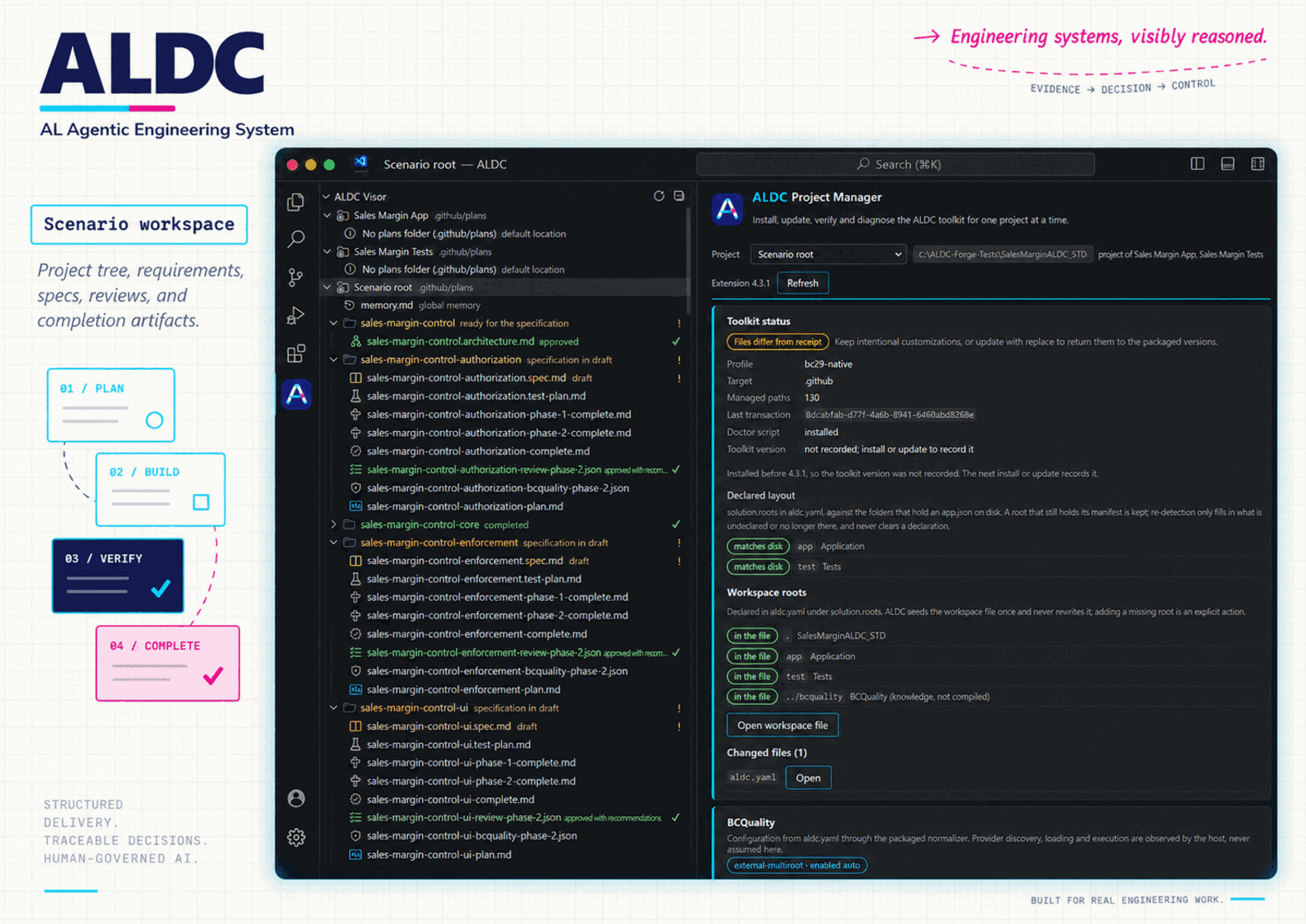
Explorer tree of the plan artifacts per requirement, each row reading the gate its contracts declare — waiting for architecture approval, for the specification, for your approval of it, for a test plan, or ready — with a colour and a short badge for that state, the declared decomposition of a split requirement, and a warning when a design was committed after the specification it was approved against. Read-only and refreshed automatically. |
| Solution status bar |
One entry per solution saying how many requirements need you, or that none do, read from the files on every change. It carries no Doctor verdict: a verdict expires, and the bar cannot say what nobody has observed. |
Start in VS Code
- Install AL Development Collection from Visual Studio Marketplace.
- Open your AL project and run AL Collection: Open Project Manager from the Command Palette, or use AL Collection: Install Toolkit to Workspace directly.
- Select
bc28, the default, or bc29-native to match the tools available in your environment, review the preview and confirm.
- Reload the window to discover the installed agents.
- Start a design with AL Architecture & Design Specialist. Use AL Spec Agent /
al-spec.create for technical specifications, then approve them before moving to implementation.
Project Manager panel
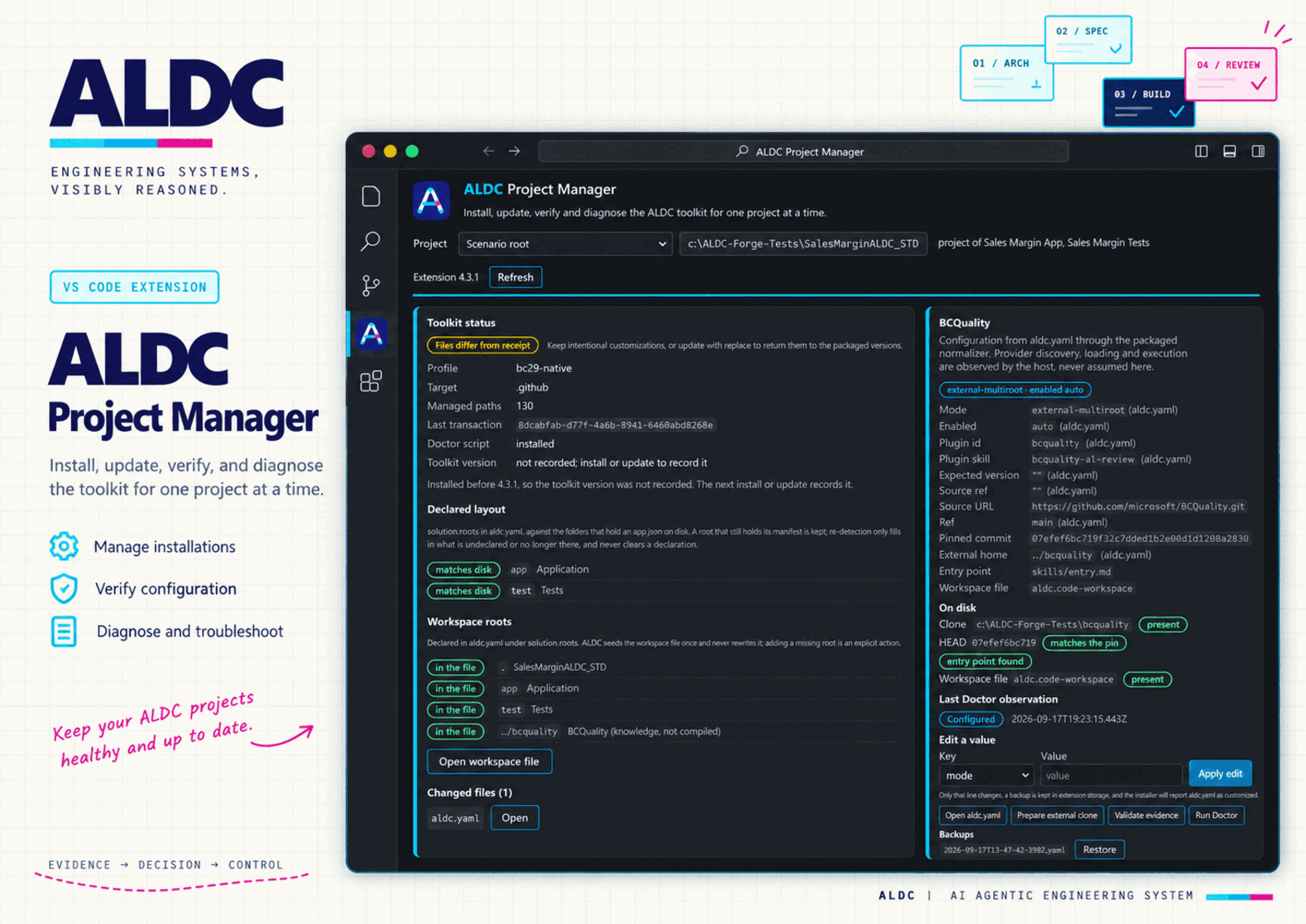
AL Collection: Open Project Manager opens one reusable editor panel for the selected project. The same interface is available as the ALDC Project Manager view in the Explorer, collapsed by default next to the AL views; both share one state and one operation queue. With several workspace folders you choose the project explicitly; nothing is applied to the first folder by default.
| Area |
What it shows |
What you can do |
| Toolkit status |
Installation receipt state (absent, invalid, matching, drifted), recorded profile, target directory, managed paths, last transaction |
Refresh, preview install or update, verify |
| Preview |
The installer's real file list: new, updated, replaced customized files, kept files, removed files and unchanged files |
Confirm exactly that plan, or discard it; cancel while the preview is being prepared |
| Last operation |
Outcome (installed, updated, updated with preserved files, unchanged, cancelled, failed), the next step and technical detail without terminal escapes |
Open listed files, reload the window when appropriate |
| Doctor |
One card per operation (specify, compile App, compile Test, execute tests), BCQuality configuration and observations, discovered projects, configuration problems |
Run Doctor, open the referenced file, export the report as JSON to a location you choose |
| Recovery |
The last recorded installation transaction, whether it can be restored and which later edits would block it |
Restore after a modal confirmation |
The ALDC Visor view in the Explorer lists the artifacts ALDC generates under the plans folder (plans.root in aldc.yaml, .github/plans by default): global memory first, then one branch per requirement with requisites, architecture, specification, test plan, phase reports, completion report and review evidence, each with its own icon. Older flat layouts are grouped by requirement name. The view is read-only and refreshes when files change; click to open, or use the context menu to reveal the file in the Explorer.
Each requirement row says where it stands, read from what the contracts themselves declare: the architecture's status, the specification's status and approval, and whether a test plan exists. A row waiting for your approval is not the same as one waiting to be written, so the row names the gate and carries a colour and a short badge for it; the tooltip holds the whole chain. A LOW requirement is not asked for an architecture, and a requirement split into units is only as far along as its least advanced unit. A template placeholder nobody filled in is reported as no status declared — never as a draft — and a status this version does not recognise keeps the author's words. When a design was committed after the specification it was approved against, the row says so; that comparison uses git commit dates, because file timestamps are rewritten by every clone.
The BCQuality card shows the project's external.bcquality configuration as the packaged normalizer reads it, whether the external clone exists and matches the pinned commit, and the last Doctor observation. It can edit one key at a time (a backup is kept and the installer then reports aldc.yaml as customized), run the packaged installer to prepare the external clone, and run the packaged evidence validator. Provider loading and execution are only ever reported by Doctor observations.
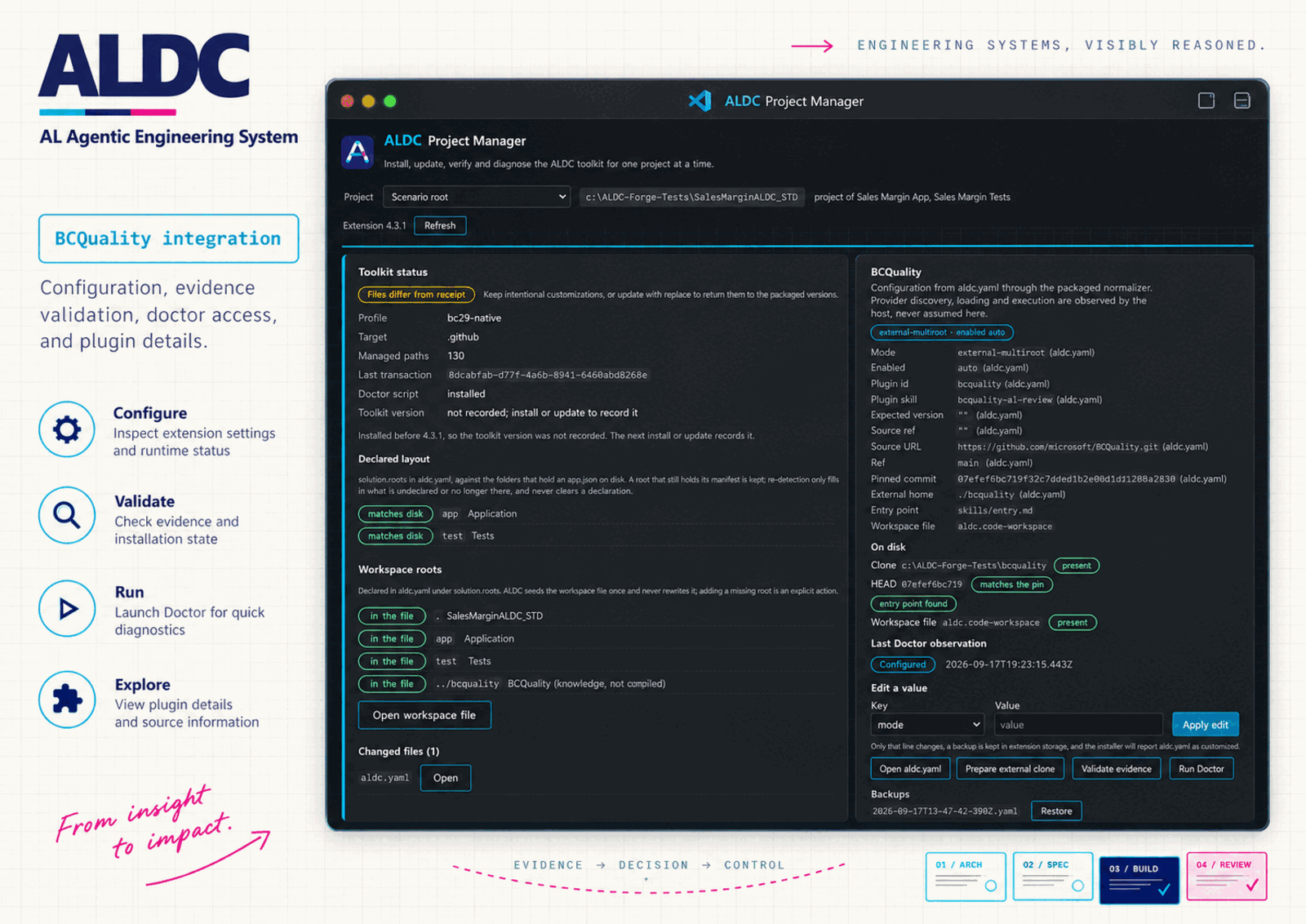
The MCP servers card lists what .vscode/mcp.json declares and what ALDC recommends (AL Dependency MCP Server, Microsoft Learn, Context7), with the recommendation adjusted to the installed profile. You can add a recommended entry to mcp.json after reviewing the change, or mark it as provided by ALDC so VS Code lists it as an MCP server definition. VS Code starts, stops and asks for trust; the extension never runs a server and never stores credentials.
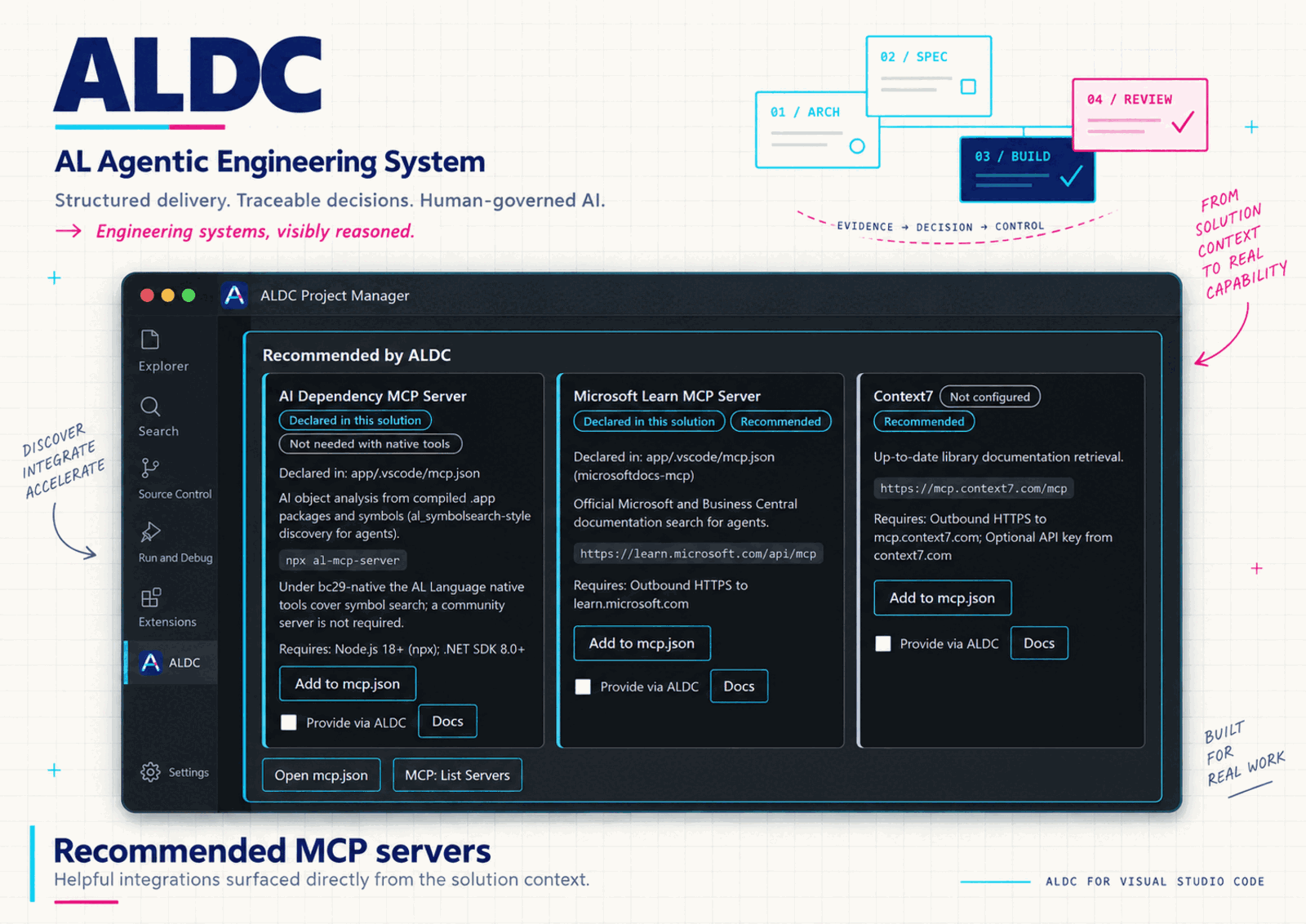
Opening or refreshing the panel never installs, repairs or creates files. A plan is applied only when the files still match the confirmed preview; if they changed in between, the panel shows a new preview instead. Replacing customized files and restoring always ask for confirmation and are recoverable through the installer's backups. Applying cannot be cancelled midway: the transactional installer restores previous files itself if a write fails.
AL Collection: Run Doctor opens the panel and runs the packaged Context Doctor for the selected project. Doctor reads configuration and explicit observations only; it does not compile, run tests, load plugins or generate the BCQuality index, and exit code 0 is not functional success. The panel keeps the report's original states, including ones newer than the extension, and separates adapter problems (no Python 3.9+, timeout, invalid output) from diagnostic results. Reports stay in memory until you export them; temporary configuration snapshots are written to extension storage and removed.
In a workspace with restricted trust the panel is read-only. The al-collection.pythonPath setting selects an interpreter; ALDC never installs Python.
ALDC installs agent guidance and supporting utilities. Profile selection does not install Business Central, AL Language, a compiler, an MCP server or BCQuality, and does not migrate app.json.
How the agents work together
Architect defines the solution and the specification boundaries, including shared interfaces and dependency relationships. Spec develops the assigned contracts and acceptance criteria, identifies missing prerequisites and returns material contradictions to Architect. A joint review checks the current specification revisions before implementation.
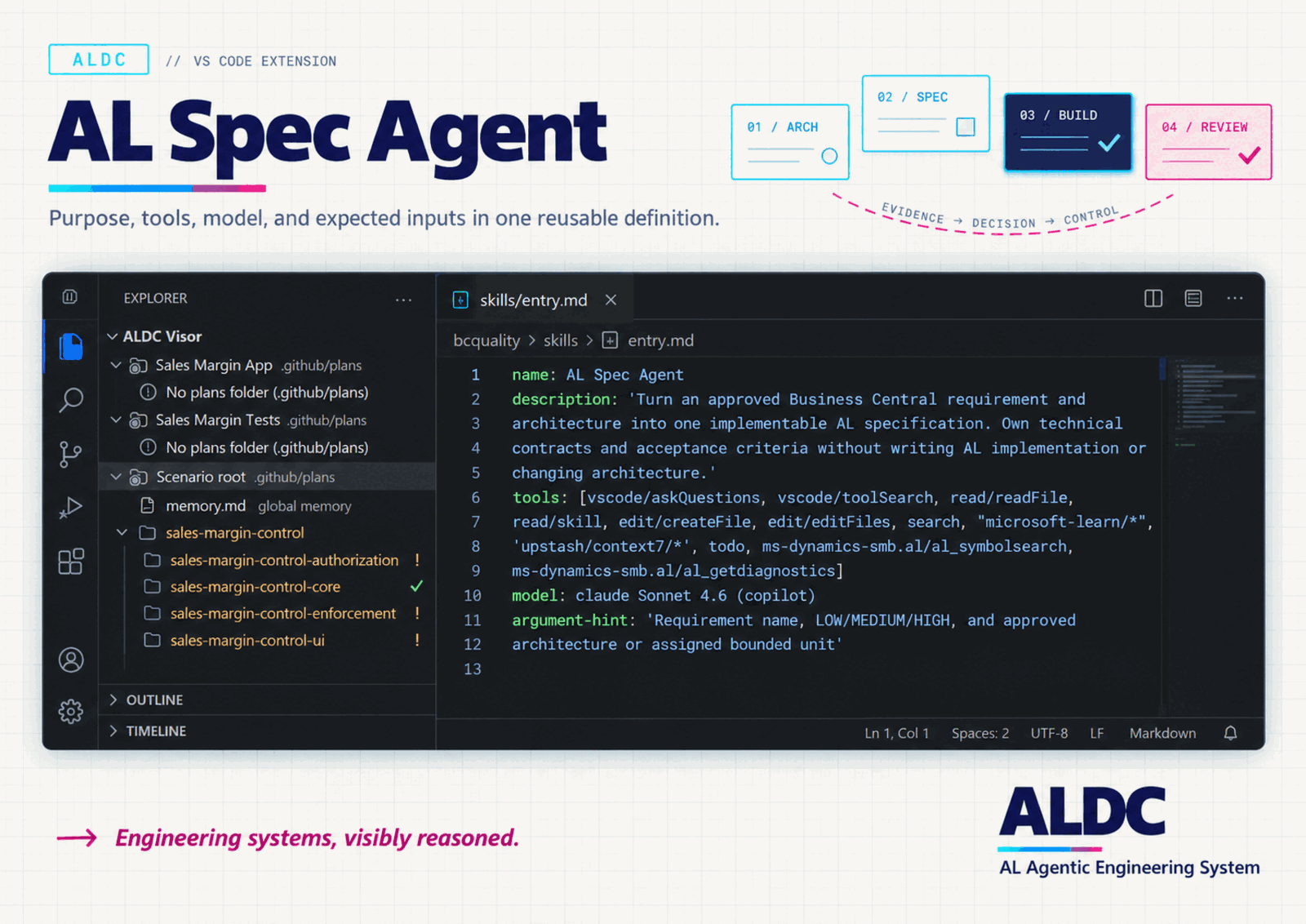
Conductor coordinates planning, test-first implementation and review. Developer handles scoped implementation and debugging. Triage supports diagnosis; Dredd provides an independent audit. Skills supply relevant AL domain guidance.
A group of specifications eligible for parallel drafting is not permission to make concurrent code changes. Tool and MCP operations depend on capabilities actually available in the host.
Update an existing project
Updating the VS Code extension and updating the toolkit files in a project are separate operations.
- Preserve your project changes in version control.
- Run AL Collection: Update Toolkit and review any reported collisions.
- Review the file list in the AL Collection output. Keep local customizations or explicitly replace managed files, including
aldc.yaml, with a recoverable backup. The keep option can leave older contracts in place; reconcile reported collisions before running agents.
- Run AL Collection: Verify Installed Toolkit, inspect the result and reload the window.
The recorded installation profile is retained on update. To select a different profile, use Install Toolkit to Workspace and review the profile-switch confirmation.
al-collection.autoInstall defaults to false. If you previously enabled it, ALDC attempts installation when it detects an AL project on activation; file collision and profile protections still apply. Set it to false for command-driven installation. To suppress installation suggestions too, disable al-collection.promptOnALProject; choosing Don't Ask Again disables that setting. Manual installation remains available.
AL Collection: Restore Previous Installation restores the preceding toolkit installation transaction, with checks that protect later edits. It does not restore Business Central data or arbitrary project development history.
Requirements and optional integrations
- VS Code 1.109.2 or newer, with GitHub Copilot access for the agent workflow. AL18 native tools may require a newer compatible host and AL Language extension. The installation minimum does not certify those external capabilities.
- An AL development environment appropriate for your project. The
bc29-native profile requires the corresponding AL 18 / BC29 capabilities in the host.
- Python 3.9+ for Context Doctor (
py -3, python or python3 on PATH, or al-collection.pythonPath).
- BCQuality is strongly recommended, and installed separately: ALDC never blocks on its absence and falls back to native review. Configure the exact plugin skill and provider identity in
aldc.yaml; a catalog entry alone does not prove a completed review. See BCQuality configuration.
The VSIX is the VS Code distribution. Claude Code, Copilot CLI and Codex use separate plugins built from the canonical ALDC content. Installing or updating the VSIX does not install or refresh those plugins. See plugin installation and recovery.
Activation and troubleshooting
Not yet activated in the Features tab is normal until an activation event occurs. Run AL Collection: Open Project Manager, AL Collection: Install Toolkit to Workspace or open a workspace folder containing app.json. If your manifest is nested under App/, use the command explicitly. Installing the VSIX alone does not copy the toolkit into a project.
The Features tab lists contributed commands, settings and chat skills. That registration does not prove that an agent loaded a skill, called a tool or completed a review. After installation, reload the window and check the available agents in your host.
If Validate Installation needs validator dependencies, it attempts to install them with npm; it requires Node.js/npm and may need network access. Verify Installed Toolkit checks installation integrity and is a separate command.
Documentation and support
Author and license
Javier Armesto González · Tech Sphere Dynamics
MIT. See LICENSE.
Direct reviews and audit coverage
After a direct implementation, select AL Developer Reviewer for independent
review against acceptance criteria and current build/test evidence. Conductor keeps
its phase review subagent. Dredd remains the advisory auditor for selected files
or a wider codebase; it never edits AL code. An incomplete review is reported as
incomplete even when no findings were produced. BCQuality index generation and code
review are separate operations; provider instructions may support read-only lookup.
Update asks for confirmation with the target project and shows preview/progress.
Cancelling before application leaves toolkit files unchanged. Verify checks managed
file integrity only: a missing receipt can mean an older installation; use Install
Toolkit and review collisions. An invalid receipt should be inspected with its
backups preserved. Neither message certifies agent loading or review execution.
Palette commands and the Project Manager share the same installation service and
the same packaged installer; there is no second installation engine.

