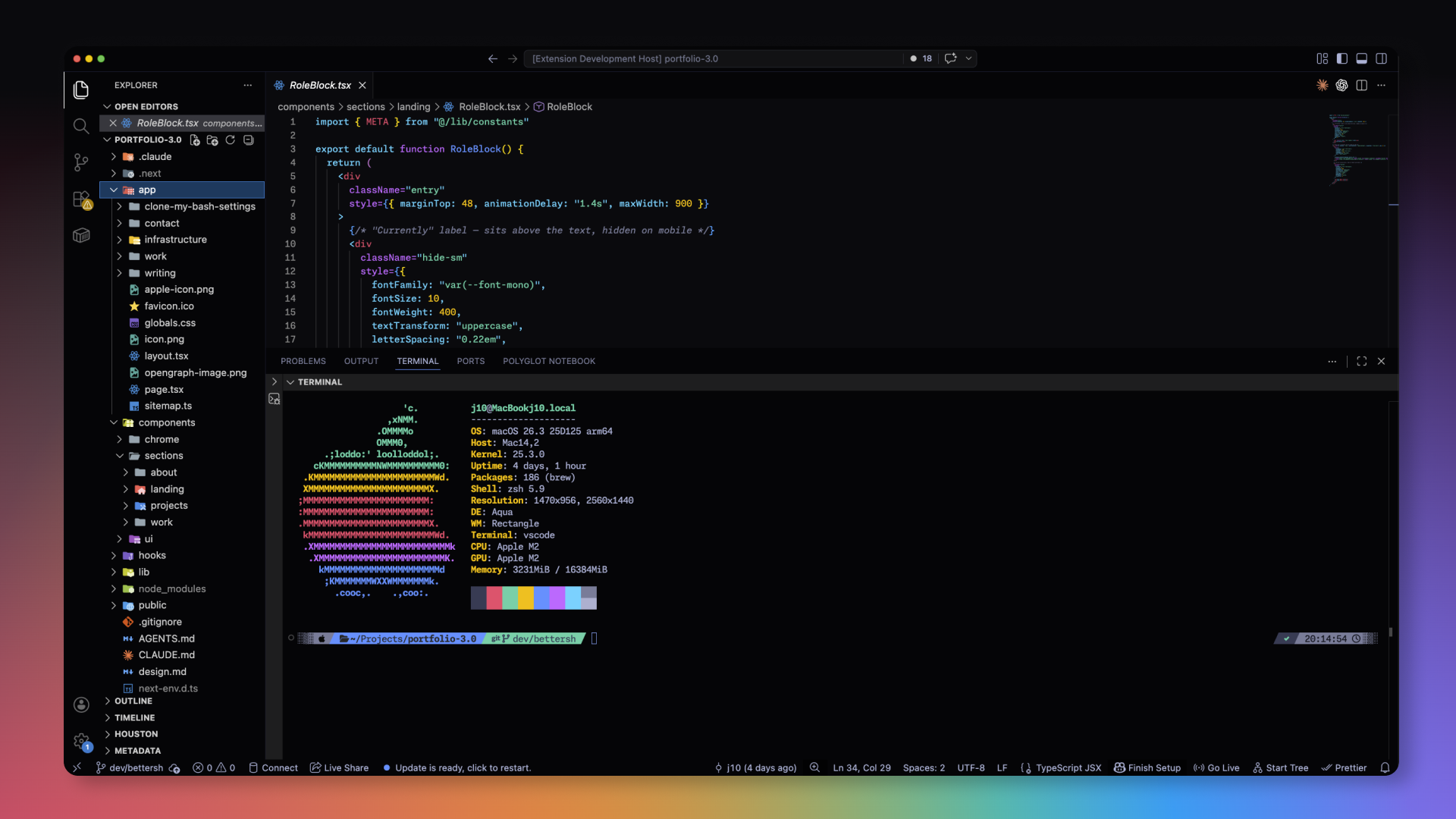
Tokyo Midnight SaturatedA modified tokyo night that has more saturation and visibility. Installation Launch VS Code Quick Open ( Ctrl+P), paste the following command, and press enter.Copied to clipboard |

Tokyo Midnight SaturatedA hyper-saturated, high-contrast, and deeply dark twist on the beautiful Tokyo Night theme. Built for late-night coding with vivid syntax highlighting and a seamless, flat UI. Screenshots
Installation
CreditsCreated by: Jason Tenczar |