Azure App Insights ExplorerBrowse Azure Application Insights and Log Analytics data directly inside VS Code — without switching to Azure Portal. Installation Launch VS Code Quick Open ( Ctrl+P), paste the following command, and press enter.Copied to clipboard |

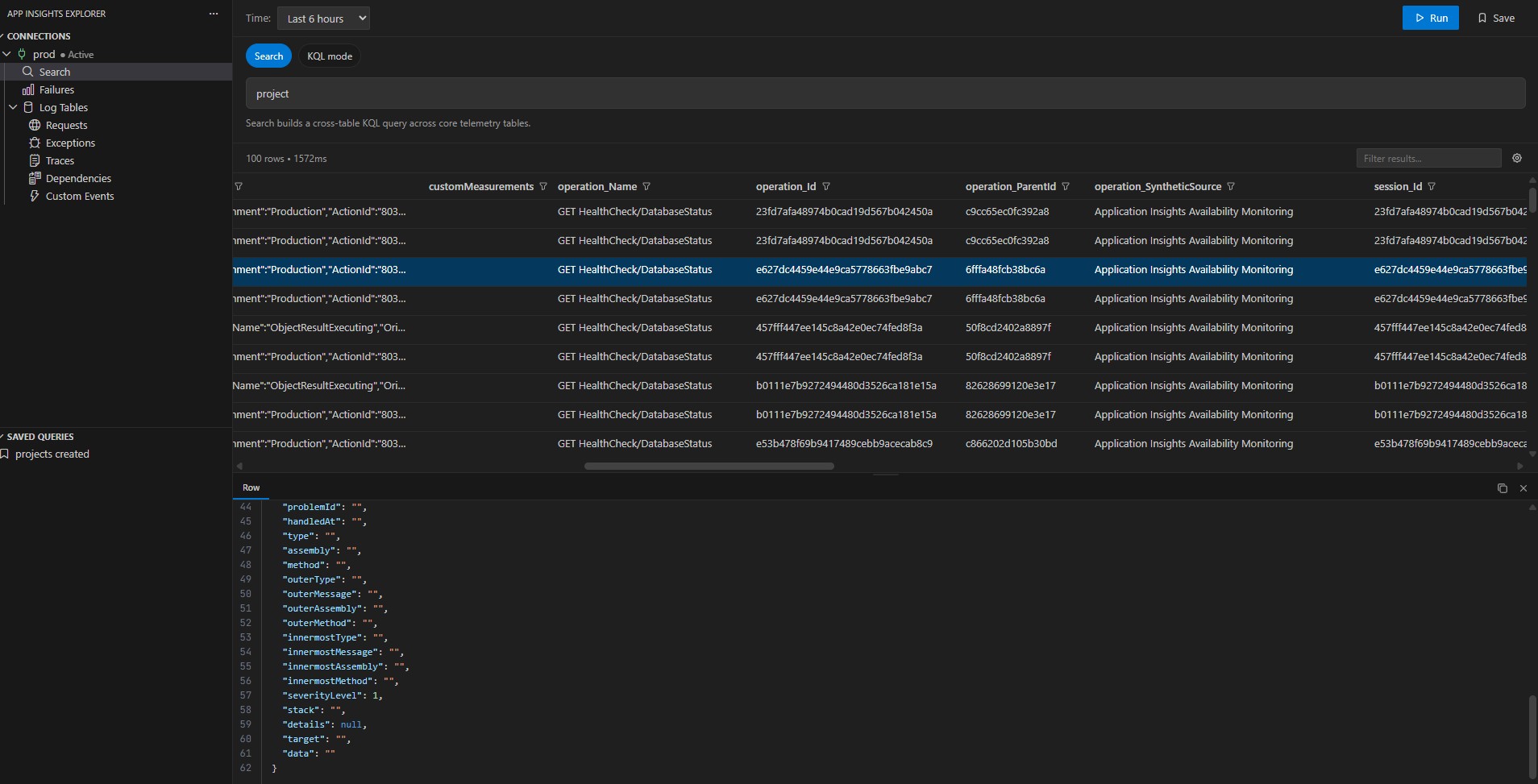
Azure App Insights Explorer for VS CodeBrowse Azure Application Insights and Log Analytics data directly from Visual Studio Code. The extension adds a dedicated App Insights view to the activity bar so you can manage connections, run KQL queries, inspect log tables, and investigate failures without switching to the Azure portal. FeaturesConnection ManagementAdd and manage Application Insights connections using Microsoft Entra ID or an API key. Keep multiple connections in the explorer and switch the active one when needed. KQL QueryingOpen a query editor, write Kusto Query Language queries, and run them against the active connection. Save useful queries and run them again from the Saved Queries view.
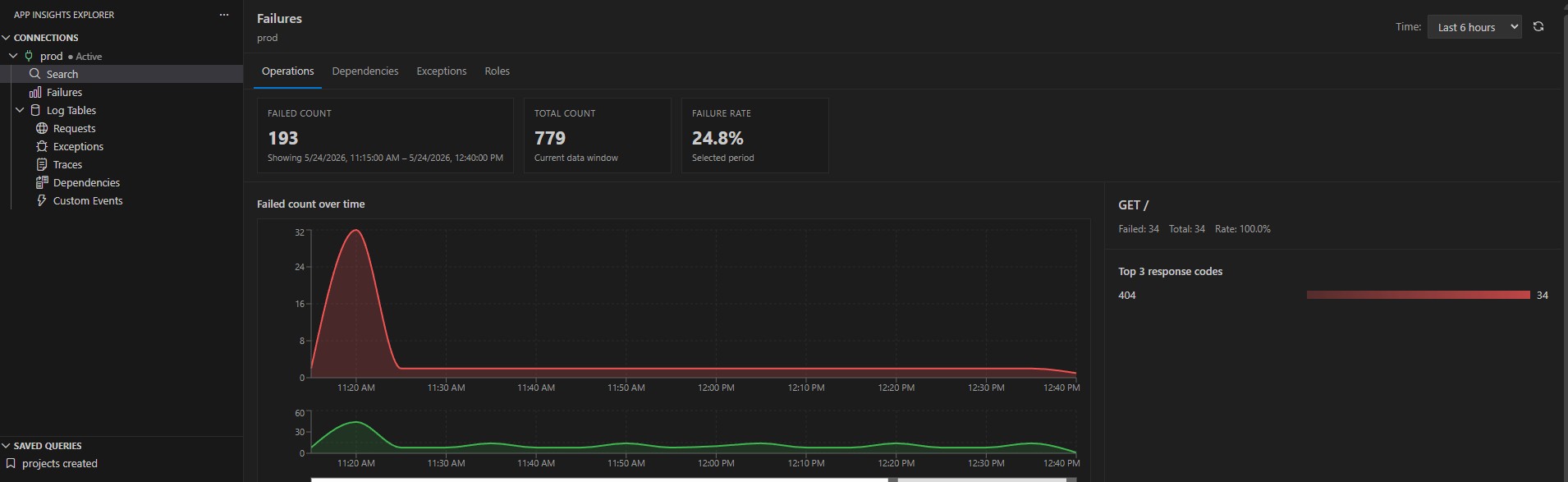
Log Table BrowsingBrowse available log tables and inspect query results in a dedicated table view. Filter columns, search values, and work with result sets directly inside VS Code. Failures InvestigationOpen a focused failures view to inspect exceptions and failed operations in a more efficient workflow than the Azure portal.
Getting Started
Requirements
DevelopmentPrerequisites
BuildTestLicenseMIT |