Skip to content
| Marketplace
Sign in
Visual Studio Code>Programming Languages>JITXNew to Visual Studio Code? Get it now.
JITX

JITX

JITX

jitx.com
|
283 installs
| (0) | Free
Software defined electronics
Installation
Launch VS Code Quick Open (Ctrl+P), paste the following command, and press enter.
Copied to clipboard
More Info

Software Defined Electronics

JITX is a way to design circuit boards faster and with fewer errors. Instead of manually drafting and reviewing one-off designs, write code to generate your designs.

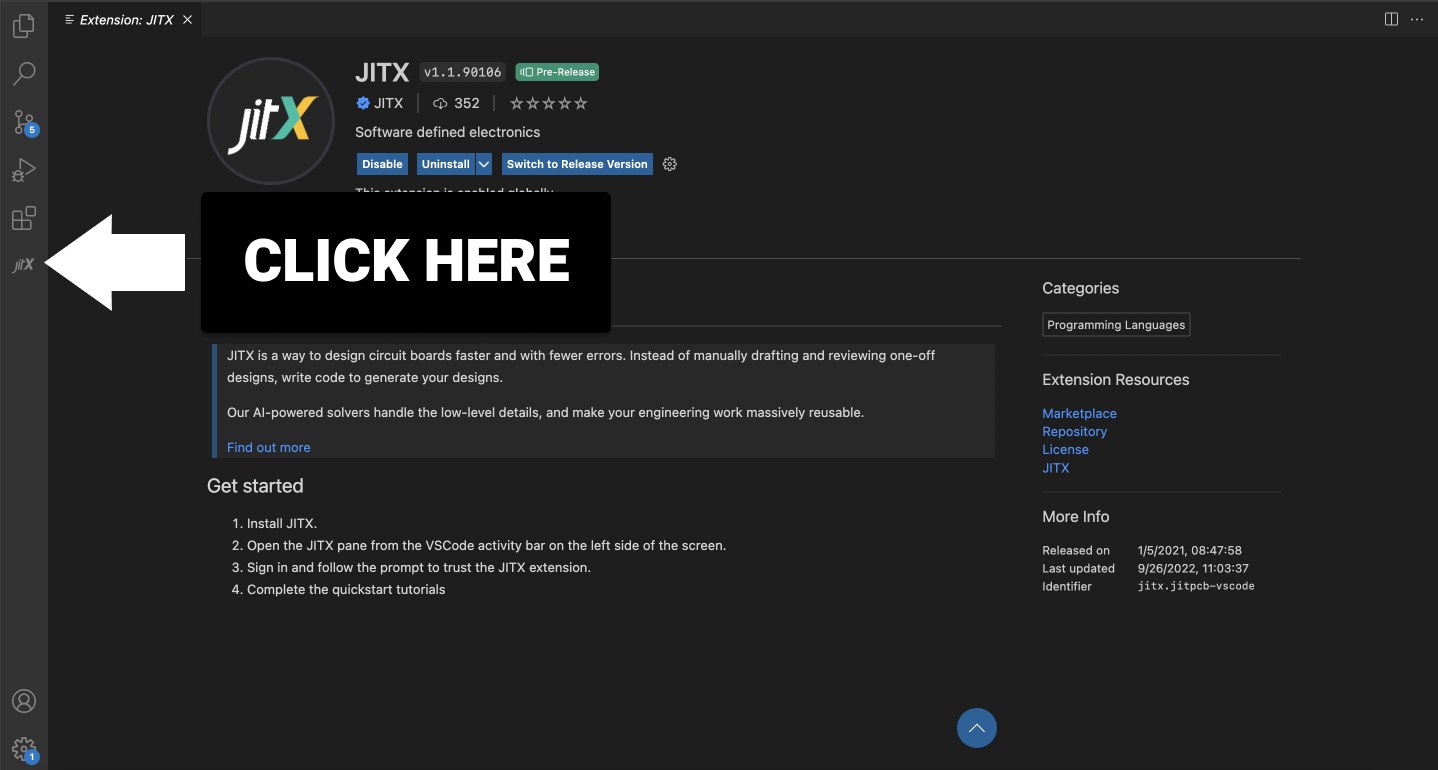
How to open the JITX sidebar

 Screenshot of JITX with icon on the left hand side of the screen

Get started

  1. Sign up and make a JITX account: https://www.jitx.com/plans
  2. Setup and install JITX with JITX Installation Instructions.
  3. Open the JITX pane from the VSCode activity bar on the left side of the screen.
  4. Sign in and follow the prompt to trust the JITX extension.
  5. Learn more about JITX by checking out the JITX Docs
  • Contact us
  • Jobs
  • Privacy
  • Manage cookies
  • Terms of use
  • Trademarks
© 2026 Microsoft