Skip to content
| Marketplace
Sign in
Visual Studio Code>Other>Live WebviewNew to Visual Studio Code? Get it now.
Live Webview

Live Webview

Joël Deffner

|
4 installs
| (0) | Free
Targeted reload for extension-owned VS Code webviews.
Installation
Launch VS Code Quick Open (Ctrl+P), paste the following command, and press enter.
Copied to clipboard
More Info

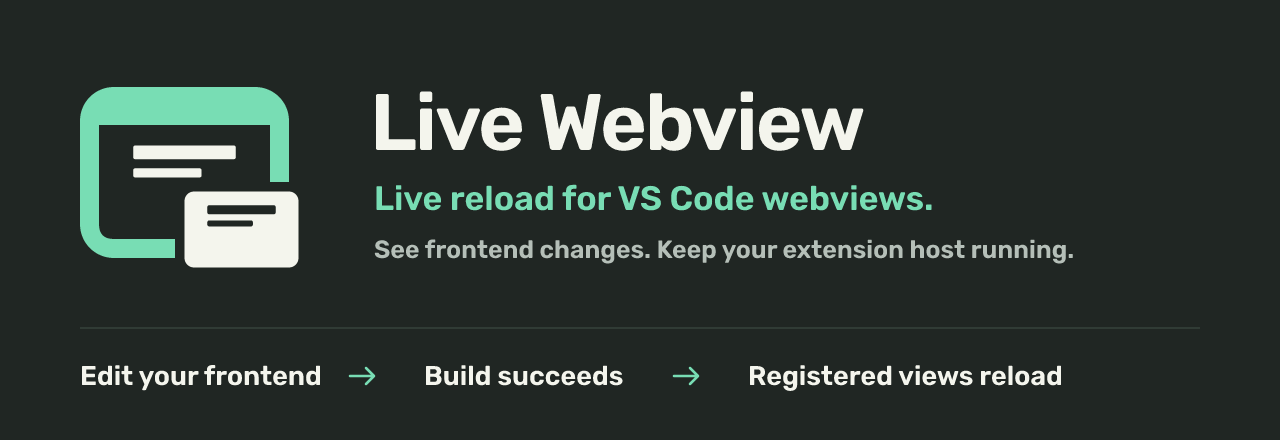
Live Webview: live reload for VS Code webviews. Edit your frontend, build successfully, and reload registered views.

Reload your extension's webviews after a successful frontend build, inside the real Extension Development Host. See JavaScript and CSS changes without restarting the host. Your extension keeps its panels, HTML, resource URLs, state, and message handlers.

Get started · Integration guide · Download the helper

A shorter preview loop

  • Reload registered panels and sidebar views when their frontend build succeeds. A failed build leaves the current UI usable.
  • Reload one instance, pause automatic reload, or resume from Explorer → Live Webview. Hidden views catch up when revealed.
  • Open Live Webview: Open Logs to inspect build and reload errors.

Set up your extension

  1. Install Live Webview (JDeffner.live-webview) in the profile used by your target's Extension Development Host.
  2. Download the helper tarball from GitHub Releases and add it to your target: pnpm add -D "path/to/webview-dev-helper-1.0.0.tgz".
  3. Connect the helper in your development build. Register each build and each panel or resolved sidebar view with a callback that regenerates its HTML.
  4. Add a successful-build signal. An esbuild adapter is included. Start your watch task, launch the target with F5, and open its webview.
  5. Edit the frontend. After the build succeeds, the affected visible views reload.

Run Live Webview: Setup for the complete offline guide. To try a working example first, use the standalone fixture.

What to expect

The target extension must opt in. Installing the companion alone does not attach it to arbitrary webviews. Use local desktop VS Code 1.74 or newer and a trusted workspace. The helper runs only in an explicit development build in Development mode; it is distributed as a tarball, not on npm.

Reload starts the frontend again. Restore form values and selection through your application's state contract. Host-side code changes still require a debug restart. Framework HMR, message inspection, remote hosts, and browser VS Code are outside this release.

Help and source

Troubleshooting · API reference · Report an issue · Source code

Licensed under MIT.

  • Contact us
  • Jobs
  • Privacy
  • Manage cookies
  • Terms of use
  • Trademarks
  • Your Privacy Choices
  • Consumer Health Privacy
© 2026 Microsoft