Kingyobachi - Goldfish Bowl 🐟
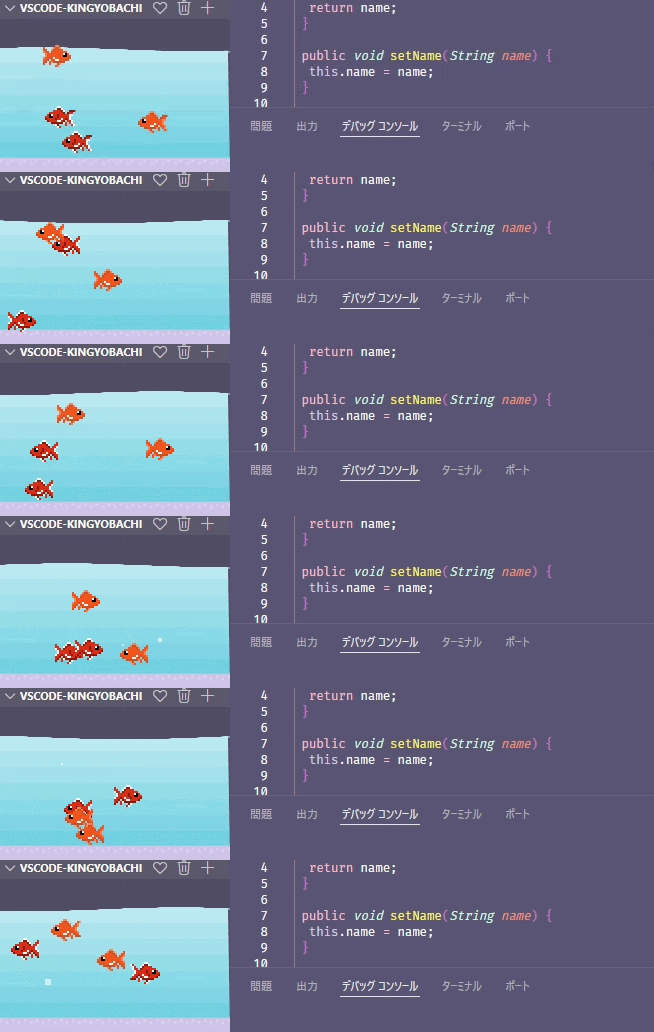
A relaxing pixel-art goldfish bowl to watch while coding.
Features
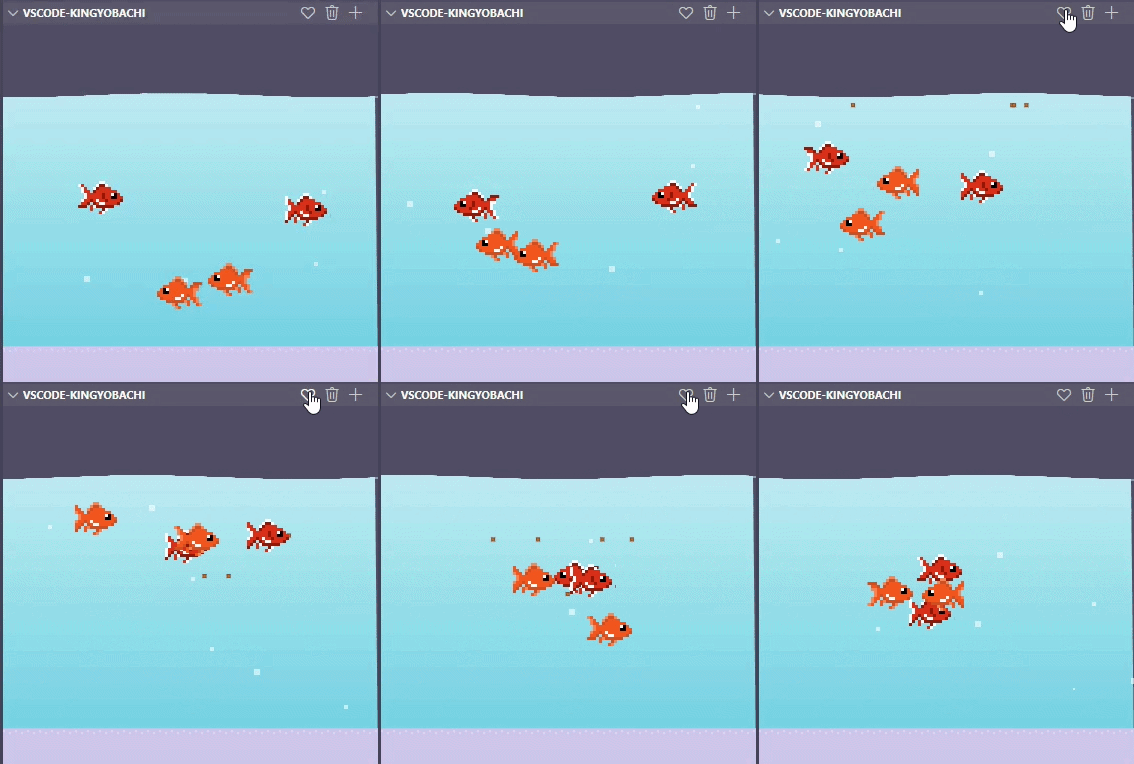
- Pixel-art goldfish swimming in a bowl displayed in the Explorer sidebar
- Two color variations: Orange and Red & White
- Feed fish by clicking or using a command
- Fish grow over time (small → medium → large)
- Hunger and death notifications
Installation
Search for "kingyobachi" in the VS Code Marketplace and install.
Commands
| Command |
Description |
Kingyobachi: Feed |
Drop food into the bowl |
Kingyobachi: Add Fish |
Choose a type and name to add a goldfish |
Kingyobachi: Remove Fish |
Select and remove a fish |
Settings
| Setting |
Default |
Description |
kingyobachi.waterColorTop |
#0a2a4a |
Water color (top) |
kingyobachi.waterColorBottom |
#0d1b2a |
Water color (bottom) |
kingyobachi.sandColor |
#3a2f1a |
Sand color |
Fish Care
- Fish hunger decreases each day
- If hunger stays at 0 for 2 days, the fish will die
- Fish size changes based on age (small → medium → large)
License
MIT
| |

