Vitesse Icon Theme
An elegant, high-contrast icon theme for Visual Studio Code, inspired by Vitesse and Vite.
About The ThemeVitesse (a portmanteau of Vitesse and Vite) is a file icon theme for VS Code designed to be clean, modern, and easily readable. It provides a comprehensive set of icons for a wide range of file types, frameworks, and tools, with both dark and light variants to match your favorite color themes. The icons are designed with a minimalist aesthetic, using a consistent color palette and style to provide a visually pleasing and non-distracting coding environment. Previews
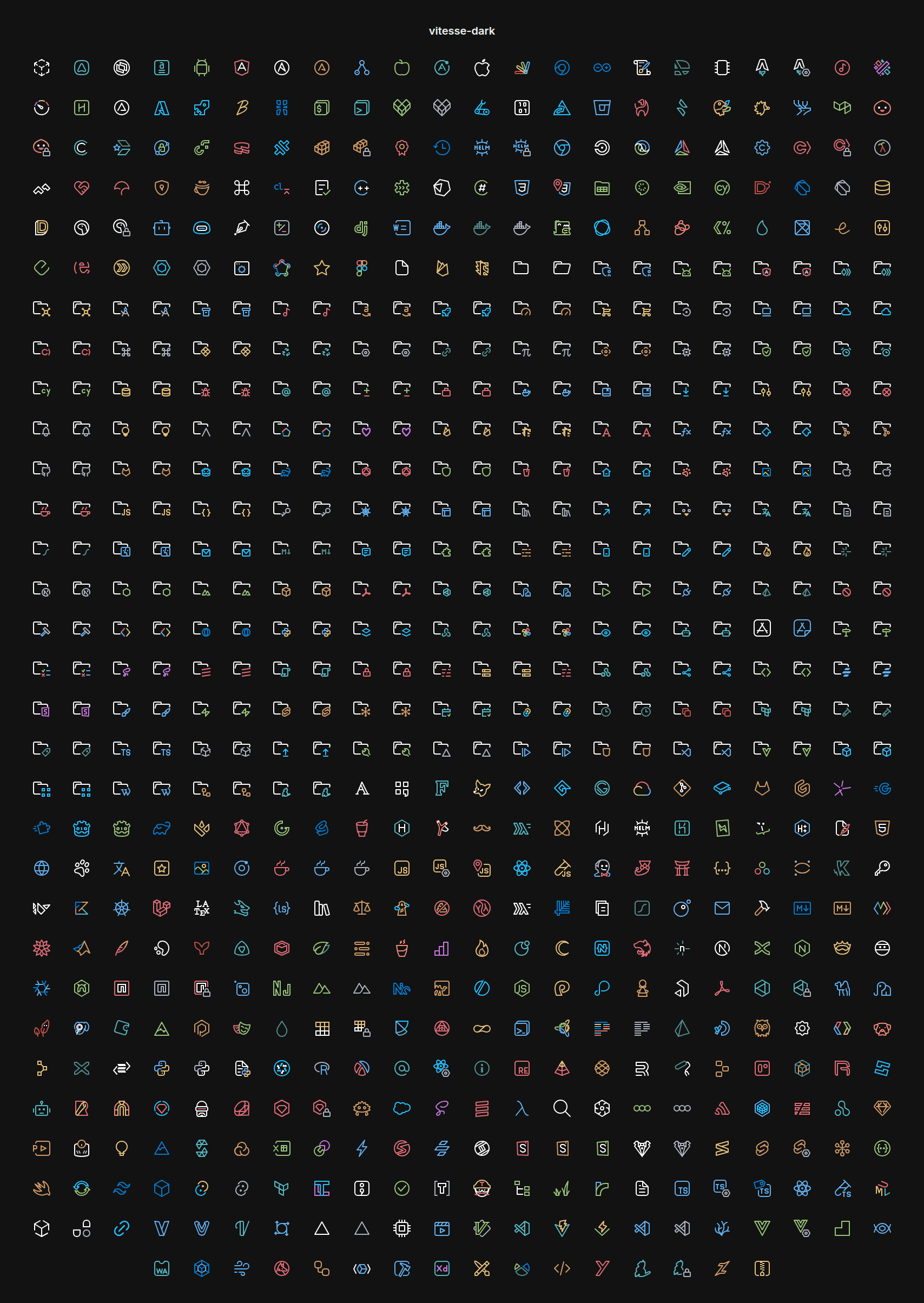
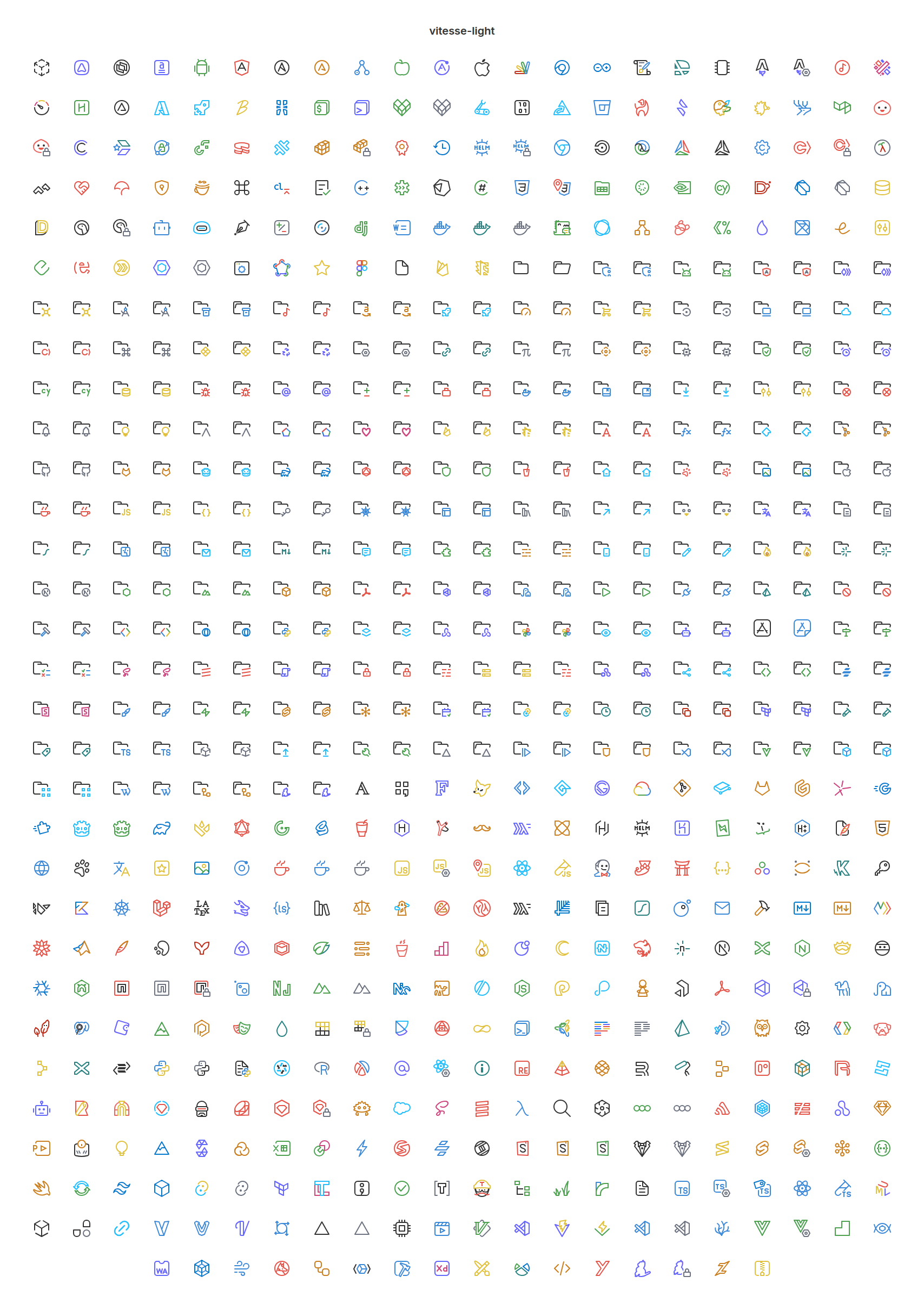
Vitesse DarkOptimized for dark backgrounds, providing excellent contrast and readability. Vitesse LightA crisp and clear version for light-themed workspaces. Installation
Activation
LicenseThis project is licensed under the MIT License - see the LICENSE file for details. |