Skip to content
| Marketplace
Sign in
Visual Studio Code>Themes>StonekaiNew to Visual Studio Code? Get it now.
Stonekai

Stonekai

Henrique

|
12 installs
| (0) | Free
A dark theme with stone-like colors.
Installation
Launch VS Code Quick Open (Ctrl+P), paste the following command, and press enter.
Copied to clipboard
More Info

Stonekai Icon

Stonekai Theme

A cool, modern, and beautiful theme for Visual Studio Code.

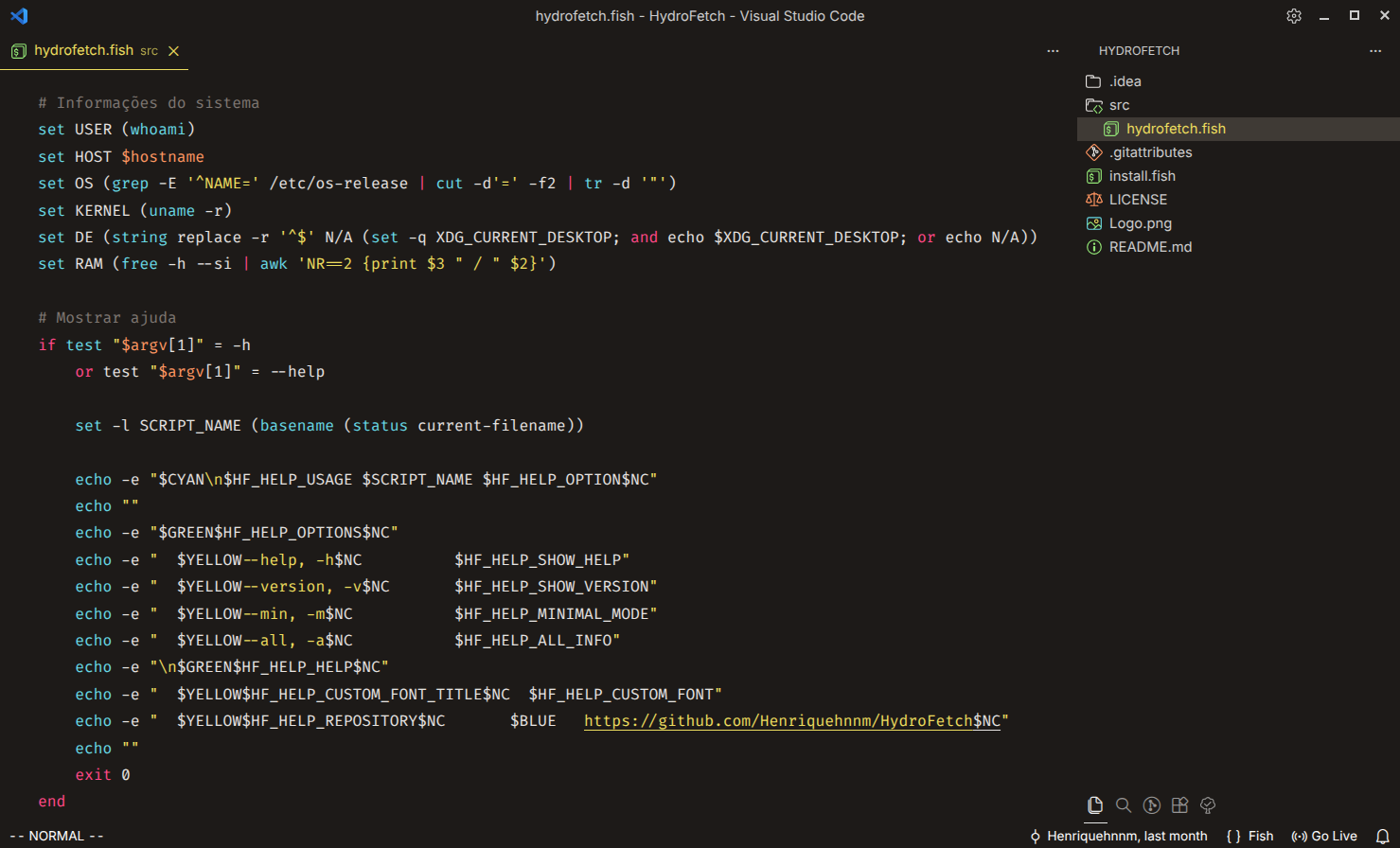
Preview

Stonekai Dark Theme Preview

About The Theme

Stonekai is a theme that provides a cool and modern feel for your Visual Studio Code environment. It aims to be the definitive modern, unofficial version of the classic Monokai theme. It was designed to be easy on the eyes, while maintaining a high level of readability and contrast.

Installation

  1. Open Visual Studio Code.
  2. Go to the Extensions view (Ctrl+Shift+X).
  3. Search for Stonekai.
  4. Click Install to apply the theme.
  5. Go to File > Preferences > Color Theme and select Stonekai.

Enjoy!

  • Contact us
  • Jobs
  • Privacy
  • Manage cookies
  • Terms of use
  • Trademarks
© 2025 Microsoft