Solarized Icon Theme
A clean, minimal and faithful Solarized Icon Theme for Visual Studio Code.
Designed to respect the original Solarized philosophy: balanced contrast, consistent colors, and excellent readability — without visual noise.
✨ Variants
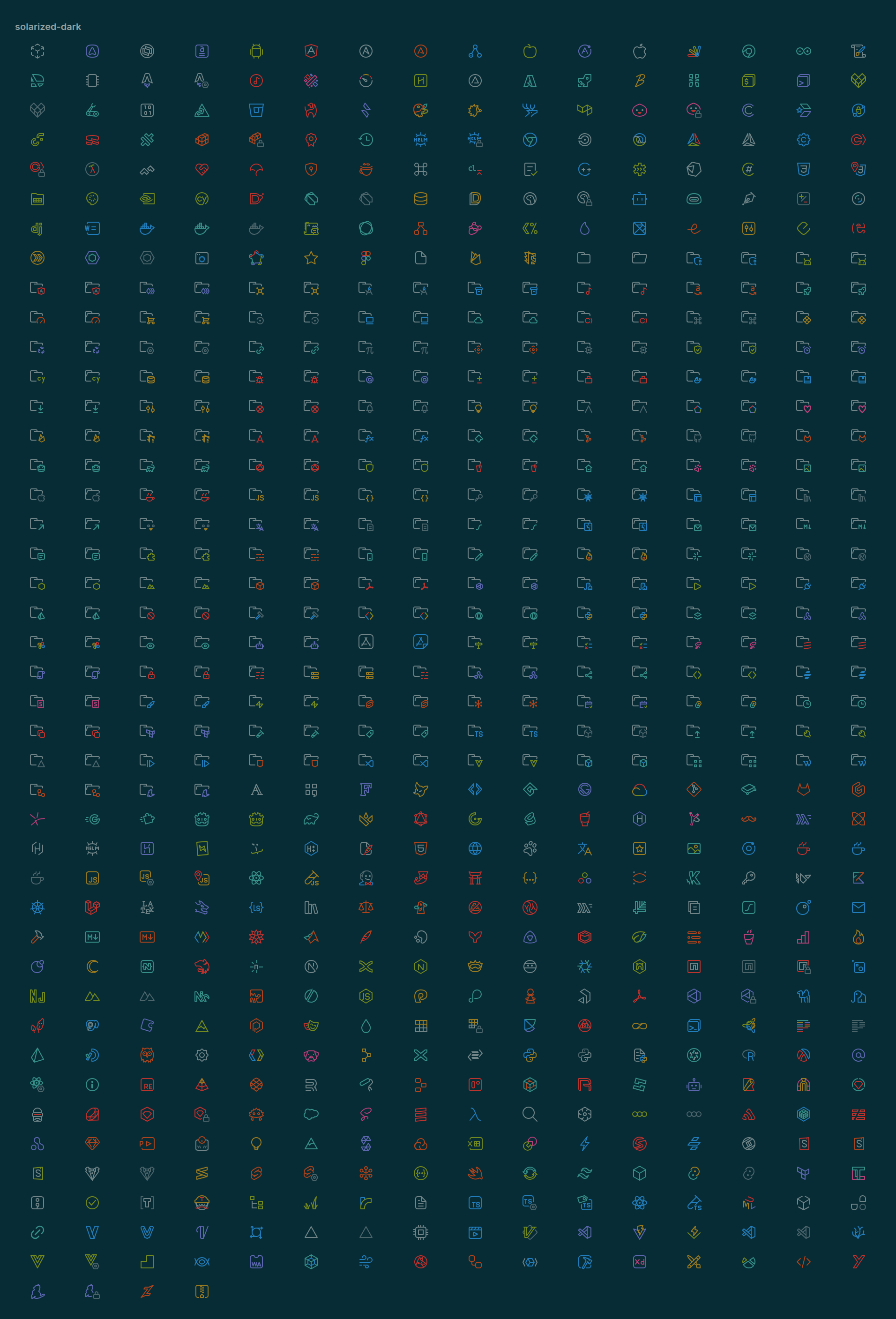
🌑 Solarized Dark
The classic Solarized Dark experience.
- Balanced contrast
- Calm, non-distracting colors
- Ideal for long coding sessions
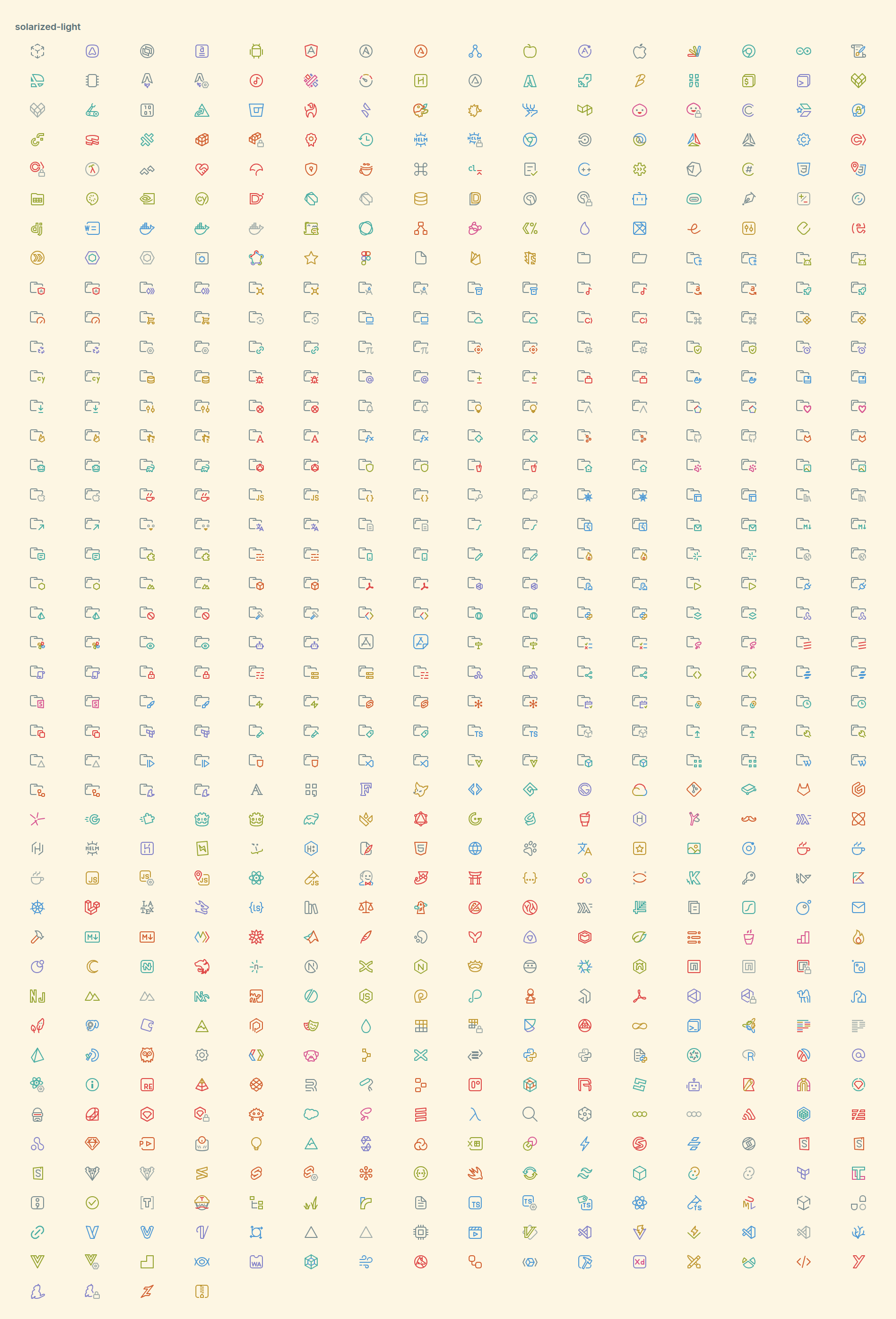
🌕 Solarized Light
A true Solarized Light variant.
- Soft light background
- Carefully tuned contrast
- Easy on the eyes, even in bright environments
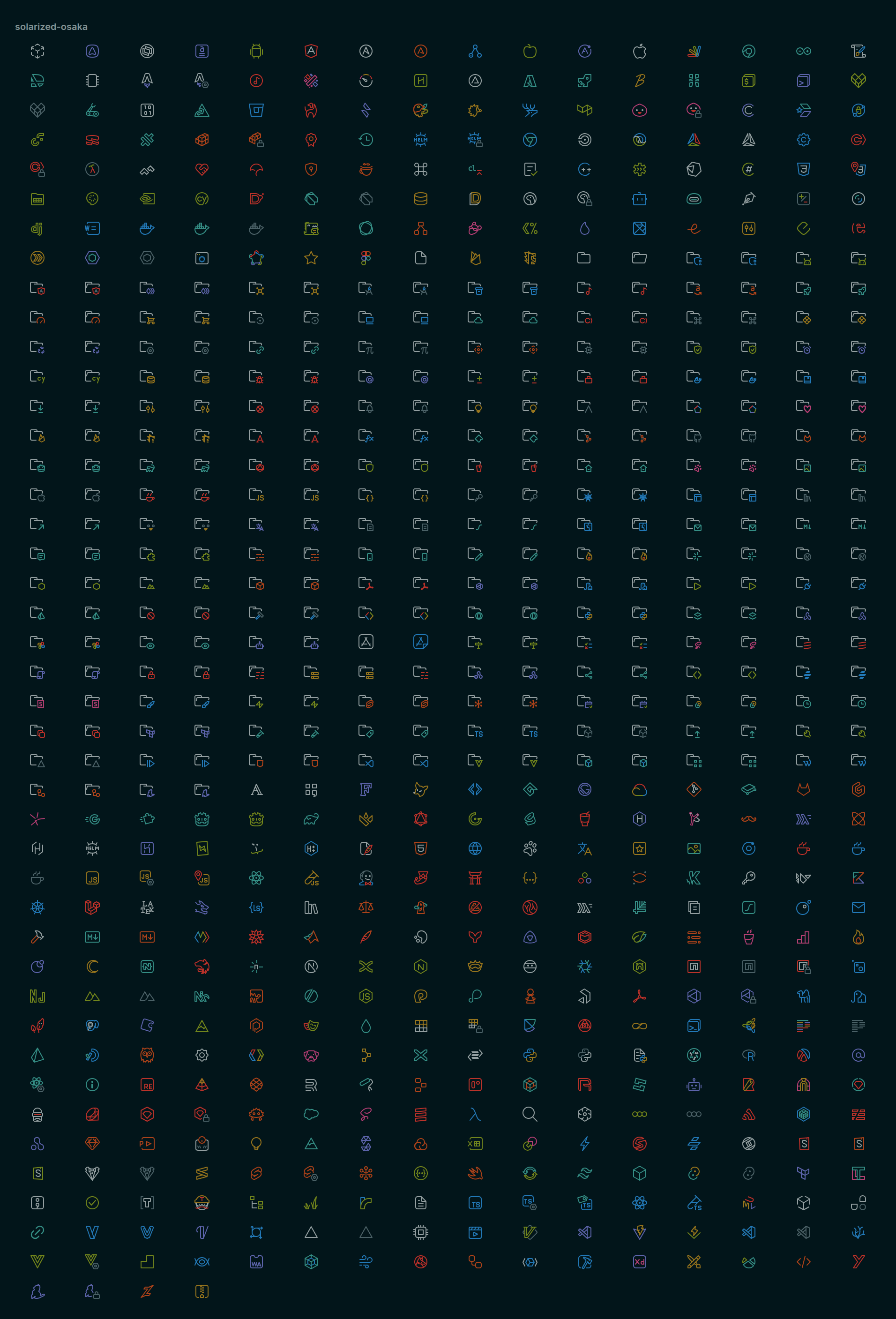
🌘 Solarized Osaka
A refined take on Solarized Dark.
- Slightly darker background
- More controlled highlights
- Subtle, mature look without breaking Solarized principles
🎨 Design Principles
- Faithful Solarized color palette
- Clean, minimal icons
- Monochrome base with subtle semantic accents
- Consistent shapes across all variants
- No unnecessary decoration
📦 Included Icons
- Programming languages
- Configuration files
- Build & tooling files
- Package managers
- Documentation files
- Common folders
🛠 Installation
- Open Extensions in Visual Studio Code
- Search for Solarized Icon Theme
- Install and reload
- Go to Preferences → File Icon Theme
- Choose your preferred Solarized variant
📸 Preview
Solarized Dark
Solarized Light
Solarized Osaka
💡 Recommendations
For the best experience, pair this icon theme with a Solarized-based color theme.
🤍 Credits
- Solarized color palette by Ethan Schoonover
- Solarized Osaka color palette by Takuya Matsuyama
- Based on Catppuccin Perfect Icons by Thang Nguyen
📄 License
MIT
| |

