About This Extension
VS Seti Plus is a complete visual system for Visual Studio Code — an original icon theme paired with matching color themes, built over a decade of professional development experience and designed entirely from scratch.
Every icon is an original design, created in Adobe Illustrator using a deliberate eight-color spectrum. No reused assets. No inherited visual language. Every pixel is intentional.
The system is built for developers who spend their entire day in the editor and need their workspace to be instantly readable, consistently beautiful, and comfortable during long sessions.
Pixel-Perfect File Icons
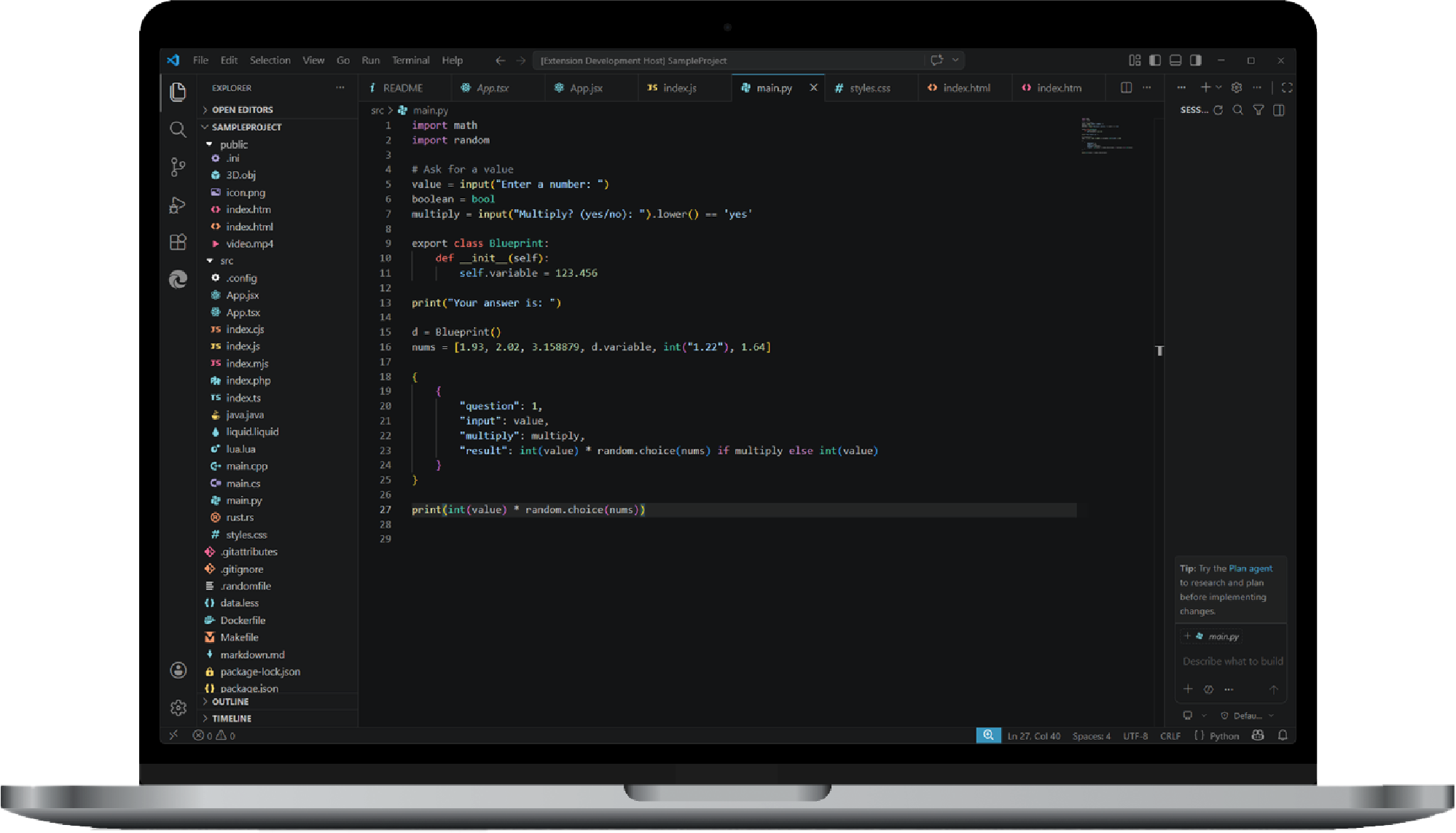
Most icon packs are variations on a theme. VS Seti Plus is a ground-up redesign. Every icon — all 200+ of them — were designed from scratch in Adobe Illustrator with one goal: recognition at a glance, even at the smallest scale.
Every icon is hand-tuned for high-contrast visibility. Whether your sidebar is fully expanded or collapsed to its minimum width, the silhouette and color of each icon remain distinct and identifiable.
The icon palette uses eight functional colors: Red, Orange, Yellow, Green, Blue, Purple, Pink, and White. These are not arbitrary — each color is calibrated to be bright enough for high contrast against dark sidebar backgrounds, while remaining soft enough to prevent eye strain during late-night sessions.
Generic icon packs assign the same symbol to related file types and call it "consistent." VS Seti Plus makes deliberate distinctions:
| File Group |
Distinct Icons |
| JavaScript variants |
JS, MJS, CJS, and OJS each have unique icons |
| React |
JSX and TSX are visually distinct, even at 4px |
| Web markup |
HTML, HTM, and XML are clearly differentiated |
| Python |
Scripts, modules, and handlers use unique symbols within the eight-color spectrum |
| TypeScript |
TS, TSX, and declaration files each have their own identity |
This principle extends across every supported language. No shortcuts. No generic fallbacks.
Full Language Coverage
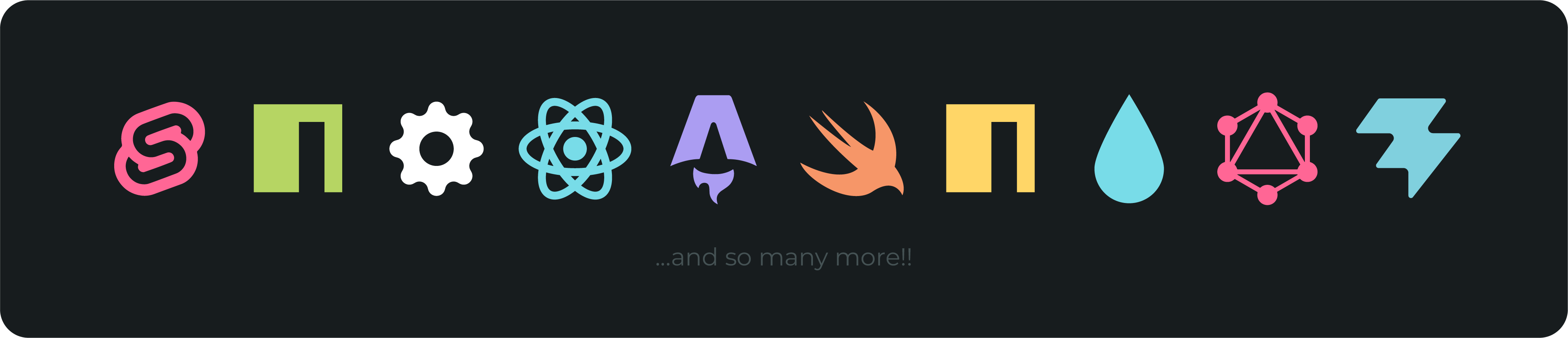
Languages: JavaScript · TypeScript · JSX · TSX · Python · Rust · C · C++ · C# · Java · Go · Ruby · Swift · Kotlin · Scala · R · Dart · Perl · PHP · Lua · SQL · Prisma · GraphQL · HTML · CSS · SCSS · Sass · Less · Stylus · Vue · Svelte · Astro · Solid.js · Markdown · MDX · JSON · YAML · TOML · XML · Shell · PowerShell · Batch · Protocol Buffers · Liquid · Scheme · And many more..
Build & Config: Docker · Docker Compose · Makefile · Vite · Babel · ESLint · Prettier · Tailwind · PostCSS · EditorConfig · Env · Git (all variants) · NPM · Yarn · PNPM · And many more..
Media & Assets: Images (PNG, JPG, SVG, WebP, AVIF) · Audio (MP3, WAV, FLAC) · Video (MP4, MOV, WebM) · GIF · 3D Models (OBJ, FBX, STL) · Fonts (TTF, OTF, WOFF2) · PDF · Spreadsheets · Presentations · And many more..
Folder Theming: src · components · pages · layouts · hooks · utils · lib · tests · docs · config · migrations · node_modules · .vscode — distinct icons for both collapsed and expanded states.
Beautiful Color Themes
The icon system is paired with dark color themes designed for improved workflow.
| Theme |
Character |
| Seti Plus (Dark Classic) |
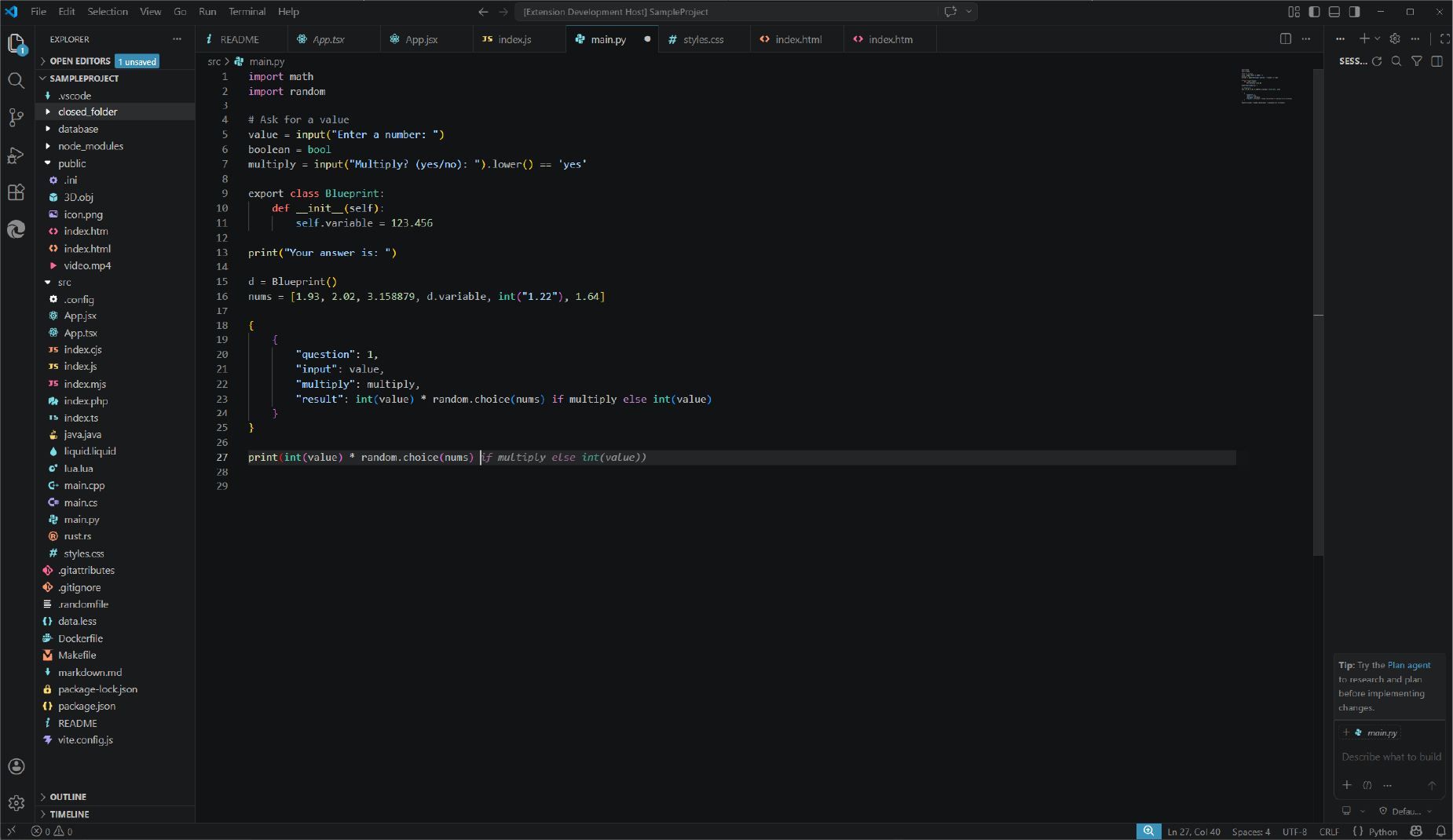
Deep, cinematic blacks with warm copper strings and dusty purple keywords |
| Seti Plus (Dark Contrast) |
Elevated contrast for bright environments and accessibility |
Seti Plus (Dark Professional) is currently in development — a darker and professional version of the classic.
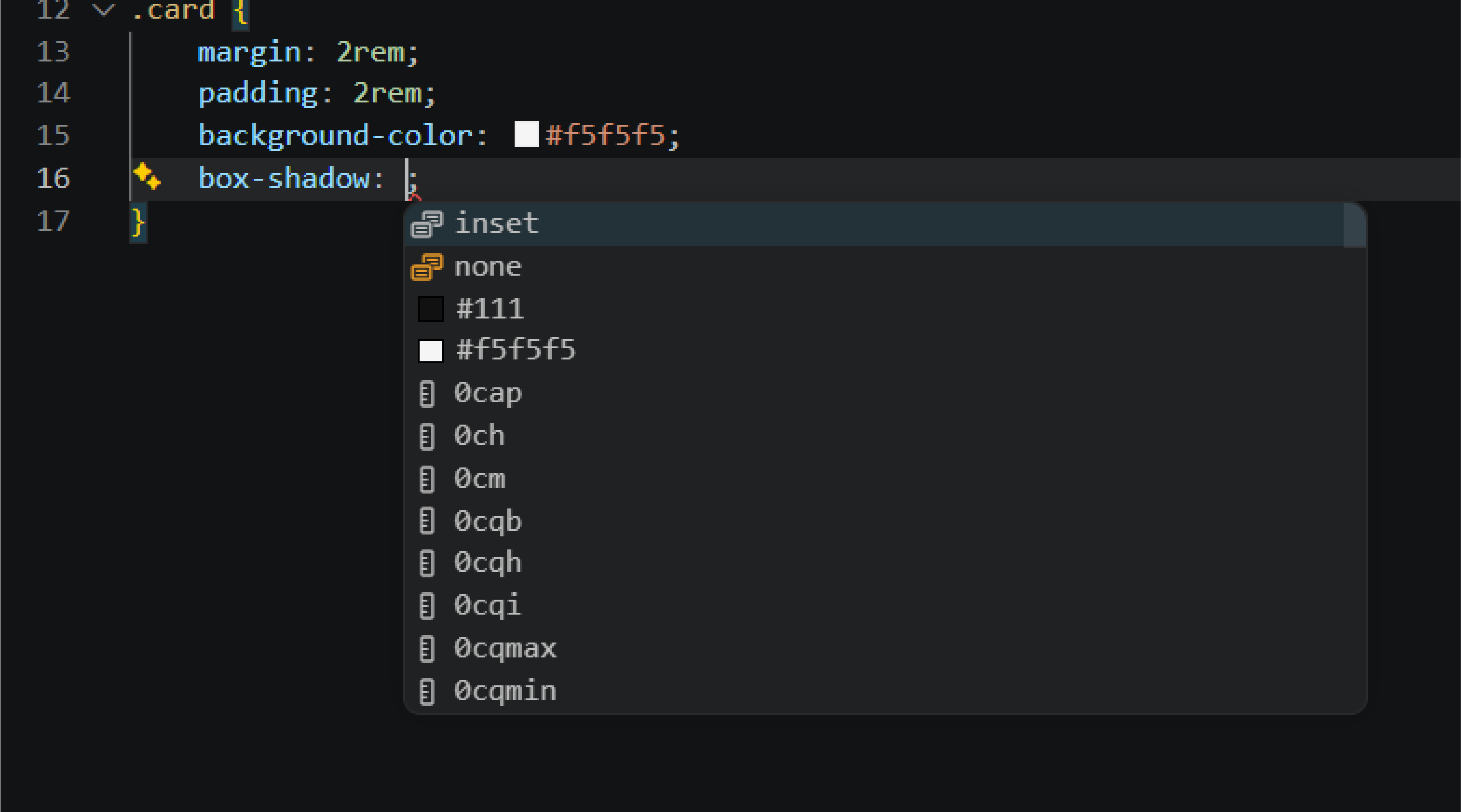
Suggestions, hovers, and the command palette float with subtle translucency, maintaining spatial awareness of the code behind them.
Setup
Installation
- Open VSCode
- Go to Extensions (
Ctrl+Shift+X / Cmd+Shift+X)
- Search for "VS Seti Plus"
- Click Install
Activate the Icon Theme
- Open Command Palette (
Ctrl+Shift+P / Cmd+Shift+P)
- Type "File Icon Theme"
- Select "Seti Plus (Dark Classic)"
Activate a Color Theme
- Open Command Palette (
Ctrl+Shift+P / Cmd+Shift+P)
- Type "Color Theme"
- Select your preferred VS Seti Plus theme
Extension Settings
Icon Theme
- Seti Plus (Dark)
- Seti Plus (Light) — Coming soon
Color Themes
Dark
- Seti Plus (Dark Classic)
- Seti Plus (Dark Contrast)
- Seti Plus (Dark Professional) — Coming soon
Light
- Seti Plus (Light Classic) — Coming soon
- Seti Plus (Light Contrast) — Coming soon
Known Issues
- Terminal cursor visibility: Some terminal configurations may override the cursor color. Set
"terminal.integrated.cursorStyle": "line" if the cursor is not visible.
Contribute
Missing an icon? Found a bug? Open an issue with:
- The file extension
- The framework or language
- (Optional) A reference or suggestion
Release Notes
[1.3.2] - 2026-MAY-08 — Latest
- No notable changes were made.
[1.2.9] - 2026-MAY-06
- Fixed proper styling in Seti Plus (Dark Classic)
- Added icons for Bun files, Minecraft worlds, Bezier Curves, and Applescript files
- Improved icon for README files
- Replaced Audio Play icon with Music Note
[1.2.8] - 2026-MAY-02
- Renamed Seti Plus (Dark) to Seti Plus (Dark Classic)
- Added icons for
.RSS, .WASM, .VSIX, and .CSPROJ files
- Added icons for VSCode, Symlink, and Cursor files
- Replaced all previous icons with slightly larger, refined versions
[1.2.6] - 2026-APR-27
- Released Seti Plus (Dark) color theme
- Released Seti Plus (Dark Contrast) color theme
- Added lock icon for LOCK files and
package-lock.json
- Updated README icon
- Fixed beta glitches with color themes
[1.2.5] - 2026-APR-23
- Published to the Visual Studio Marketplace
- Updated icons for Docker Compose and Changelog
[1.2.2] - 2026-APR-15
- Added test file icons (Jest, Vitest, Cypress, Playwright)
- Added folder theming for components, pages, layouts, hooks, utils, lib, and migrations
- Added dedicated Yarn Lock icon
- Added distinct icons for JSX and TSX
- Fixed ESLint config icon
[1.2.0] - 2026-APR-13
- Added 40+ new icons (Go, Ruby, Swift, Kotlin, Dart, Svelte, Astro, Fonts, Documents, Archives)
- Added
languageIds mapping for language-mode-aware icons
- Added CSS Modules support (
*.module.css)
- Added GraphQL and Protocol Buffer support
[1.1.0] - 2026-APR-04
- Added media file icons (Audio, Video, 3D Models, Vector)
- Added config file icons (EditorConfig, Babel, PostCSS, Tailwind)
- Added package manager lock file icons (Yarn, PNPM)
- Added folder icons for common project directories
[1.0.0] - 2026-MAR-28
- Initial release
- 90+ file icons
- Icon theme "Seti Plus (Dark)"
License
MIT © Hazeq Bin Mohsin
Enjoy.
If you like this extension, please leave a ⭐ review on the marketplace!
VS Seti Plus improves the workflow of most of the developers using the extension.
Note that while the name is "Seti Plus," the icon theme is not seti-based; it is a completely original system where every icon has been designed from scratch to be uniquely recognizable at a glance. Unlike standard packs that reuse the same visuals for different file types, these icons provide distinct identities for extensions like JS, MJS, CJS, and Java, ensuring they remain visible and sharp even at a tiny 4px scale. The color palette is specifically engineered to be as bright and saturated as required to pop against a dark background, providing high contrast while remaining soft enough to prevent eye strain during late-night sessions. This balance allows you to navigate massive projects by color and shape alone, keeping the experience clean, minimal, and highly efficient for solo developers.

