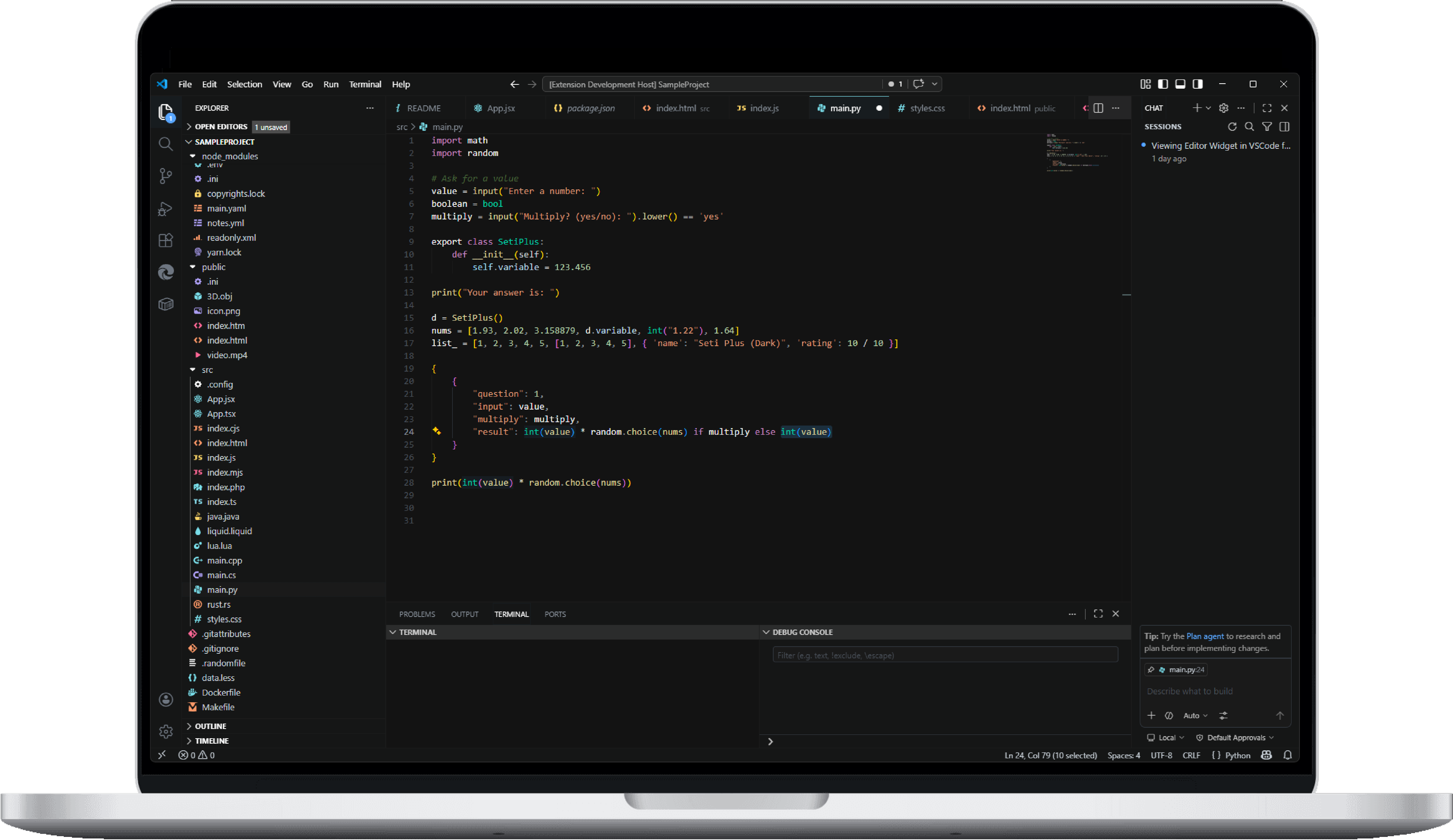
Spect✨ Professional icon pack and color theme for a better development experience ✨ Installation Launch VS Code Quick Open ( Ctrl+P), paste the following command, and press enter.Copied to clipboard |


Why Spect?Most themes force a choice: vibrant and tiring or readable and dull. The default icon theme was boring. Icons blurred together at small scales. The color theme had weak syntax highlighting and muddy backgrounds. I went through Ayu, One Dark Pro, Monokai Pro, and dozens of others. Every one fell short. After hours of coding, I always felt exhausted. So I stopped looking. I opened Adobe Illustrator and started building. The first version was called Syntax Shine. It was just a personal syntax theme. I tweaked every token color until I could stare at a complex React component at 2 a.m. and still read it clearly. The improvement was immediate. That's when it clicked: if this helped me this much, it could help others too. I expanded it into a full icon theme, published it as VS Seti Plus, and it somehow got 300+ installs and two 5-star reviews. But the name confused people — especially AI. Most assumed it was based on the built‑in Seti icons. It wasn't. Every icon was designed from scratch. So I rebuilt the brand from the ground up. It's now called Spect.
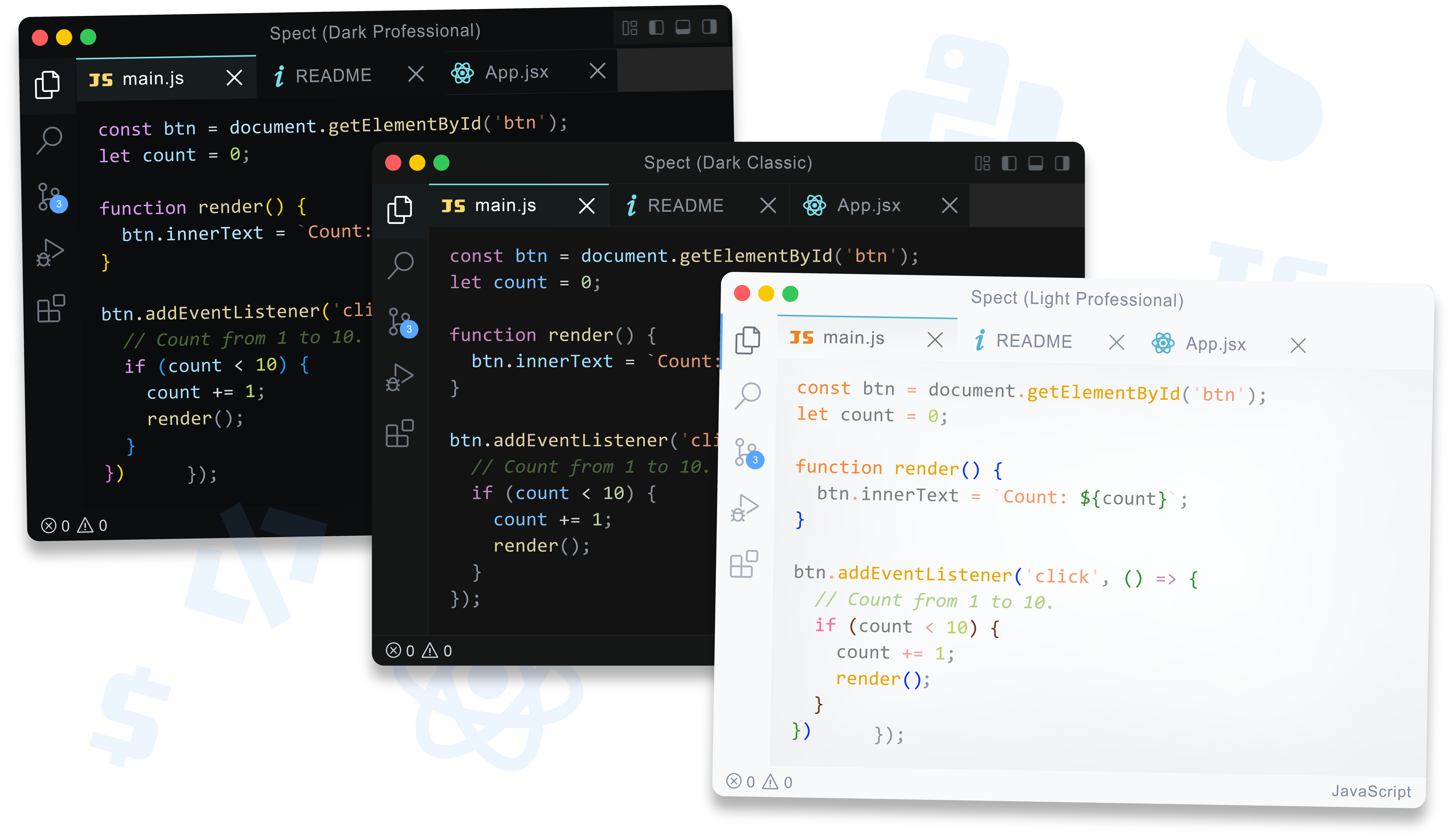
Color Themes That WorkSpect features a set of dark and light. Whatever your mood is, there's a color setting that's right for you
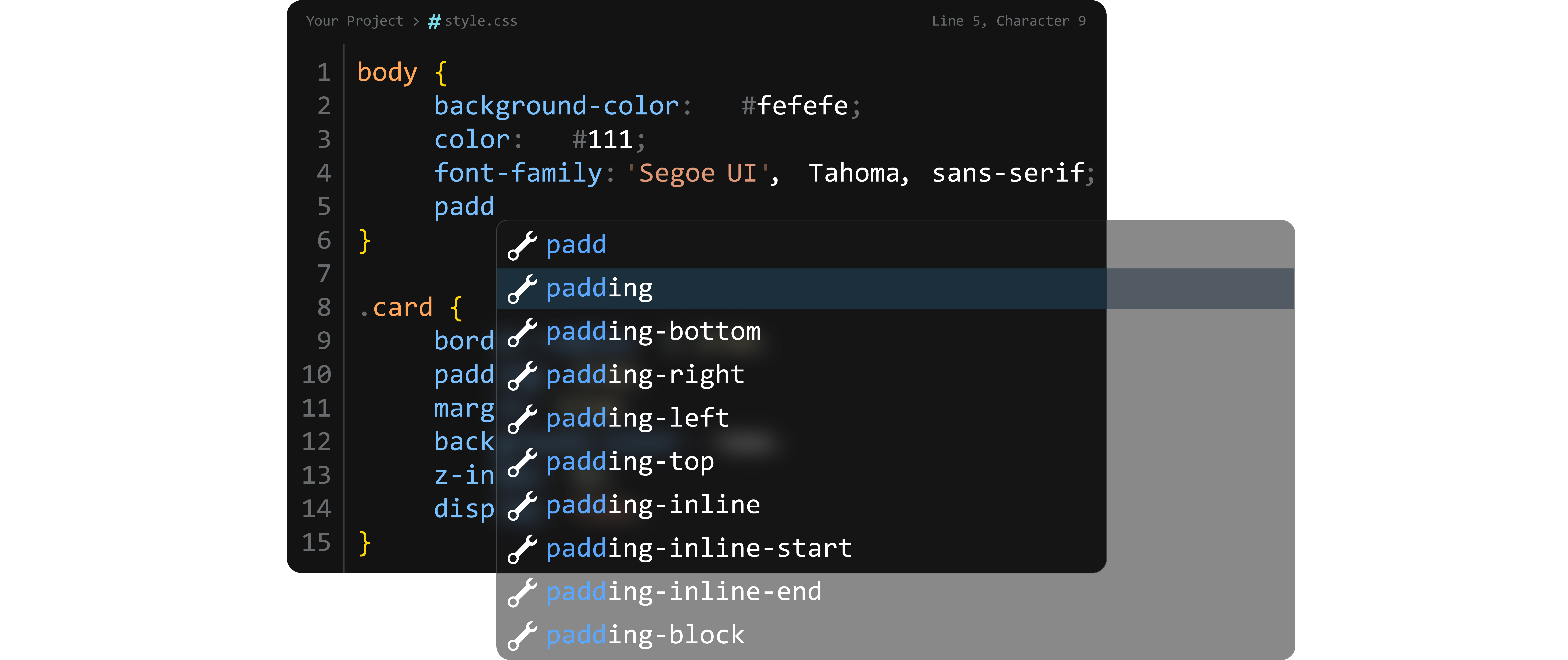
Every theme has 80+ syntax token rules — strings, regex, keywords, functions, variables, types, numbers, HTML/XML, CSS, Markdown, JSON, diffs, and more. Nothing gets left unstyled. The command palette, autocomplete suggestions, and hovers float with subtle translucency. You can even see the code behind them. It's one of the signatures of Spect — and it just feels more premium.
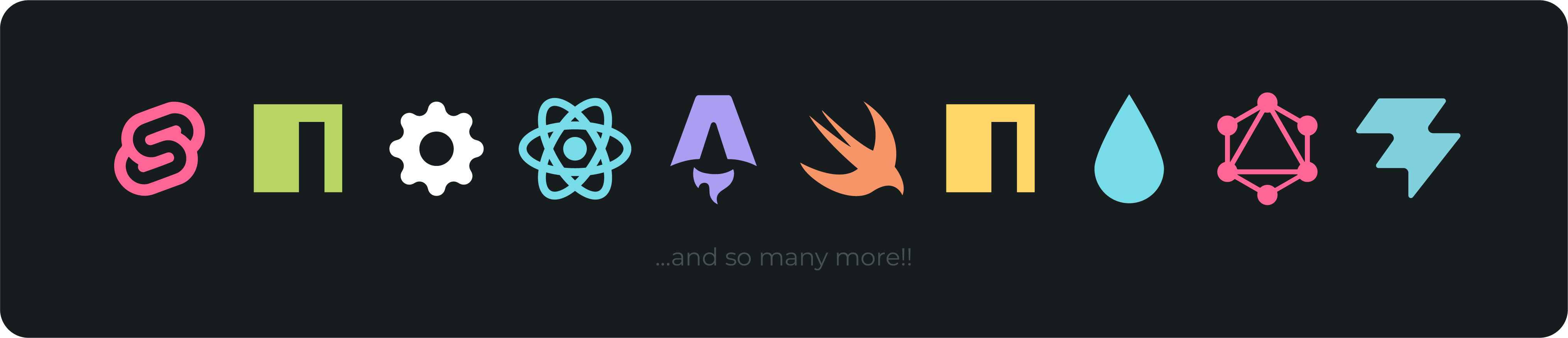
Pixel-Perfect File Icons300+ original icons designed for instant recognition — even at the smallest scales. Each icon is created from scratch to ensure it is easily recognizable on small sizes in the sidebar. They are designed to help you quickly find the right files in your project.
What Sets Spect ApartMost icon packs assign the same symbol to similar file types. Spect doesn't.
Those small distinctions matter when you're navigating a massive codebase at speed. SetupVia VS Code:
Via command line: Activate the theme:
The Story of SpectI got tired of themes that were almost right. The default Seti icons had gaps. Popular dark themes either skimped on syntax highlighting or wrecked my eyes after a few hours. I went through Ayu, One Dark Pro, Monokai Pro, and dozens of others. None felt like what I actually wanted. So I built it myself. The first version was called Syntax Shine, it was just a personal syntax theme. The improvement to my workflow was immediate. That's when it clicked: if this helped me, it could help others. It grew into VS Seti Plus, earned 5-star reviews, and eventually became Spect — a complete, original icon and color system. Built to the standard I wanted: a theme made by a developer, for developers, who spend ten hours a day staring at code. Compare with Popular AlternativesSpect isn’t a clone. It’s a ground‑up rethinking of what a VS Code theme should be. Here’s how it stacks up against the themes most developers know and use.
Bottom line: Spect is the only option that gives you both a complete icon set and a full suite of color themes – all tuned and perfect for anyone using it. Known Issues
ContributeMissing an icon? Found an issue? Bug report? All feedback is read and considered for future releases. What's NewSee CHANGELOG.md for full version history. v1.4.1 — July 25, 2026Improved
LicenseMIT © Hazeq Bin Mohsin. View full license here.
|