BuildMeter for VS Code, Cursor and Antigravity
Measures how long you wait for builds, dev servers and debug sessions run from the editor, until the app is up, and appends each record to ~/.buildmeter/events.jsonl. Flutter, .NET, React (Vite, Create React App) and Next.js are supported.
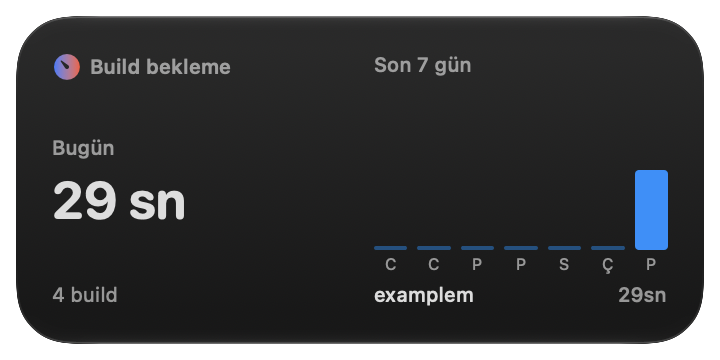
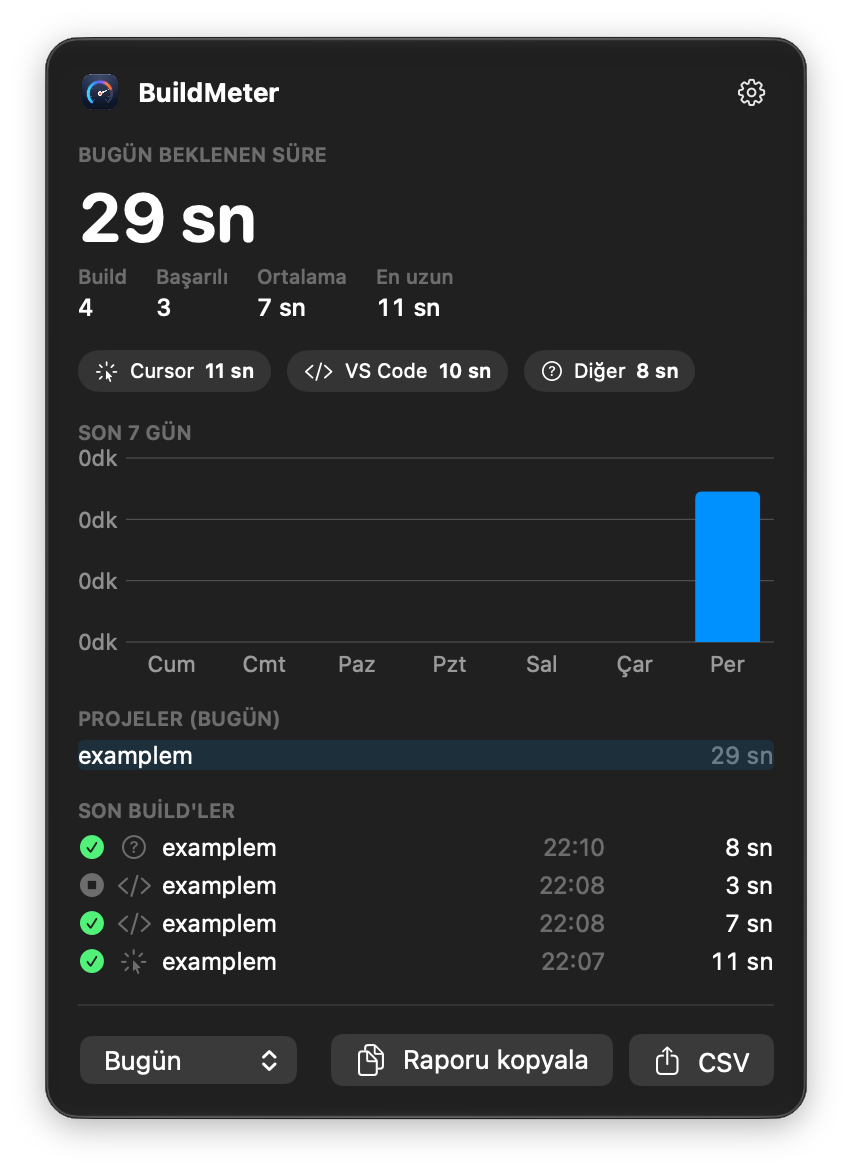
The records are shown by the BuildMeter menu bar app and widget, and by buildmeter report, as daily, weekly and monthly summaries.
What is recorded
| Where |
What |
Recorded until |
| Debug (F5): Flutter |
dart sessions |
the flutter.appStarted event |
| Debug (F5): .NET |
coreclr sessions |
Now listening on: / Application started.; for console apps, the app starts |
| Debug (F5): Node |
node / pwa-node sessions of Next.js, Vite and Create React App dev servers |
the dev server's ready line |
| Tasks |
build tasks such as npm: build |
the task ends (exit code decides success) |
| Integrated terminal |
flutter run, npm run dev, next build, dotnet run … |
the ready line, or the end of build commands |
Terminal commands are read through VS Code's shell integration (VS Code 1.93+; zsh, bash, fish, PowerShell and Git Bash; not cmd.exe).
Each command is recorded exactly once:
- .NET builds (
dotnet build, Rider, Visual Studio, dotnet tasks, preLaunchTask builds) are recorded by the BuildMeter MSBuild hook, so the extension skips them.
- When the BuildMeter terminal wrapper is installed, it records terminal commands itself and prints an invisible marker; the extension sees the marker and steps back.
- The extension sets
BUILDMETER_SOURCE in the editor's terminals, so the wrapper and the MSBuild hook record the editor (vscode, cursor, antigravity) as the source instead of terminal.
Commands
- BuildMeter: Olay kayıtlarını aç: opens
~/.buildmeter/events.jsonl.
More
The menu bar app, the terminal wrapper, the MSBuild hook and installation steps: https://github.com/birhos/BuildMeter