HacktronAIYour AI teammate for security. Hacktron collaborates in your workflow, identifies real vulnerabilities, and empowers researchers and developers to move faster. Installation Launch VS Code Quick Open ( Ctrl+P), paste the following command, and press enter.Copied to clipboard |

HacktronAI
Your AI teammate for application security. Hacktron collaborates directly in your IDE, identifies real vulnerabilities, and empowers security researchers and developers to move faster.
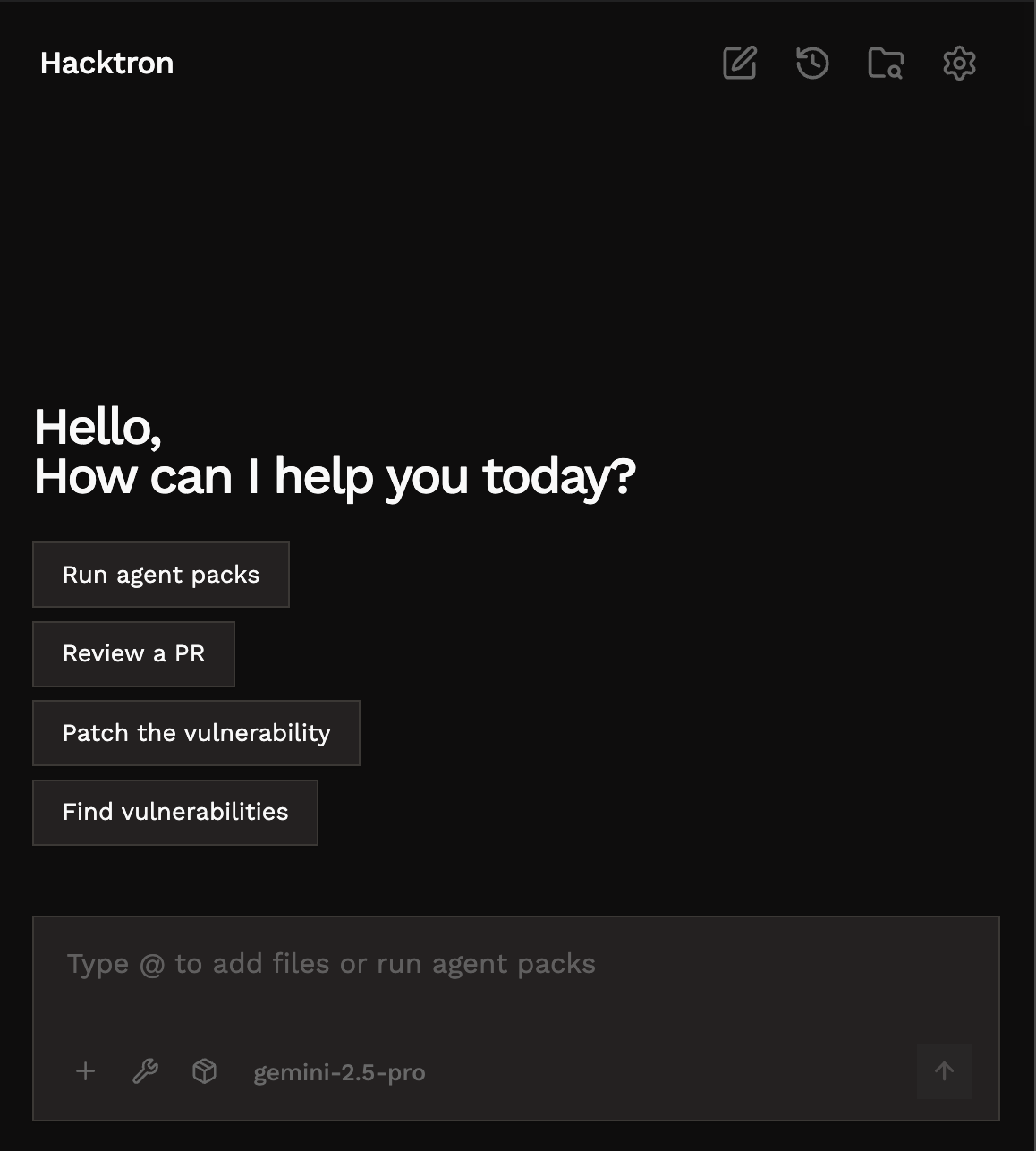
FeaturesChat InterfaceHave a conversation with your AI security engineer directly in VS Code. Ask security questions, request vulnerability assessments, or get help patching issues.
Agent PacksRun specialized security workflows with pre-built agent packs. Each pack targets specific vulnerability types or workflows. Example pack:
Select an agent, hit "Start scan", and let the AI do the work. Personal AgentsCreate custom vulnerability detection agents from natural language descriptions. Describe a vulnerability pattern, and HacktronAI generates an agent with detection rules.
Example: "SQL injection in Ruby on Rails ActiveRecord where user input is passed to .where() without sanitization" SkillsExtend HacktronAI with installable skills for specialized tasks. Skills add domain-specific knowledge and capabilities.
Example: Code Editing for PoCsHacktronAI can suggest and apply code fixes with an inline diff view. Review changes before accepting.
Findings PanelTrack all discovered vulnerabilities in one place. Filter by severity, search by keyword, and navigate to affected code with one click.
RulesDefine custom security guidelines that the AI will follow. Create rules at two levels:
Write rules in natural language. The AI incorporates them into its analysis. Multi-Model SupportUse HacktronAI's optimized models or bring your own API keys:
Switch models on the fly from the model selector. Quick Start
Commands
Privacy & SecuritySOC 2 Compliant — View our controls at trust.hacktron.ai Zero Data Retention — We have ZDR agreements with all AI providers (OpenAI, Anthropic, Google). Your code is not stored or used for training. Support
LicenseSee LICENSE.md for details. |