Skip to content
| Marketplace
Sign in
Visual Studio Code>Themes>Eloquent Dark ProNew to Visual Studio Code? Get it now.
Eloquent Dark Pro

Eloquent Dark Pro

HFA-NYC

|
45 installs
| (1) | Free
A refined dark theme based on Atom One Dark — tuned for long coding sessions, with carefully balanced contrast for JS/TS, JSX, PHP, Blade, and modern web stacks.
Installation
Launch VS Code Quick Open (Ctrl+P), paste the following command, and press enter.
Copied to clipboard
More Info

Eloquent Dark Pro

A refined dark theme for Visual Studio Code, based on Atom One Dark with enhancements for better readability and aesthetics during long coding sessions.

Carefully tuned for JavaScript / TypeScript, React (JSX/TSX), PHP, Blade, HTML, CSS, and Tailwind workflows.

Version Installs Rating License

Eloquent Dark Pro Preview

Install

  1. Open Visual Studio Code
  2. Open the Extensions panel (Ctrl+Shift+X / Cmd+Shift+X)
  3. Search for Eloquent Dark Pro
  4. Click Install
  5. Open the Command Palette (Ctrl+Shift+P / Cmd+Shift+P) → Preferences: Color Theme → select Eloquent Dark Pro

Screenshots

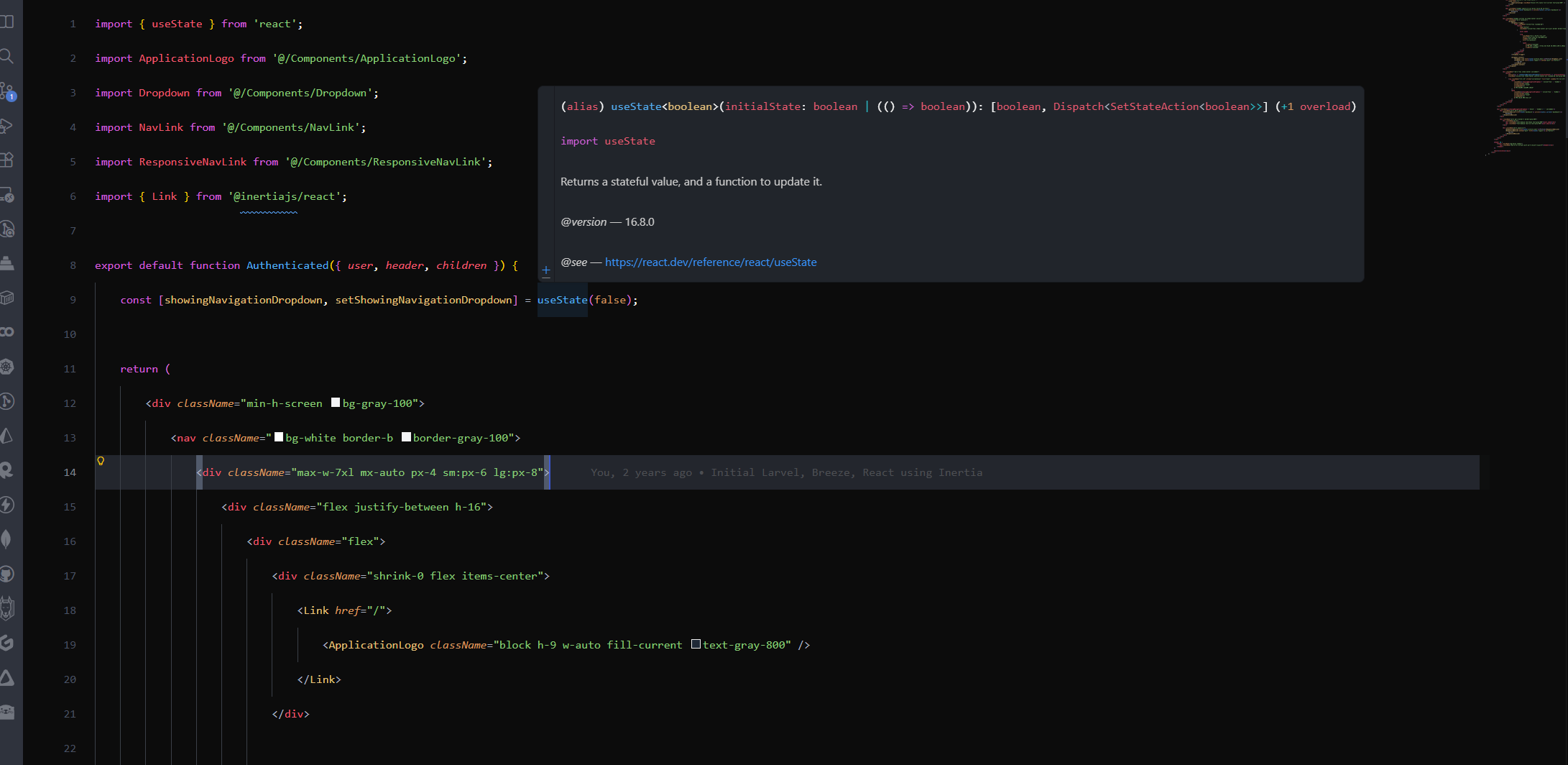
React / JSX

JSX

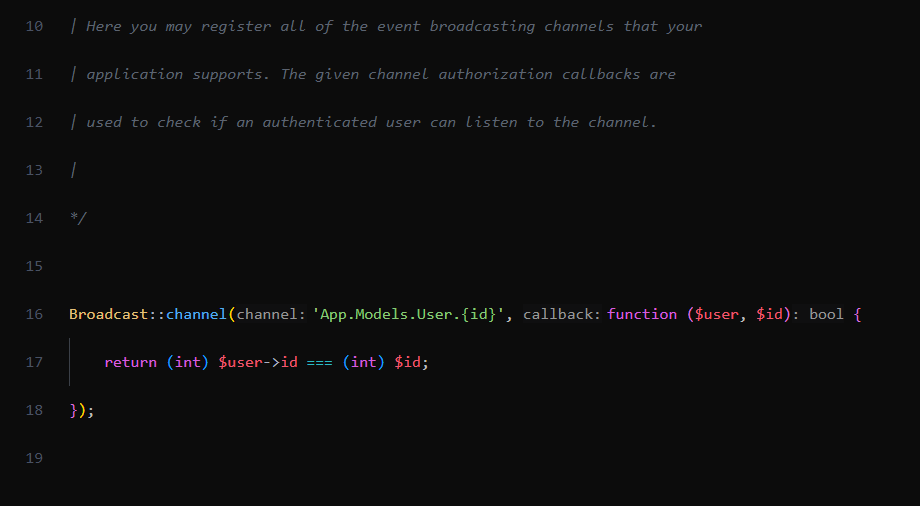
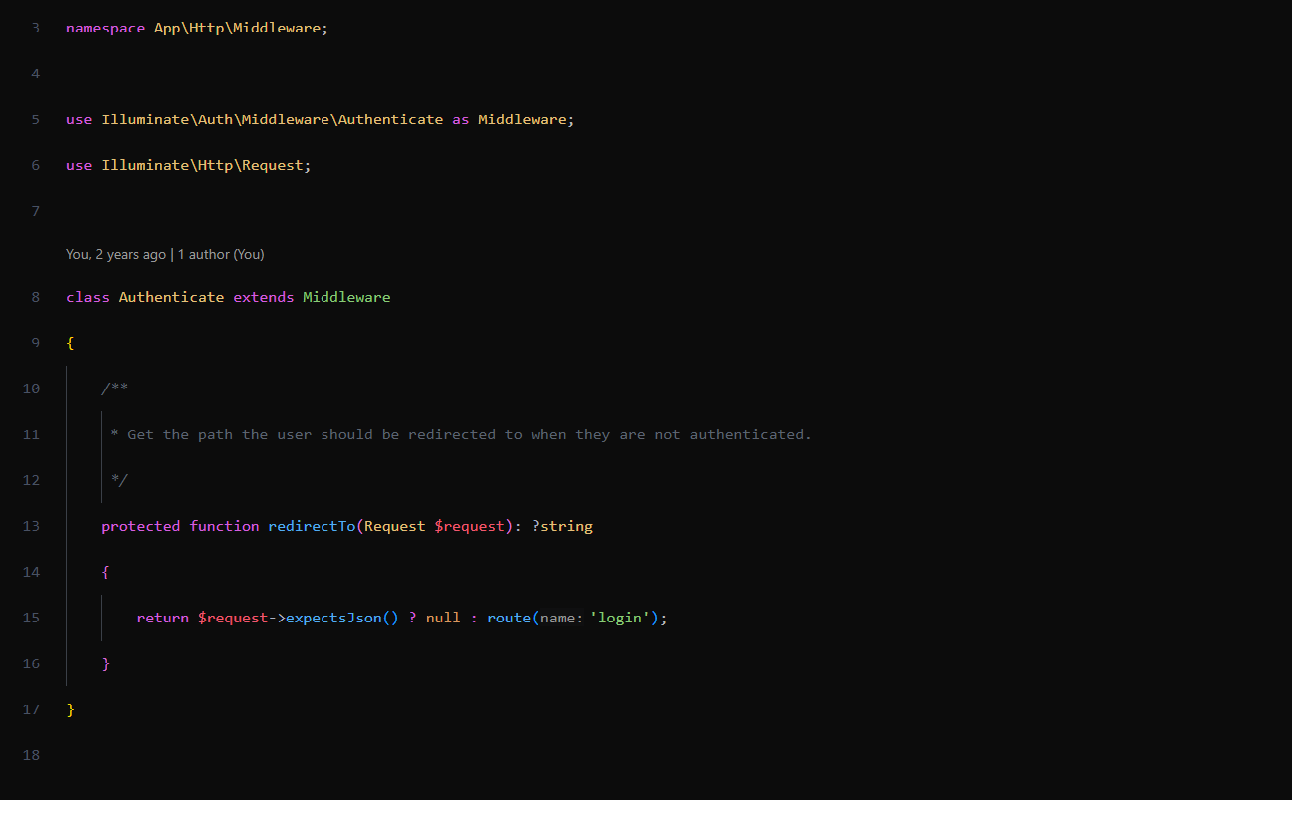
PHP & Comments

PHP and comments

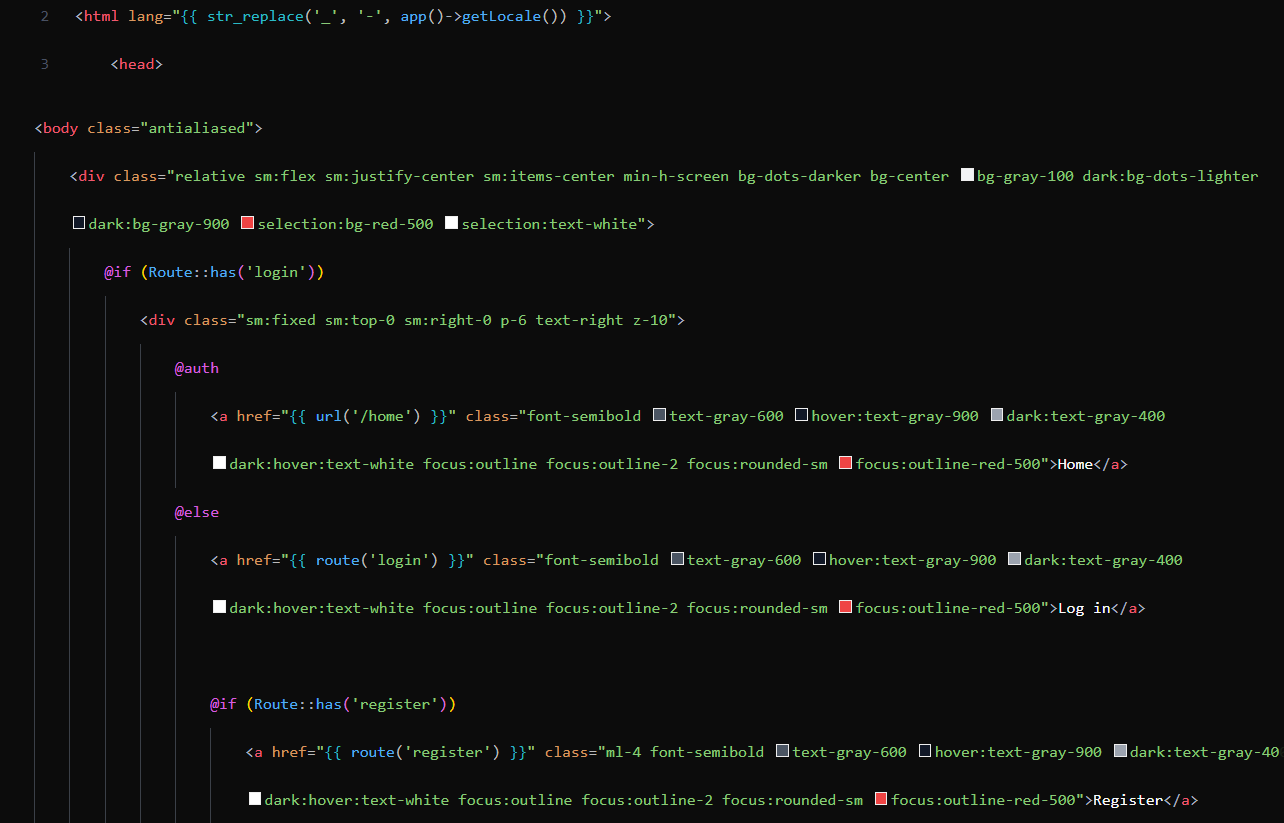
Blade Templates

Blade

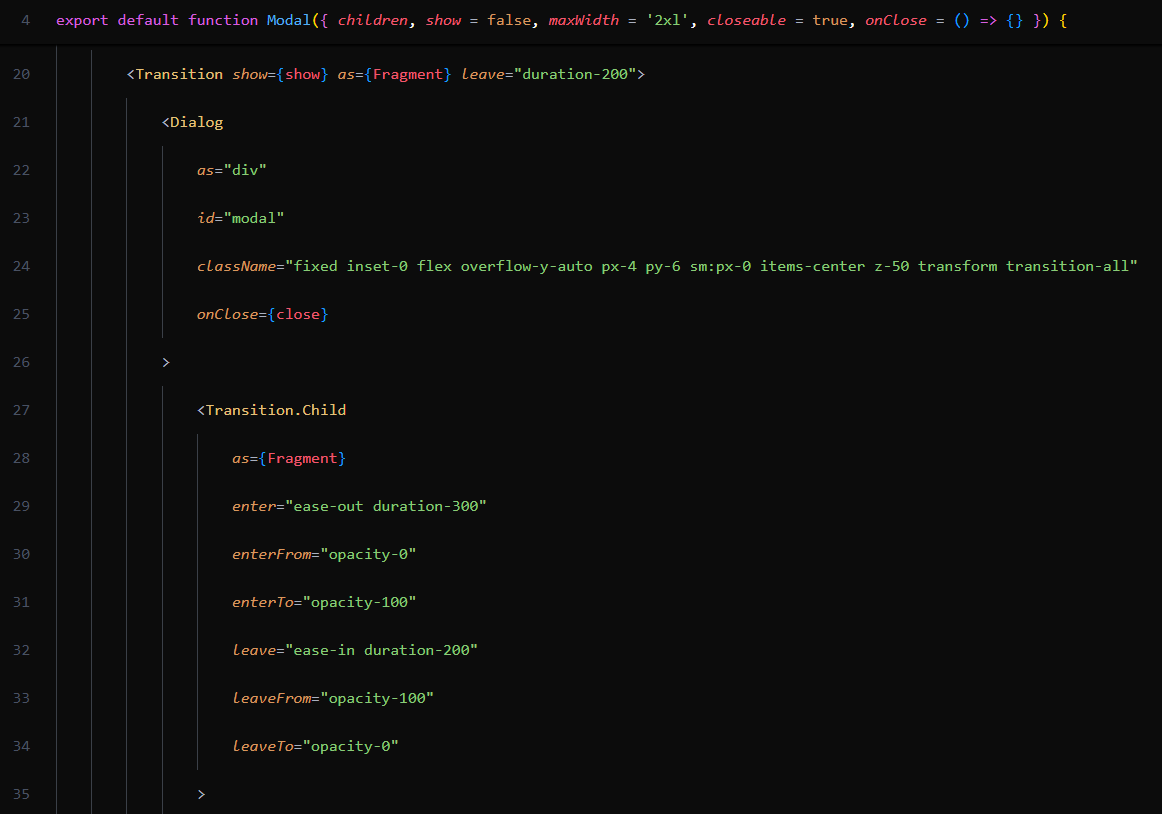
Classes

Classes

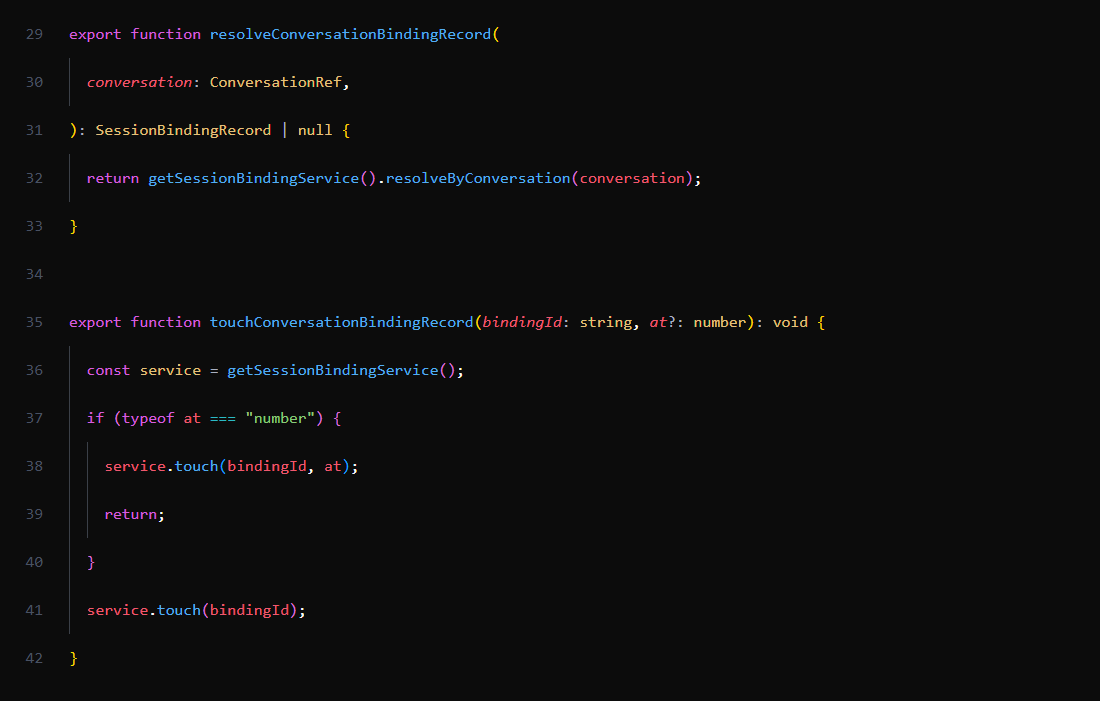
Functions

Functions

Highlights

  • Pure #111111 editor background for deep contrast
  • Soft activity bar (#2F333D) that recedes from the code
  • Punchy syntax palette tuned for JSX, PHP, Blade, and TypeScript
  • Comfortable comment color — readable, not noisy
  • Distinct colors for keywords, functions, classes, and strings

Recommended Settings

For the best experience, pair the theme with these settings:

{
  "editor.fontFamily": "'JetBrains Mono', 'Fira Code', Consolas, monospace",
  "editor.fontLigatures": true,
  "editor.fontSize": 14,
  "editor.lineHeight": 1.6,
  "editor.cursorBlinking": "smooth",
  "editor.smoothScrolling": true,
  "editor.renderLineHighlight": "all"
}

Feedback

Found a token color that could be better? Open an issue or PR on the GitHub repo.

License

MIT

  • Contact us
  • Jobs
  • Privacy
  • Manage cookies
  • Terms of use
  • Trademarks
© 2026 Microsoft