Overview
GherFlow Extension brings the visual Gherkin platform GherFlow directly into Visual Studio Code.
It acts as a lightweight bridge between:
- Behavior specifications (
.feature)
- Visual scenario modeling
- Automation frameworks such as Reqnroll
Designed for QA engineers, testers, developers, and product teams who care about clarity, structure, and quality.
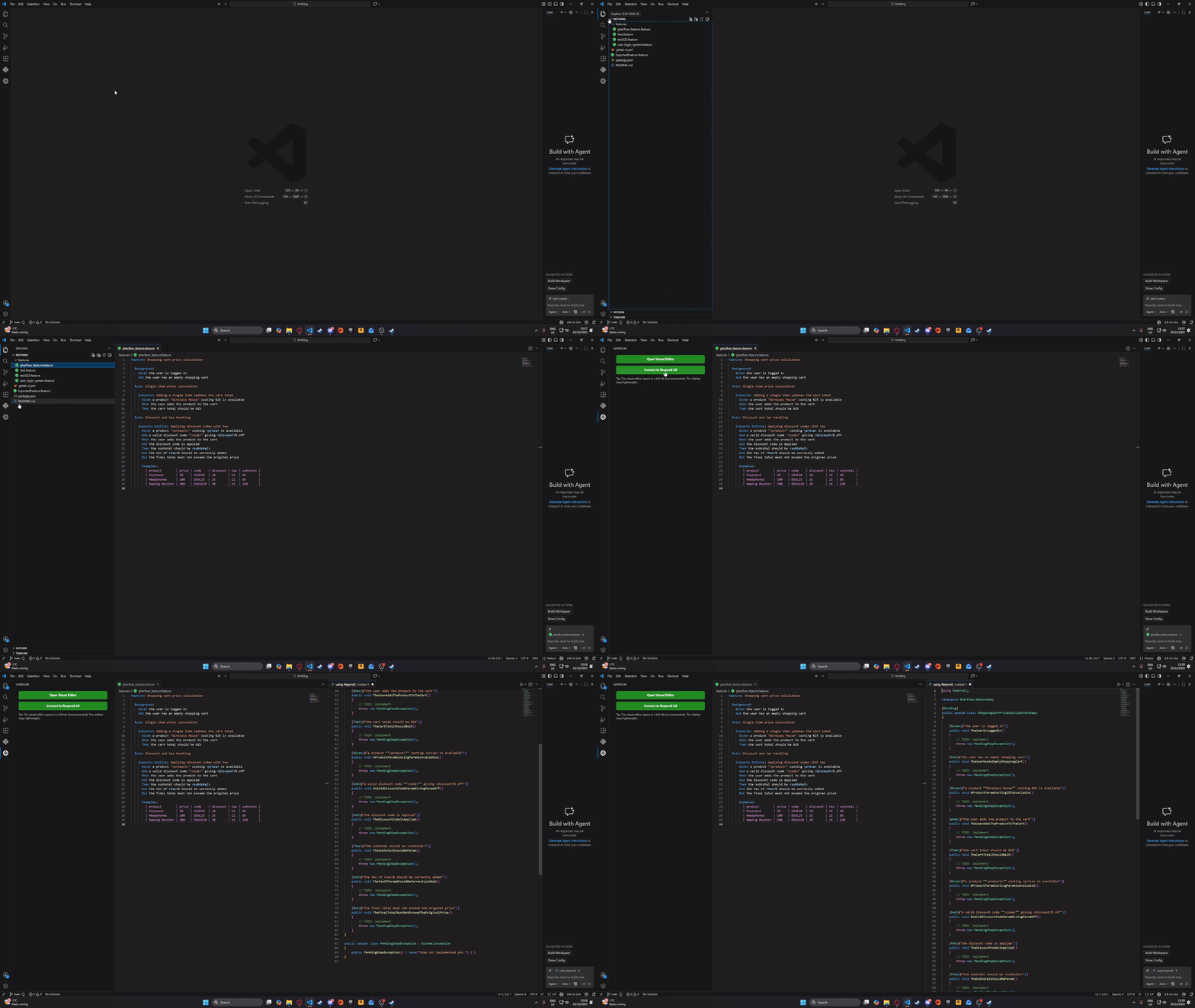
The extension has an additional conversion tool that can transform a .feature file into a Reqnroll-ready C# step definition file.
What this does:
- Reads the active
.feature file
- Extracts:
FeatureGiven, When, ThenAnd, But
- Generates:
[Binding] class- Step definition methods
- Safe method names
- Pending step placeholders
The generated C# file opens side-by-side for immediate editing.
Screenshots
Screenshots are illustrative and may evolve as the extension develops.
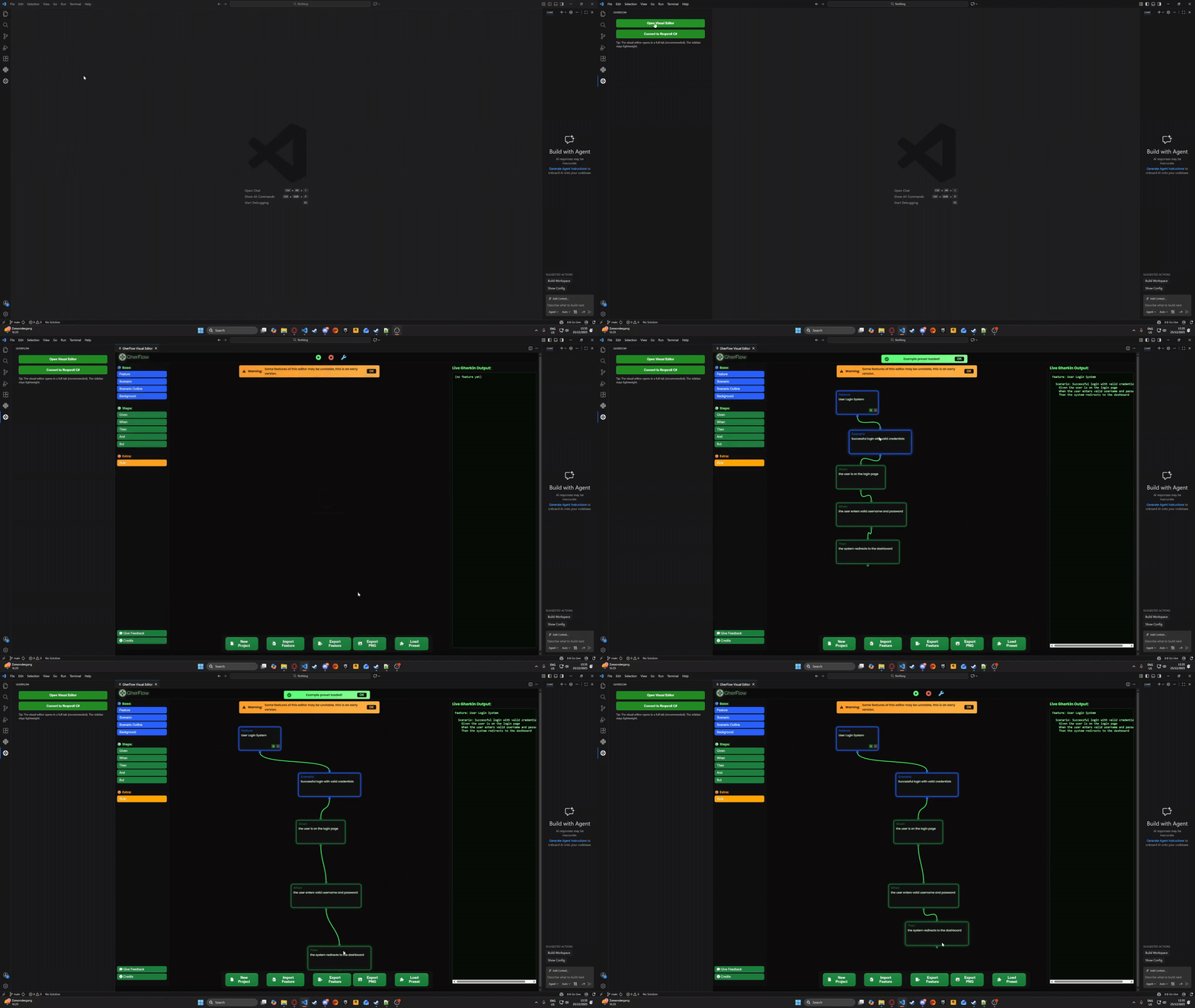
Visual Editor
Reqnroll C# Generation
How to Use
- Install the extension
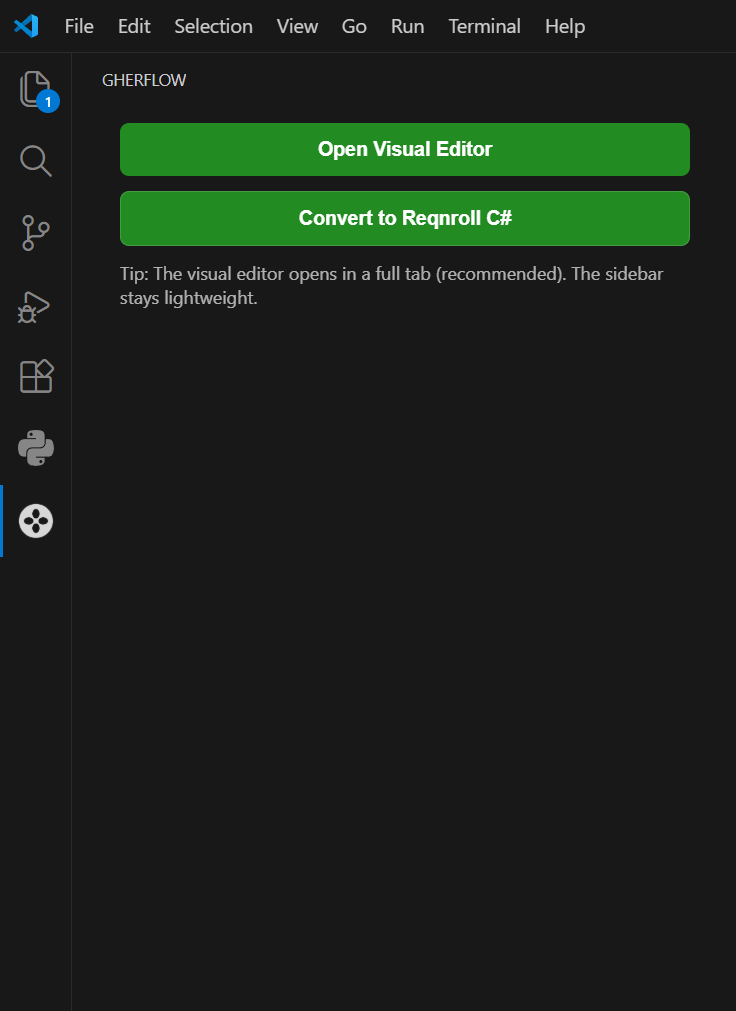
- Click the GherFlow icon in the VS Code Activity Bar
Open the Visual Editor
- Click Open Visual Editor
- The editor opens in a full VS Code tab for the best experience
Convert a Feature File
- Open a
.feature file
- Click Convert to Reqnroll C#
- A new C# document with step definitions is generated
Roadmap
Planned improvements include:
- Two-way sync between visual editor and
.feature files on VS Code
- Improved support for Scenario Outlines & Data Tables
- Configurable namespaces and class names
- Quality Intelligence rules such as: risks, coverage gaps
- AI-assisted scenario and step generation
- Fixing some of the import/export functionalities.
Feedback & Support
We welcome feedback, ideas, and bug reports.
Requirements
- Visual Studio Code v1.107.0 or higher
.feature files for conversion- Reqnroll installed in your .NET project (for execution)
The extension itself does not require Reqnroll to be installed.
It only generates compatible code.
License
This VS Code extension is released under the MIT License as a wrapper.
The GherFlow platform itself remains proprietary software.
© 2024–Present GherFlow. All rights reserved.