PyTreeHelper extension to visualize inheritance trees for Python classes. Installation Launch VS Code Quick Open ( Ctrl+P), paste the following command, and press enter.Copied to clipboard |

PyTreePyTree is a Visual Studio Code extension that renders interactive class inheritance trees for Python projects. For every class in the hierarchy it shows typed attributes and method signatures, highlights overridden members and abstract elements, and gives reference to all definitions — giving you an instant, accurate and interactive picture of any object model without leaving your editor. Requirements
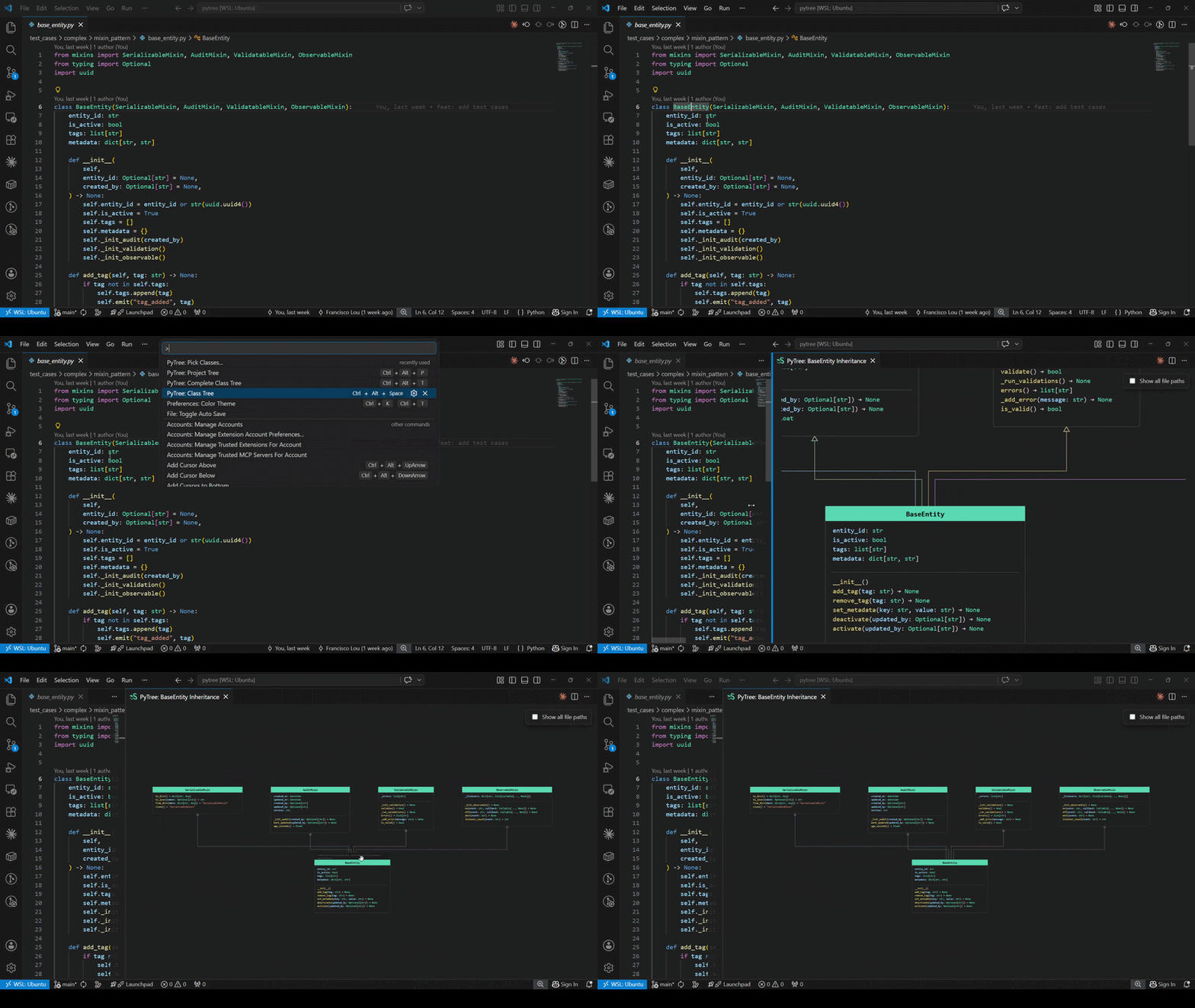
No additional configuration is needed. The extension activates automatically when you open a Python file. FeaturesSimple TreeOpen a tree focused on the class under your cursor, showing all ancestor layers above it. Trigger:
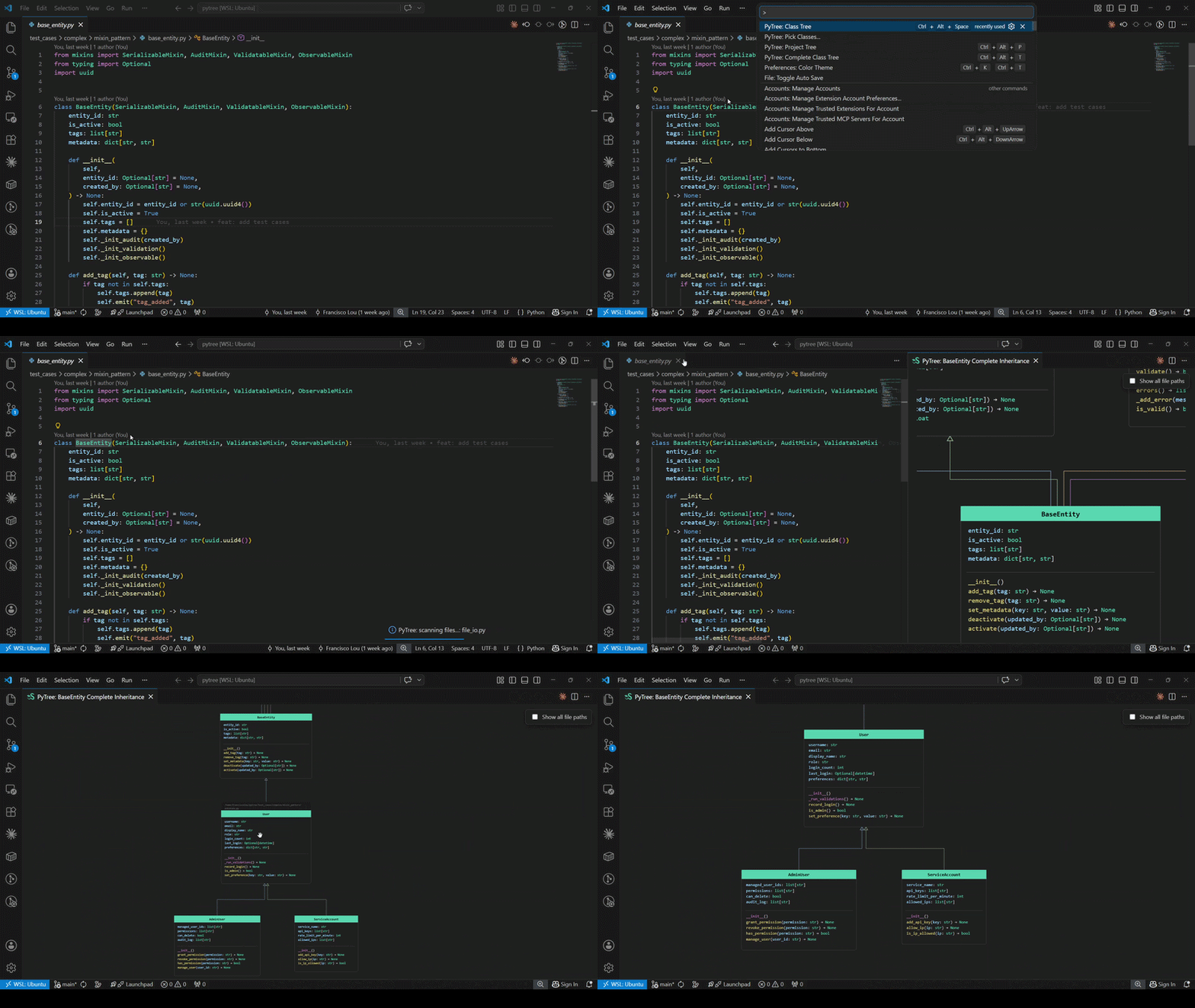
Complete TreeSame as the Simple Tree, but also shows every subclass and renders descendant layers below the focus class. Trigger:
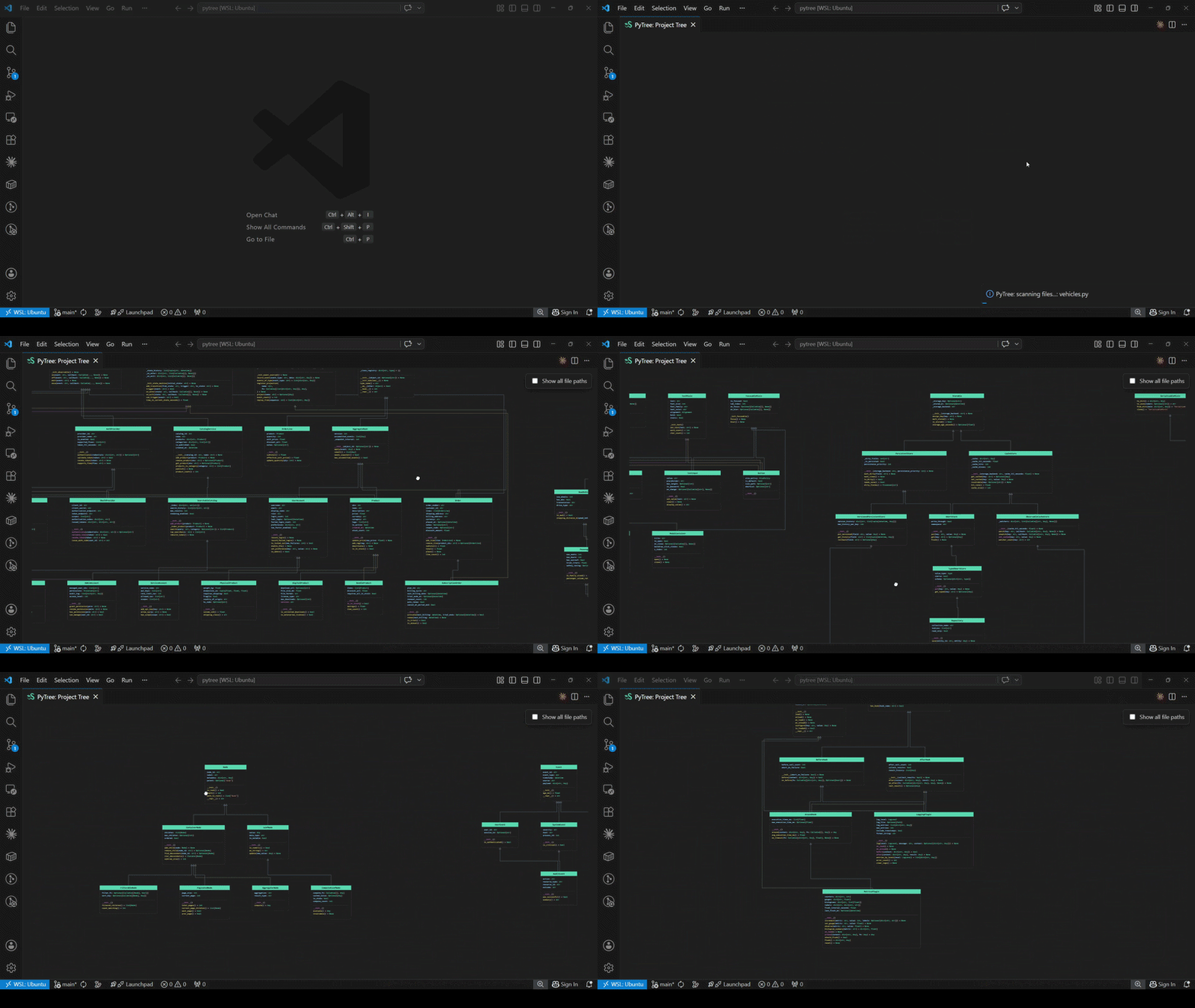
Project TreeRenders all Python classes in the workspace at once, grouped by their connected inheritance component and laid out in a grid. Useful for getting an overview of the full object model of a project. Trigger:
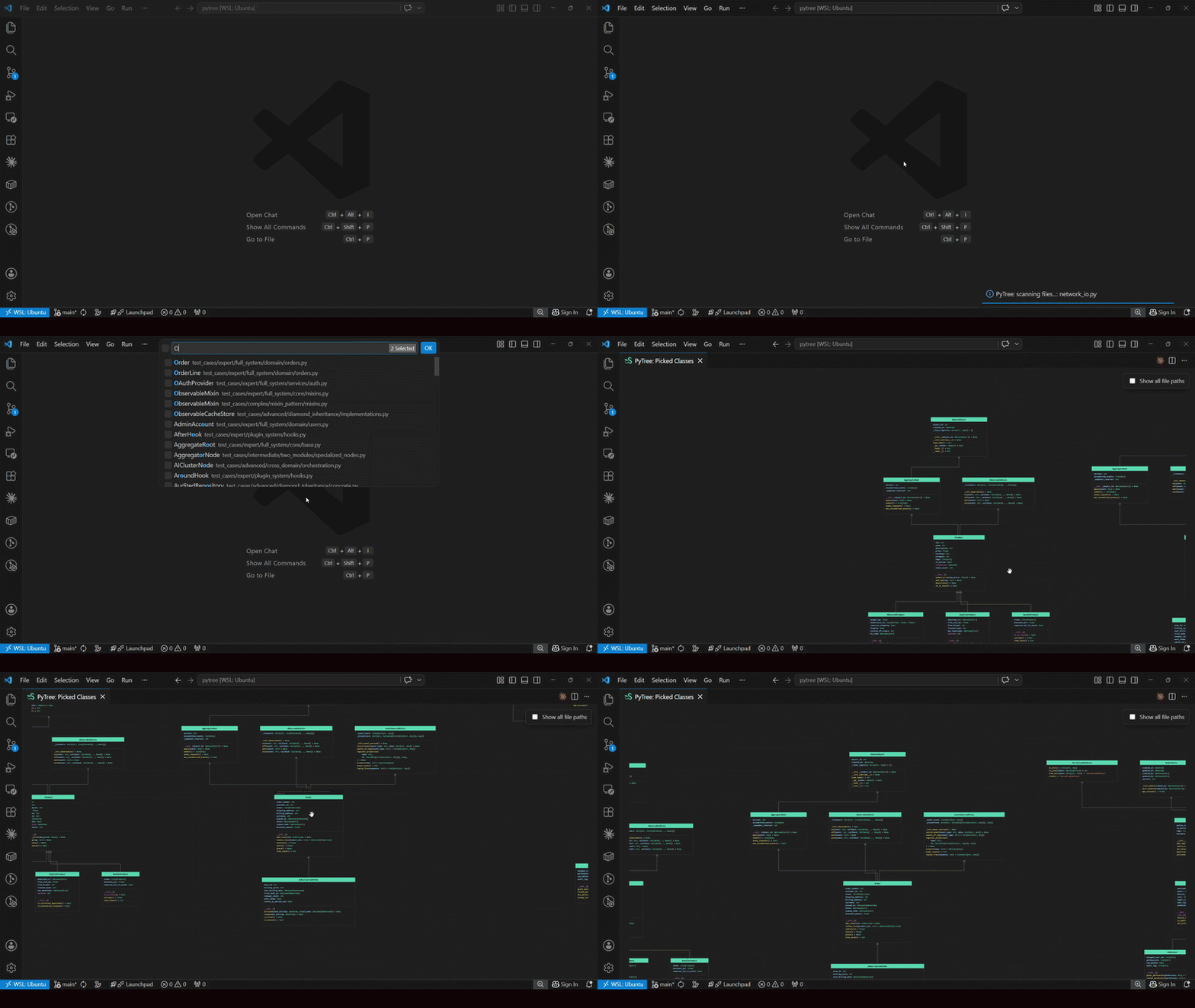
Pick ClassesLets you hand-pick one or more classes from a searchable list and render them side by side in a single view. You choose the tree type (Simple or Complete) upfront, then select any number of classes from a multi-select quick-pick. Trigger: Command Palette:
Pick PathsRenders a project-tree-style view restricted to the classes defined in the files or folders you pick. You choose the tree type (Simple or Complete) upfront, then select any number of files and/or folders from a multi-select quick-pick. The classes defined within the selection are kept, and their full inheritance is brought in — superclasses (and, for Complete, descendants) are shown even when they live in modules outside the selection. Trigger: Command Palette: All ExceptThe inverse of Pick Paths: renders a project-tree view of the workspace excluding the files or folders you pick. Useful for skipping test directories, generated code, or vendored libraries. You choose the tree type (Simple or Complete) upfront, then select any number of files and/or folders to exclude. Classes inside excluded paths are never rendered, even when they would otherwise be pulled in as ancestors or descendants of included classes. Trigger: Command Palette: CreateAn interactive board for designing classes visually and generating Python source files from the diagram. Instead of reading an existing object model, you draw one: 'lay out classes, connect inheritance, group them into modules, and PyTree writes the Trigger: Command Palette: The toolbar exposes five drawing tools plus two actions:
Inside each box you can add attributes, properties, and methods with their types and default values, and mark methods as abstract, static, or class methods. The box renders them with the same colors and When you click Create, each module becomes a Change Inheritance (Drag & Drop)In any tree view, click and drag an inheritance arrow off its current parent and drop it onto a different class to rewrite the inheritance directly in the source file. A confirmation dialog is always shown before the change is applied. If the new parent introduces attribute or method conflicts with the child, those conflicts are listed upfront so you can decide whether to proceed; otherwise a plain confirmation prompt asks you to verify the change. Cycles (where the new parent is already a descendant of the child) are blocked. Trigger: Drag an inheritance arrow onto a different class ExportAny tree view can be saved to a local file using the Export button in the top-right toolbar. Clicking it opens a small dropdown with SVG and HTML format options. Show All File PathsA checkbox in the webview header toggles file-path labels on every class box. By default, paths are hidden and only appear on hover; enabling the checkbox keeps them permanently visible — handy when navigating a large workspace with classes spread across many files. Hover IntegrationHovering over any class name in a Python file shows a small card with clickable links — Show Ancestors Tree and Show Complete Tree — that open the corresponding view for that class without moving your cursor to the Command Palette. Colors and SymbolsEvery class box uses color and symbols consistently across all tree views.
Each class box groups members into labelled sections in order: Attributes, Properties (for Webview InteractionEvery tree view is fully interactive:
Pan position, zoom level, and the file-paths checkbox state are persisted per webview session. Commands & Shortcuts
LimitationsOnly annotated class-level attributes are shown. PyTree collects attributes declared with a type annotation at class body level ( To have an attribute appear in the tree, declare it at class level: This is intentional: it encourages explicit, typed class design and keeps the tree uncluttered.
Non-Python base classes are shown by name only. If a base class is not resolvable within the workspace (e.g. a third-party library class), PyTree displays the name without expanding its members. |