Markdown Index
A lightweight VS Code extension that displays a Table of Contents for the active markdown file.
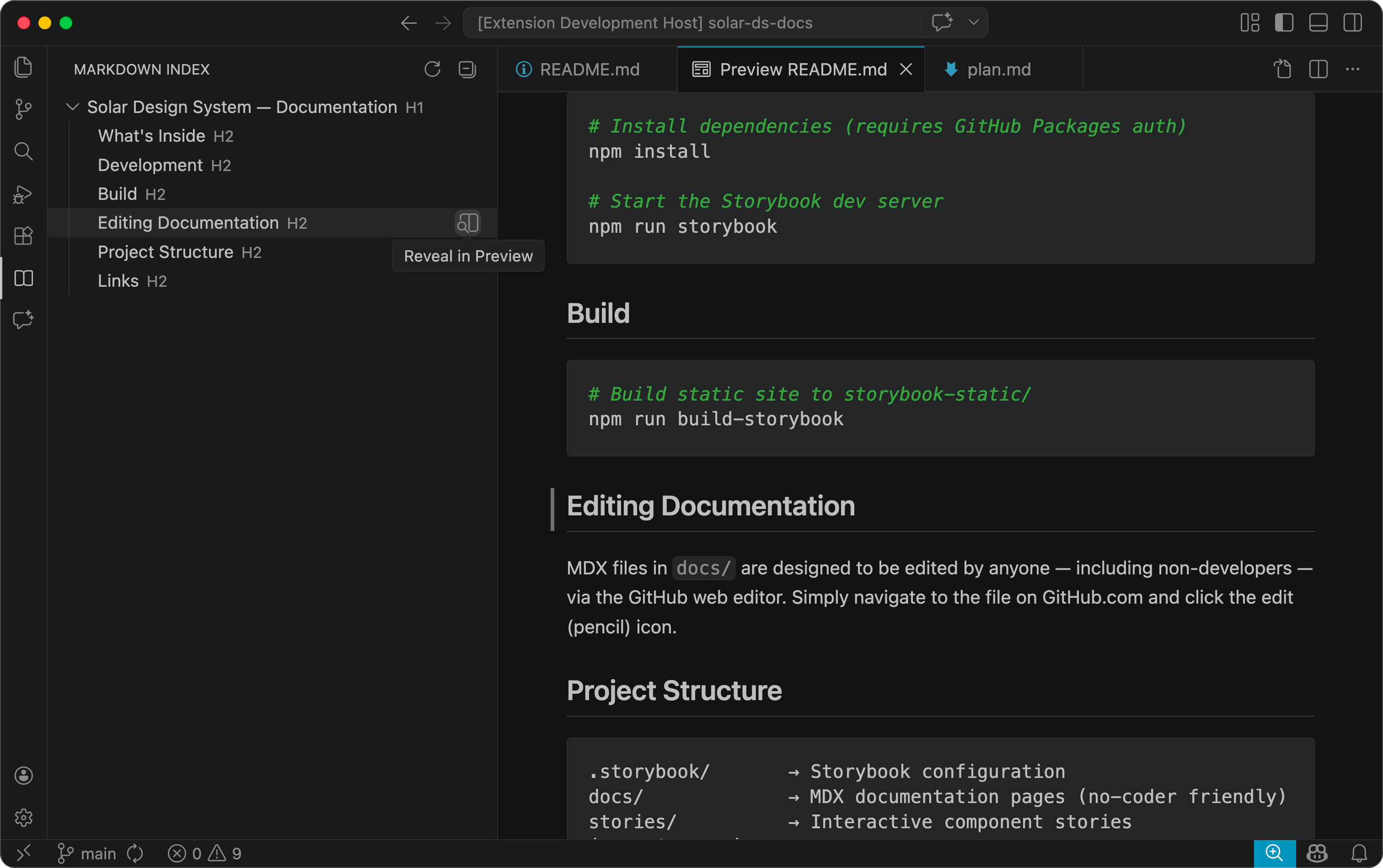
Features
- Hierarchical outline — Headings (H1–H6) displayed as a nested tree mirroring your document structure.
- Click to navigate — Select any heading to jump straight to it in the editor or preview.
- Live updates — The tree refreshes automatically as you type.
- Flexible placement — Show the index in the Explorer panel or as its own sidebar icon.
- Zero dependencies — Fast, small, and stays out of your way.
Usage
- Open any
.md file.
- Look for Markdown Index in the Explorer sidebar or click the book icon in the activity bar.
- Click a heading to scroll to it.
Requirements
VS Code 1.74 or later.
Extension Settings
| Setting |
Options |
Default |
Description |
markdownIndex.clickAction |
editor, preview |
editor |
Where to navigate when clicking a heading. |
markdownIndex.location |
explorer, sidebar |
explorer |
Where to display the Markdown Index view. |
License
MIT
| |

