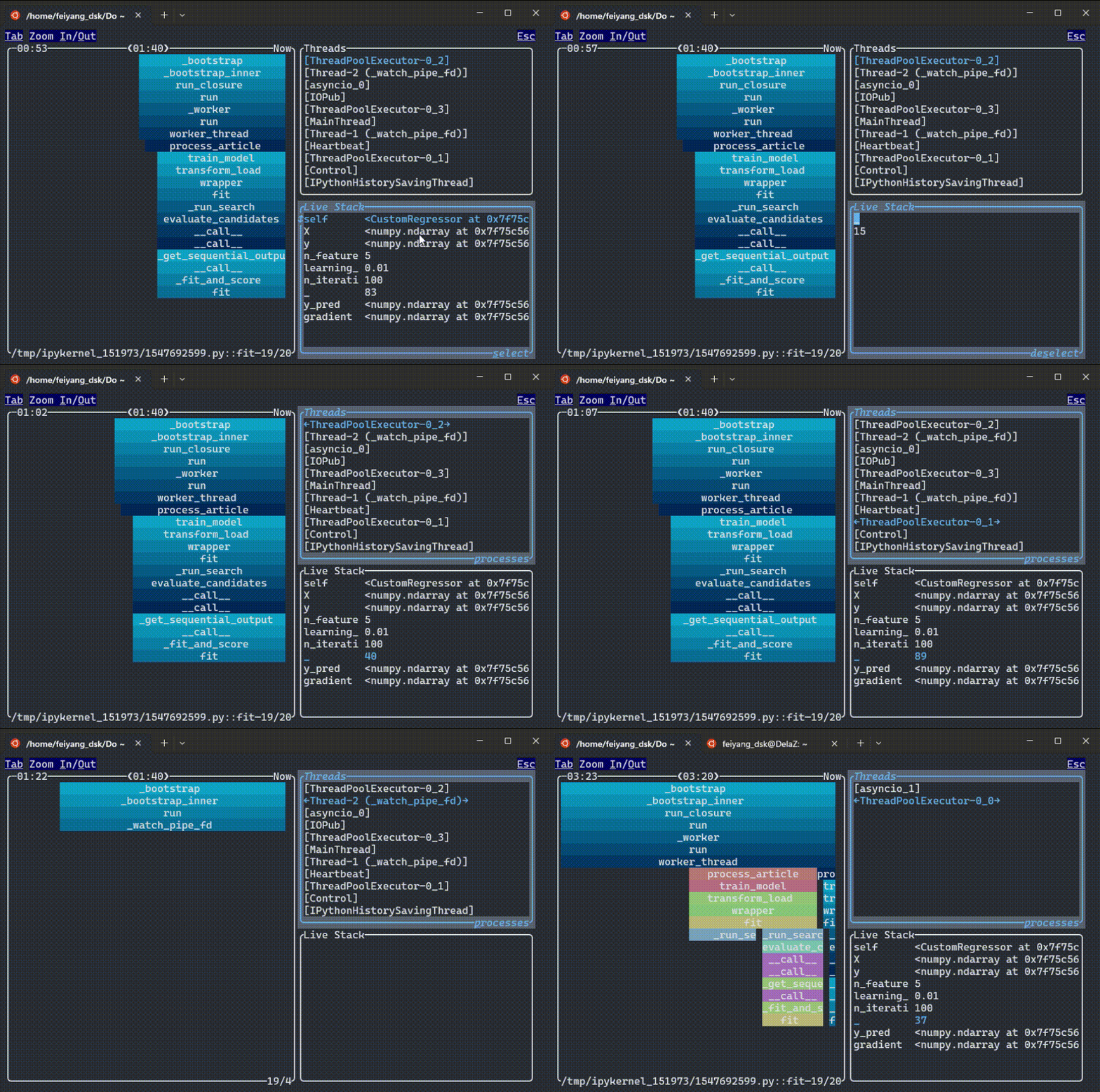
Real-time visualiser for Python stack samples, inside VS Code. Watch call stacks being entered and exited, threads spawn and terminate, and loops make progress, live.
This extension bundles the FadeTop binary (built on py-spy and ratatui) and runs it in a VS Code terminal.
Commands
FadeTop: Attach to Process... lists running Python processes (filter by command line, or type a PID) and attaches to the one you pick.
FadeTop: Open Dashboard opens the FadeTop process-selection dashboard.
Permissions
FadeTop needs the same permissions as py-spy. On Linux, set /proc/sys/kernel/yama/ptrace_scope to 0 or enable fadetop.useSudo. The extension warns you before attaching if ptrace is restricted. In containers, add --cap-add=SYS_PTRACE.
Settings
Setting
Description
fadetop.samplingRate
Sampling rate in Hz
fadetop.windowWidth
Visible time window, e.g. 100s
fadetop.configFile
Path to a FadeTop TOML config (defaults to fadetop_config.toml in the workspace)