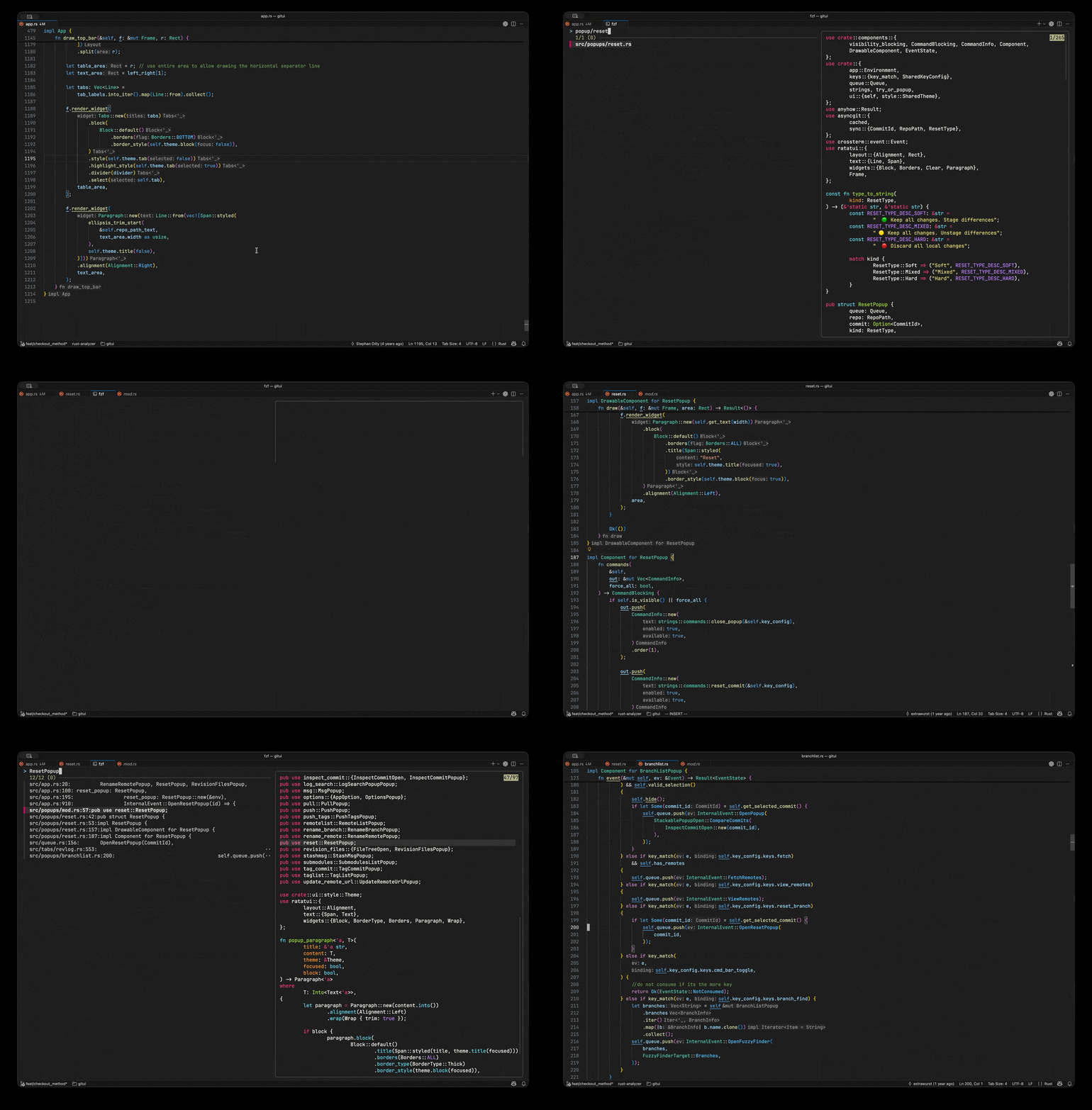
A fast file and content search extension powered by fzf, ripgrep and bat. Quickly search files or text inside your workspace using a terminal-based fuzzy finder.
Installation
Launch VS Code Quick Open (Ctrl+P), paste the following command, and press enter.
A fast file and content search extension powered by fzf, ripgrep and bat. Quickly search files or text inside your workspace using a terminal-based fuzzy finder.
Requirements
You need to install fzf, ripgrep, fd, and bat before using this extension.
On macOS, you can install them with the following command:
brew install fzf ripgrep bat fd onefetch
onefetch is optional and only used to display repository information in the preview window.
Features
Quickly search files in the current workspace using fzf and fd.
Search for text inside files using ripgrep and preview results with bat.
Search across multiple repositories in a specified directory.
Manage and open changed files using git status.
Support for VSCode workspace folders.
Shortcuts
Ctrl+d: scroll down one page of the preview window
Ctrl+u: scroll up one page of the preview window
tab: select/deselect an item and move to the next item
Shift+tab: select/deselect an item and move to the previous item
Specific to repository search:
Alt+Enter: open the selected files in a new VSCode window
Enter: open the selected files in the current VSCode window
Ctrl+t: open the selected repository in the current workspace