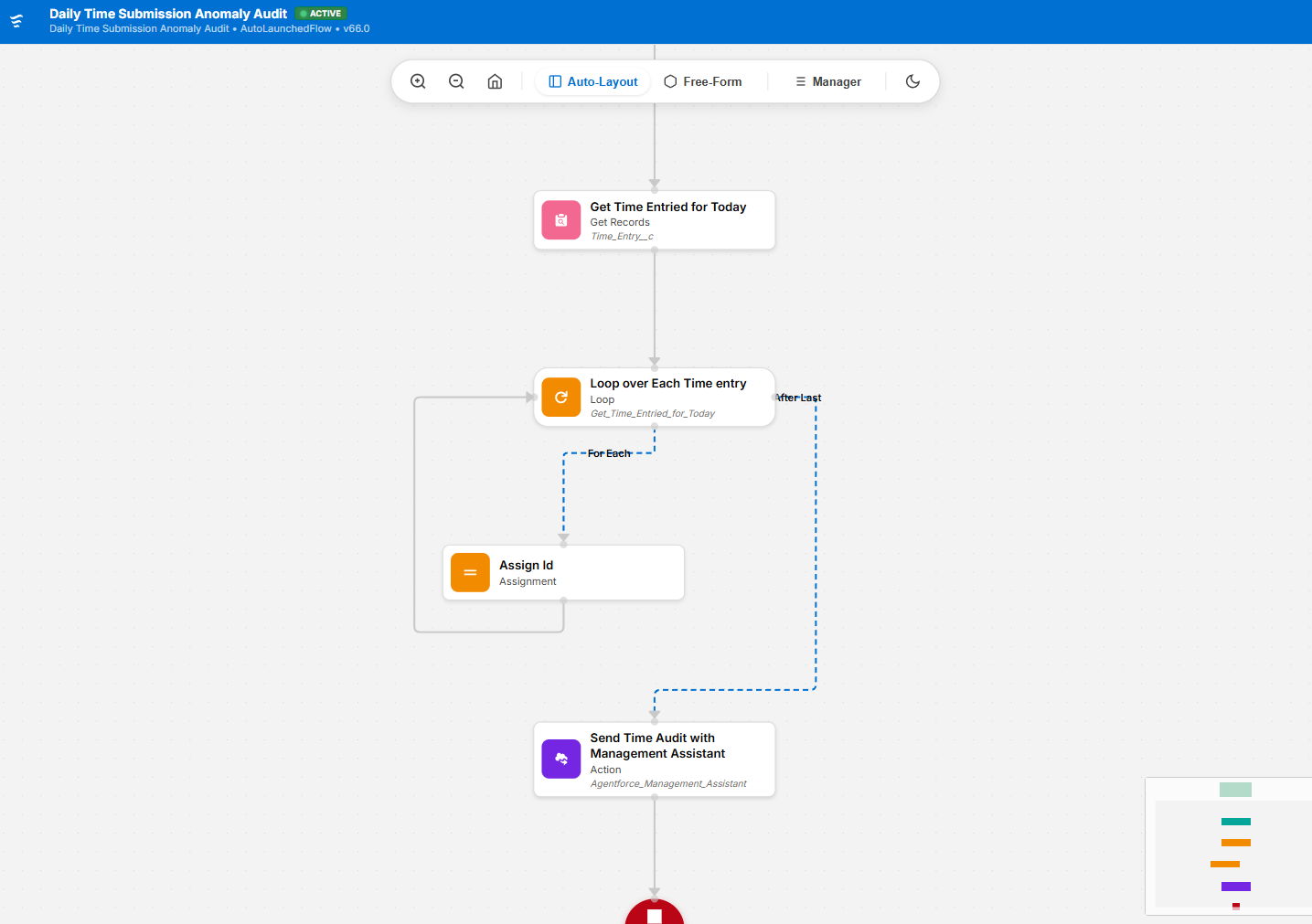
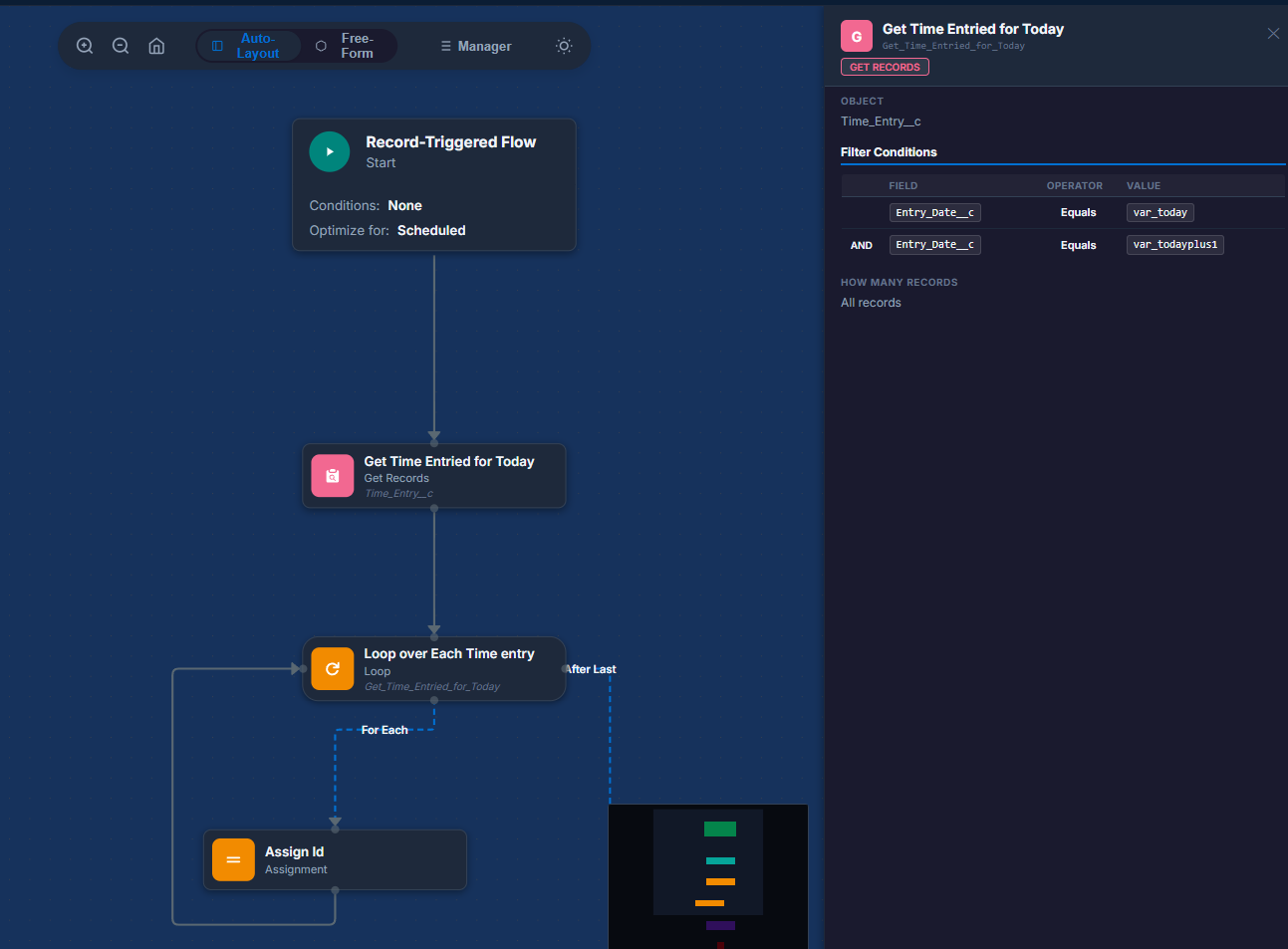
Premium, high-fidelity Salesforce Flow visualizer for VS Code. Experience your .flow-meta.xml files with an authentic Salesforce Flow Builder aesthetic.
Installation
Launch VS Code Quick Open (Ctrl+P), paste the following command, and press enter.
A premium, high-fidelity Salesforce Flow visualizer for VS Code. View your .flow-meta.xml files with an authentic Salesforce Flow Builder aesthetic, direct from your local workspace.
Features
Authentic SF Aesthetic: Styled to match the modern Salesforce Lightning Experience.
Topological Layout: Automatically organizes complex flows using advanced layout engines.
Floating Controls: Minimalist floating pill with zoom, fit-view, and layout toggles.
Manager Panel: Search and explore all nodes and resources in your flow.
Detailed Inspection: Click any node to see its properties, including Screen components and DML operations.
Status Indicators: Real-time visualization of Flow status (Active/Draft) and version.
Usage
There are two ways to launch the Flow Visualizer:
Option 1: Using the Command Palette
Open a .flow-meta.xml file in VS Code.
Open the Command Palette (Ctrl+Shift+P or Cmd+Shift+P).
Type and select VGDX - View Flow in Canvas.
Option 2: Using the Editor Title Bar
Open a .flow-meta.xml file in VS Code.
Click the Flow Visualizer icon ($(circuit-board)) in the editor title bar (top right).