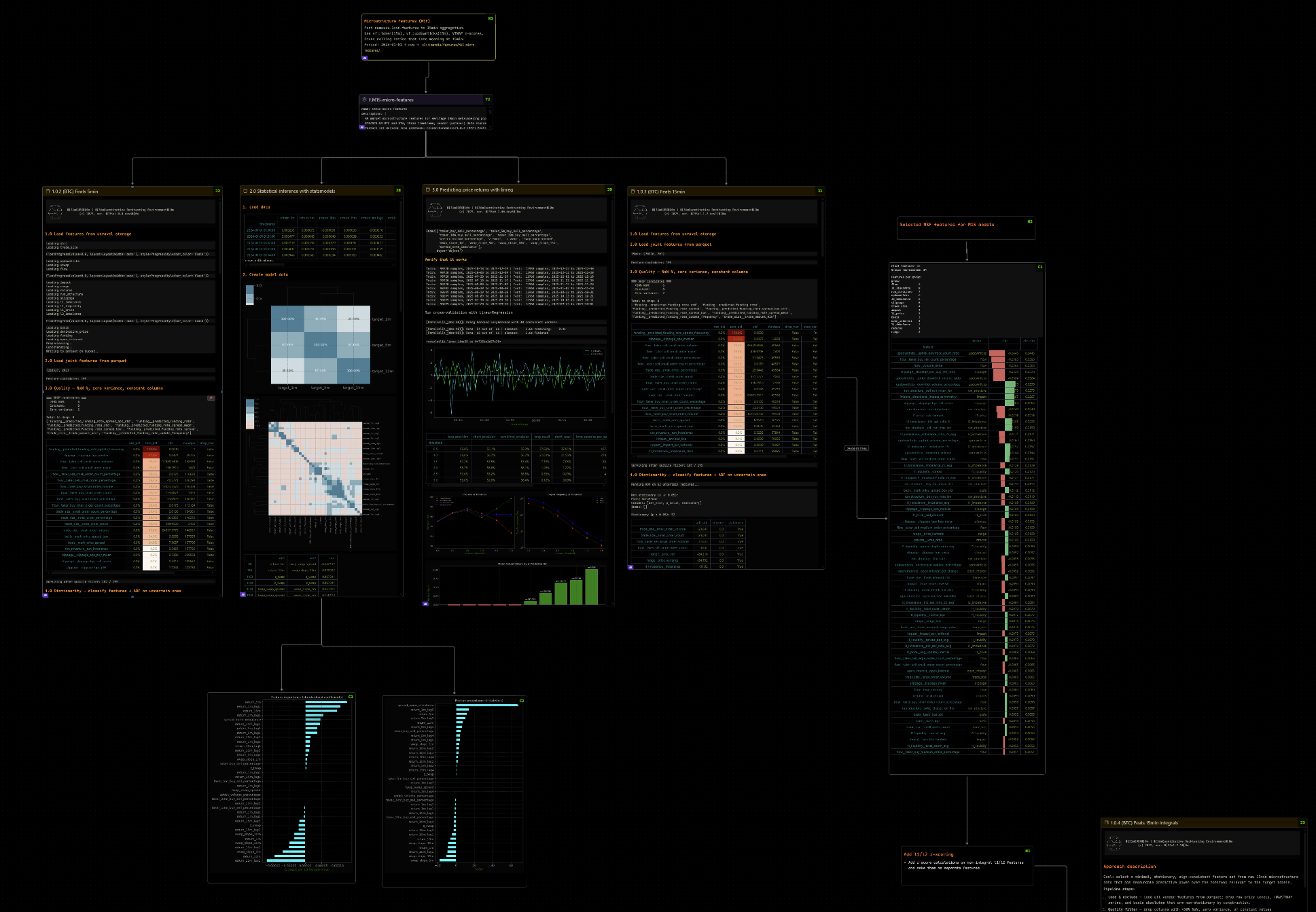
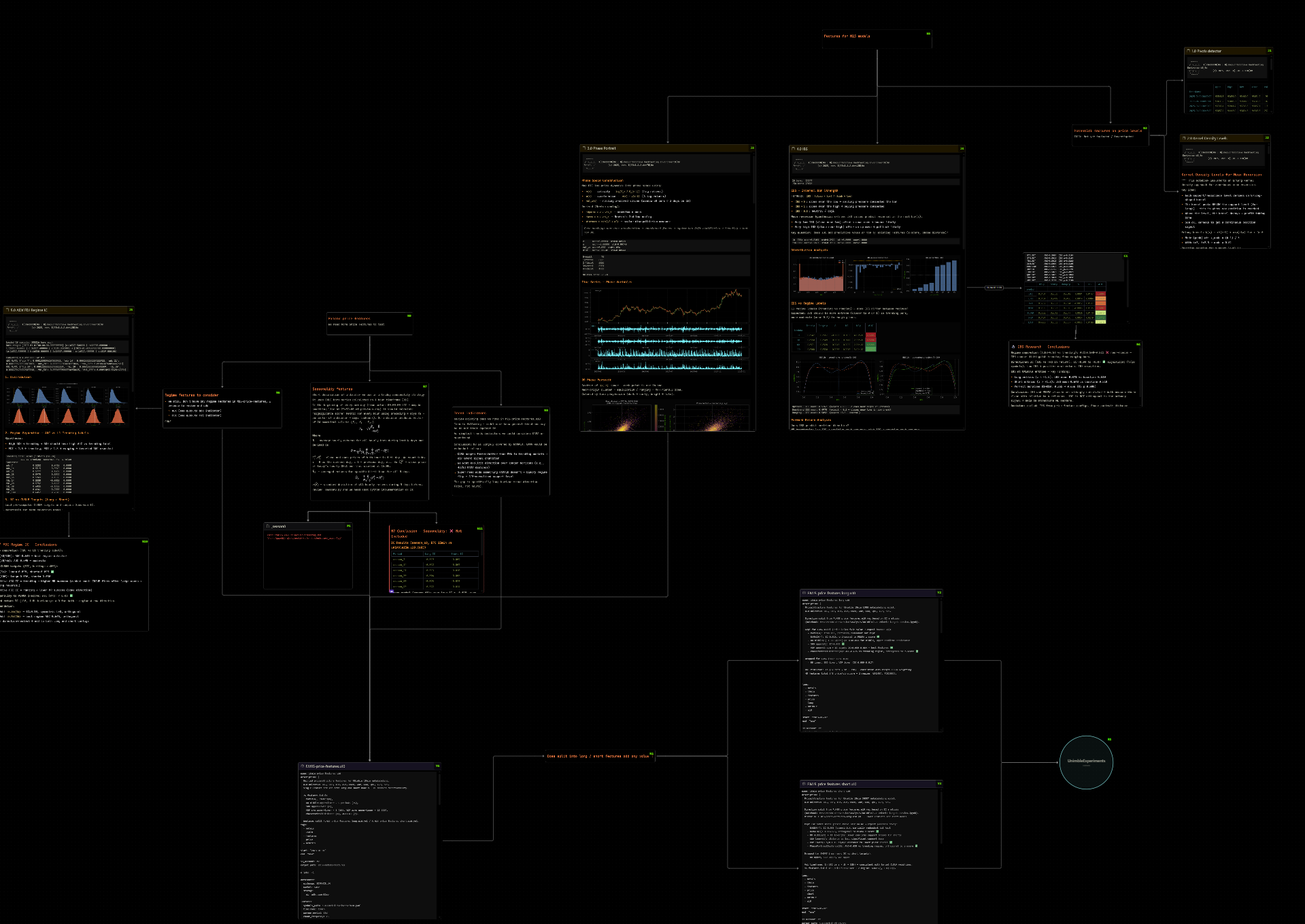
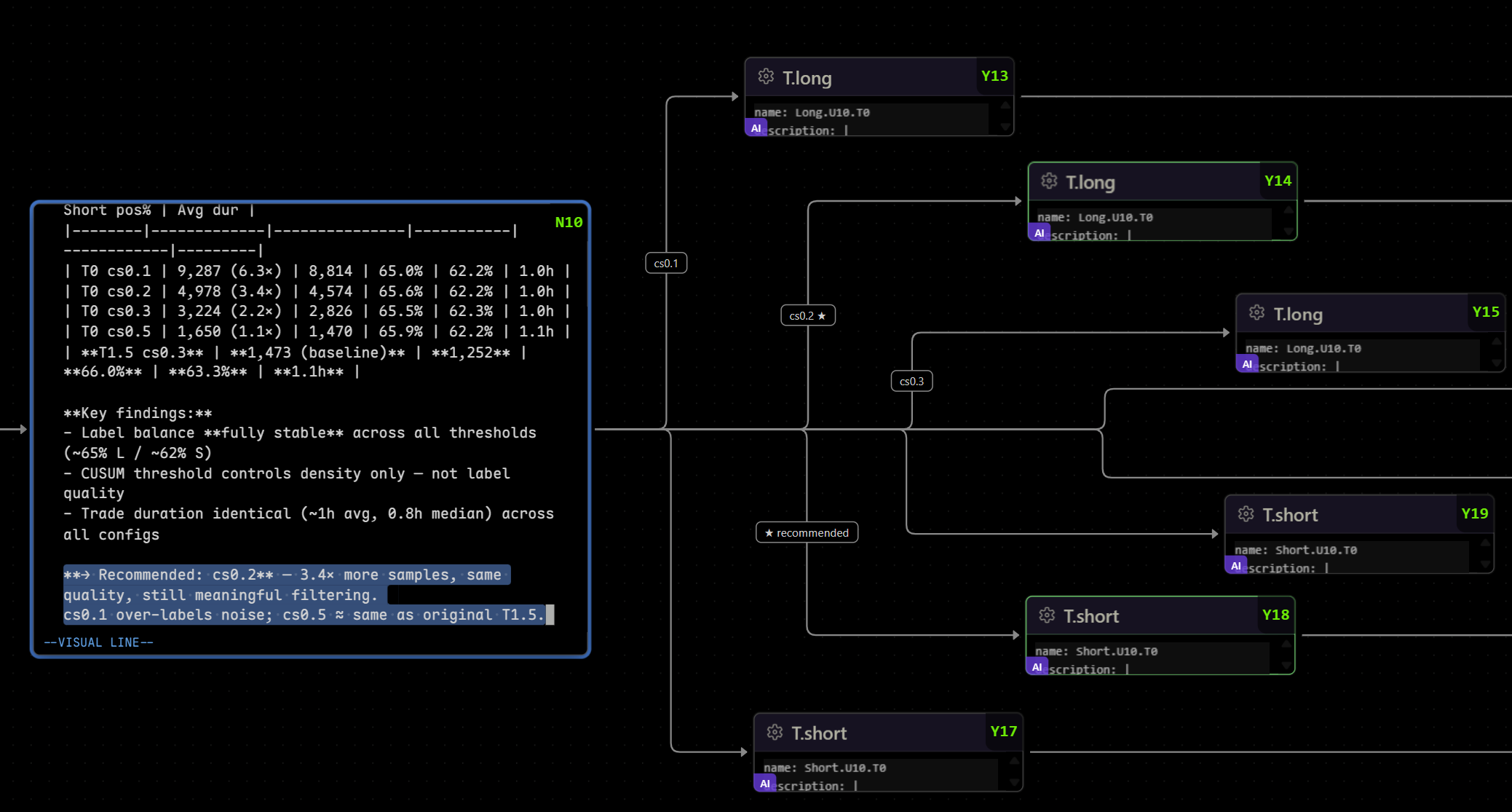
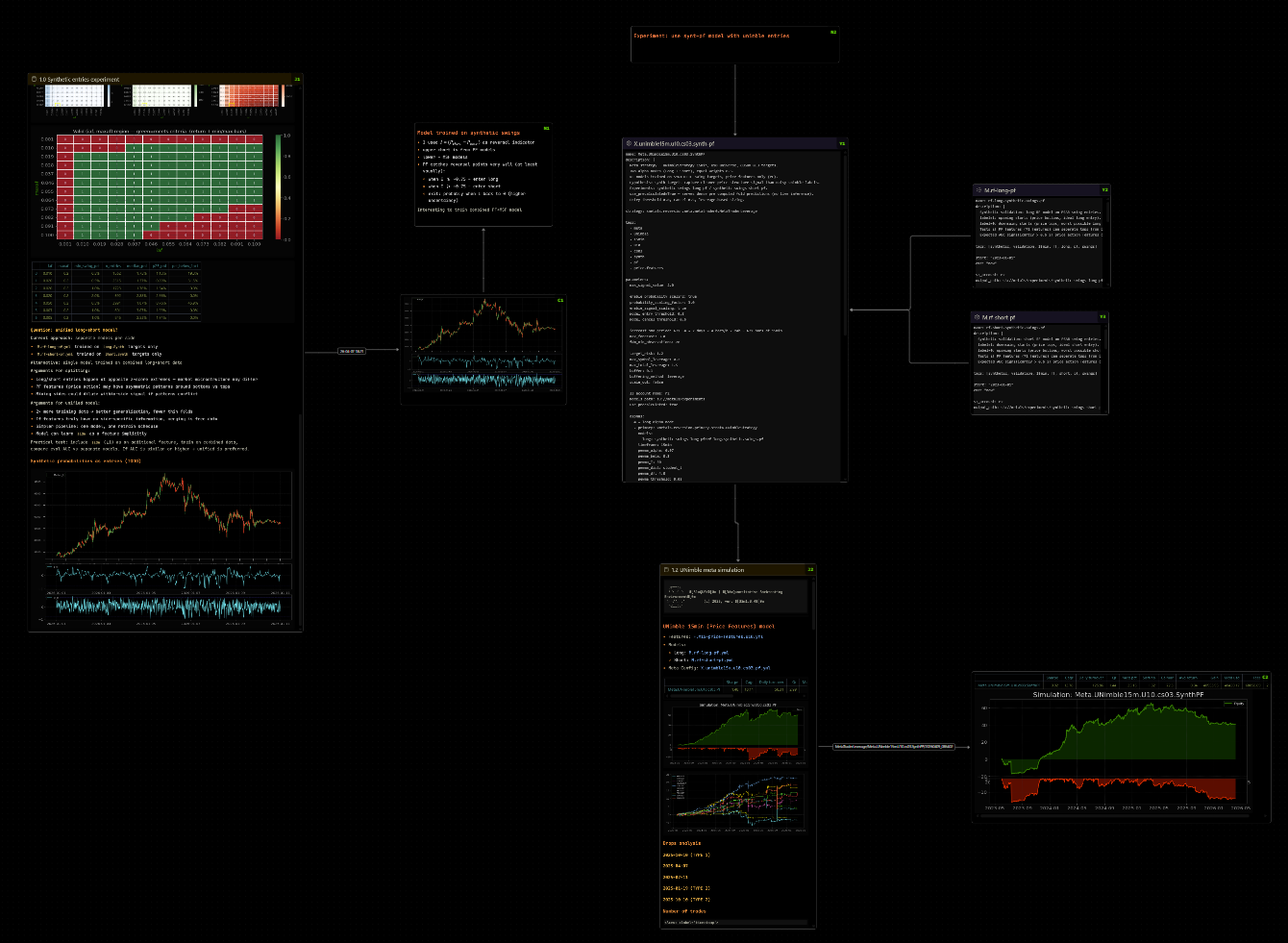
Skena - Visual Research Canvas for VS Code
ProblemQuantitative research generates a web of interconnected artifacts - strategies, indicators, backtest results, notebooks, code modules. Existing tools force you to choose between:
Skena brings the spatial canvas experience into VS Code, reading the same Implementation Status
Architecture
Key principle: The vault is the knowledge layer (shared across projects). Canvas files live in project directories alongside code. The extension bridges both. Data Flow
How other tools access the same data
Vault SchemaStrategy entry (
|
| Key | Action |
|---|---|
h / j / k / l or arrow keys |
Navigate to nearest node in direction |
Enter |
Open focused file/link/portal node in VS Code editor |
Ctrl+Enter |
Open as modal (maximized editor group) |
Shift+H/J/K/L |
Add new text node connected in direction |
Ctrl+Shift+H/L |
Add new text node left/right (keyboard only path) |
Space |
Toggle space-pin on focused node (multi-select for movement) |
Shift+H/J/K/L (with pinned nodes) |
Move all space-pinned nodes by 8px grid step |
c |
Connect edge from space-pinned node to focused node |
Shift+C |
Remove all edges between pinned node and focused node |
c,c (double-tap ≤400ms) |
Copy absolute file path of focused file node |
yy (double-tap ≤400ms) |
Copy selected nodes to canvas clipboard |
dd (double-tap ≤400ms) |
Delete selected nodes + connected edges |
p |
Paste canvas clipboard (+40px offset, fresh IDs + labels) |
u |
Undo (canvas structure, 50-entry history) |
r |
Redo |
w / W |
Widen / narrow focused node by 10% (centre-anchored) |
e / E |
Expand / shrink focused node height by 10% |
z / Z |
Zoom in / out (viewport-centred, 15% step) |
Ctrl+N |
Add new node at viewport centre (QuickPick) |
Esc |
Clear space-pinned selection |
Ctrl+F or / |
Open canvas search bar |
Alt+P |
Pin hovered notebook cell output as CellNode |
Ctrl+Shift+V |
Paste clipboard as CellNode (auto-detects HTML vs markdown) |
Canvas interactions:
- Drag nodes → auto-saves with 500ms debounce
- Resize nodes → drag corner handles, grid-snapped (8px)
- Alignment guides during drag (snap to edges/centres of nearby nodes, threshold 16px)
- Box select + Shift+click for multi-select
Deletekey → delete selected nodes/edges- Right-click → context menu (add text, add URL, search vault, copy, paste, move to sub-canvas)
- Double-click edge label → inline edit
- Drag from node handle → connect to another node or handle; drop on node body → auto-detects nearest side
File watching:
- Watch
.canvasfile for external changes (Obsidian edits) → reload - Watch referenced
.md/.ipynbfiles → re-render node content on change
VS Code integration:
- Custom editor for
.canvasfiles Ctrl+Z/Ctrl+Shift+Zundo/redo (canvas structure viau/rin spatial mode)- MCP server auto-deployed to
.vscode/skena-mcp.js+.mcp.jsonon activation
Zoom-adaptive rendering (LOD):
| Zoom level | Node rendering |
|---|---|
| < 0.3 (very zoomed out) | Colored rectangle + title text only |
| 0.3 – 0.6 (overview) | Title + status badge only |
| 0.6 – 1.0 (reading) | Full markdown render, images |
| > 1.0 (detail) | Full render, full resolution, scrollable |
Phase 2: Fuzzy Search + Add Node 🔶
Command: Skena: Add Node from Vaults — Ctrl+N in canvas
Vault indexer:
- Scans configured vault paths for
.mdfiles, parses YAML frontmatter withgray-matter - Builds fuse.js index on:
title,id,tags[],type, file path - Watches vault with chokidar → incremental reindex on change
Search UX:
- VS Code QuickPick with fuzzy matching, results grouped by vault
- Select → creates file node at viewport centre or right-click position
- Writes node to
.canvasJSON immediately
skena.quickSearch — same fuzzy search but opens file in VS Code editor
Still needed: end-to-end vault:// URI rendering test; notion-client.ts for vault://notion/ URIs.
Phase 3: CRUD Operations ⬜ (planned)
Create strategy/knowledge/log entries from canvas; edit frontmatter (status, score, tags) via right-click; delete file from canvas.
Phase 4: Notebook Integration ⬜ (planned)
Run notebooks from canvas context menu; parse outputs for key metrics.
Phase 5: Cell Nodes + Chat Nodes ✅ (rendering) / ⬜ (AI backend)
Cell nodes render inline (markdown/html/image), created via:
Alt+P— pin hovered notebook outputCtrl+Shift+V— paste clipboard as cell
Chat nodes render as conversation UI; AI backend not yet wired.
Phase 6: Canvas Portals ✅
Select nodes → right-click → "Move to sub-canvas" → selected nodes move to a new .canvas file; a Portal node replaces them. Click portal → opens linked canvas in new VS Code tab.
Extension Configuration
// .vscode/settings.json (or settings.local.json — gitignored, for personal paths)
{
// Named vaults — supports multiple. URI format: vault://<name>/path/to/file.md
"skena.vaults": [
{ "name": "v1", "path": "~/vault" },
{ "name": "work", "path": "~/work-vault" }
],
// Directories to scan in each vault (relative to vault root)
"skena.vaultDirectories": ["alpha", "knowledge", "logs", "inbox"],
// File patterns to index in workspace (for project files)
"skena.workspacePatterns": ["**/*.ipynb", "**/*.py", "**/*.yaml", "**/*.md"],
// Excluded patterns
"skena.excludePatterns": ["**/node_modules/**", "**/.git/**", "**/__pycache__/**"],
// Auto-save canvas changes (ms debounce)
"skena.autoSaveDelay": 500,
// Default node dimensions for newly created nodes
"skena.nodeWidth": 400,
"skena.nodeHeight": 250,
// Notebook display options
"skena.notebook": {
"showSourceCells": false // show code cells alongside outputs
},
// Color scheme (matches Obsidian canvas color codes 1-6)
"skena.colors": {
"1": "#fb464c", // red
"2": "#e9973f", // orange
"3": "#e0de71", // yellow
"4": "#44cf6e", // green
"5": "#53dfdd", // cyan
"6": "#a882ff" // purple
}
}
Tech Stack
| Component | Library | Version | Purpose |
|---|---|---|---|
| Extension framework | VS Code Extension API | — | Custom editor, commands, settings |
| Canvas rendering | React Flow | v12 | Node graph with handles, edges, minimap |
| UI framework | React | 18 | Webview components |
| Bundler | esbuild | — | Fast extension + webview bundling |
| Text node editor | Monaco Editor | via @monaco-editor/react |
Full code editor with markdown support |
| Vim keybindings | monaco-vim | 0.4.4 | Vim modal editing inside Monaco |
| Frontmatter parsing | gray-matter | — | YAML frontmatter from .md files |
| Markdown rendering | react-markdown + remark-gfm | — | Rich markdown inside nodes |
| Syntax highlighting (code) | Shiki | — | Code blocks in .md, .py, notebook cells |
| Notebook parsing | Custom (.ipynb is JSON) |
— | Parse cells, extract outputs, decode base64 |
| Fuzzy search | fuse.js | — | Instant vault search |
| File watching | chokidar | — | Vault + workspace file changes |
| Canvas format | JSON Canvas 1.0 spec | — | Read/write .canvas files |
| Styling | Tailwind CSS | — | Webview styling, VS Code theme integration |
Monaco / vim-mode notes
- Theme:
skena-editorcustom theme defined inbeforeMount, reads--vscode-editor-backgroundto match VS Code theme. Markdown token colours are set explicitly (Monaco's built-invs-dark/vsthemes have no dedicated markdown rules). - Clipboard:
navigator.clipboardis blocked in the webview sandbox. All vim y/p operations relay throughvscode.env.clipboardvia a custom relay register replacing",+,*in theRegisterController. o/Ofix:CMAdapter.commands.newlineAndIndentuses asynceditor.trigger()which doesn't fire during a vim key handler. Patched viapatchVimNewlineAndIndent()to use synchronouseditor.executeEdits('\n').
Project Structure
skena/
package.json ← Extension manifest + contributes
tsconfig.json
esbuild.config.mjs ← Build config for extension + webview
src/
extension/ ← Extension host (Node.js only)
extension.ts ← Activation, commands, custom editor provider
editor-provider.ts ← SkenaEditorProvider + SkenaDocument
vault-indexer.ts ← Scan vault, parse frontmatter, build fuse.js index
canvas-io.ts ← Read/write JSON Canvas files (empty-file safe)
file-watcher.ts ← chokidar watchers for vault + workspace
file-resolver.ts ← Resolve vault:// URIs + project-relative paths
notebook-parser.ts ← Parse .ipynb JSON, extract cells + base64 images
markdown-html.ts ← Server-side markdown → HTML (for file nodes)
settings.ts ← Read skena.vaults + settings.local.json merge
mcp/
server.ts ← MCP server (auto-deployed to .vscode/skena-mcp.js)
webview/ ← React app (runs in webview sandbox)
App.tsx ← Root component + host message router
canvas/
CanvasView.tsx ← React Flow setup, all keyboard handlers, save/undo
CanvasSearch.tsx ← In-canvas fuzzy search overlay
ContextMenu.tsx ← Right-click menu
HelperLines.tsx ← Alignment guide lines during drag
nodes/
FileNode.tsx ← File node (header bar + content area + LOD)
TextNode.tsx ← Text node (Monaco editor + vim + clipboard relay)
GroupNode.tsx ← Group container component
LinkNode.tsx ← URL node component
CellNode.tsx ← Standalone output cell (table / chart / image)
ChatNode.tsx ← AI chat terminal node (UI only)
PortalNode.tsx ← Link to another .canvas file
edges/
LabeledEdge.tsx ← Edge with inline-editable label
renderers/
MarkdownRenderer.tsx ← .md content → react-markdown
NotebookRenderer.tsx ← .ipynb → rendered cells (md + code + outputs)
CodeRenderer.tsx ← .py / .yaml → Shiki syntax highlighting
ImageRenderer.tsx ← .png/.jpg/.svg → scaled image
components/
StatusBadge.tsx ← Colored status indicator
NodeLabelBadge.tsx ← Short reference label (N1, M3…) top-left corner
NodeHeader.tsx ← Thin top bar (icon + title + badges)
ScrollableContent.tsx ← Scrollable container with zoom-aware scroll
hooks/
useCanvasData.ts ← Canvas state (nodes/edges/vault) + reducer
useFileContent.ts ← Request + cache file content via postMessage
useZoomLevel.ts ← Track zoom level for LOD switching
context/
ZoomLevelContext.tsx ← React context for zoom level (consumed by LOD)
MarkdownConfigContext.tsx ← VS Code markdown preview settings forwarded from host
shared/ ← Types and constants only (no Node.js APIs)
types.ts ← CanvasNode, VaultEntry, message protocol types
constants.ts ← Colors, file size limits, node type enum
nodeLabels.ts ← Reference label assignment logic (N1, M3…)
Planned but not yet created:
notion-client.ts,chat-manager.ts,commands/create-entry.ts,commands/edit-properties.ts,commands/extract-to-canvas.ts,renderers/NotionRenderer.tsx,components/ChatMessages.tsx,hooks/useChat.ts
Development Setup
Remote development (VS Code Remote SSH)
Skena is developed on a remote machine via VS Code Remote SSH. Everything runs on the remote — Node.js, npm, esbuild, the extension host, and the webview sandbox. No local toolchain needed.
Local machine Remote machine
────────────── ───────────────────────────────────────
VS Code UI ──→ Extension host (Node.js) + Webview
~/devs/skena/ (source)
~/vault/ (vault files)
extensionKind in package.json must be ["workspace"] (default for filesystem extensions) — this ensures VS Code runs the extension on the remote, not locally.
# Clone and install (on remote)
git clone https://github.com/dmarienko/skena.git
cd skena
npm install
# Development (watch mode — runs on remote)
npm run dev # builds extension + webview, watches for changes
# Type check only (no emit)
npm run typecheck
# Debug in VS Code
# Press F5 → launches Extension Development Host as a second remote window
# Package
npm run package # creates .vsix on remote, install via "Install from VSIX..."
Webview DevTools on remote
Ctrl+Shift+P → "Open Webview Developer Tools"
Works correctly over Remote SSH.
Webview resource URIs (important)
When serving local files (images, fonts) into the webview, never use raw filesystem paths. Convert them:
// - in extension host, before sending path to webview
const uri = panel.webview.asWebviewUri(vscode.Uri.file('/home/quant0/vault/img.png'));
// - result: vscode-resource://... (works both local and remote)
This is critical for image rendering inside file nodes — raw file:// paths are blocked by the webview sandbox.
Compatibility
- Obsidian interop: Full. Canvas files created/edited in Skena open in Obsidian and vice versa. Vault
.mdfiles are standard Obsidian notes with YAML frontmatter. - Foam interop: Partial. Vault
.mdfiles work with Foam's graph view if wikilinks are used. - Claude Code / AIX MCP: Full. All data is plain files —
.mdwith frontmatter and.canvasas JSON. - Git: Full. Everything is plain text, version-controlled, diffable.
Migration from Notion
Phase 0 involves exporting existing Notion databases to vault .md files:
- Alpha DB →
alpha/*.md(one file per strategy with frontmatter mapping Notion properties) - Quantitative Features Database →
knowledge/*.md(one file per entry) - Research Log →
logs/{strategy}/*.md(grouped by strategy) - Inbox →
inbox/*.md(unprocessed clippings)
A migration script (scripts/notion-export.py) will use the Notion API to export and convert entries.
Interesting links
- https://github.com/RodZill4/material-maker — node connection + visual style reference
- https://github.com/lout33/infinite_canvas_vscode/ — Obsidian canvas plugin for VS Code
License
MIT