Skip to content
| Marketplace
Sign in
Visual Studio Code>Other>dilinx — get paid while you codeNew to Visual Studio Code? Get it now.
dilinx — get paid while you code

dilinx — get paid while you code

Dilinx

| (0) | Free
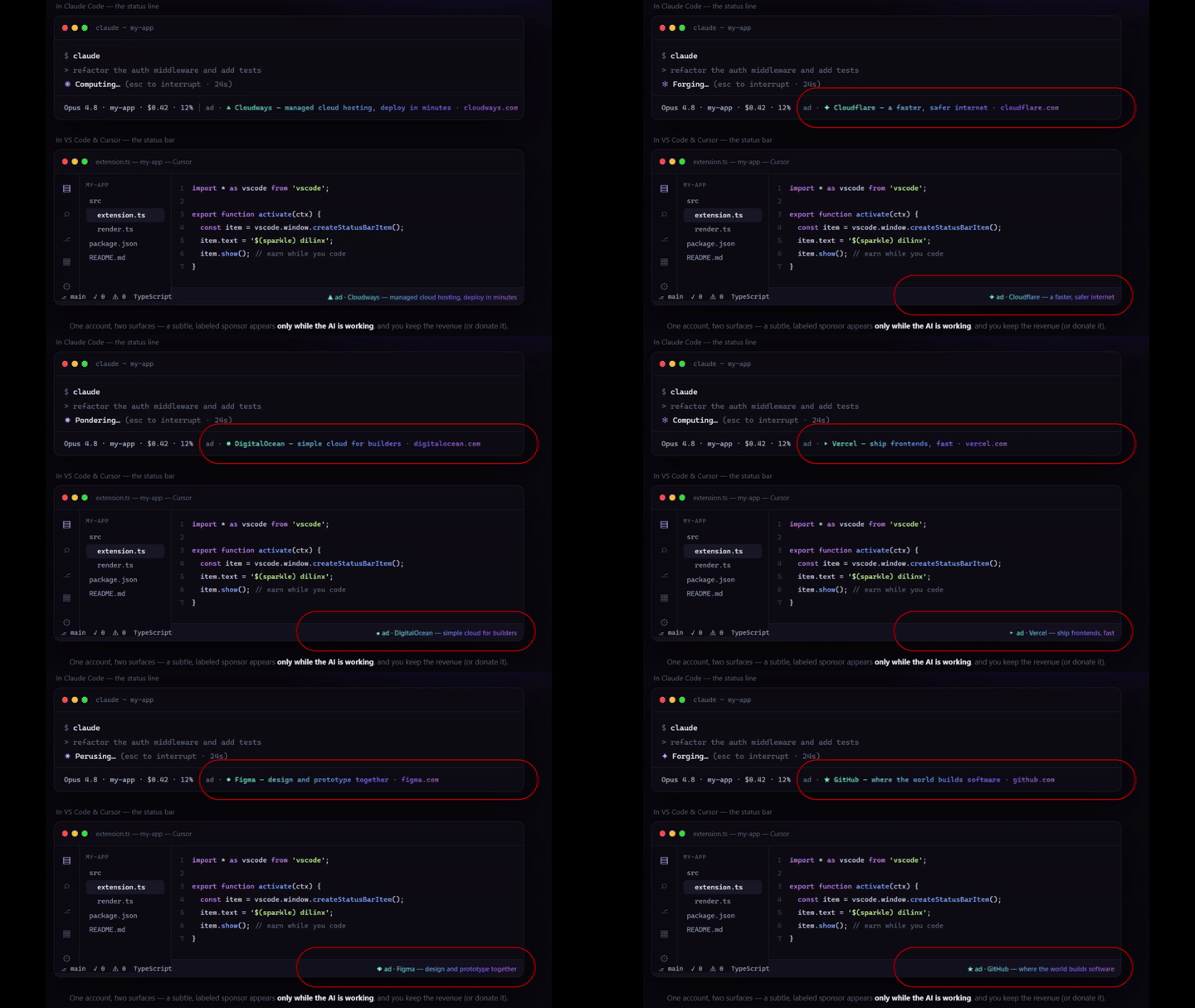
Earn from a subtle, clearly-labeled sponsored item in your VS Code status bar. Opt-in, reversible, no code patching.
Installation
Launch VS Code Quick Open (Ctrl+P), paste the following command, and press enter.
Copied to clipboard
More Info

dilinx — get paid while you code

A subtle, clearly-labeled sponsored item in your VS Code status bar. You earn from each viewed impression — credited to your dilinx account. Fully opt-in, reversible, and it never patches your editor or any other software — it only uses VS Code's own status-bar API.

How it works

  1. Install the extension.
  2. Run dilinx: Sign in (Command Palette) — it opens your browser to sign in / sign up, then connects the editor automatically (no password typed in VS Code).
  3. A rotating ad · … item appears in your status bar. Click it to open the sponsor. Each rotation that you view credits your account.

Commands

  • dilinx: Sign in / Sign out
  • dilinx: Toggle sponsored item on/off
  • dilinx: Open current sponsor
  • dilinx: Open earnings dashboard

Settings

  • dilinxAd.enabled — show/hide the sponsored item (default true).
  • dilinxAd.rotateSeconds — rotation/credit interval (default 25).
  • dilinxAd.apiBase — backend URL (default the hosted dilinx).

Notes

  • The item is always labeled ad ·. Disable anytime with dilinxAd.enabled or dilinx: Toggle.
  • Impressions are only credited while the VS Code window is focused.
  • Earnings are simulated during the beta.
  • Privacy: the only data sent is ad impression events to the dilinx backend.
  • Contact us
  • Jobs
  • Privacy
  • Manage cookies
  • Terms of use
  • Trademarks
© 2026 Microsoft