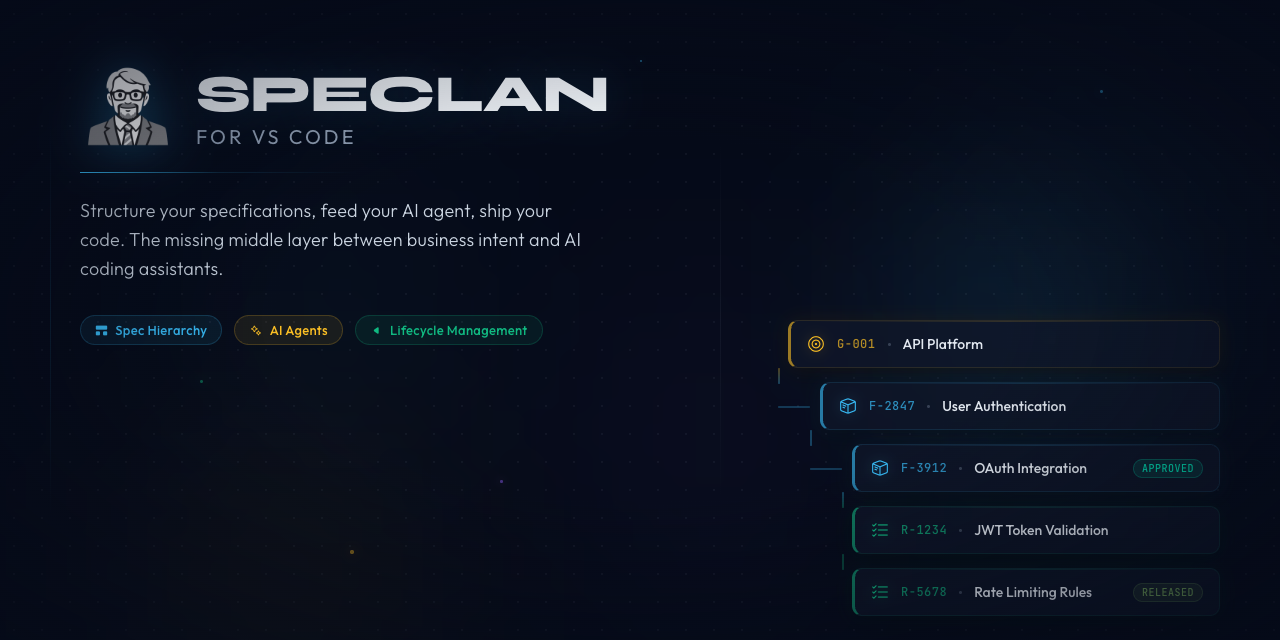
SPECLANStructure your specifications, feed your AI agent, ship your code. The missing middle layer between business intent and AI coding assistants. Installation Launch VS Code Quick Open ( Ctrl+P), paste the following command, and press enter.Copied to clipboard |

SPECLAN — Your Specification Is Your Prompt
AI coding agents have become remarkably capable — the bottleneck is no longer the agent, it's the input. The better the specification, the better the code. SPECLAN turns loose ideas into structured, traceable specification trees that both humans can read and AI agents can act on. Everything lives as plain Markdown files in your project folder — no database, no server, no lock-in. Key Capabilities
Three Workflows That Matter1. From Idea to Spec Tree in MinutesDescribe what you want to build. The AI Generation Wizard decomposes your idea into a full specification hierarchy — goal, feature, requirements — each as a separate, traceable entity. Skip the blank-page problem. Structure enables AI.
2. Business Writes, Developer Reads — Same FileThe WYSIWYG editor makes specification authoring feel like a modern document editor. Bold, italic, tables, task lists — through a familiar toolbar. The Markdown and YAML frontmatter are hidden entirely. A product manager never sees a
3. Tree Views for the Full PictureNavigate your entire specification hierarchy through dedicated tree views — goals, features, requirements, templates. Drag to reorder. Right-click for context menus. See lifecycle status at a glance with color-coded icons. Git status integration shows what's changed since the last commit.
Two On-Ramps — Start AnywhereNew project? Import a requirements doc. The HLRD Import Assistant takes unstructured stakeholder input and generates a structured specification tree — vision, mission, goals, features, requirements — in minutes. Existing codebase? Infer specs from code. The Codebase Inference Assistant reads your source and generates draft specifications that describe what the code already does. Finally, your legacy project has proper specs — without anyone writing them from scratch. Either way, you have structured, AI-ready specifications in minutes — not months. Bring Your Own Subscription. Or Run It Locally.SPECLAN is provider-agnostic. Use the AI you already pay for — or run a model on your own machine and pay nothing per call. Switch between them at any time. Claude ( Sign in with ChatGPT — new in v0.9.6: If you have a ChatGPT subscription — Plus, Pro, or Team — open SPECLAN Settings → LLM Configuration → API Keys and click Sign in with ChatGPT. The OAuth flow signs you in via your browser and your existing Codex budget covers every AI call SPECLAN makes. No API key. No separate billing. No developer-account configuration. Done in under a minute. Google Gemini or OpenAI API key: Enter your API key in SPECLAN's settings panel, select your preferred model, and every AI feature works the same way — spec generation, requirement decomposition, codebase inference, HLRD import. Local LLM: Point SPECLAN at a local Ollama, LM Studio, or vLLM server and every AI feature routes through your own machine. Air-gapped specs, zero cloud spend, no rate limits. Validated with No Lock-In. No Paperwork. No Excuses.Every specification lives as a plain Markdown file with YAML frontmatter in your project's Stop using SPECLAN tomorrow and your specs remain perfectly readable. No export step. No migration script. No proprietary format. Version them with Git, review them in pull requests, read them on GitHub. Your specifications belong to you. Quick Start
Your specification is your prompt. Let's build. Requirements
Notes for Windows usersWindows enforces a 260-character path limit ( Authoring specs in SPECLAN is safe on every Windows version with no setup. The extension caps slug length and applies a path-length budget at creation time, so new specs always land well under 260 characters regardless of where you cloned your repo. The 260 limit matters when Git touches your specs — This is harmless on every other platform and shipped with every Git for Windows install. If you already have long-named specs from before the cap (added before 2026-05-13), they work on macOS/Linux today. To make them portable to Windows teammates, rename the offending entities through the SPECLAN editor — the title-rename flow shortens directory and filename in lockstep with the new safety budget. Frequently Asked QuestionsDo I need an AI subscription to use SPECLAN? No. All specification management features — the domain model, WYSIWYG editor, tree views, lifecycle tracking, templates, Git integration — work without any AI provider configured. AI features (generation wizard, HLRD import, codebase inference, implementation assistant) require one of: a Claude subscription, a ChatGPT subscription (via Sign in with ChatGPT), a Google Gemini API key, an OpenAI API key, or a local LLM endpoint (Ollama / LM Studio / vLLM). Which AI providers are supported? Five: Claude, ChatGPT (Codex OAuth), Google Gemini, OpenAI API key, and Local LLM (Ollama / LM Studio / vLLM). All AI features work identically regardless of provider; only the underlying model and the way you authenticate change. Which providers have zero-config setup?
Two: Claude (run Can I use my ChatGPT subscription? Yes — new in v0.9.6. Open SPECLAN Settings → LLM Configuration → API Keys and click Sign in with ChatGPT. The OAuth flow signs you in via your default browser, and your existing Codex budget (bundled with ChatGPT Plus, Pro, or Team) covers every AI call SPECLAN makes. No API key to paste, no developer-account setup, and you can revoke the session from your ChatGPT account page at any time. Can I run SPECLAN against a local model?
Yes. Run Ollama, LM Studio, or vLLM on your machine, point SPECLAN at the endpoint in Settings, and every AI feature routes through your own hardware. Useful for air-gapped environments, compliance requirements, or heavy Infer-Specs runs where cloud spend matters. The new-spec assistant has been validated end-to-end with Where are my specifications stored?
Everything lives as plain Markdown files with YAML frontmatter in a What happens if I stop using SPECLAN? Nothing. Your specs remain as readable Markdown files. No export step, no migration script. The folder structure is the data model. You keep everything. Can I use SPECLAN with an existing codebase? Yes. The Codebase Inference Assistant analyzes your source code and generates draft specifications that describe what the code already does. Point it at your project and get structured specs in minutes. How does SPECLAN work with Git? Specifications are plain files, so they work with Git natively. SPECLAN adds status decorations in tree views, conflict detection on merge, and a sync panel with AI-generated commit messages. Branch, merge, and review specs just like code. What is the specification hierarchy? Goal → Feature → Requirement. Goals capture business outcomes. Features describe behaviour or capability. Requirements are the testable, traceable units of work that an AI coding agent or developer implements. Every entity is traceable to its parent, and Features may nest into sub-features for hierarchical decomposition. Can multiple people work on specs at the same time? Yes. Since specs are Git-tracked Markdown files, your team branches, merges, and reviews specifications through the same workflow you use for code. SPECLAN detects merge conflicts and helps resolve them. What does the 7-status lifecycle do? Every specification moves through: draft → review → approved → in-development → under-test → released → deprecated. This tracks where each requirement stands. Released specs are locked — changes go through a formal change request process to prevent silent spec drift. Resources
LicenseSPECLAN — structure your ideas, feed your AI, ship your code. |