Open Folder Extension 2026Open folder feature for all items within the solution explorer. |

OpenFolderExtension✨ Access File Locations Directly from Solution ExplorerInstantly open the containing folder or output directory for any item within the Visual Studio Solution Explorer. Tired of navigating through layers of directories just to find a file's location? The Open Folder Extension integrates seamless file and folder access right into your Visual Studio workflow, significantly boosting your productivity. ⬇️ Download from the Visual Studio MarketplaceSelect the version compatible with your environment:
🚀 Key Features
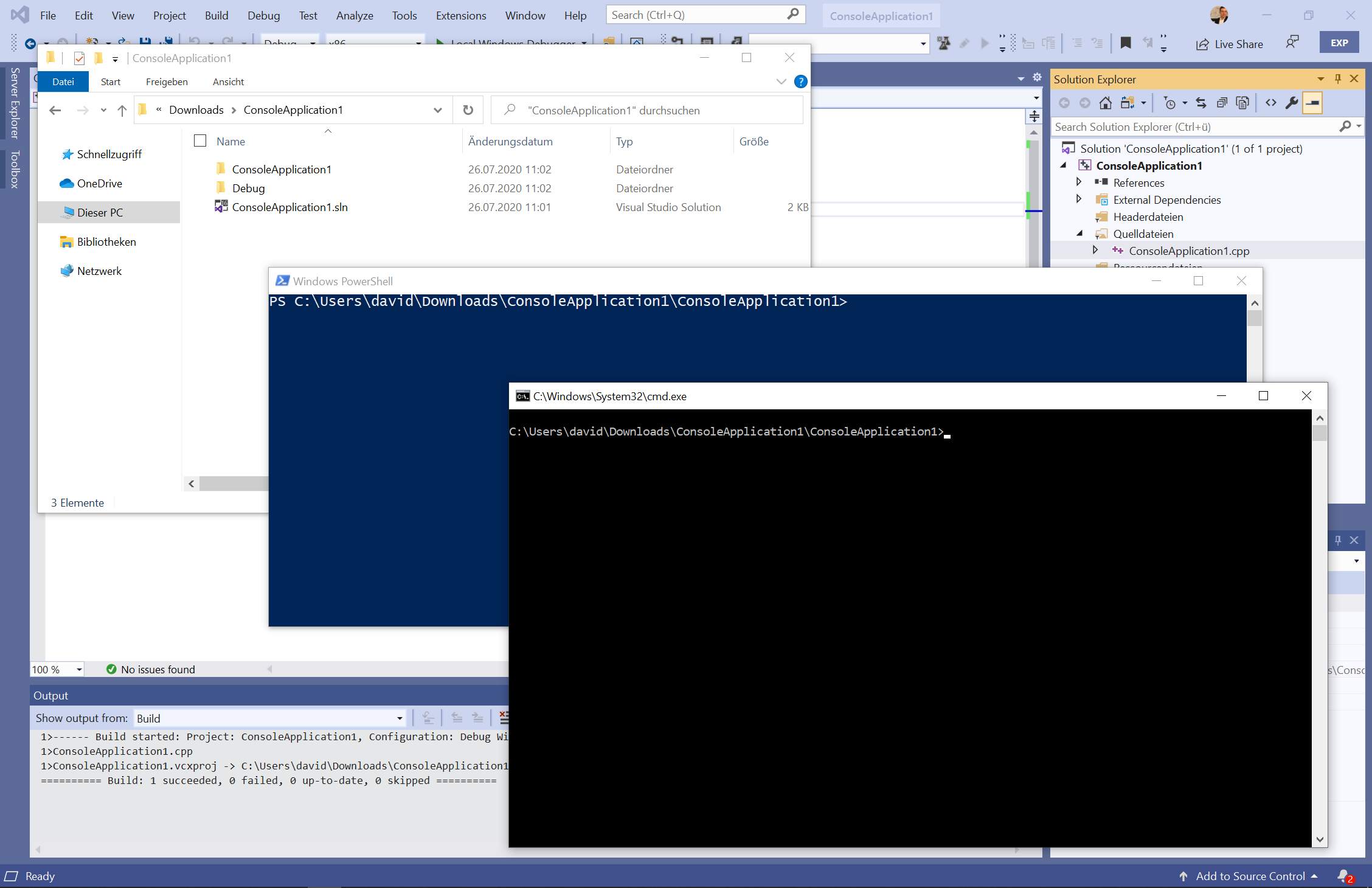
Supported Applications for Opening FoldersThe target folder can be opened directly in the following applications:
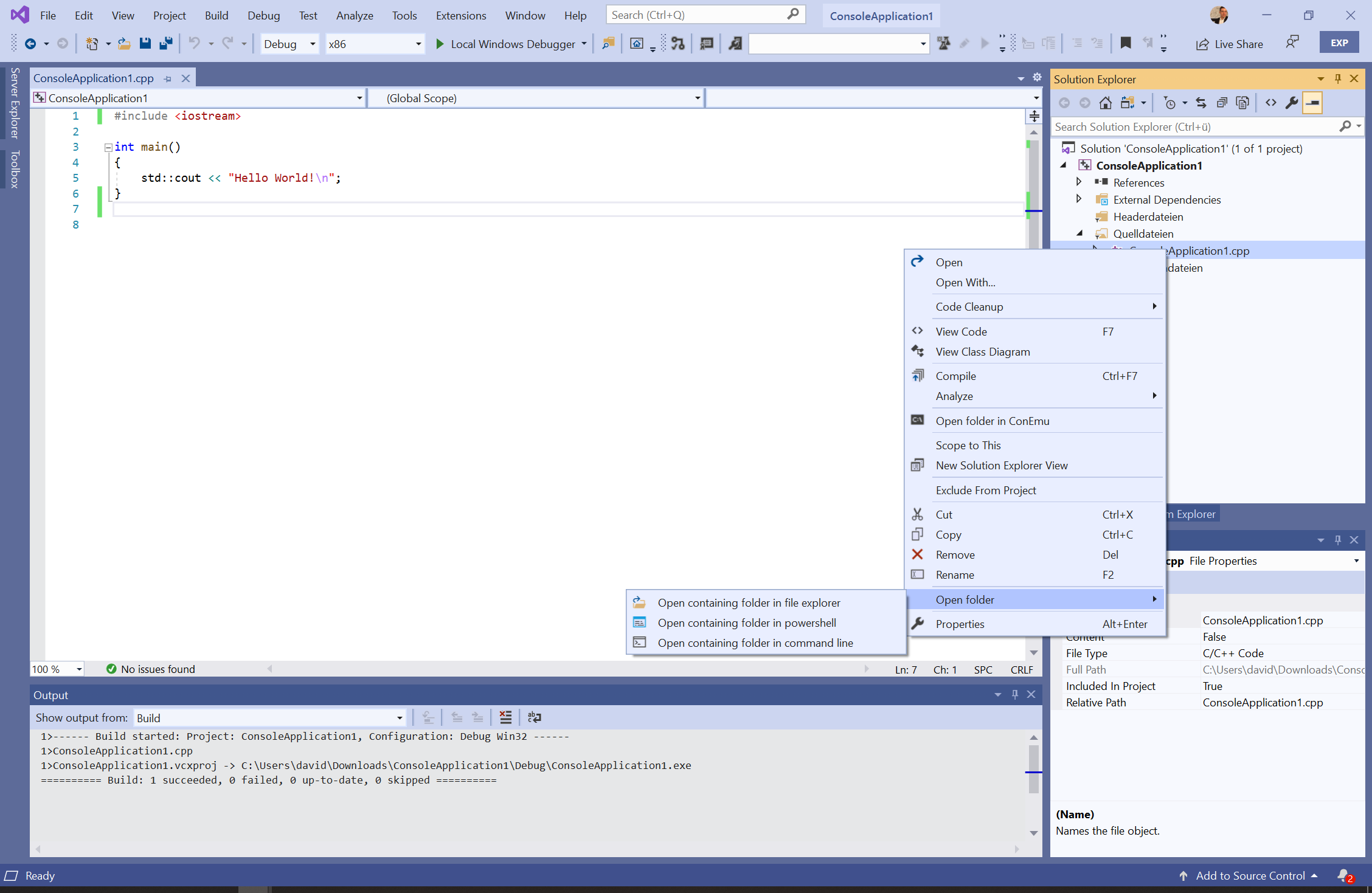
💻 Usage Instructions1. Opening a File's Containing FolderRight-click any file or project within the Solution Explorer.
Select "Open folder" to launch the directory in your chosen application (e.g., File Explorer).
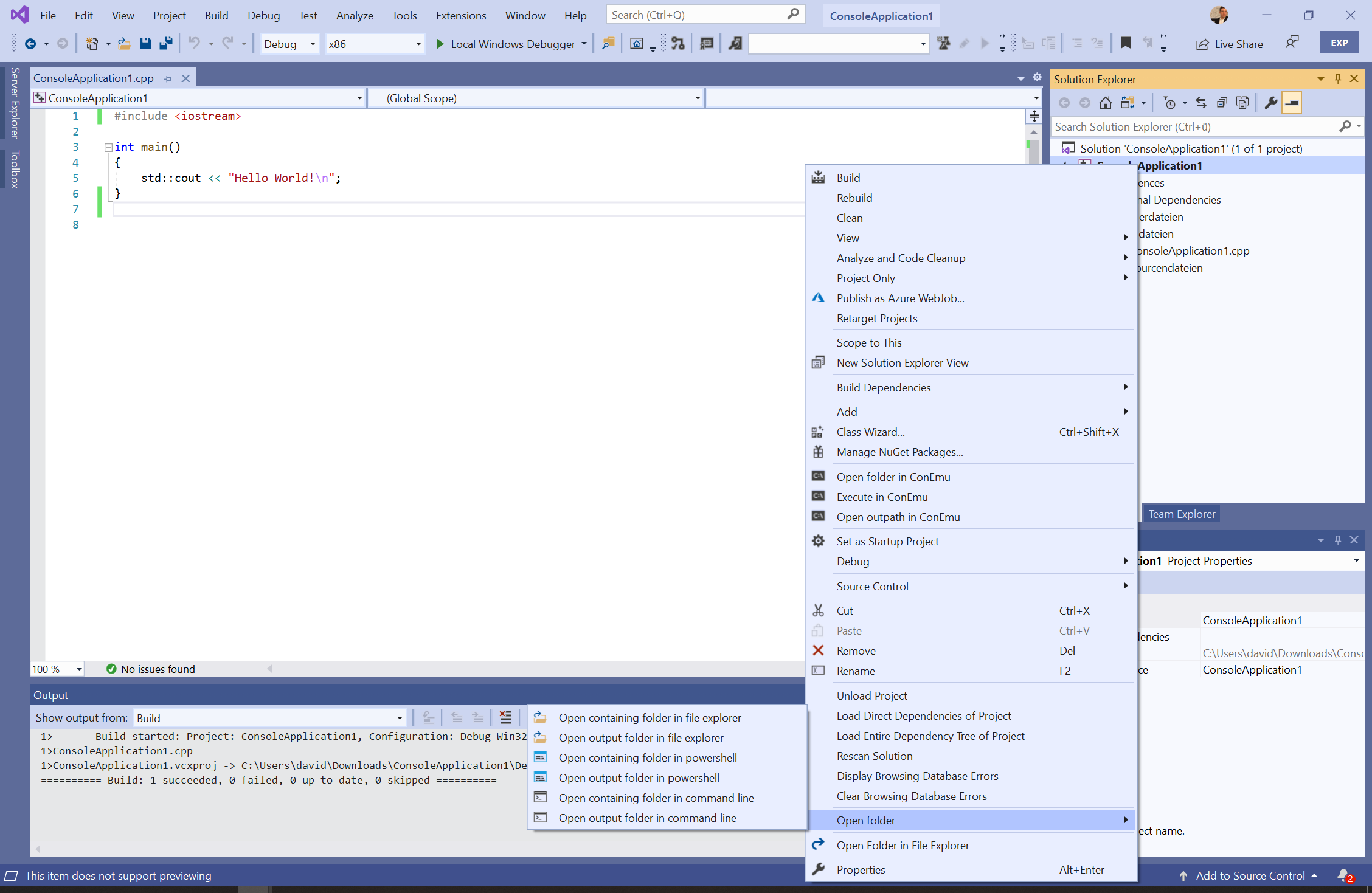
2. Opening a Project's Output FolderRight-click a project within the Solution Explorer.
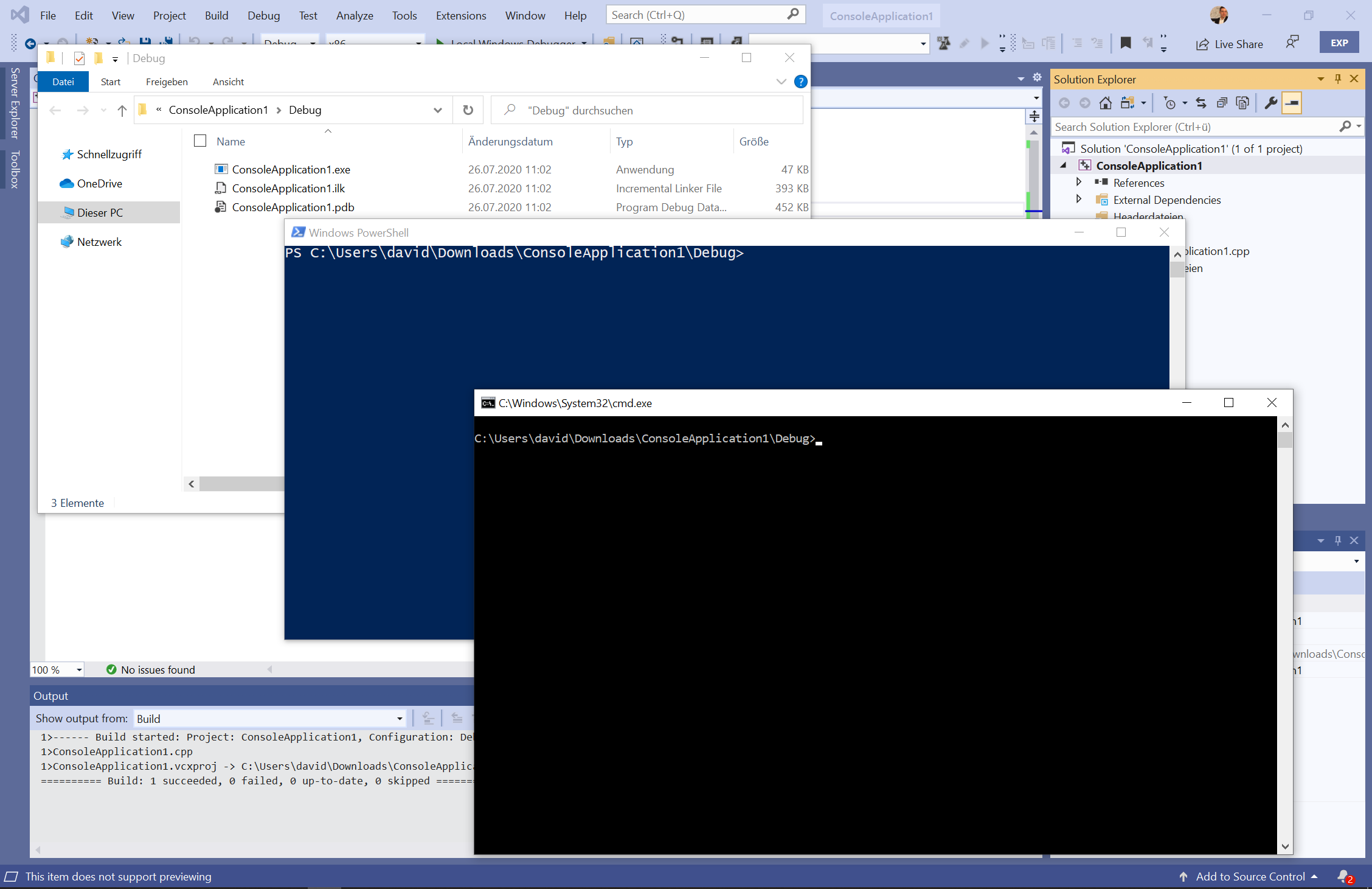
Select "Open output path" to instantly access the compiled output directory.
🌐 Supported Languages
📜 LicenseThis extension is released under the Apache 2.0 License. |