This is a fork of yuvalino/enscript.
All original credit goes to yuvalino for creating the base extension.
This fork adds expanded diagnostics (type checking, duplicate variable detection, argument validation, etc.) and other improvements maintained by DaemonForge.
DaemonForge Enfusion Script is a VSCode extension for DayZ modders that indexes enfusion-script and provides advanced IDE features including syntax highlighting, jump to definition, hover, diagnostics, and more.
🔧 Initial setup
The extension works out of the box for the opened project, but additional setup is required to also index the vanilla enscript codebase.
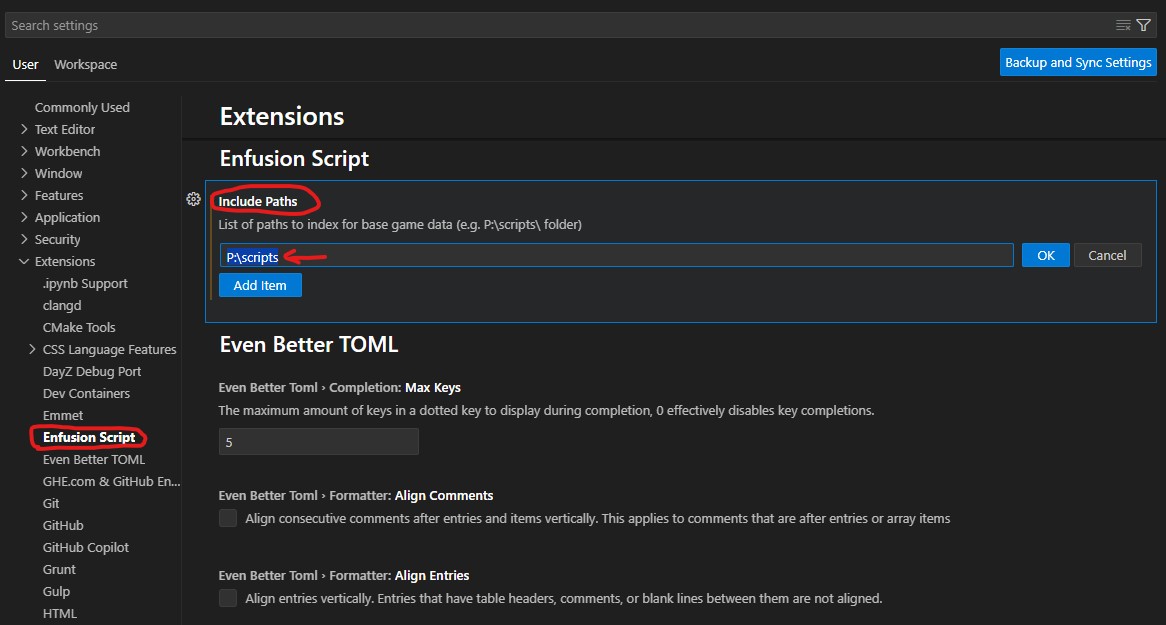
Find your extracted scripts folder (usually P:\scripts) and add it to user settings:
Important: Reload the window after saving!
(YouTube) VSCode Enfusion Script Quickstart Guide
🧩 Extension
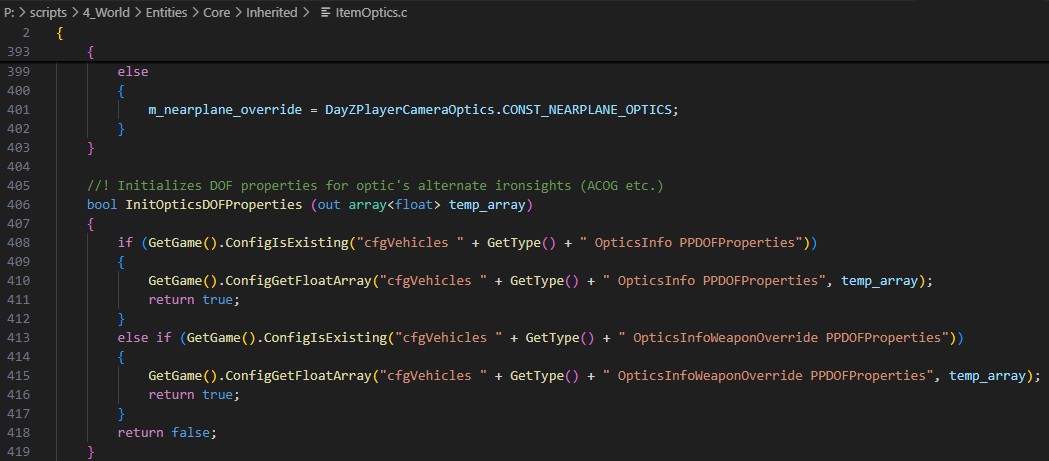
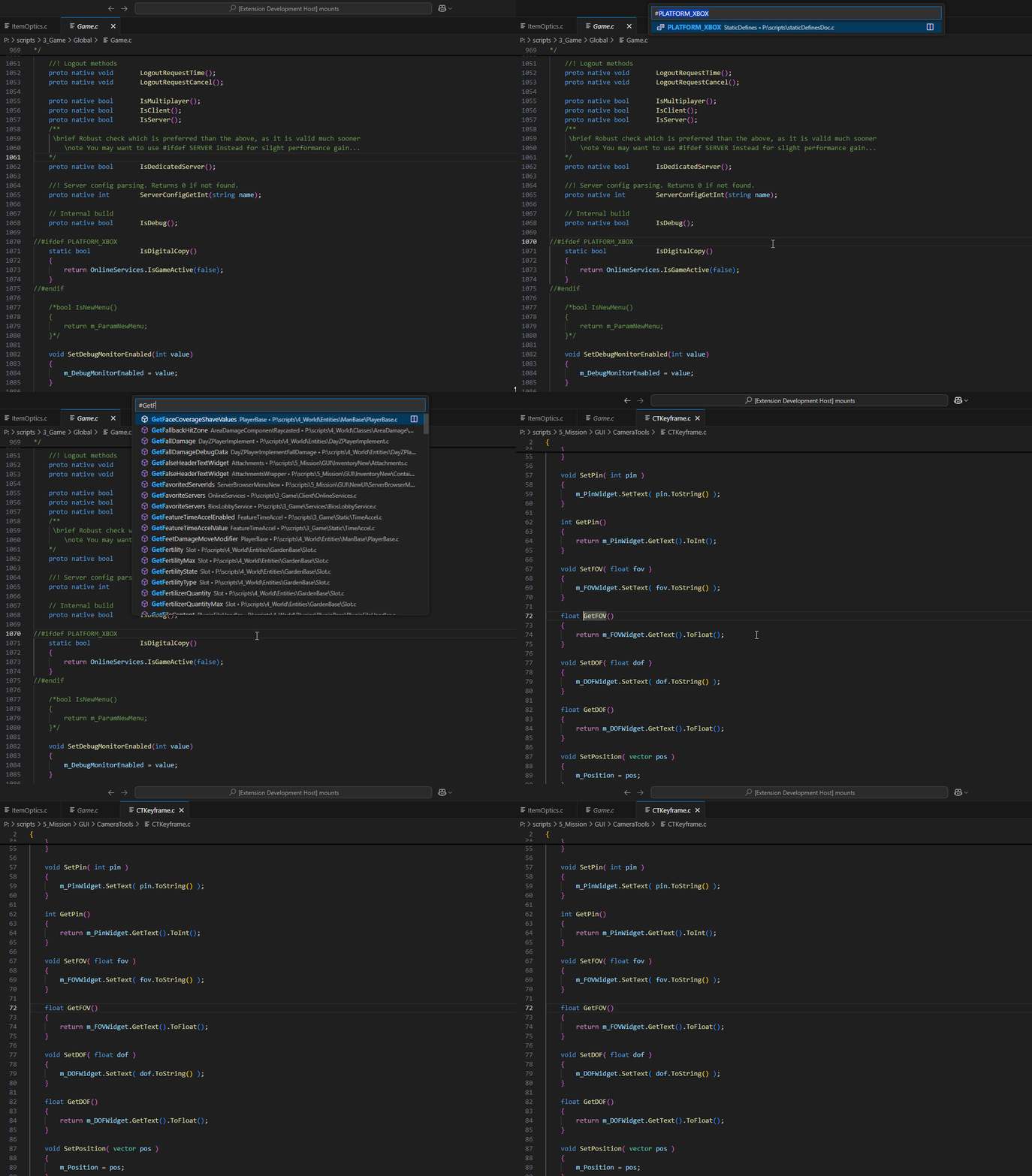
Syntax Highlighting: Syntax highlighting for EnScript language!
DayZ config.cpp basic highlighting
This extension now includes a separate lightweight language mode for DayZ config.cpp files.
It provides basic highlighting for class blocks, key/value assignments, arrays, strings, numbers, comments, and preprocessor lines.
It also provides lightweight warnings for common config mistakes (especially AI-generated ones), such as doubled backslashes in paths, mixed slash styles, accidental absolute Windows paths, and suspicious assignment/class declaration forms.
It is intentionally minimal and isolated from the EnScript language server features.
It only auto-associates files named config.cpp, so regular C++ projects are not affected.
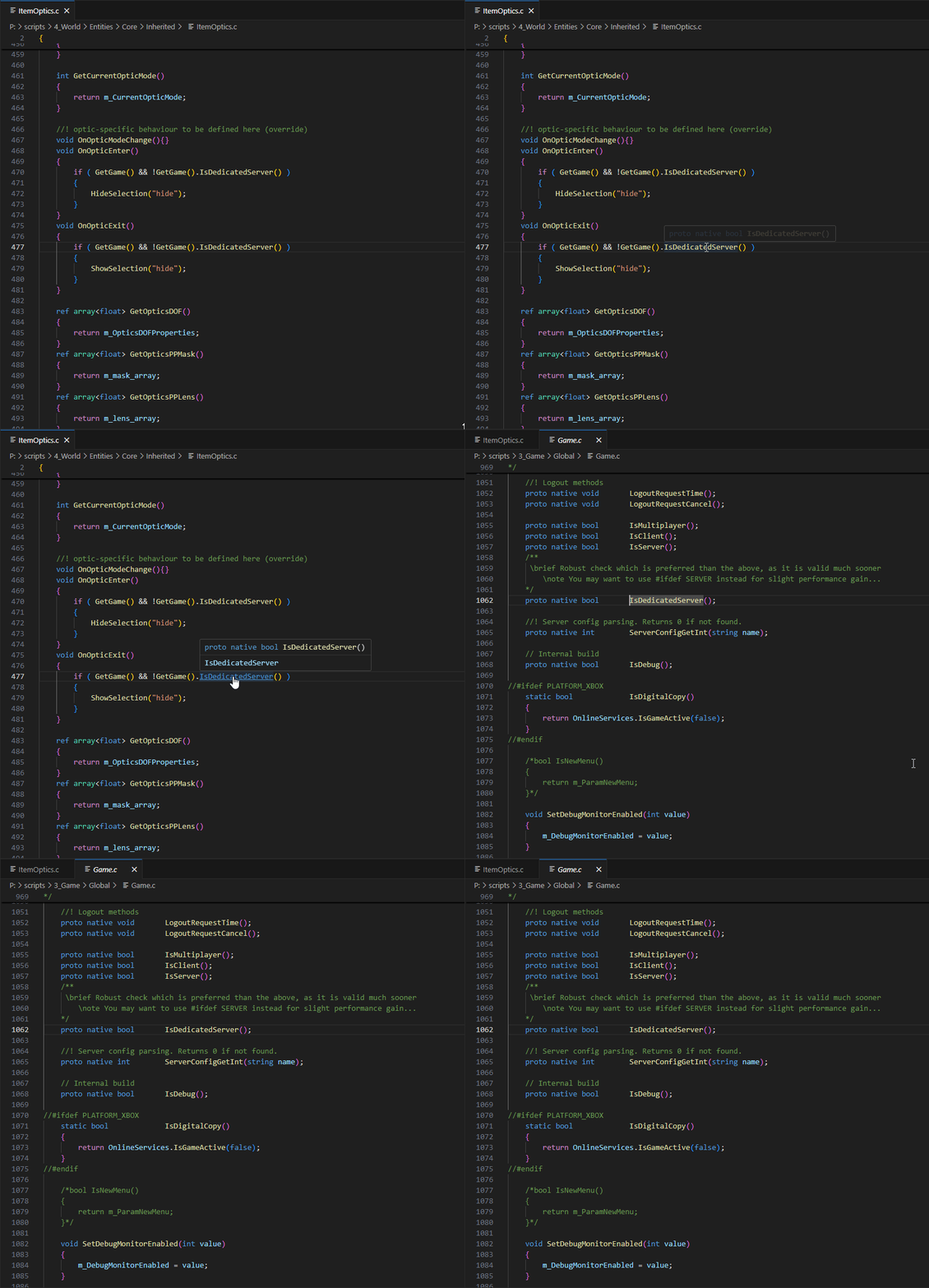
Hover & Jump to Definition: Indexed symbols have their own hover and may be Ctrl+Click'ed to jump to definition.
Workspace Symbols: Supports convenient symbol definition search.
Function Chain Resolution: Full chain resolution across modded classes and included files.
🔍 Diagnostics
Type Checking on Functions: Argument types are validated against function signatures.
Type Warnings: Detects type mismatches in assignments and expressions.
Primitive Type Mismatch Errors: Catches incorrect primitive type usage.
Unknown Methods: Flags calls to methods that don't exist on the resolved type.
Casting Warnings: Warns about unsafe or unnecessary casts.
Missing Override Warning: Detects methods that override a parent but are missing the override keyword.
Override Without Parent Warning: Flags override on methods that don't actually override anything.
Ternary Operator Errors: Catches use of the ternary operator (? :), which is not supported in Enforce Script.
Cross-Module Errors: Detects when a type is used from the wrong module level.