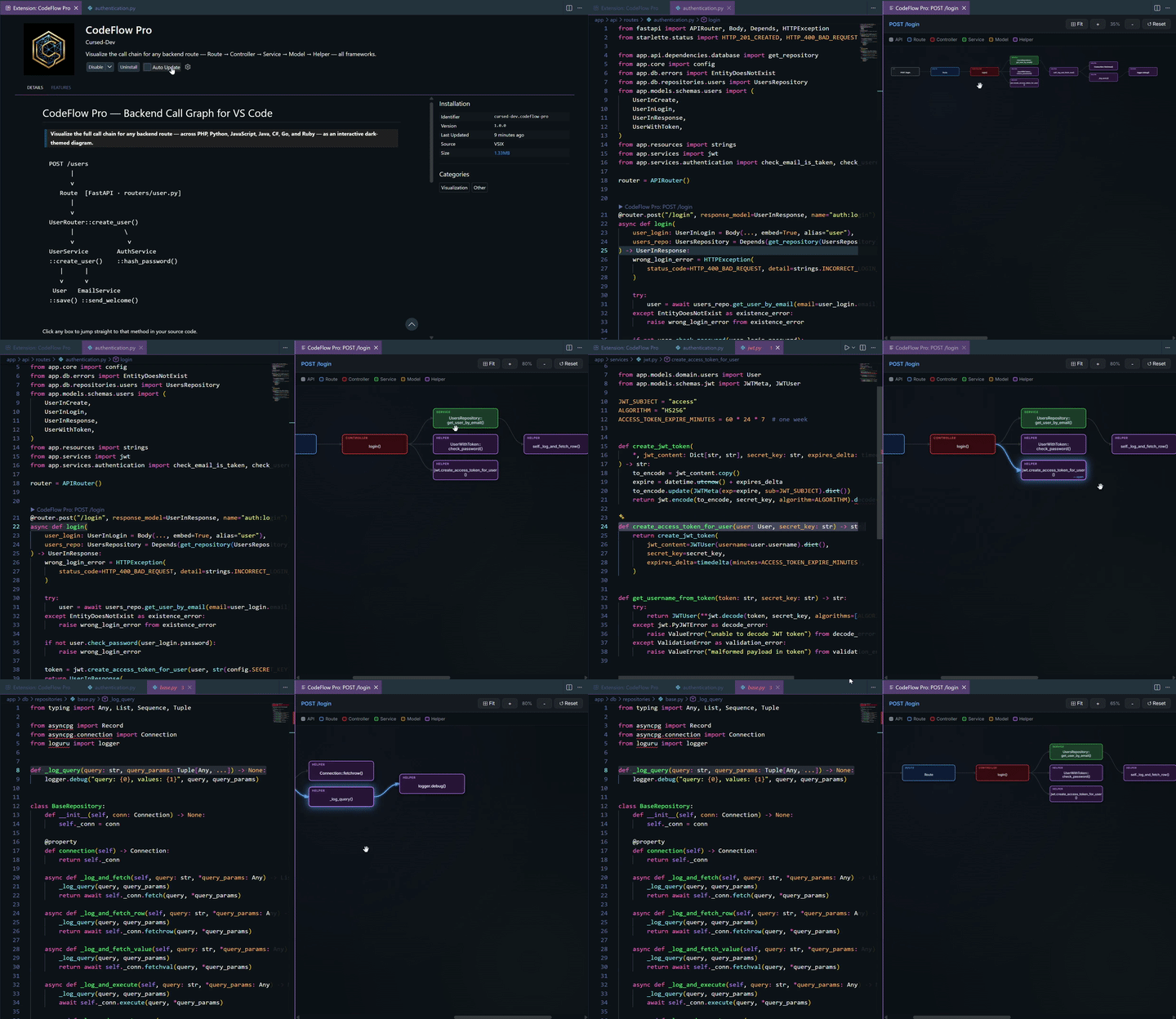
Auto-Detect Frameworks: Zero configuration required. CodeFlow Pro automatically detects your project language and framework.
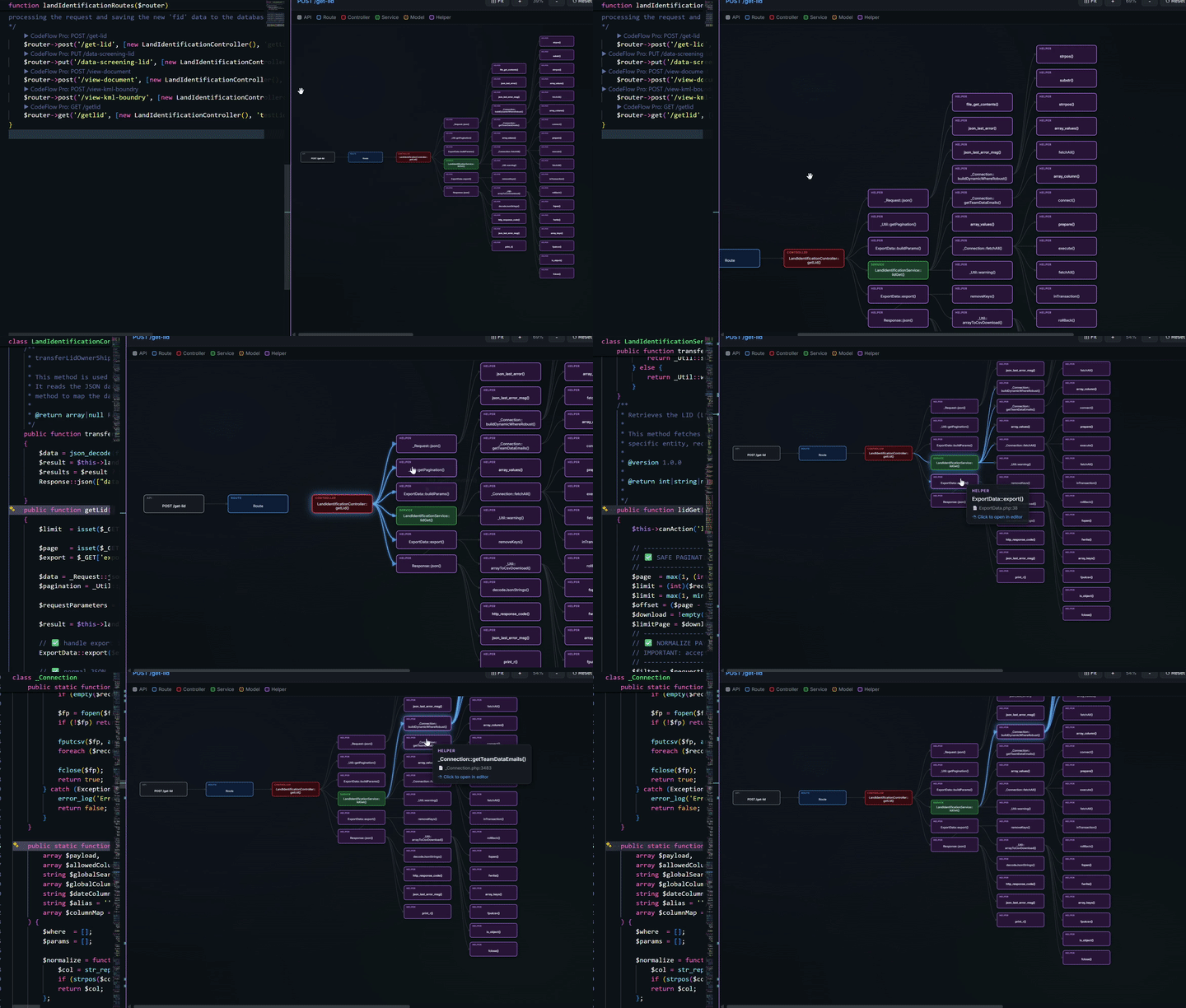
Interactive Call Graph: Beautiful dark-themed SVG visualization of your backend's entire call chain, from the initial API route down to database operations.
Deep Tracing: Accurately traces method calls on injected services, repositories, and helper utilities.
Click-to-Navigate: Click on any node in the generated graph to instantly jump straight to that method in your source code.
FastAPI
PHP
Supported Languages & Frameworks
Language
Frameworks
🐘 PHP
Laravel, Symfony, CodeIgniter
🐍 Python
Django, Flask, FastAPI
⚡ JavaScript
Express, Node.js
🐱 TypeScript
NestJS
Coming in Next Version 🚧
Language
Frameworks
☕ Java
Spring Boot
🔷 C#
ASP.NET Core (Minimal API + Controllers)
🐹 Go
Gin, Fiber
💎 Ruby
Ruby on Rails
No configuration needed — CodeFlow Pro auto-detects your project's language and framework by scanning.
How It Works
Auto-detects your project — scans the workspace root for framework sentinel files to determine language and framework automatically. Falls back to scanning all source files if needed.
Shows CodeLens above every route — a ▶ CodeFlow Pro: GET /path lens appears inline above each route definition in supported files.
Builds the call graph — starting from your route's controller method, it recursively follows:
Method calls on injected services/repositories
Static/class method calls (models, helpers)
Bare function calls (utilities, helpers)
Up to a configurable depth
Renders an interactive SVG graph — colour-coded by role, with zoom/pan controls. Click any node to navigate directly to that method in your code.
Node Colors (Legend)
Color
Role
🔴 Red
API endpoint (root)
🟣 Purple
Route definition
🔵 Blue
Controller method
🟢 Green
Service / Repository
🟠 Orange
Model / Entity
⚫ Grey
Helper / Utility
License
This project is licensed under the MIT License. See the LICENSE file for details.