Screenplay Language
Language support for the Cratis Screenplay DSL — the modeling language that describes a complete bounded context (events, commands, queries, projections, screens, automations, authorization, validation, constraints, and concepts) in a single declarative .play file.
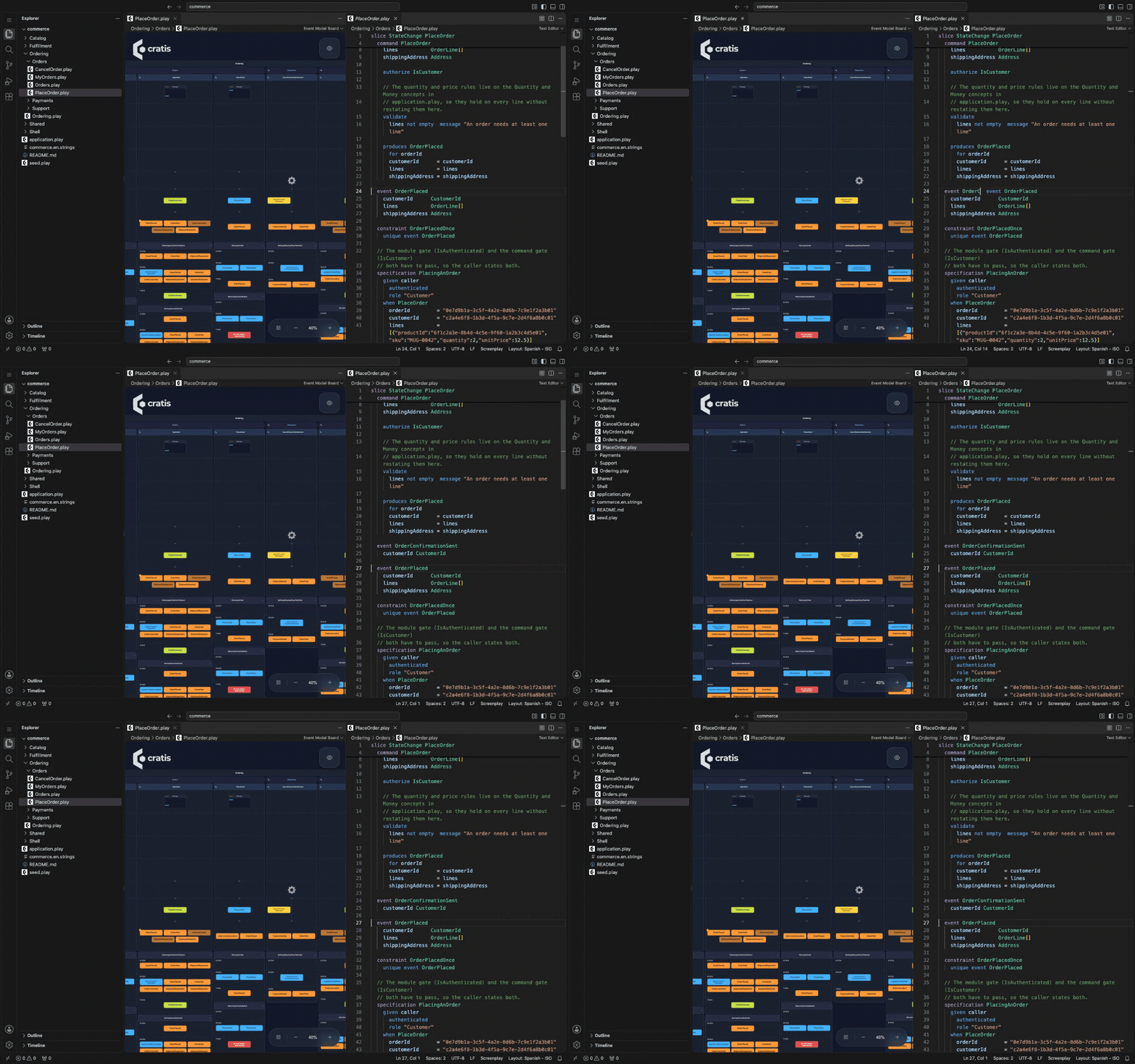
Extension 4.48.1 in code-server. The edit adds an event declaration, not an event
emitted by the command. Newer versions focus the board on the open file's slices.
Quickstart
- Run
code --install-extension cratis.screenplay.
- Open your model's folder, then a
.play file to see the board.
- Choose Show Source to edit beside the board and watch it redraw.
See your event model ·
VS Code guide ·
Language documentation
The board visualizes the model; it does not execute commands or specifications.
Use the compiler to validate your model;
a board that draws is not proof that every semantic check passes.
Features
- The event model board — a
.play file opens on the Cratis event model board, the board Cratis Studio draws, and redraws as you edit. A file inside a folder application shows its own share of it, drawn against everything the application declares: a slice file its slices, a feature or module file the slices it imports or that are placed in what it declares, and the folder's application.play the whole application. A file with no slice of its own, such as one that only declares concepts or types, shows the whole application. Show Source opens the text beside the board, and Open Event Model Board goes back.
- Syntax highlighting for all Screenplay constructs, slice types, concept attributes (
@pii, @sensitive), and context variables ($context.*, $env.*).
- Embedded language highlighting — inline
csharp, typescript, react, and html blocks between triple backticks are highlighted with their own grammars.
- Sub-language highlighting for the Projection Declaration Language (PDL) inside
projection blocks and the Change Data Capture Language (CDL) inside capture blocks.
- IntelliSense — context-aware completions for constructs, clauses, and in-scope symbols: policies after
authorize, events after on and produces, file/csharp after handler, concepts and primitives in type positions, and resolvable module/feature targets after depends on, nearest scope first, excluding targets already declared across workspace files.
- Hover documentation for keywords, concepts, policies, and events.
- Diagnostics — unknown slice types, unknown primitive types, references to undeclared policies and events, tab indentation, and unclosed code blocks.
.play files carry the Cratis icon in the explorer and editor tabs.
Development
From the repository root, build the packages the extension bundles, then the extension:
yarn install
yarn workspace @cratis/screenplay-compiler build
yarn workspace @cratis/screenplay-event-models build
yarn workspace @cratis/screenplay-language build
yarn workspace screenplay build
Then press F5 in VS Code to launch an Extension Development Host with the extension loaded.
To produce a .vsix package:
yarn workspace screenplay package
Structure completion
On an empty line inside a block that has no content yet, the extension suggests the structure the block most obviously needs as ghost text: the produces of a command, the given/when/then skeleton of a specification, and a field per command property in a form. Press Tab to accept.
The extension turns GitHub Copilot's inline suggestions off for .play files, so they do not compete with the language service, and registers the language's keywords with the Code Spell Checker extension when it is installed. Re-enable Copilot with "github.copilot.enable": { "screenplay": true }.

