Toggle XML/HTML comments with two keyboard shortcuts.
Commands
| Shortcut |
Mac |
Action |
Ctrl+Alt+/ |
Cmd+Alt+/ |
Toggle comment on open + close tags only |
Ctrl+Alt+Shift+/ |
Cmd+Alt+Shift+/ |
Toggle comment on entire block |
Tag-only mode
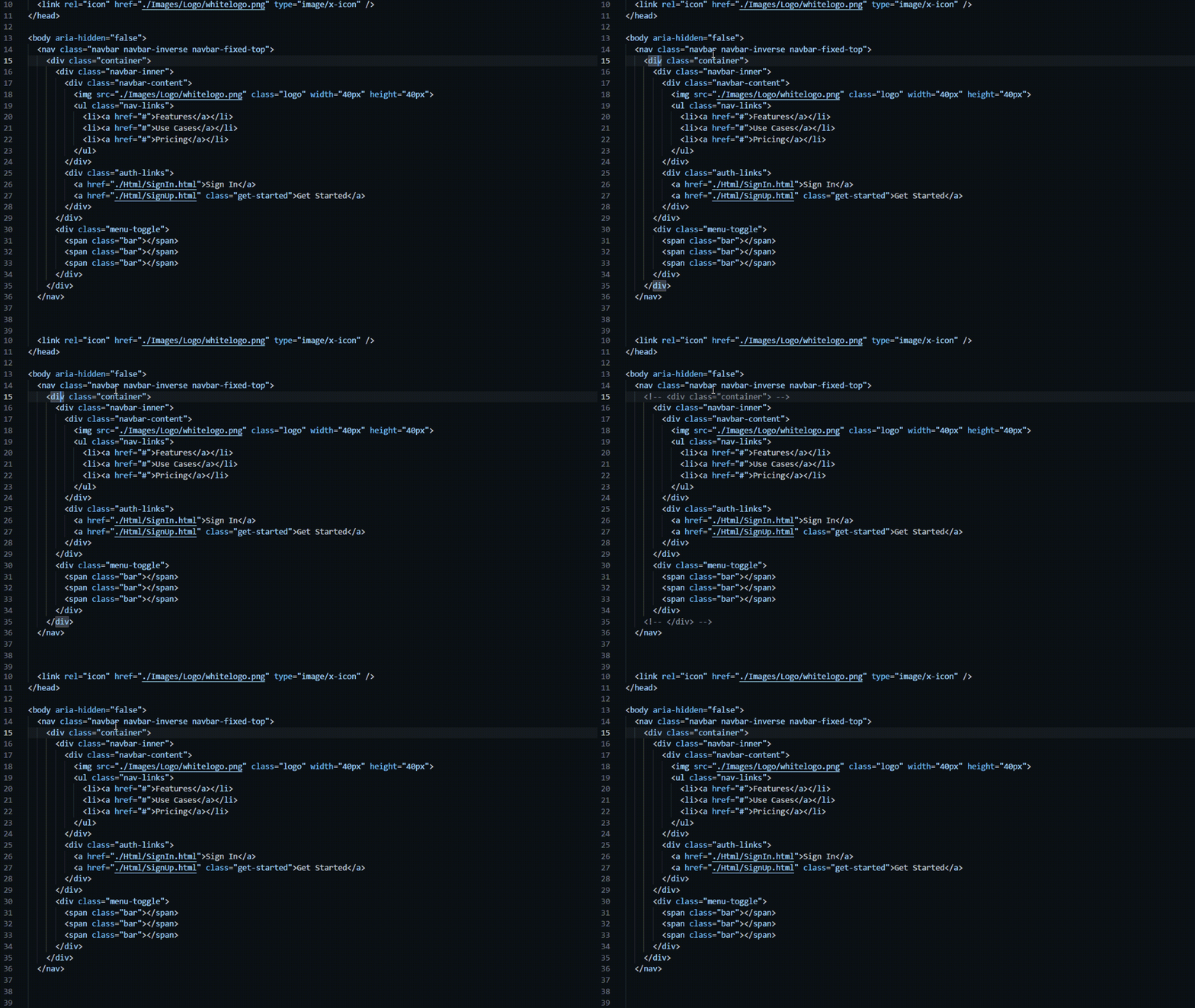
Places <!-- --> around the open and close tags independently,
leaving the inner content untouched:
<!-- Before -->
<item>some content</item>

<!-- After: Ctrl+Alt+/ with cursor on <item> -->
<!-- <item> -->some content<!-- </item> -->
Block mode
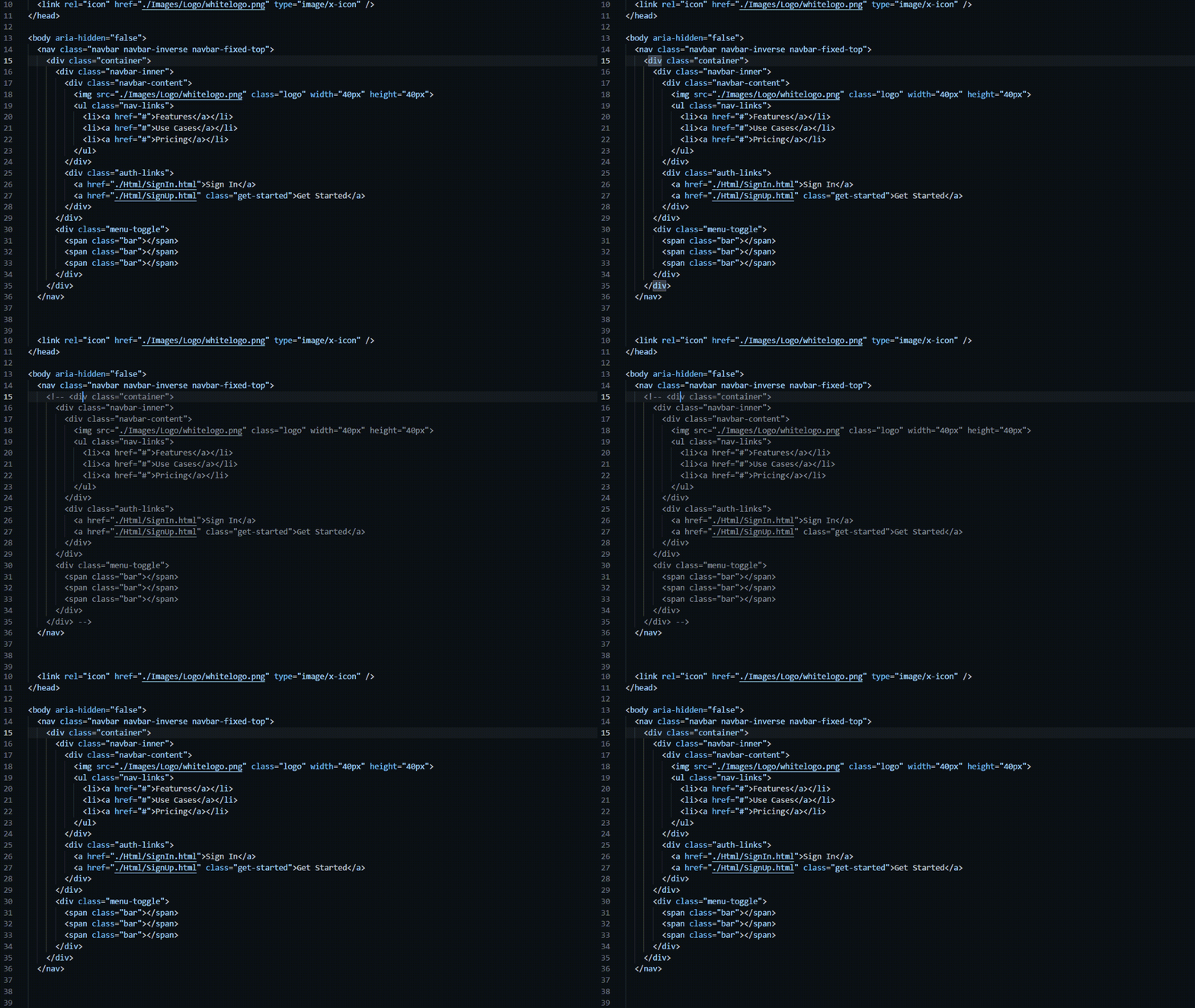
Wraps the entire element — open tag, content, close tag — in a single comment:
<!-- Before -->
<section>
  <p>paragraph one</p>
  <p>paragraph two</p>
</section>

<!-- After: Ctrl+Alt+Shift+/ with cursor on <section> -->
<!-- <section>
  <p>paragraph one</p>
  <p>paragraph two</p>
</section> -->
Both commands are toggles — running the shortcut again removes the comment.
Supported Languages
Architecture
src/
  extension.ts          ← entry point, registers commands
  commands/
    commentTag.ts       ← tag-only command handler
    commentBlock.ts     ← full-block command handler
  core/
    TagParser.ts        ← locates tags at cursor, pure reader
    CommentWriter.ts    ← builds WorkspaceEdits, pure builder
    types.ts            ← TagInfo, BlockInfo, CommentMode
test/
  helpers/
    mockDocument.ts     ← lightweight TextDocument mock
  TagParser.test.ts
  CommentWriter.test.ts
Key design decisions:
TagParser only reads — no side effects, fully unit-testable without VS CodeCommentWriter builds a WorkspaceEdit and returns it; callers apply it- Both tag edits in tag-only mode are batched into one
WorkspaceEdit so they land in a single undo step
Development
pnpm install
pnpm run watch        # rebuild on save
# Press F5 in VS Code to launch Extension Development Host
pnpm test             # run unit tests
pnpm run package      # produce .vsix

