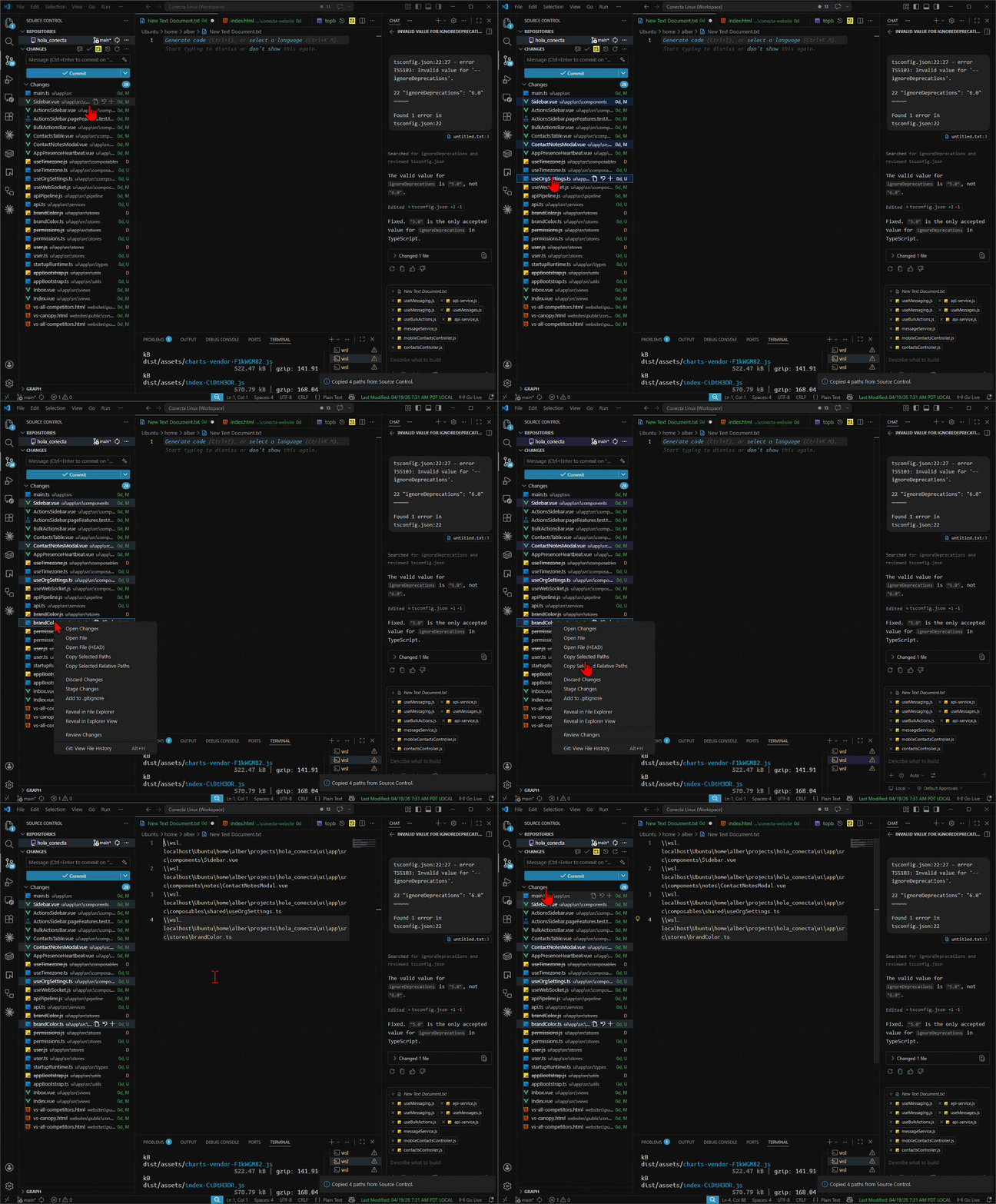
Copy Paths from Source ControlCopy full or relative file paths for multiple selected files directly from VS Code's Source Control panel.
Features
Usage
Copied file paths are written to the clipboard as newline-separated text. What This Extension Is ForThis extension is for developers who want to copy multiple file paths from the VS Code Source Control panel at once. It is useful when working with Git changes, SCM file selections, code review workflows, terminal commands, and commit-related file lists. Commands
NotesVS Code passes selected SCM resources to commands invoked from the Source Control context menu, but not from a plain keybinding in a way that is reliable for this workflow. This extension intentionally ships without a default Development
LicenseMIT |