Codefy
Music that adapts to your coding context.
Codefy connects Spotify to Visual Studio Code and switches playlists from real development signals — stack, language, file, Git branch, debug session, and time of day.
Why Codefy
Most Spotify extensions are remotes. Codefy is an automation layer:
| WHEN |
THEN |
| React project detected |
Focus playlist |
Editing *.sql |
Database playlist |
| Debug session starts |
Calm focus mix |
Branch hotfix* |
High-energy playlist |
| After 22:00 |
Night coding |
Features
- Connect Spotify — one click; OAuth 2.0 + PKCE; tokens in VS Code SecretStorage (no Client Secret)
- No Client ID setup for normal users — ships Codefy’s public Spotify app Client ID (override optional for developers)
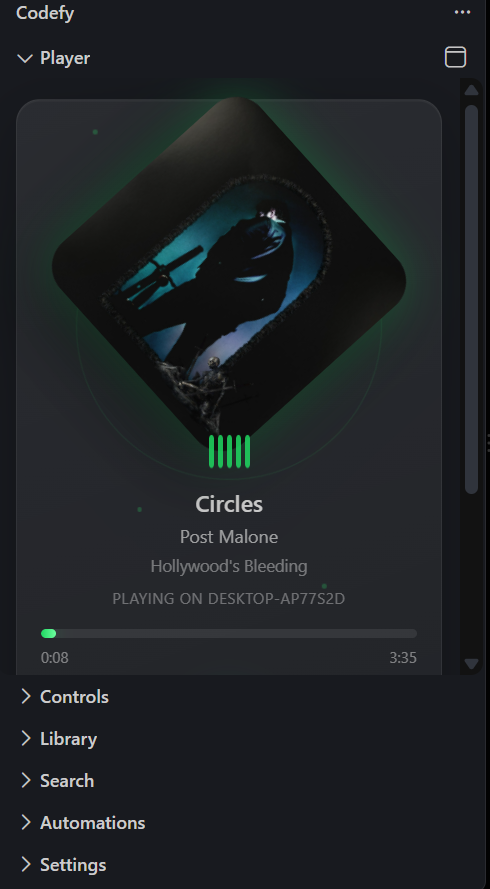
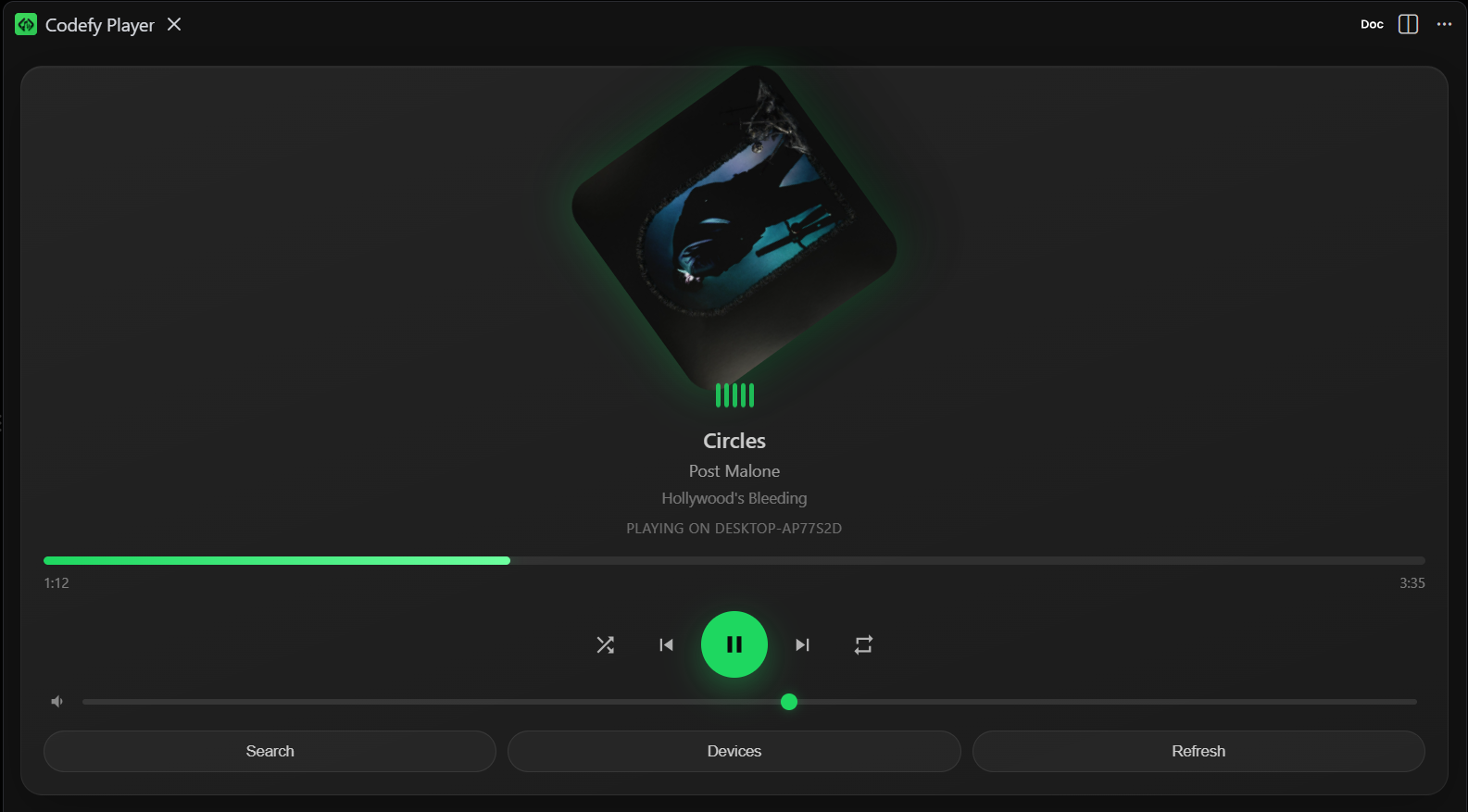
- Premium player — Now Playing webview with seek, volume, shuffle, repeat (Controls tree fallback)
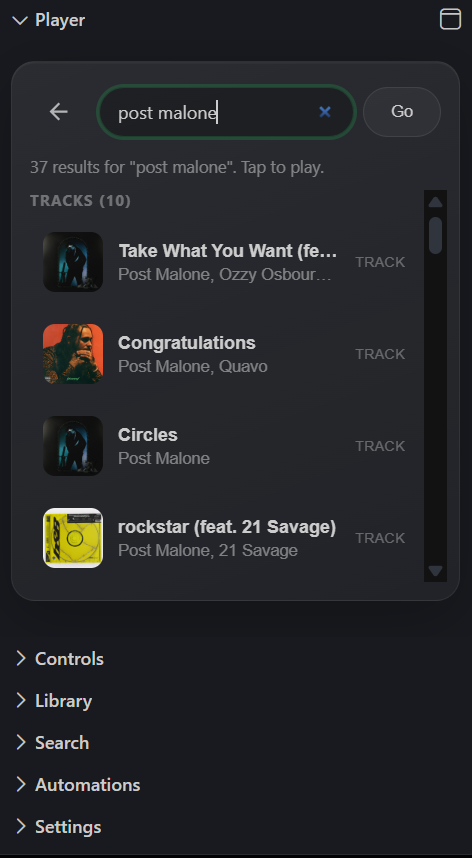
- In-player search — search tracks/playlists/albums and tap to play
- Auto-open Spotify — when no Connect device is available, Codefy opens Desktop/Web and waits for a device
- Library & search — playlists, likes, artists, albums, favorites, recents
- Status bar mini player — track + transport without leaving the editor
- Automation Studio — templates, playlist picker, priority, cooldown
- Context Center — live context + simulate match + “Playing because…”
- Activity history — executed / blocked / failed (local only)
- Privacy Center — clear local data; no Codefy analytics backend
Screenshots
Quick start
- Install Codefy Music from the Marketplace (or a
.vsix).
- Run Codefy: Login / Connect Spotify and authorize with your Spotify account.
- Open Spotify Desktop (or Web Player). Codefy can also open it automatically when you play.
- Search in the Player webview, tap a track, enjoy.
- Optional: Codefy: Open Workspace → Studio for context automations.
First-run tips also appear in the built-in Get started with Codefy walkthrough.
Spotify Dashboard note (extension owner / developers)
End users do not create a Spotify app. The publisher’s Spotify application must register these Redirect URIs:
vscode://Codefy-Music.codefy-music/callback
vscode-insiders://Codefy-Music.codefy-music/callback
cursor://Codefy-Music.codefy-music/callback
While the Spotify app is in Development Mode, only allowlisted users can call the API (see Spotify quota modes). Unlimited Marketplace users require Extended Quota Mode (Spotify partner criteria apply).
Commands (highlights)
| Command |
Purpose |
Codefy: Login / Logout |
Connect Spotify |
Codefy: Open Workspace |
Context / Studio / History / Privacy |
Codefy: Automation Studio |
Create rules from templates |
Codefy: Open Player |
Visual player panel |
Codefy: Search |
Search Spotify |
Codefy: Open Spotify |
Wake Desktop / Web Player |
Codefy: Reset Local Data |
Clear favorites, history, rules |
Privacy
Codefy does not run its own cloud or analytics. Full policy: PRIVACY.md or Codefy: Privacy Center.
| Data |
Where |
| OAuth tokens |
SecretStorage |
| Favorites, recents, history |
GlobalState |
| Automation rules |
WorkspaceState |
Requirements
- Visual Studio Code
^1.85.0
- Spotify account
- Playback control (play/pause/skip/volume/devices via API) requires Spotify Premium — Free accounts can still search, browse, and configure automations
- Trusted local workspace (untrusted workspaces are not supported)
Development
npm install
npm run watch   # F5 → Run Codefy Extension
npm run check   # typecheck + lint + tests
npm run package # build .vsix
Optional: set codefy.spotify.clientId to override the shipped Client ID while developing your own Spotify app.
License
MIT

