Skip to content
| Marketplace
Sign in
Visual Studio Code>Machine Learning>Codag - Visualize LLM WorkflowsNew to Visual Studio Code? Get it now.
Codag - Visualize LLM Workflows

Codag - Visualize LLM Workflows

Codag

|
99 installs
| (0) | Free
Visualize AI/LLM workflows in your codebase
Installation
Launch VS Code Quick Open (Ctrl+P), paste the following command, and press enter.
Copied to clipboard
More Info
Codag

Codag

See how your AI code actually works.

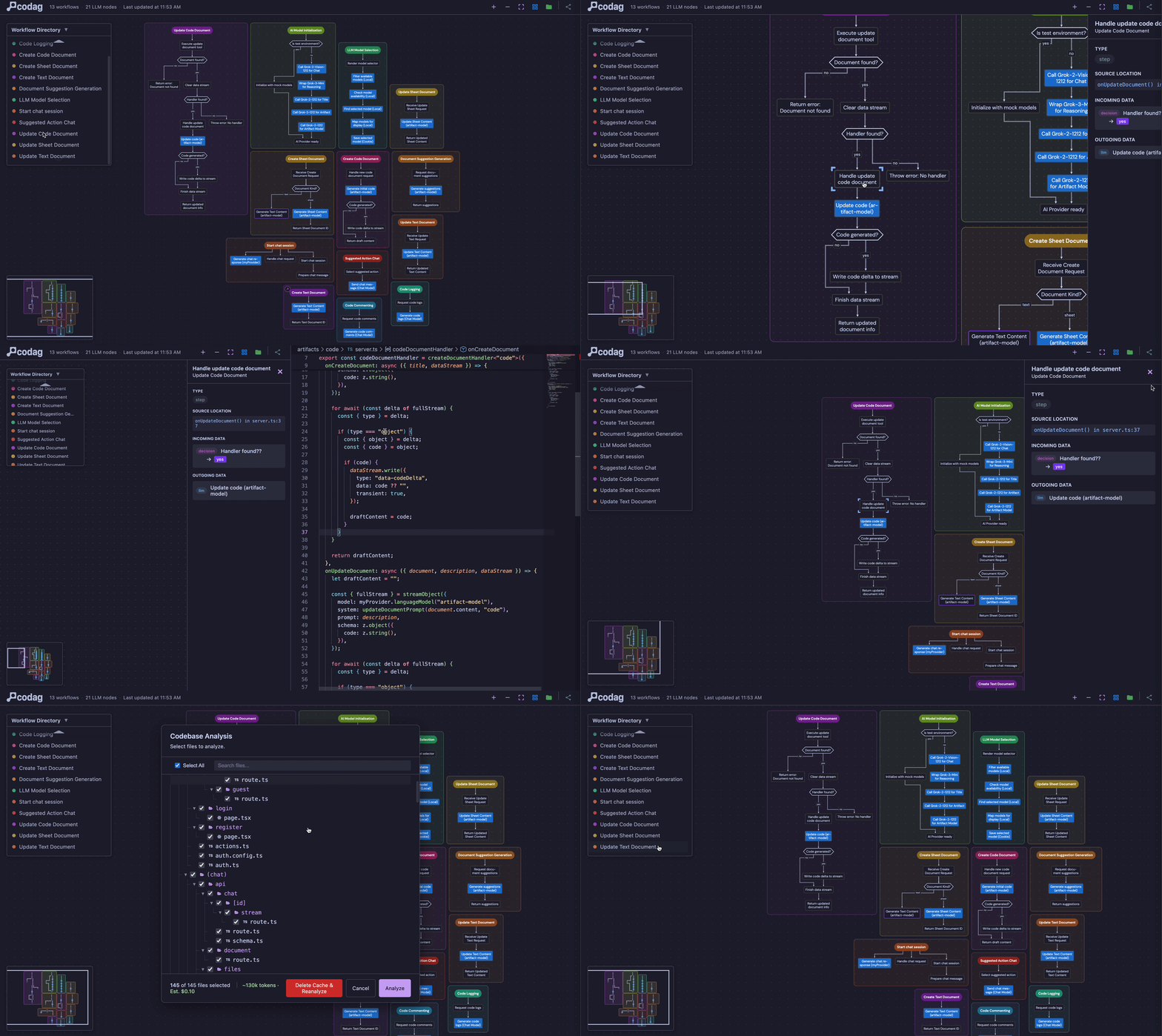
Codag analyzes your code for LLM API calls and AI frameworks, then generates interactive workflow graphs — directly inside VSCode.

Codag in action

Gallery

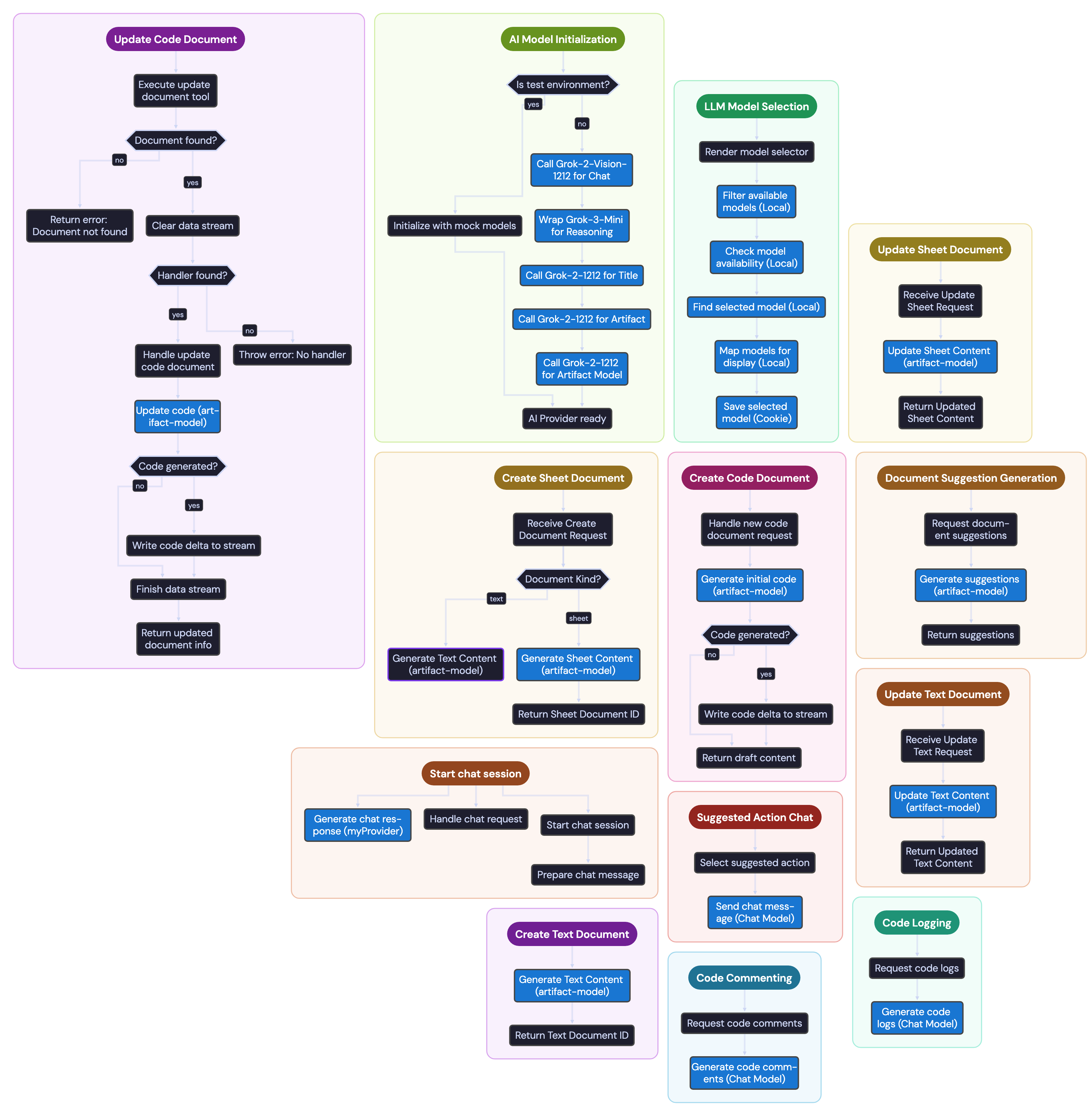
Vercel AI Chatbot
vercel/ai-chatbot

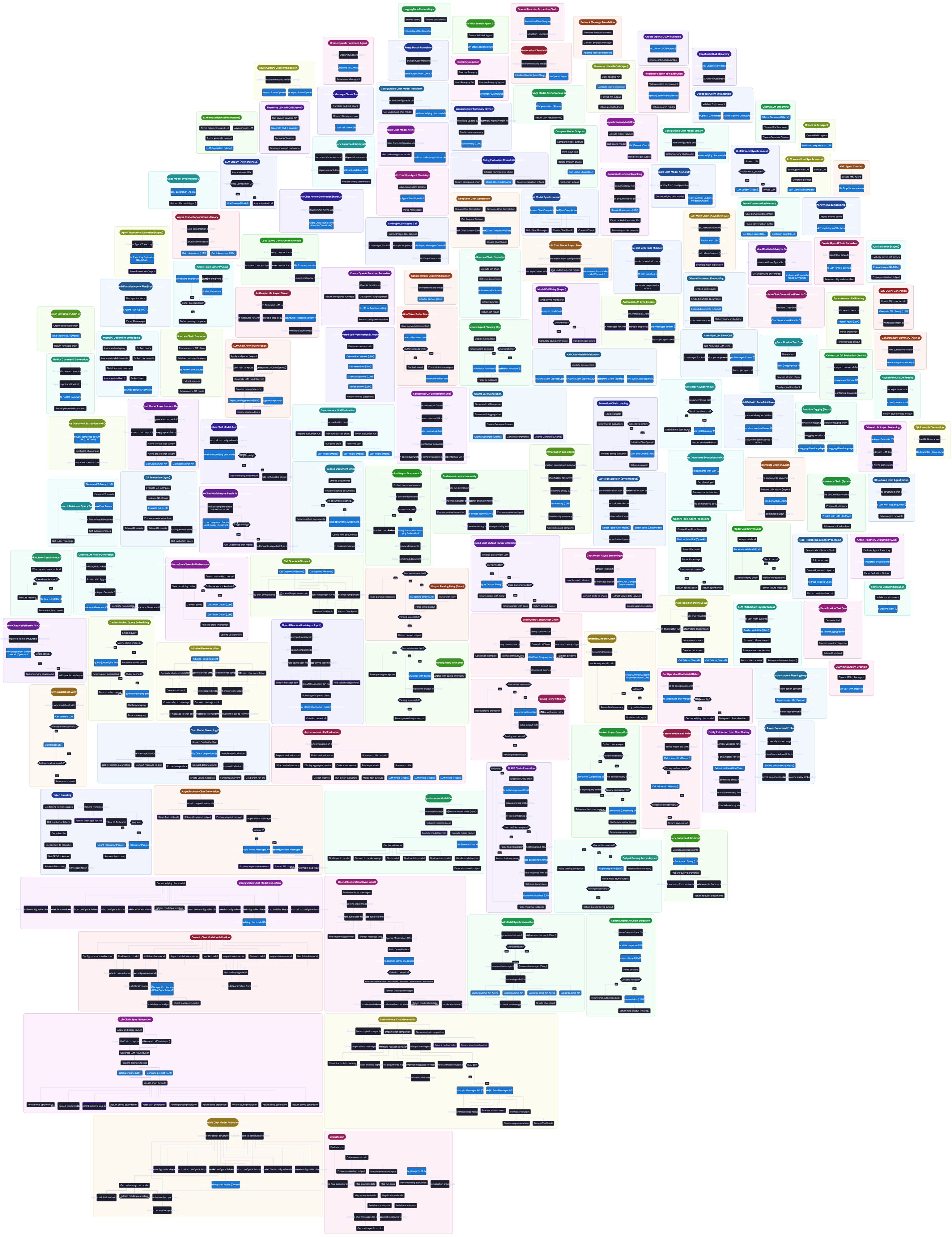
LangChain
langchain-ai/langchain

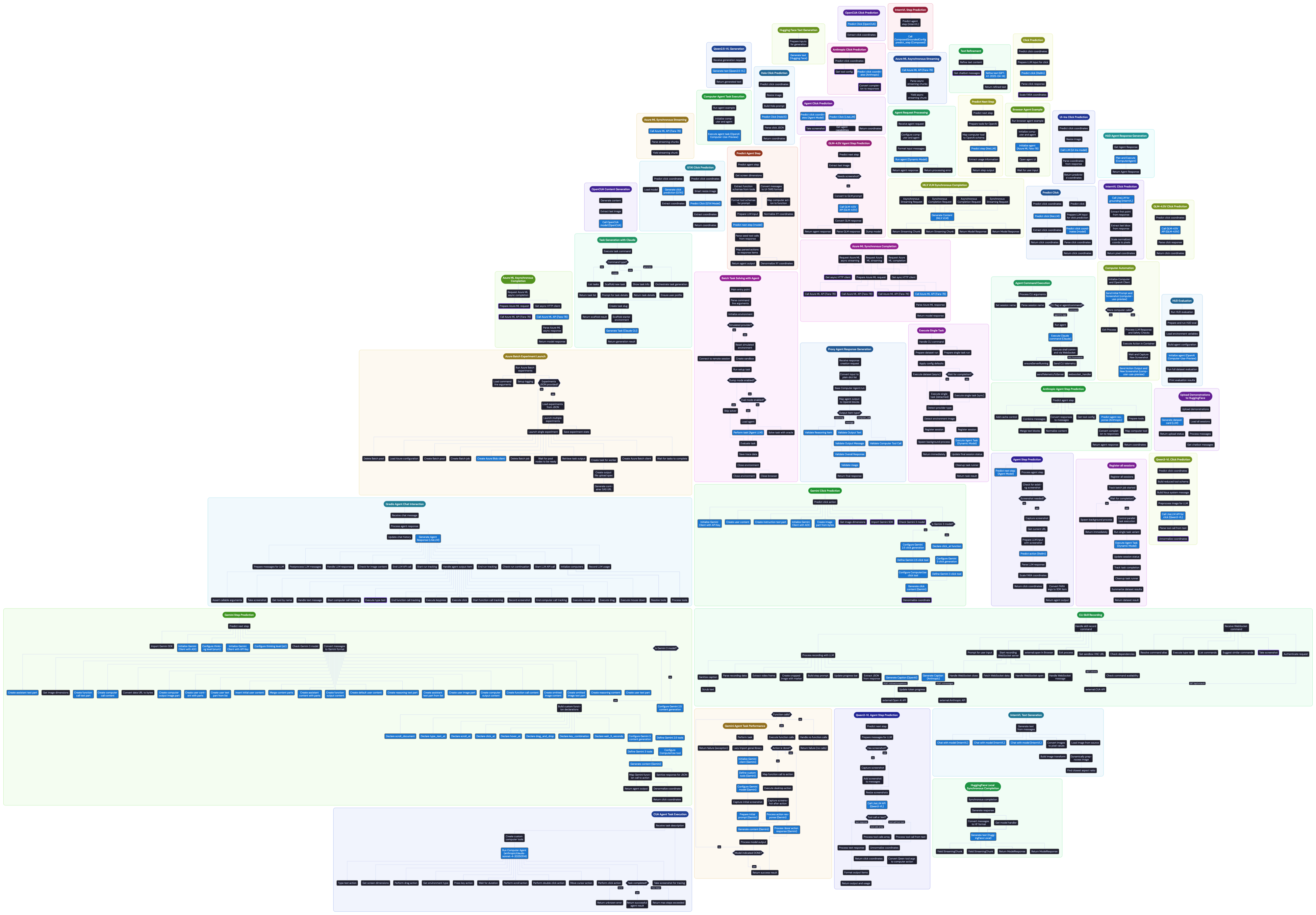
TryCua
trycua/cua

Why Codag?

AI codebases are hard to reason about. LLM calls are scattered across files, chained through functions, and wrapped in framework abstractions.

Codag does this automatically:

  • Extracts the workflow — finds every LLM call, decision branch, and processing step across your codebase
  • Visualizes it as a graph — interactive DAG with clickable nodes that link back to source code
  • Updates in real-time — edit a file and watch the graph change instantly, no re-analysis needed

Features

  • Automatic Workflow Detection — point at your files, get a full AI pipeline graph
  • Live Graph Updates — edit code, watch the graph change with green highlights on changed functions
  • Click-to-Source — every node links to the exact function and line number
  • Export to PNG — export workflow graphs as high-resolution images

Supported Providers

LLM Providers: OpenAI, Anthropic, Google Gemini, Azure OpenAI, Vertex AI, AWS Bedrock, Mistral, xAI (Grok), Cohere, Ollama, Together AI, Replicate, Fireworks AI, AI21, DeepSeek, OpenRouter, Groq, Hugging Face

Frameworks: LangChain, LangGraph, Mastra, CrewAI, LlamaIndex, AutoGen, Haystack, Semantic Kernel, Pydantic AI, Instructor

AI Services: ElevenLabs, RunwayML, Stability AI, D-ID, HeyGen, and more

IDE APIs: VS Code Language Model API

Languages: Python, TypeScript, JavaScript (JSX/TSX), Go, Rust, Java, C, C++, Swift, Lua

Getting Started

1. Start the Backend

Codag uses a self-hosted backend powered by Gemini 2.5 Flash. You'll need a Gemini API key (free tier available).

git clone https://github.com/michaelzixizhou/codag.git
cd codag
cp backend/.env.example backend/.env
# Edit backend/.env and add your Gemini API key
docker compose up -d

Verify it's running: curl http://localhost:52104/health

See the full setup guide for manual installation.

2. Use It

  1. Cmd+Shift+P / Ctrl+Shift+P → "Codag: Open"
  2. Select files containing LLM/AI code
  3. Explore the graph — click nodes, zoom, pan

Settings

Setting Default Description
codag.apiUrl http://localhost:52104 Backend API URL

License

MIT

  • Contact us
  • Jobs
  • Privacy
  • Manage cookies
  • Terms of use
  • Trademarks
© 2026 Microsoft