Skip to content
| Marketplace
Sign in
Visual Studio Code>Other>Clean AINew to Visual Studio Code? Get it now.
Clean AI

Clean AI

Clean AI

|
7 installs
| (0) | Free
Analyze your codebase inside Cursor: metrics, unused code, code health score, and refactor suggestions.
Installation
Launch VS Code Quick Open (Ctrl+P), paste the following command, and press enter.
Copied to clipboard
More Info

Clean AI

This is a Cursor/VS Code extension that analyzes the currently open workspace and provides a Code Health Score, high-level metrics, and the foundation for automated refactor suggestions.

What it does (MVP)

  • Scans the workspace recursively.
  • Counts files and estimates total lines of code.
  • Computes a Code Health Score (0–100) using simple placeholder metrics that you can later replace with full AST-based analysis.
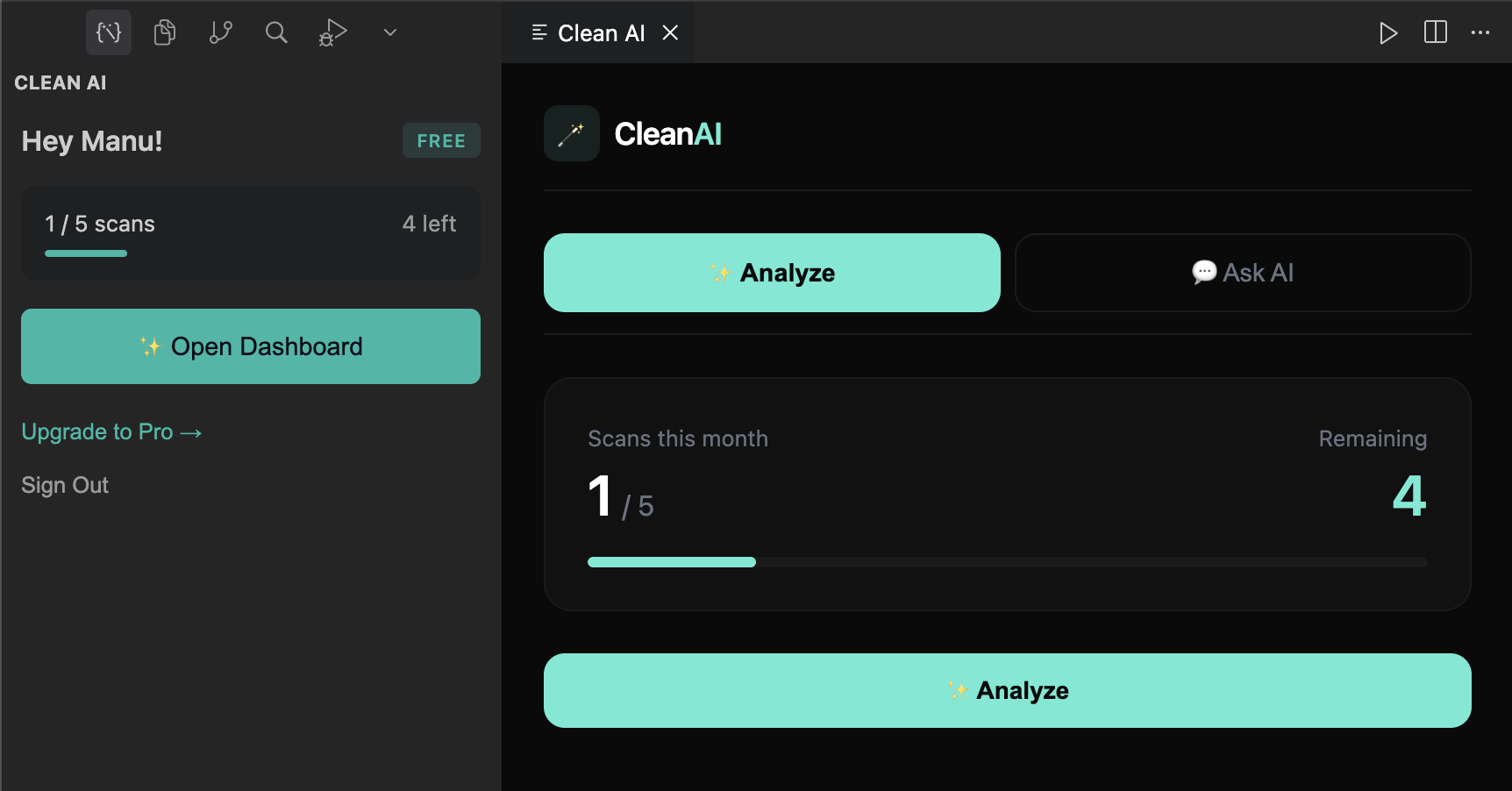
  • Opens a report panel inside Cursor/VS Code with a summary of the results.

How to install and run locally

  1. Install dependencies

    • In the project root:
    npm install
    
  2. Build the extension

    npm run build
    
  3. Launch in Cursor / VS Code

    • Open this folder in Cursor or VS Code.
    • Open the Run and Debug view (left sidebar).
    • Select “Run Extension” from the configuration dropdown.
    • Click the green play button (Start Debugging).
    • An Extension Development Host window will open.
    • In that window, open a workspace you want to analyze.
    • Run the command palette and execute:
      • Clean AI: Analyze Code Quality
    • A “Clean AI · Code Quality Report” panel will open with:
      • Overall score
      • Category scores
      • File count, LOC, and estimated unused code %
  4. Packaging for distribution (optional)

    • Install vsce globally if you have not:
    npm install -g @vscode/vsce
    
    • From the project root, you can then run:
    vsce package
    
    • This will create a .vsix file you can install into Cursor/VS Code.

Current limitations

  • Uses simple heuristics for now (file counting and LOC).
  • Scoring is placeholder-only and does not yet include:
    • Cyclomatic complexity
    • Detailed unused code detection
    • Architecture or style-consistency checks

These will be added incrementally on top of the current structure.

Automatic publishing from GitHub

This repository is configured with a GitHub Actions workflow that can publish the extension to the VS Code Marketplace automatically.

To finish setup:

  1. Create a VS Code Marketplace publisher (if you have not) and make sure the publisher field in package.json matches its name.

  2. Create a Personal Access Token on the Marketplace with permission to publish extensions.

  3. In your GitHub repo settings, add a secret:

    • Name: VSCE_TOKEN
    • Value: the token from step 2.
  4. To publish:

    • Bump the version in package.json (e.g. 0.0.2).
    • Push a git tag like v0.0.2 to GitHub:
    git tag v0.0.2
    git push origin v0.0.2
    
    • The “Publish VS Code extension” workflow will run and publish that version automatically.
  • Contact us
  • Jobs
  • Privacy
  • Manage cookies
  • Terms of use
  • Trademarks
© 2025 Microsoft