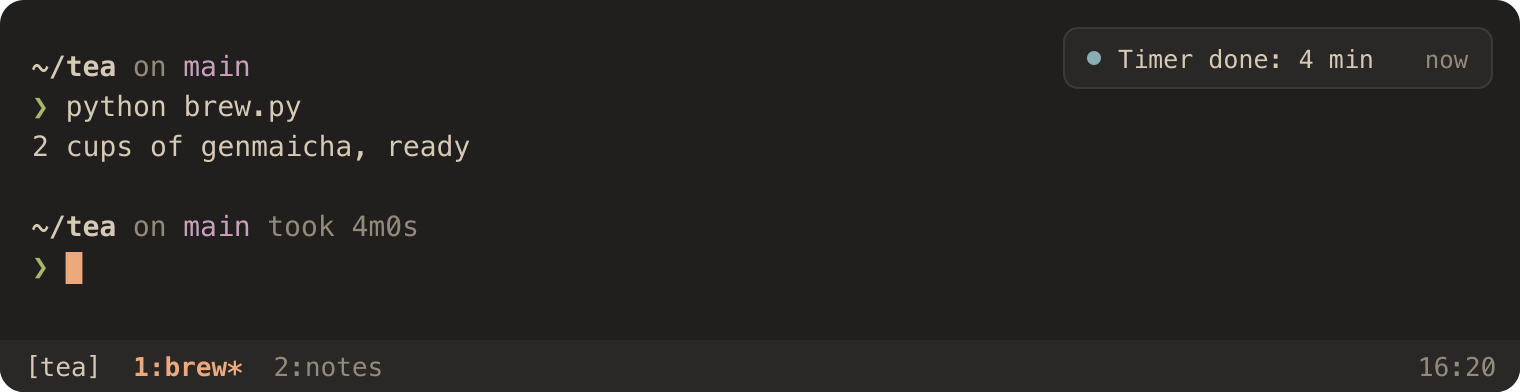
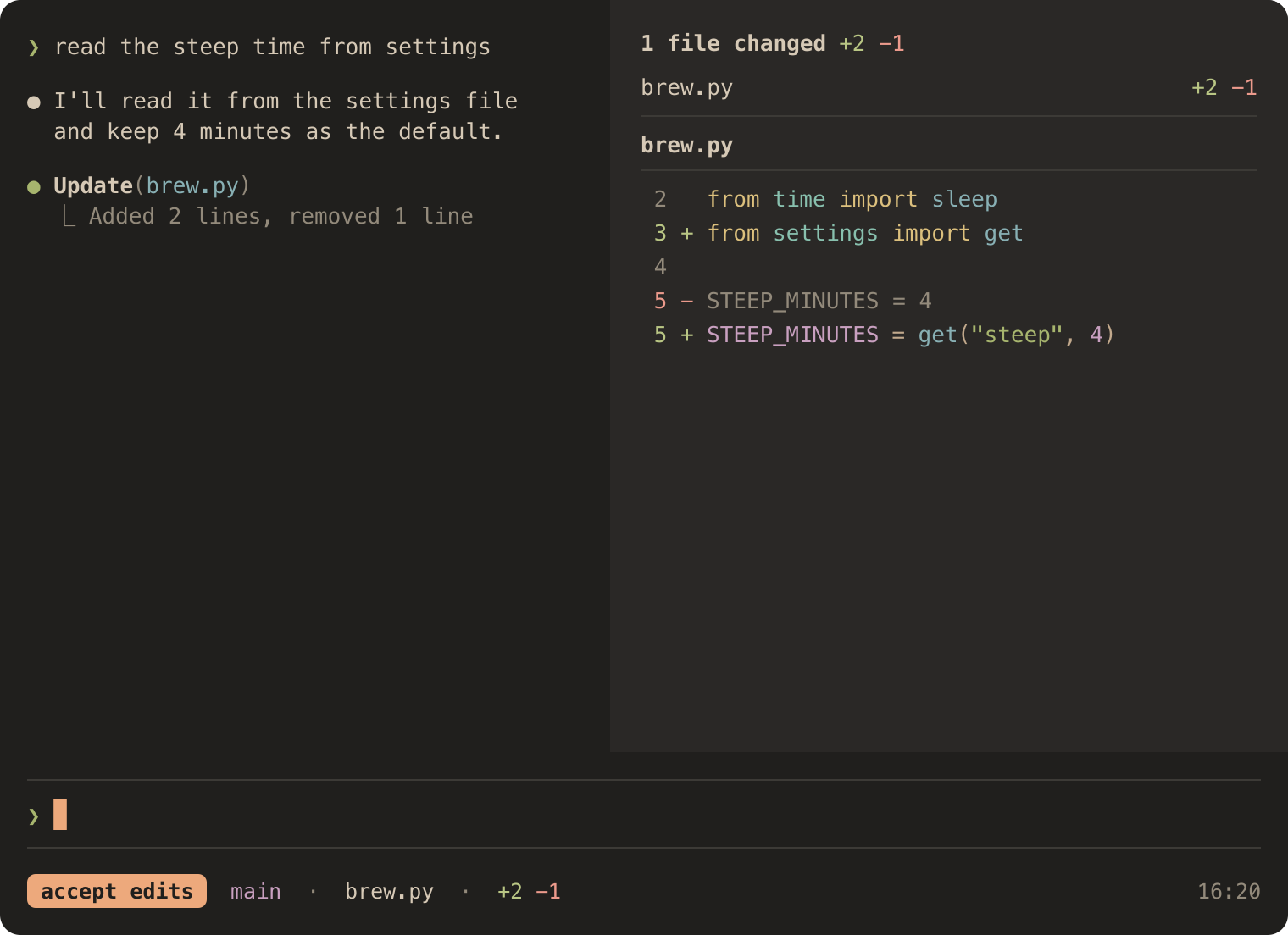
Umber CalmA warm, low-glare dark theme with measured contrast. Installation Launch VS Code Quick Open ( Ctrl+P), paste the following command, and press enter.Copied to clipboard |

Umber CalmA warm, low-glare dark theme with measured contrast. Try it in your browser, no install needed. 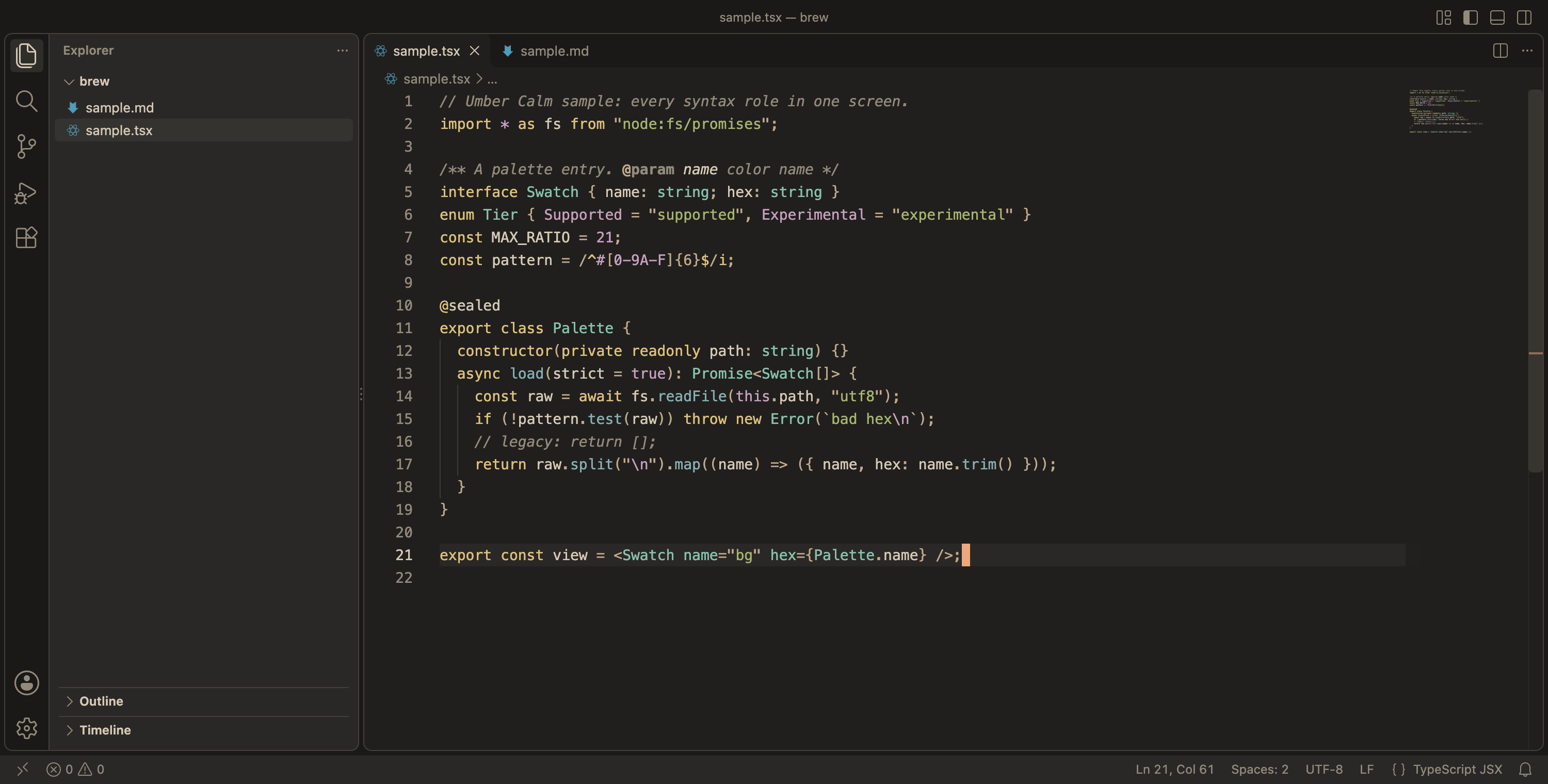
Warm near-black background, warm off-white text, and color only where it tells you something. Why it existsI made Umber Calm for my own eyes. I spend long days in terminals and editors, and most dark themes I tried felt loud to me: bright white text on pure black, saturated blues, accents all competing for attention. So I started tuning my own. I used it every day for months, on different machines and at different hours. Whenever something got in the way, I changed it. When I wasn't sure a color worked, I measured it instead of guessing. What's left is the palette I want to look at all day. I'm sharing it in case it feels that way to you too. What makes it different
The palette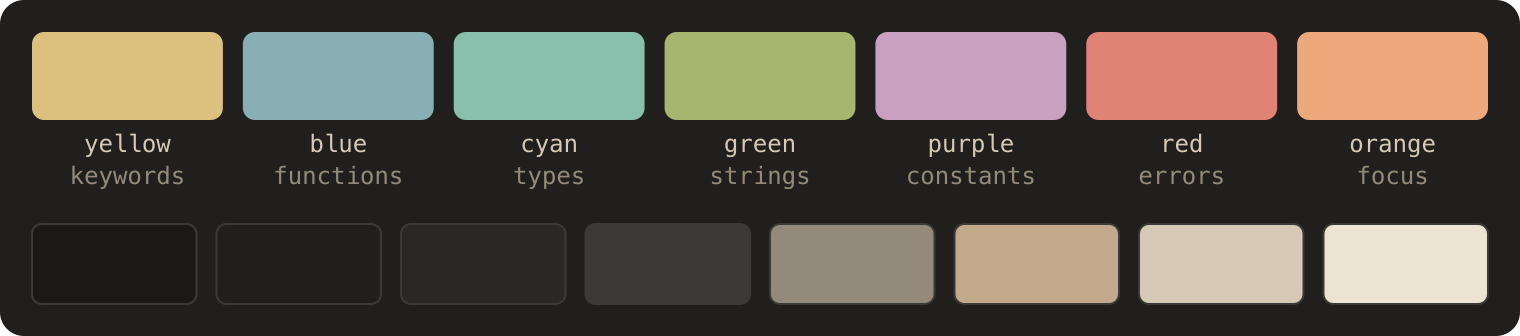
Every hex value and contrast ratio is in the palette table on GitHub. Checked for color vision
The same code in grayscale and under deuteranopia, protanopia and tritanopia. The same calm everywhereUmber Calm isn't only a VS Code theme. The same palette ships as 59 ports for editors, terminals and tools, so everything you use can match: Neovim, JetBrains IDEs, Zed, Kiro, Ghostty, iTerm2, Kitty, WezTerm, Windows Terminal, tmux, Starship and Obsidian.
Install
Using Kiro? Install Umber Calm for Kiro from Open VSX. If you installed an earlier FeedbackFound a color that gets in the way? Open an issue. Umber Calm is MIT-licensed and maintained in my spare time. |