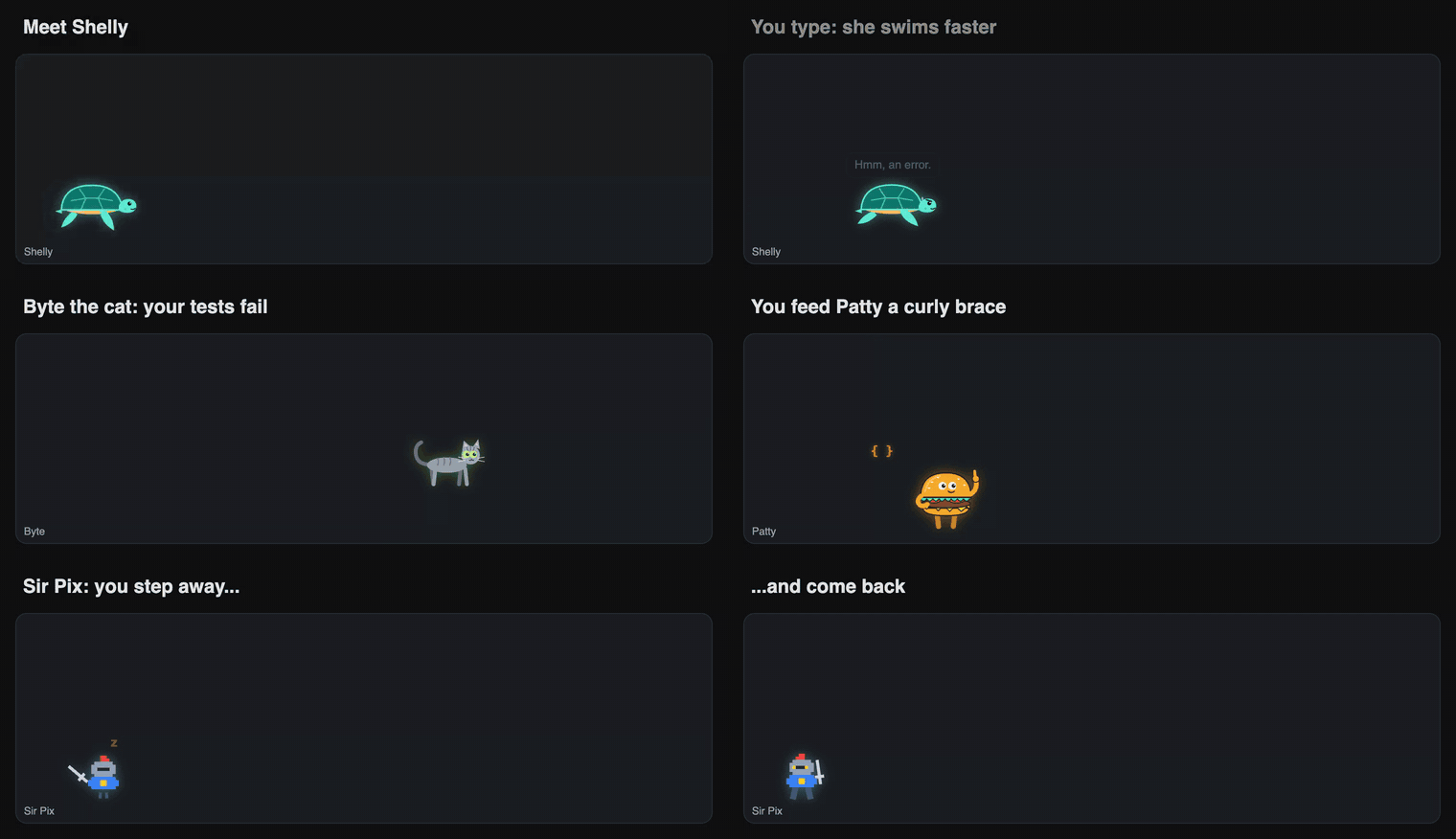
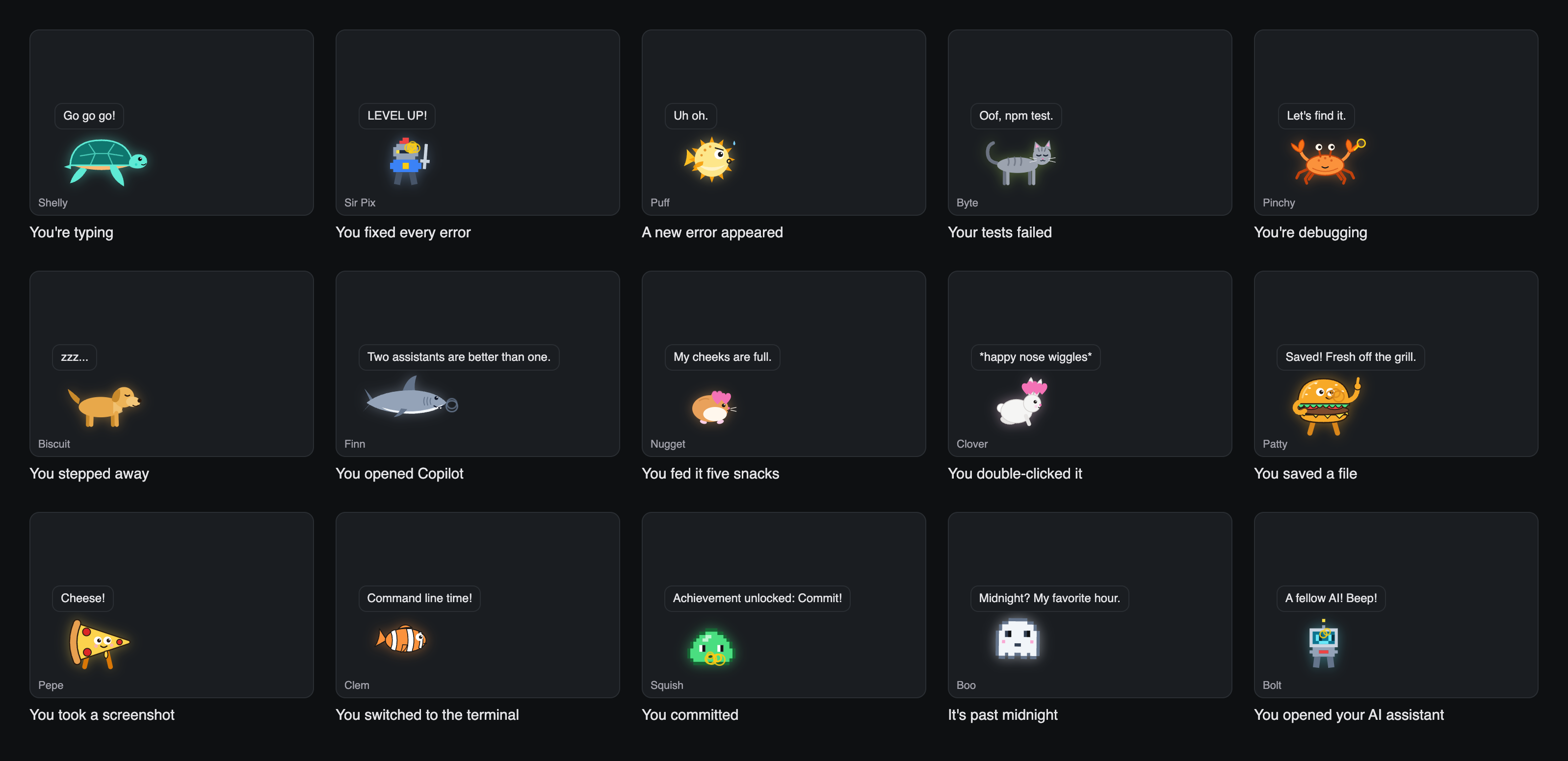
PetabytesSmall companions with a big appetite. Sea creatures that live in your Explorer and react to what you do: they swim faster while you type, celebrate saves, commits and passing tests, notice the terminal and your AI assistant, eat the curly braces you feed them, and nap when you're away. Installation Launch VS Code Quick Open ( Ctrl+P), paste the following command, and press enter.Copied to clipboard |

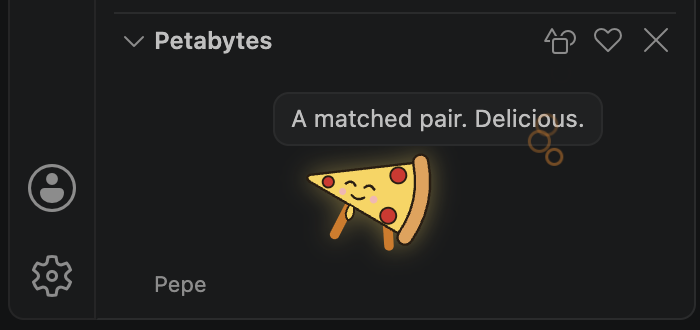
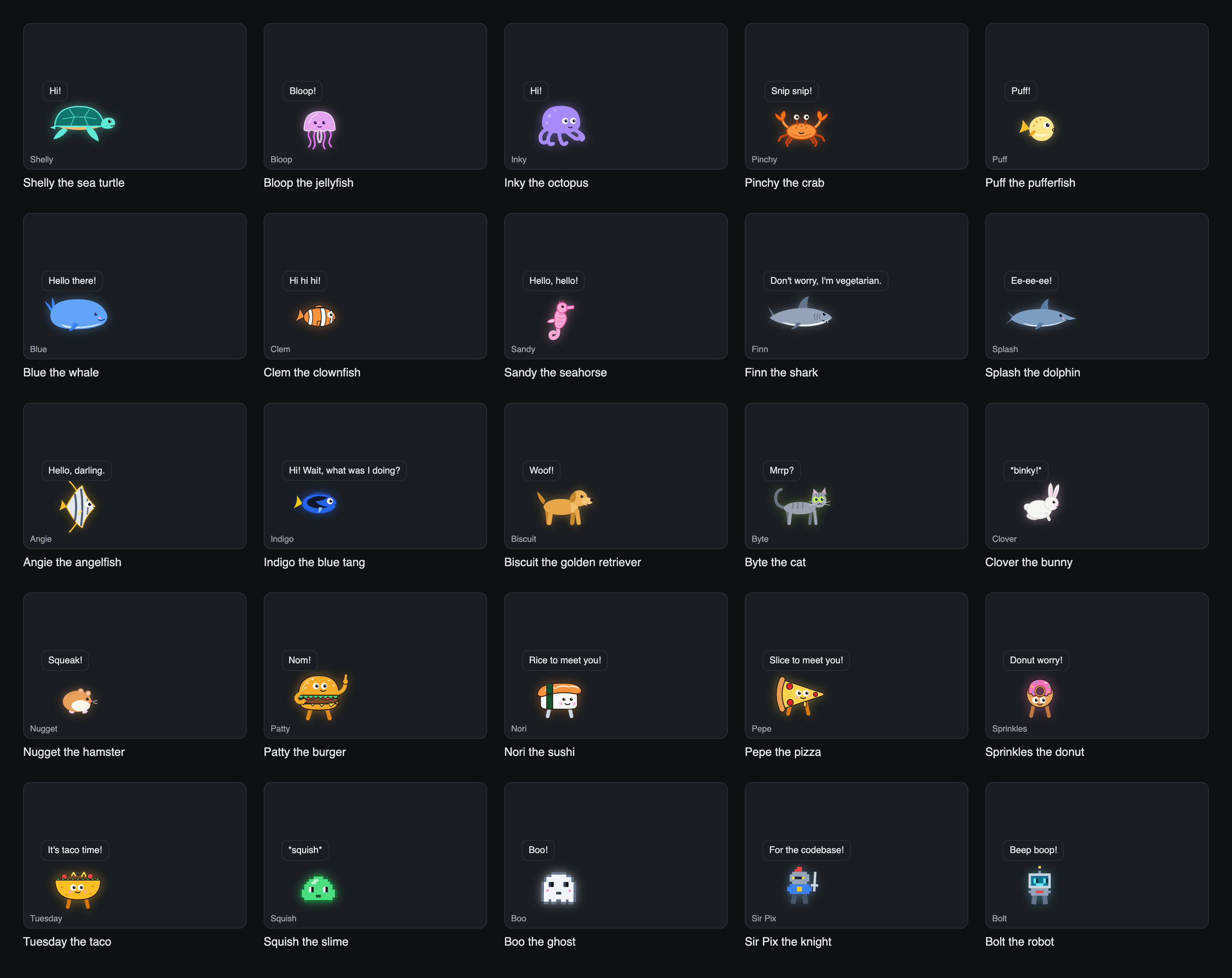
PetabytesSmall companions with a big appetite. A pet lives in a Petabytes panel in your Explorer and reacts to what you're doing. Pick a sea creature from the Tide set, a pet from the Home set, a Snack, a pixel character from the Games set, or a desk Gadget: Shelly the sea turtle, Bloop the jellyfish, Inky the octopus, Pinchy the crab, Puff the pufferfish, Blue the whale, Clem the clownfish, Sandy the seahorse, Finn the shark, Splash the dolphin, Angie the angelfish, Indigo the blue tang, Biscuit the golden retriever, Loopee the German Spitz, Byte the cat, Clover the bunny, Nugget the hamster, Patty the burger, Nori the sushi, Pepe the pizza, Sprinkles the donut, Tuesday the taco, Squish the slime, Boo the ghost, Sir Pix the knight, Bolt the robot, Lappy the laptop, Joy the controller, Java the coffee mug, Quackers the rubber duck, Spike the cactus, Floppy the floppy disk, Click the mouse, Beats the headphones or Post the sticky note.
Feed it: click the ♥ on the panel (or Petabytes: Feed Pet) and a The first three snacks are fine. Snacks four through seven make your pet rounder; snack eight triggers a cartoon puke explosion across the panel. The mess clears automatically and your pet returns. Leave a minute between snacks to start a fresh meal. Poke it: click the pet, use the ⚡ on the panel, or run Petabytes: Poke Pet. Three quick pokes earn a warning; five trigger a six-second tantrum, with scowling eyes, clenched teeth, steam, and cartoon swears. The pet grows where space allows, stomps near its original spot, then pauses. Captions stay fixed for three seconds; extra pokes extend the tantrum without replacing the current shout. Games pets keep their pixel expressions. Feeding interrupts the tantrum, and Reduced Motion keeps the face and shouts without the stomping. All effects stay inside the Petabytes panel.
Choose, show or hide
Settings
Works with any theme. In JetBrains IDEs the pet swims along the editor's right edge. There's also a Mac app whose pet walks along your Dock and reacts to your Mac (the app in front, battery, Wi-Fi, screenshots). It's separate: it can't see your code, so keep this extension for that. Run locallyRun To make an installable extension, use Node.js 22 or newer and run SupportPetabytes is free. If it makes you smile while you code, you can buy me a coffee ☕ LicenseMIT. Built by Chelayel. Source: github.com/Chelayel/petabytes. |