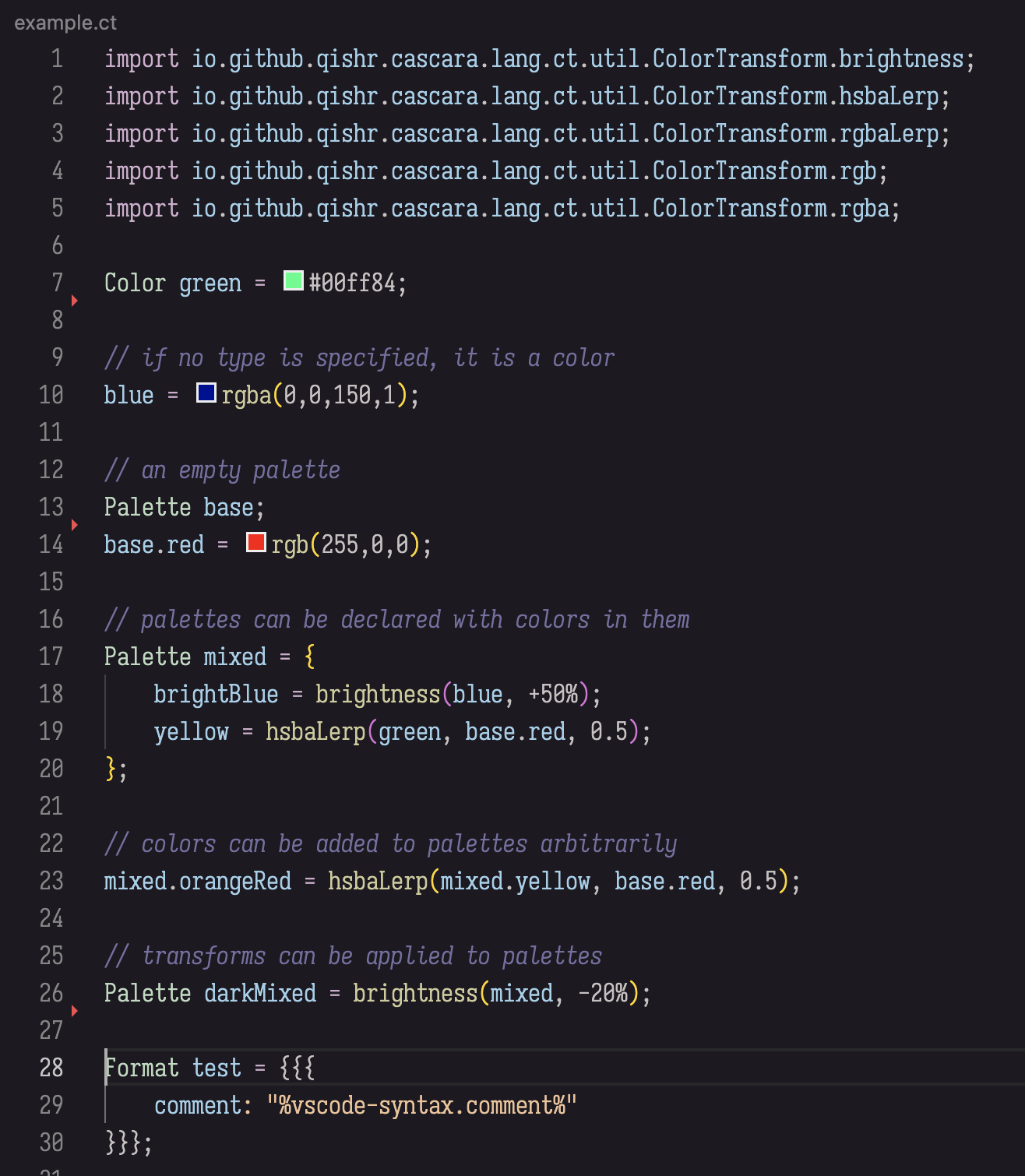
CT Language Support for Visual Studio CodeSyntax highlighting for the CT color transformation language. The CT DSL is a domain-specific language designed for authoring, transforming, and compiling color schemes across arbitrary target formats.
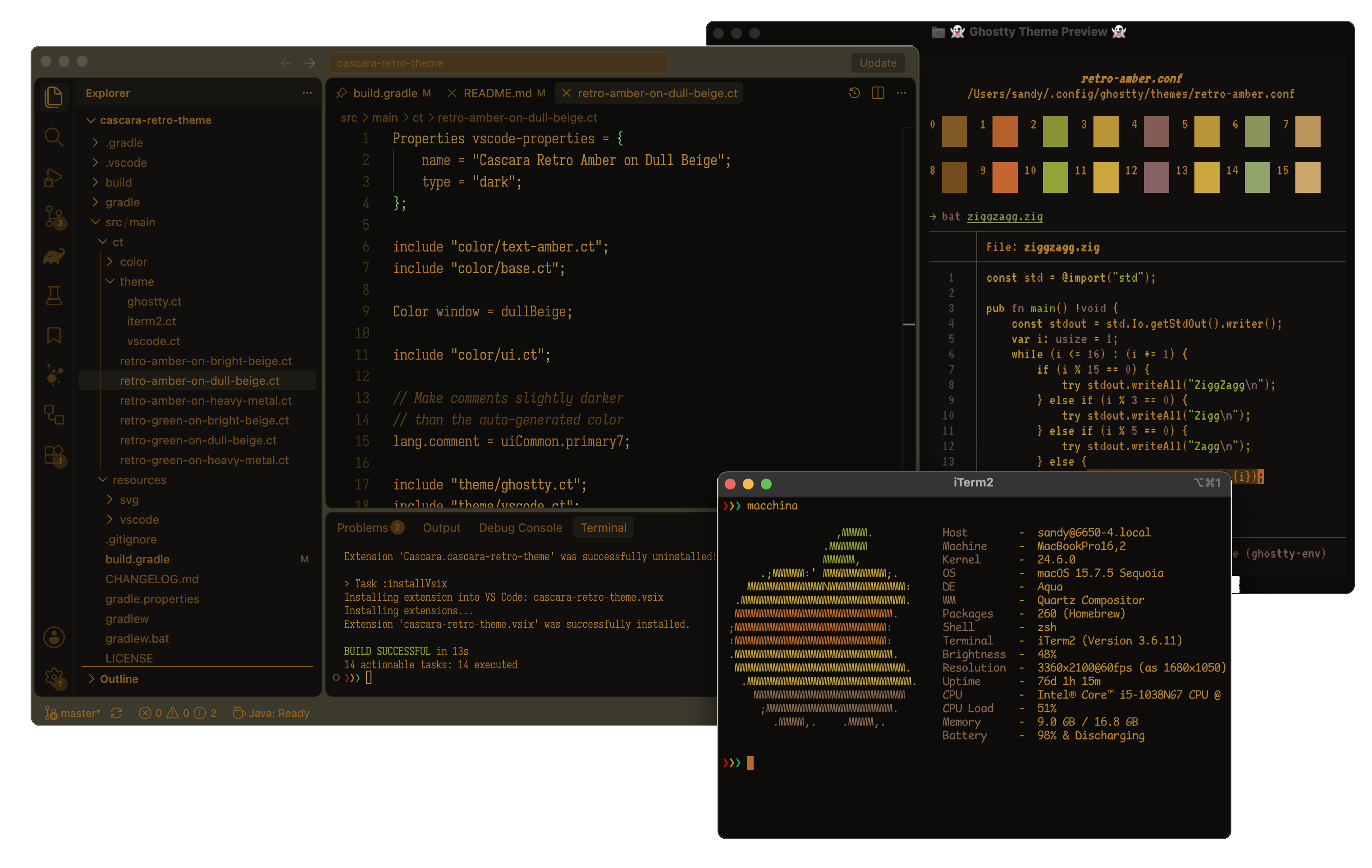
ShowcaseFor a fully working example, see cascara-retro-theme's source code. The cascara-retro-theme project uses CT to produce themes for Visual Studio Code, Ghostty, and iTerm2 from a single source set. Additionally, VSIX Gradle Plugin is used by cascara-retro-theme to create the VSIX pacakge for its Visual Studio Code theme. Theme ScreenshotsMultiple app themes from one source set:
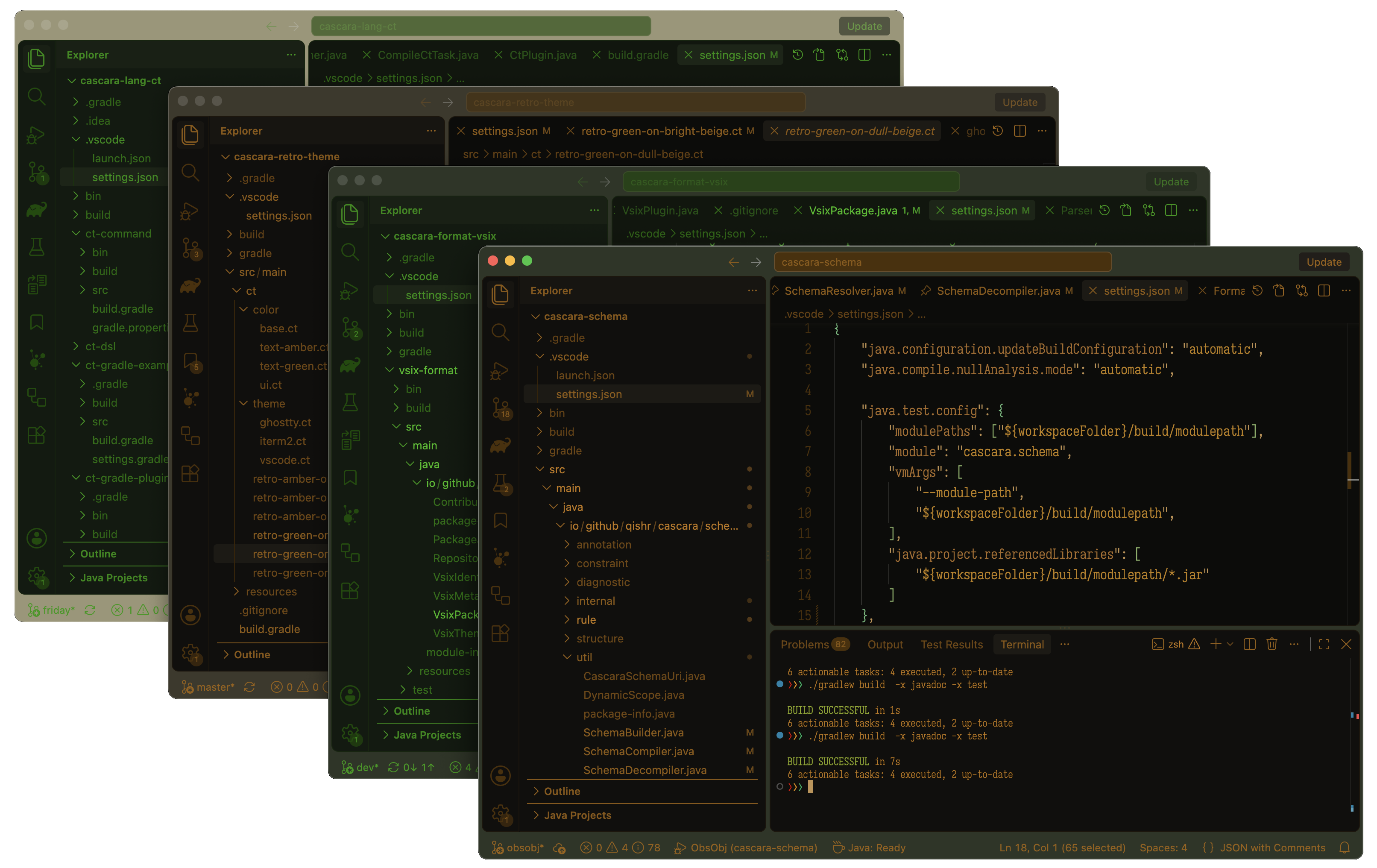
Multiple Visual Studio Code theme variations from one source set:
CT FeaturesDynamic Color Transformations Programmatic color manipulation including HSV/HSBA lerping, brightness/saturation scaling, and RGBA blending. Static Function Imports Import static methods from custom Java classes to use as transform functions in CT. Resource and File Imports Module structures using standard file paths and embedded resource schemes like Format-Agnostic Outputs Target definition parsing to emit theme configurations for VS Code, Ghostty, iTerm2, and other application formats from a single source pipeline. See AlsoInstallation
LicenseCT Language Support is released under the MIT license, which grants the following permissions:
For more convoluted language, see the LICENSE.md |