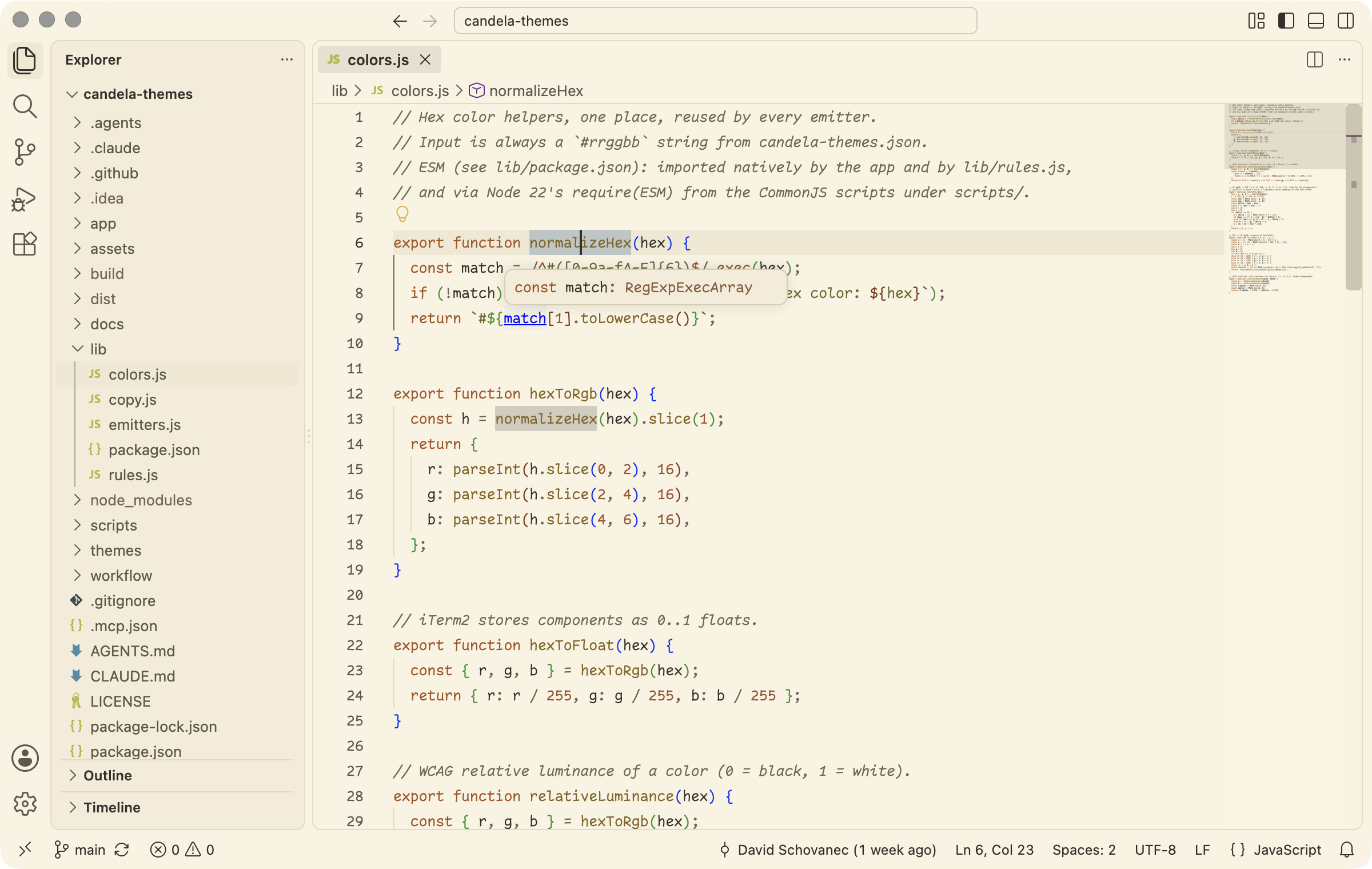
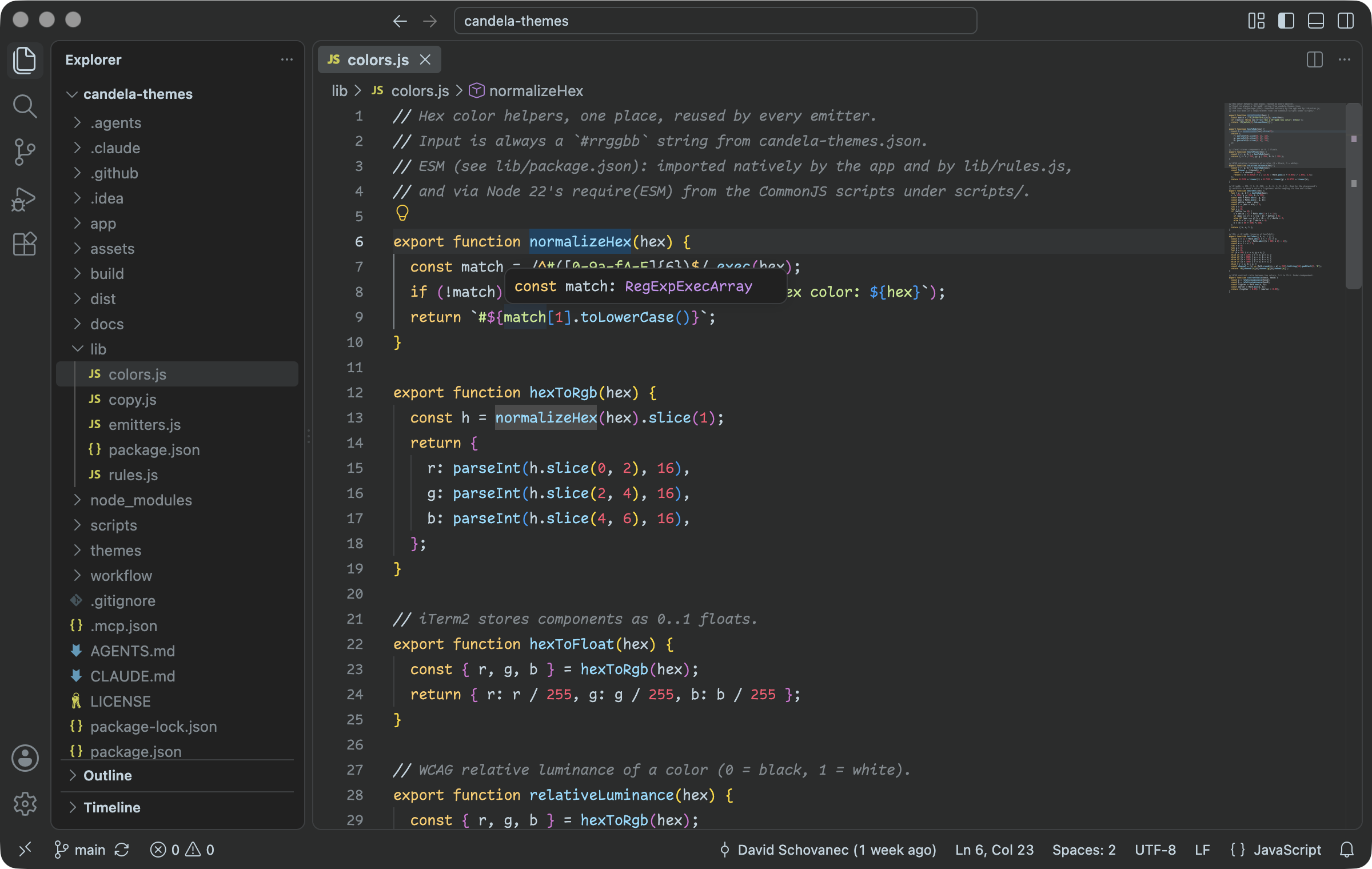
Candela ThemesColor themes for editors and terminals, tuned for long sessions and tired eyes. Low-glare backgrounds, desaturated accents, and WCAG-AA contrast throughout, with the same palette everywhere you work. Installation Launch VS Code Quick Open ( Ctrl+P), paste the following command, and press enter.Copied to clipboard |

Candela ThemesColor themes for editors and terminals, tuned for long sessions and tired eyes. Low-glare backgrounds, desaturated accents, and WCAG-AA contrast throughout, with the same palette everywhere you work.
Why Candela
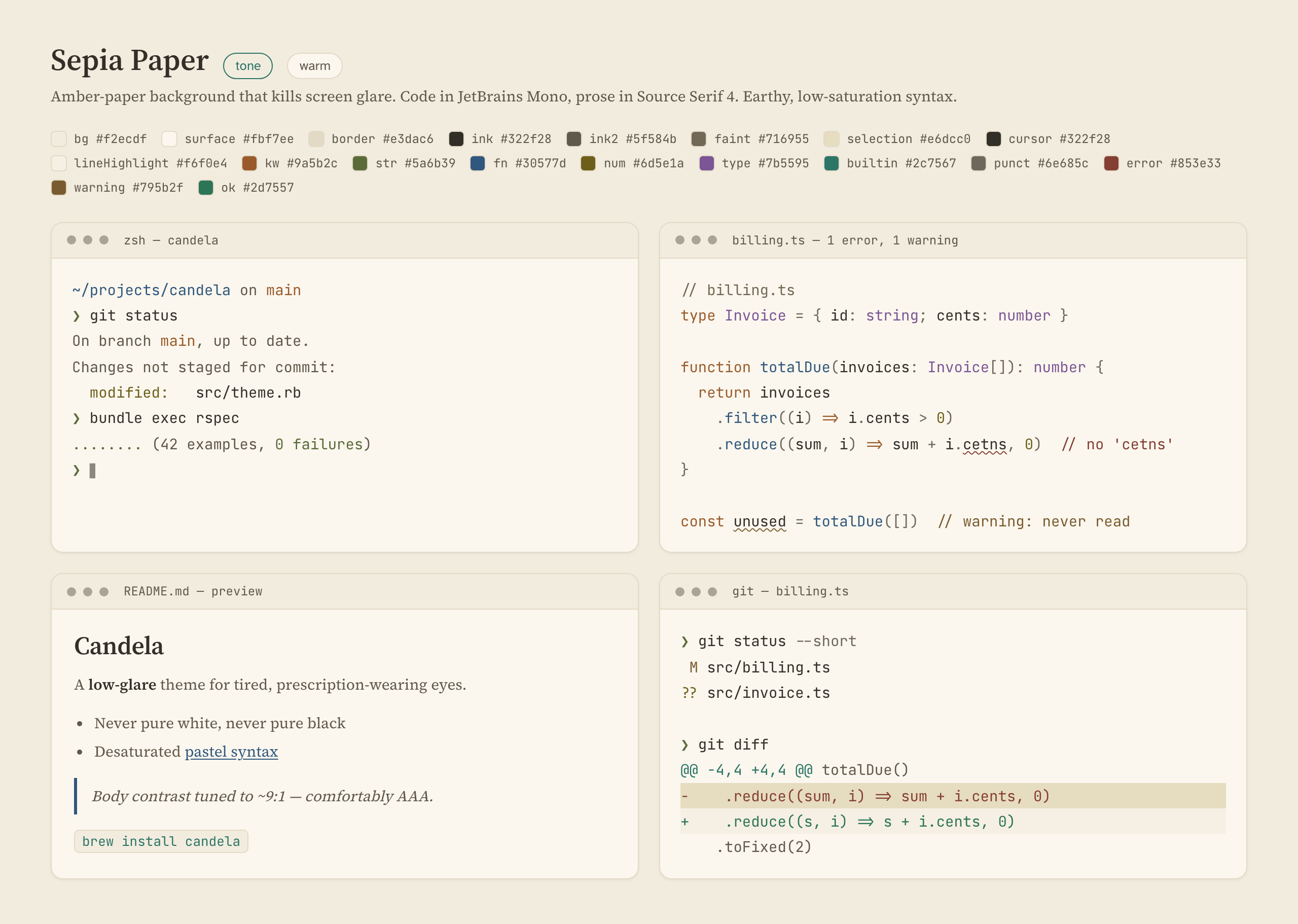
After installing, open Preferences: Color Theme and pick any Candela … entry. Build your own in the browser: adjust any palette, keep the same contrast rules, export it for your editor — candela.ink/editor. Every themeAll 26 themes, each shown across terminal, TypeScript, Markdown, and git panes. Sepia Paper — light
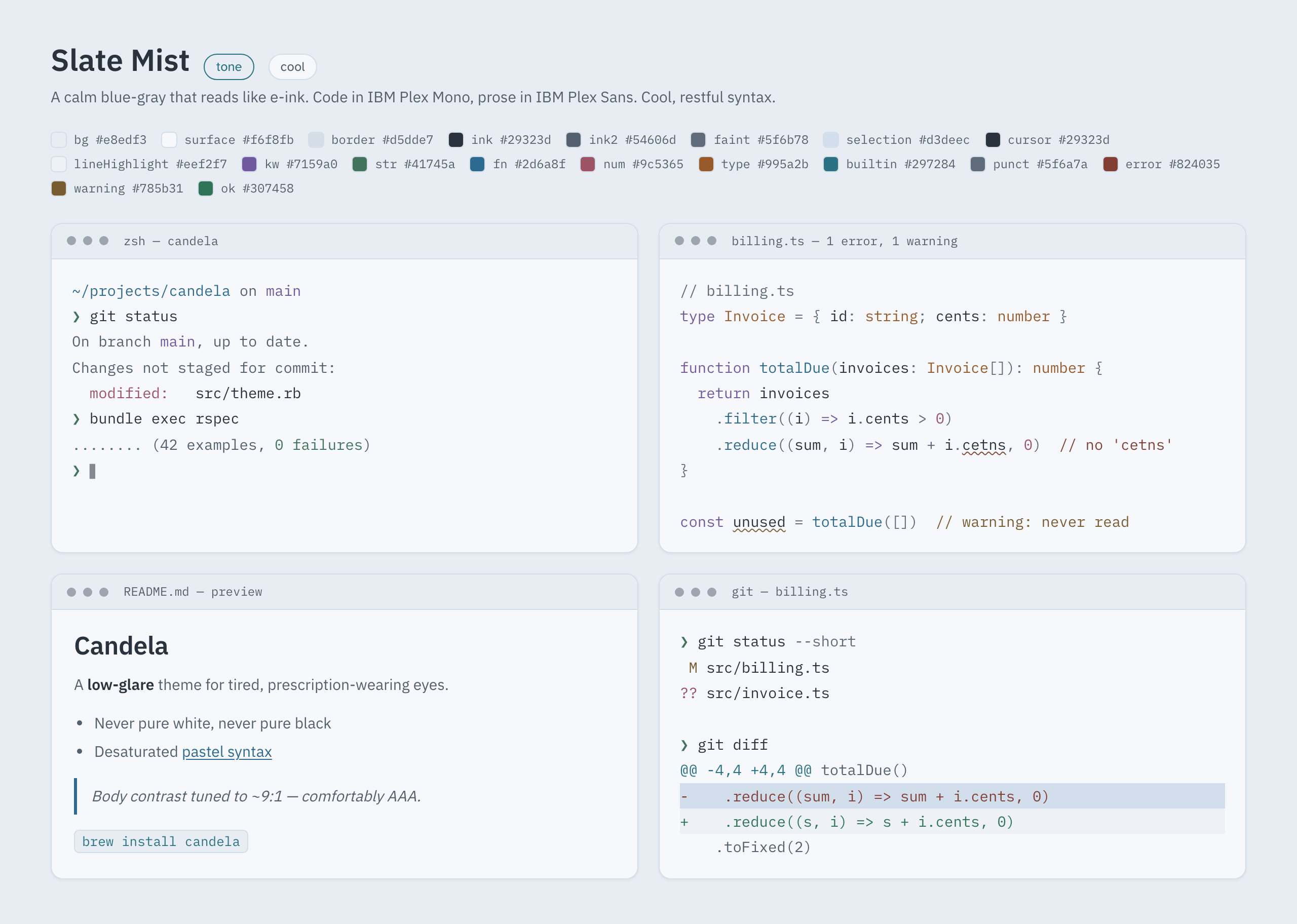
Slate Mist — light
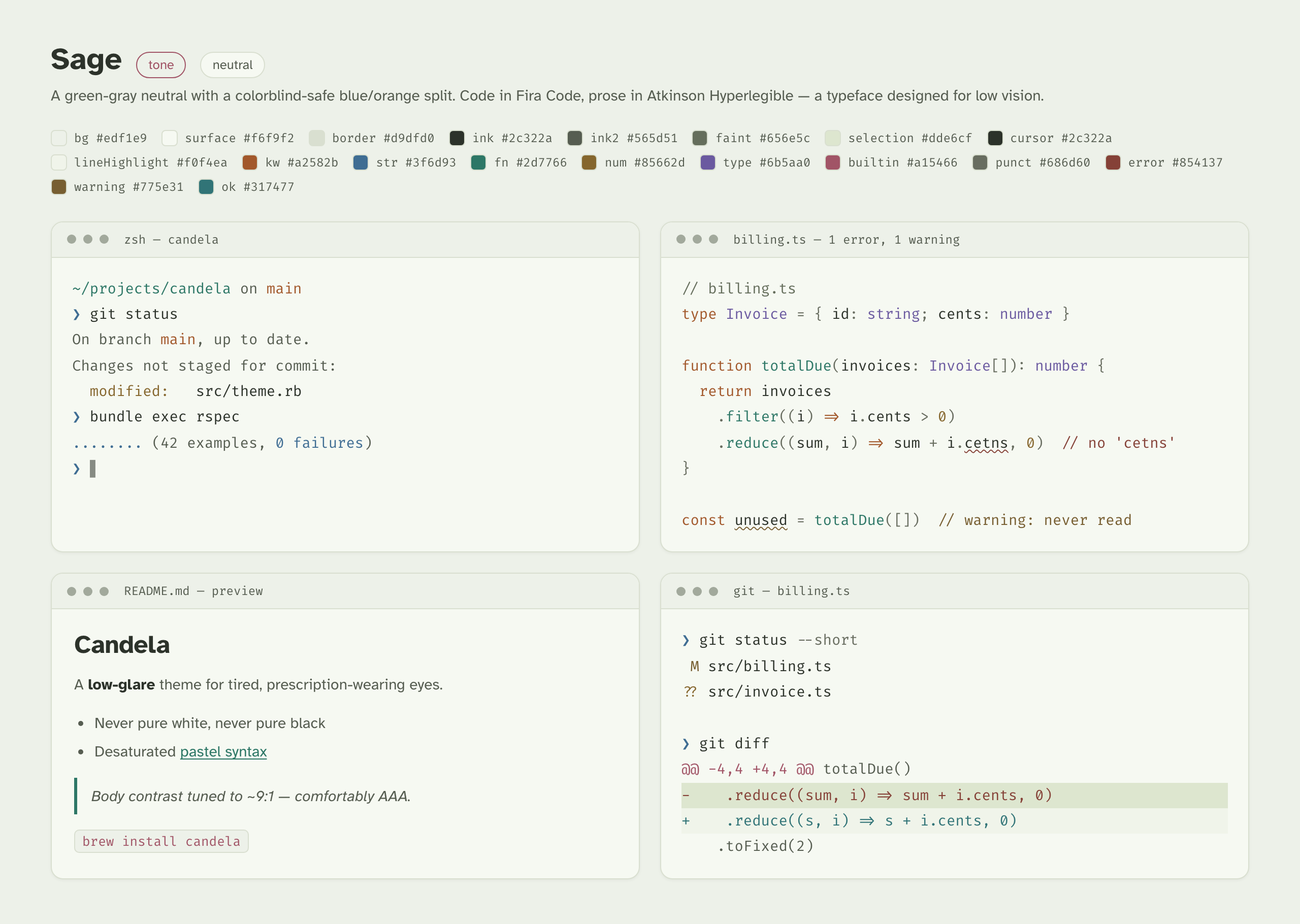
Sage — light
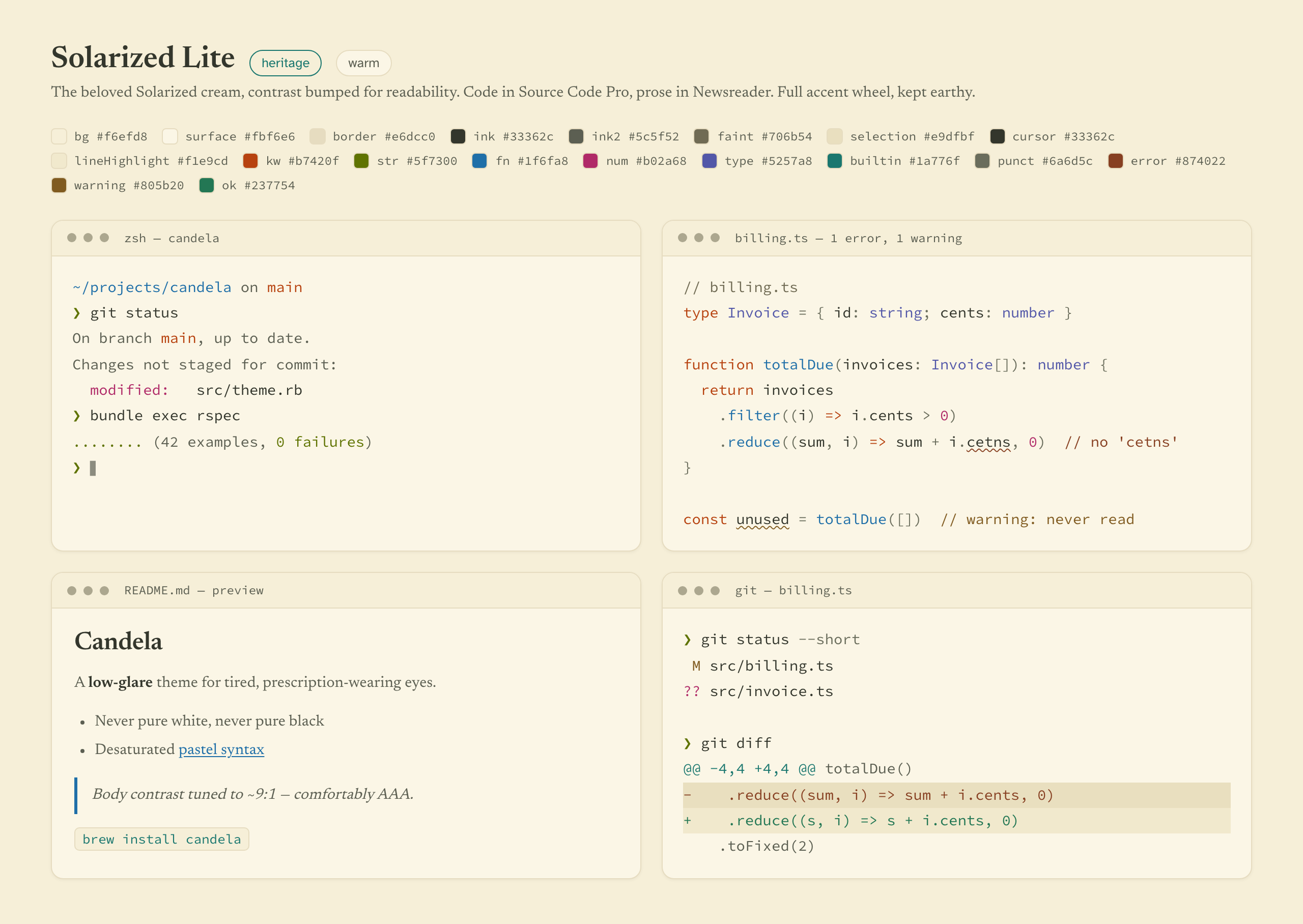
Solarized Lite — light
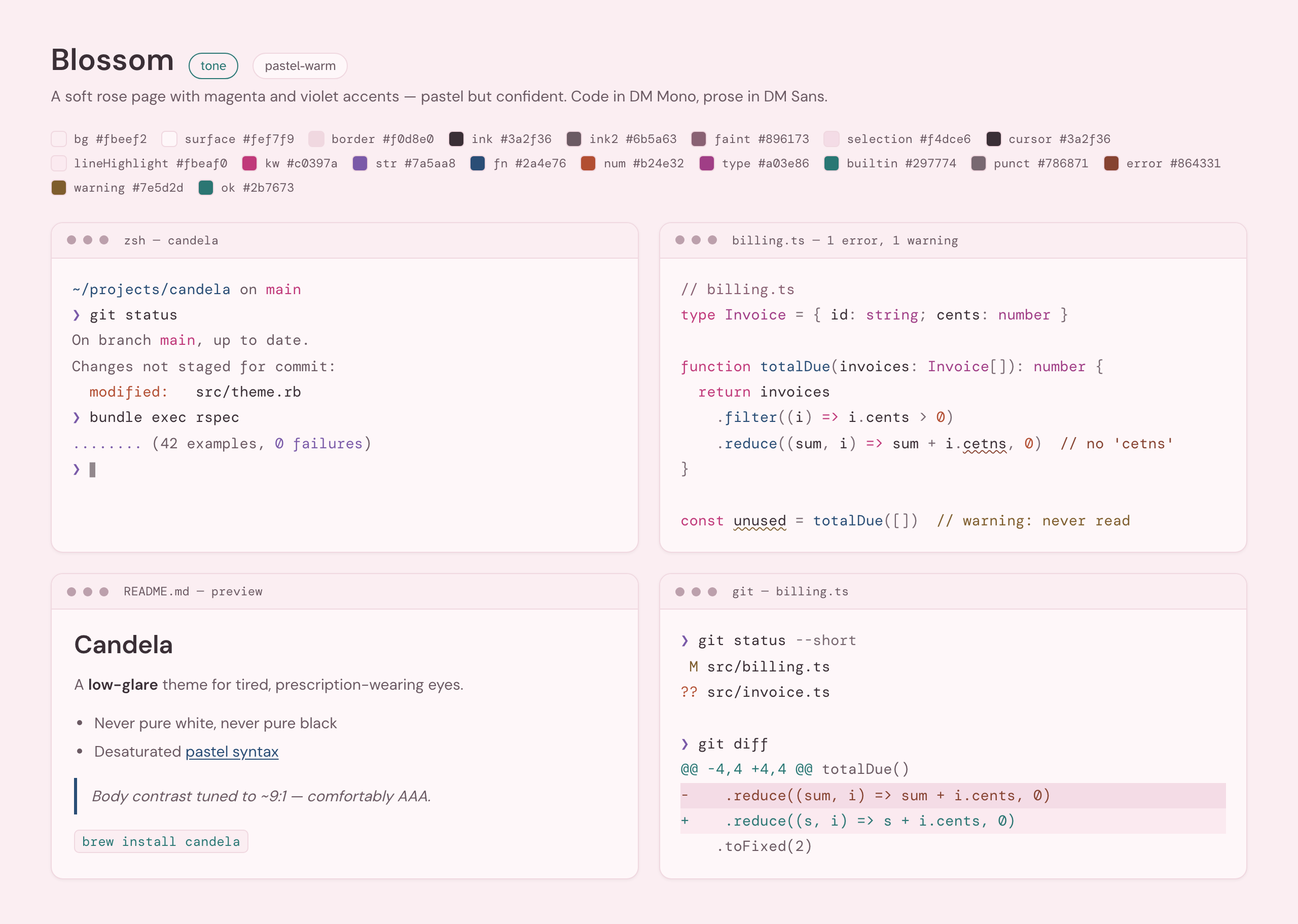
Blossom — light
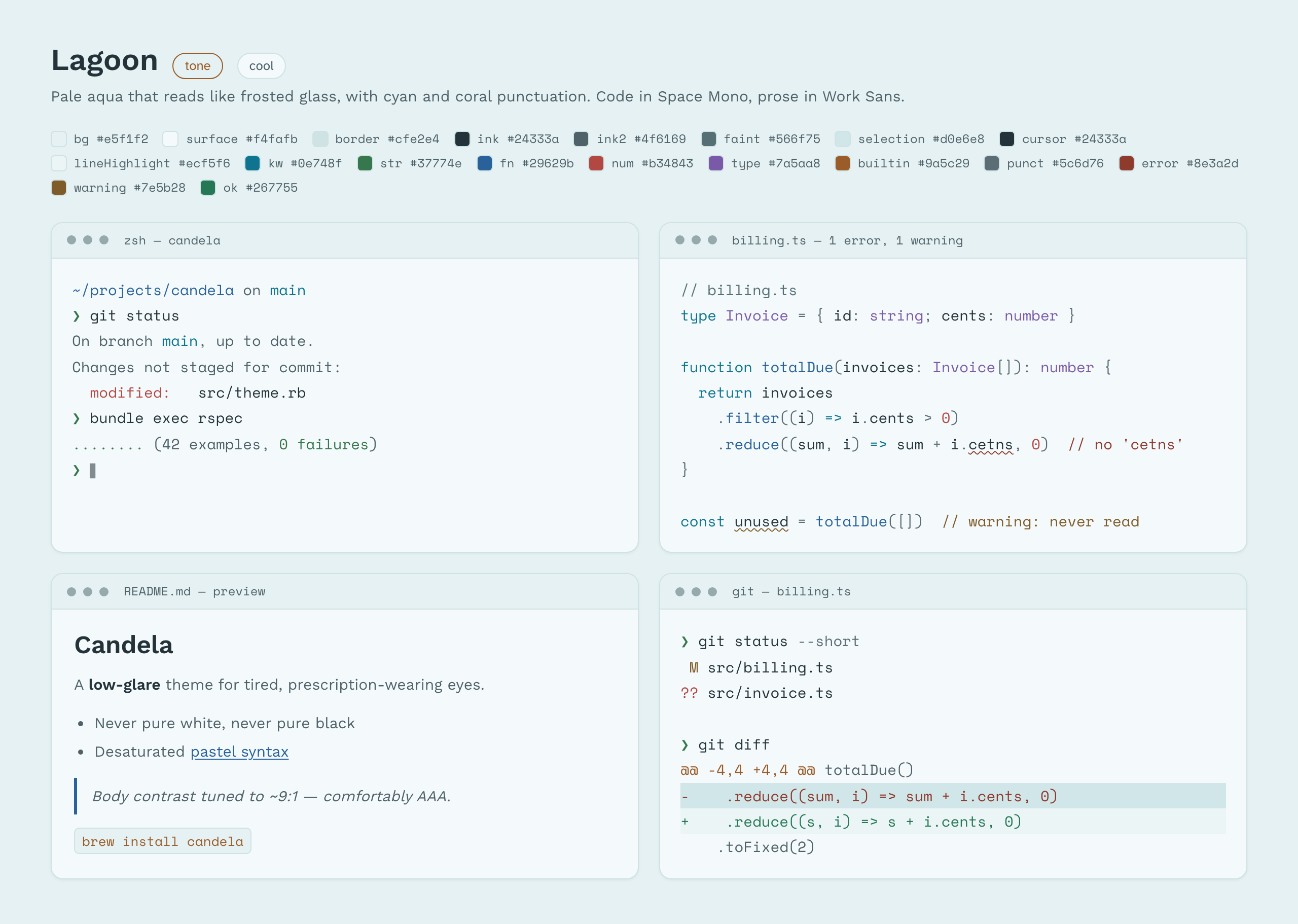
Lagoon — light
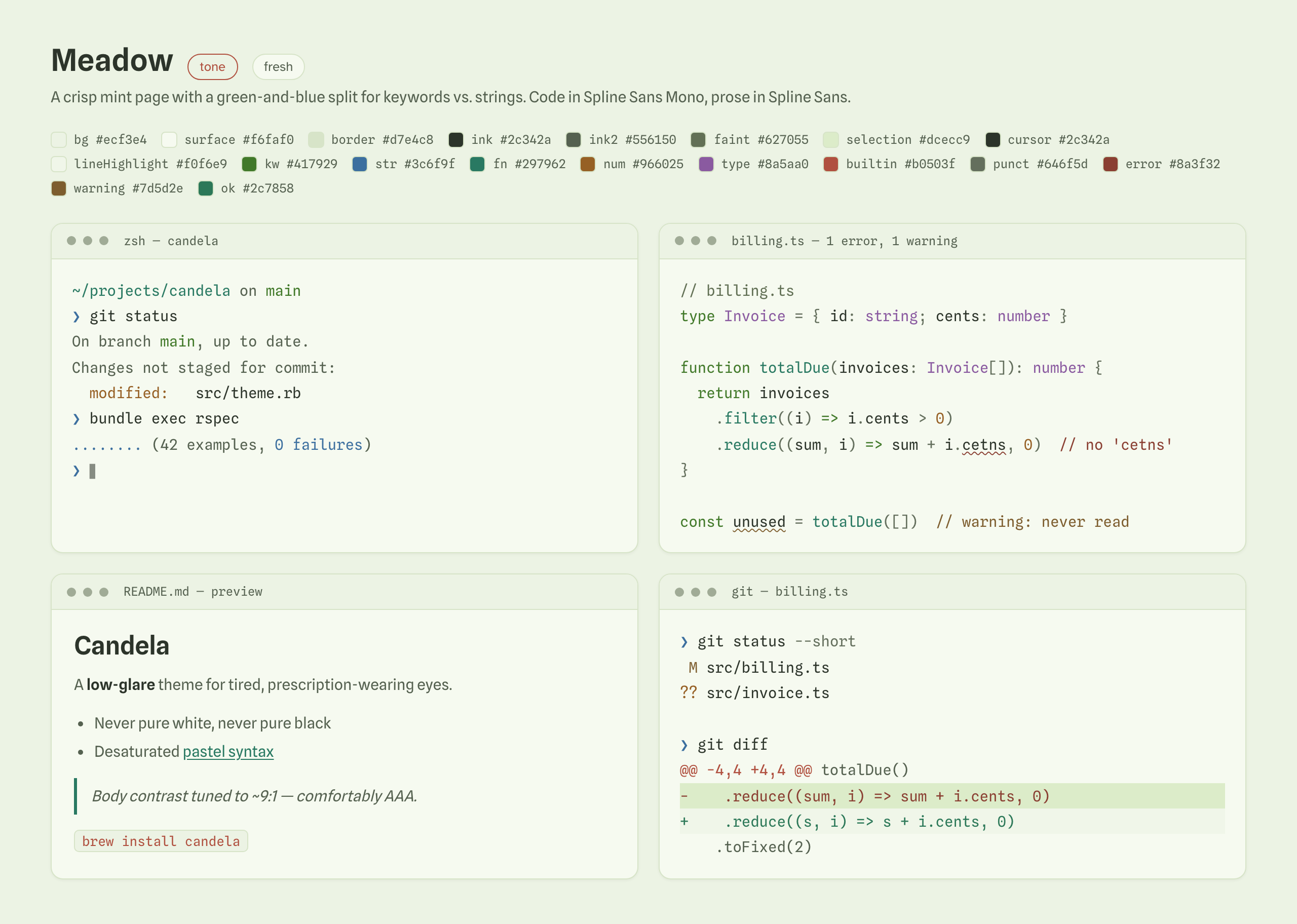
Meadow — light
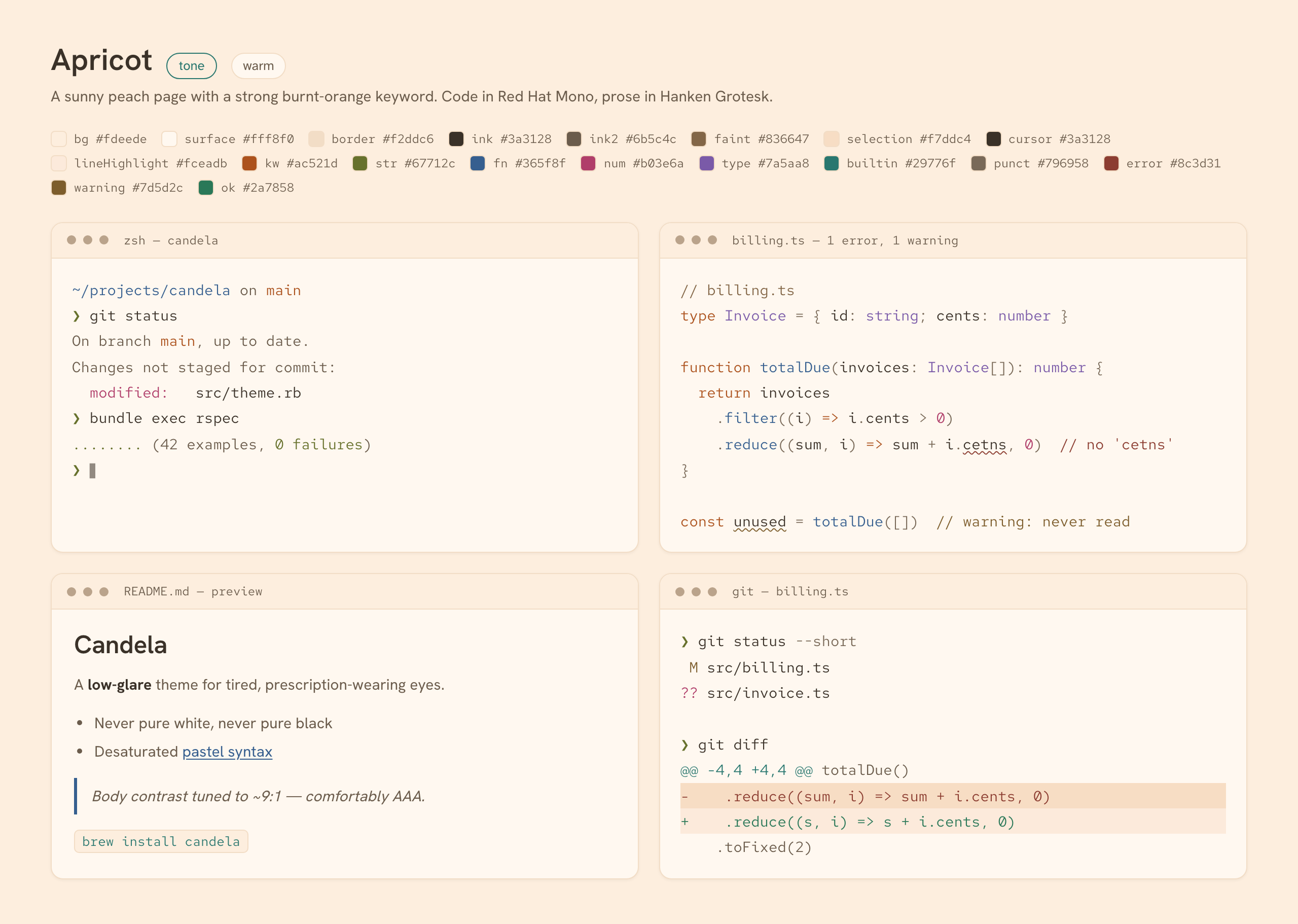
Apricot — light
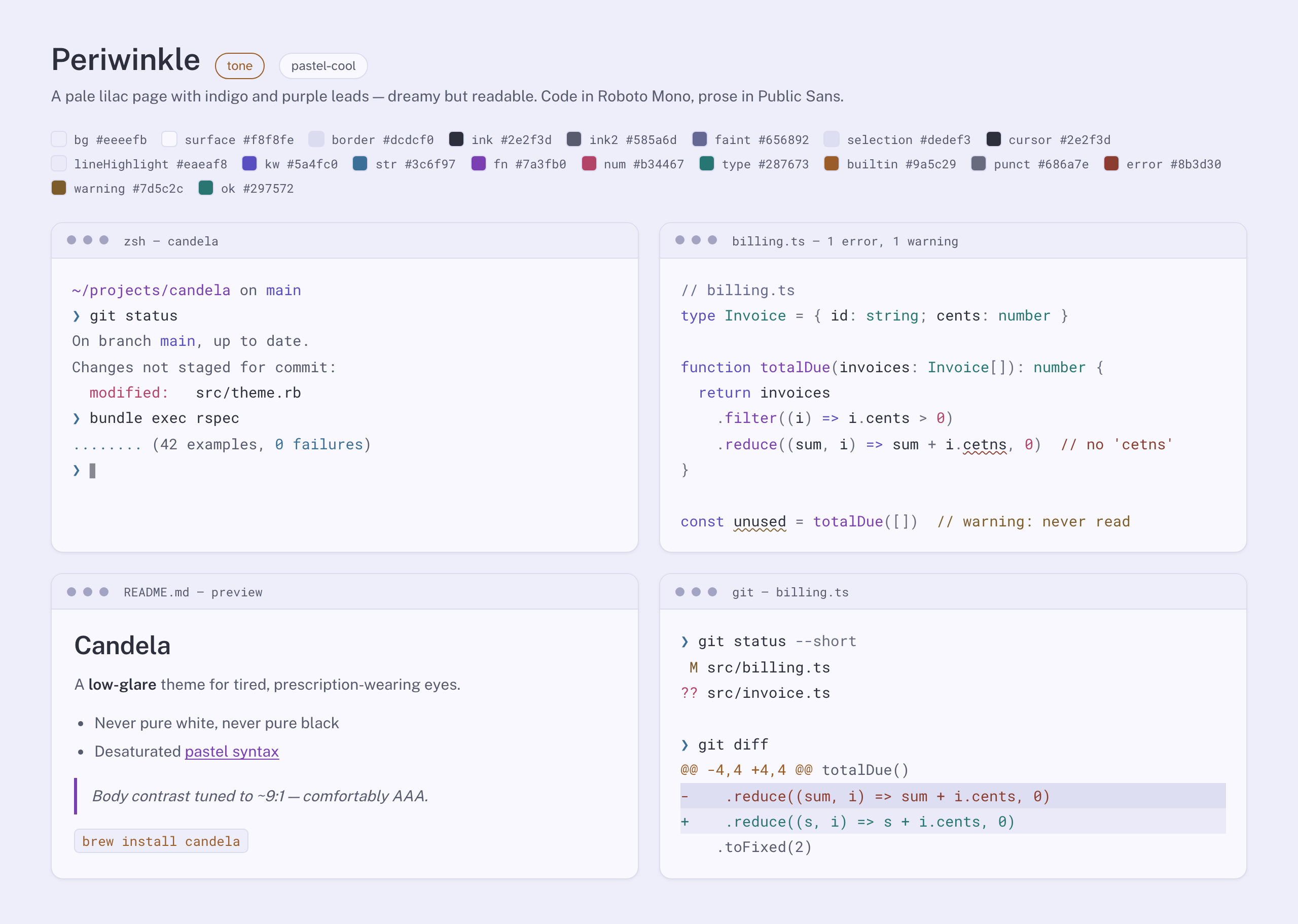
Periwinkle — light
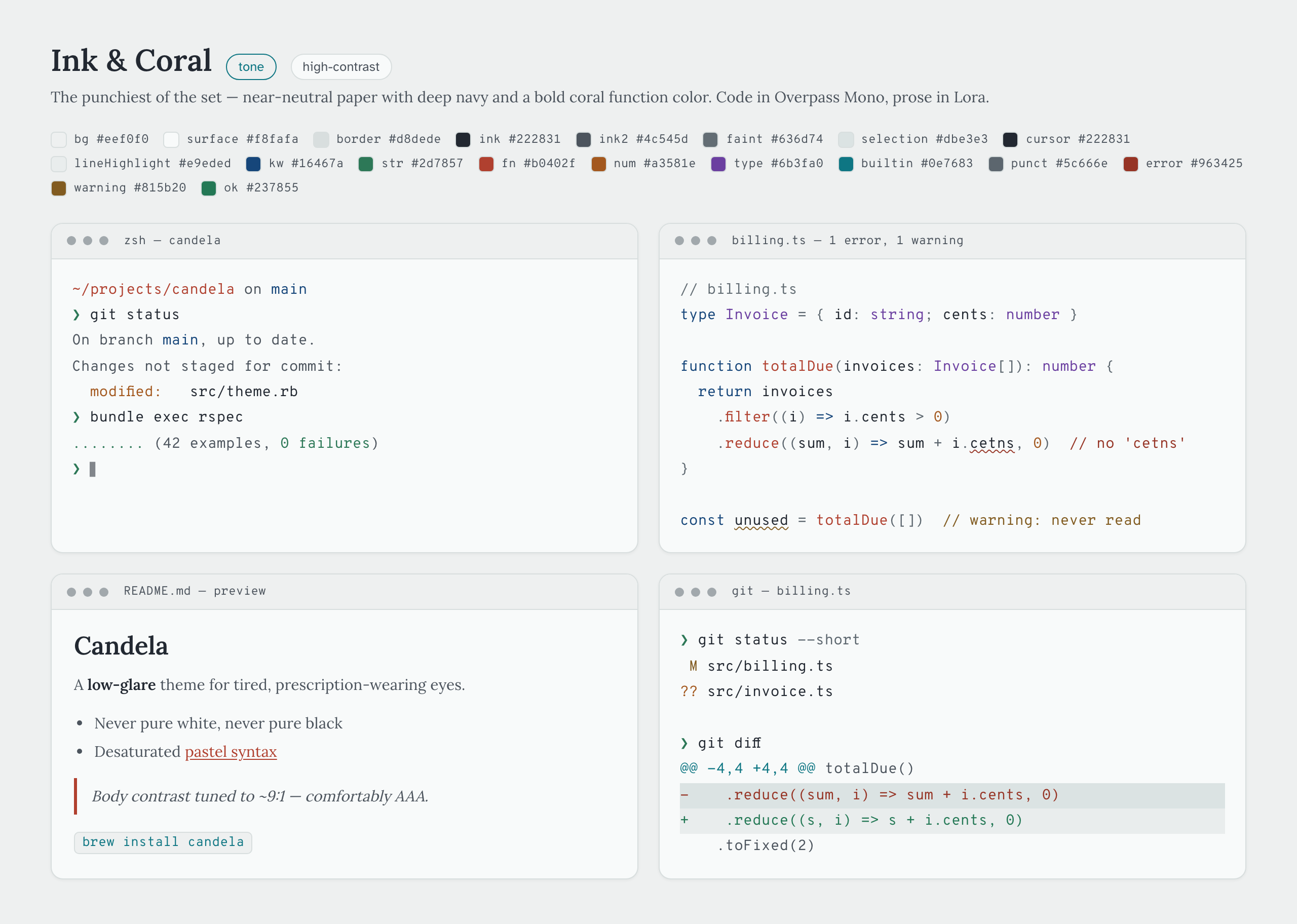
Ink & Coral — light
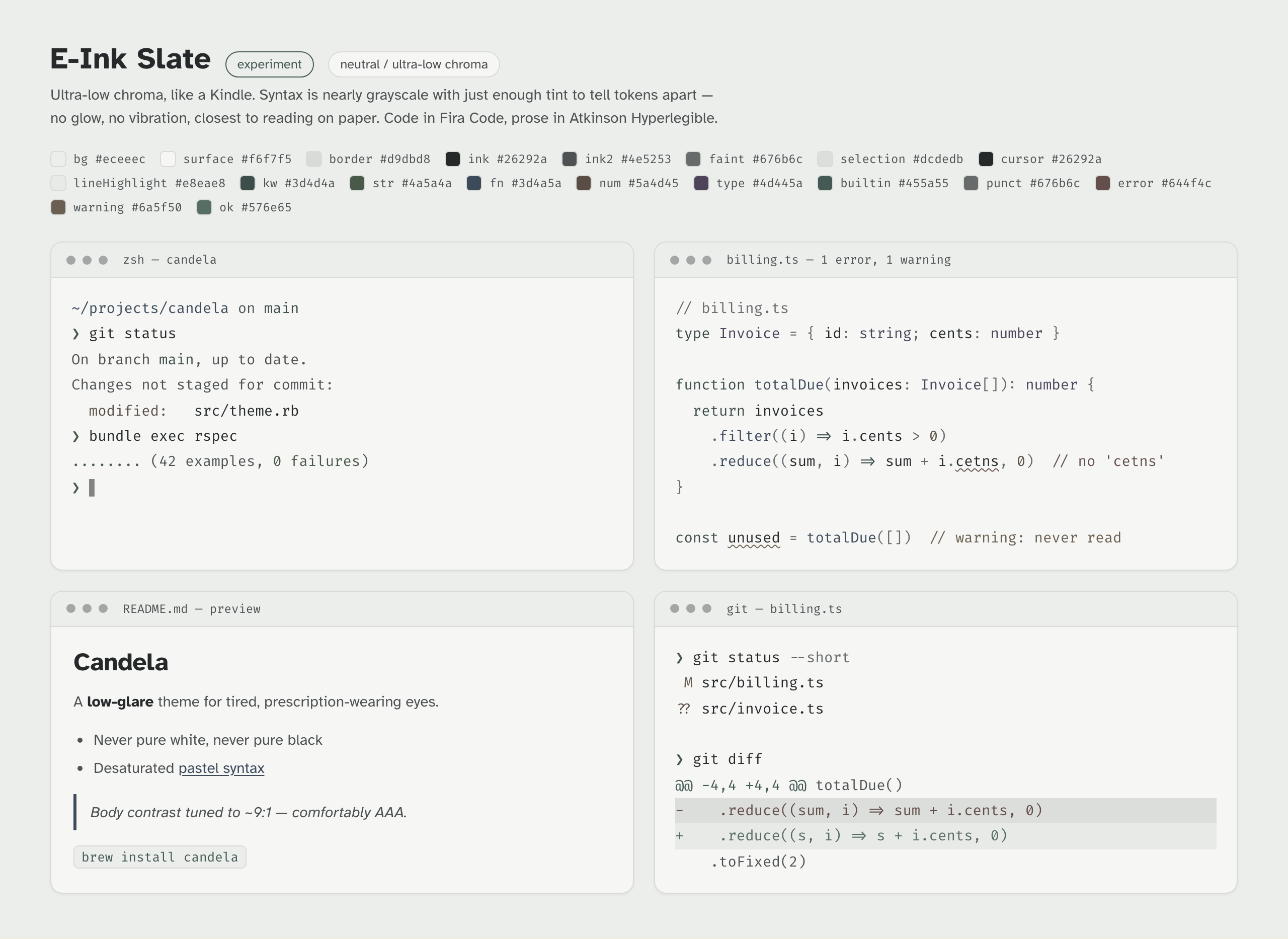
E-Ink Slate — light
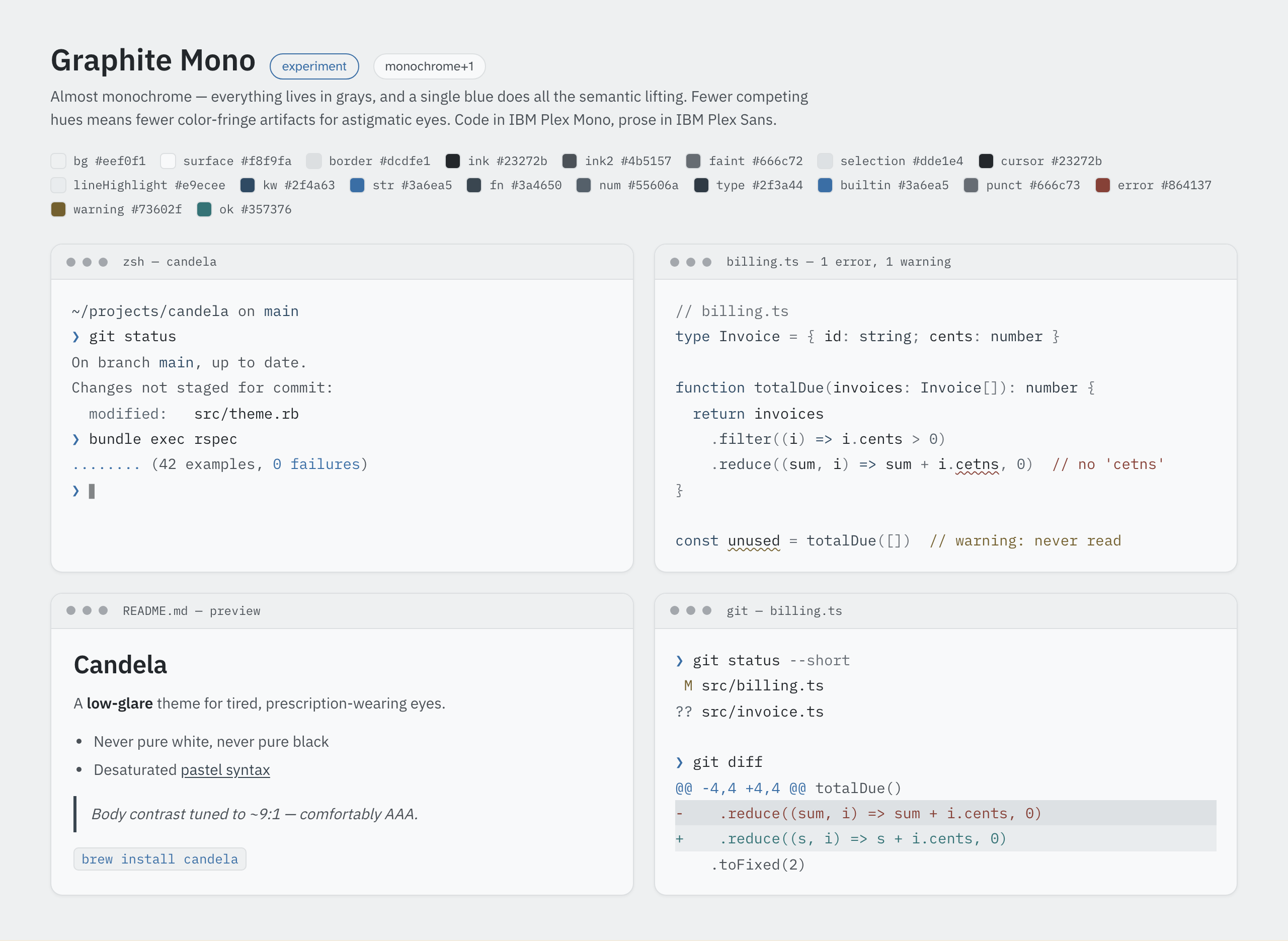
Graphite Mono — light
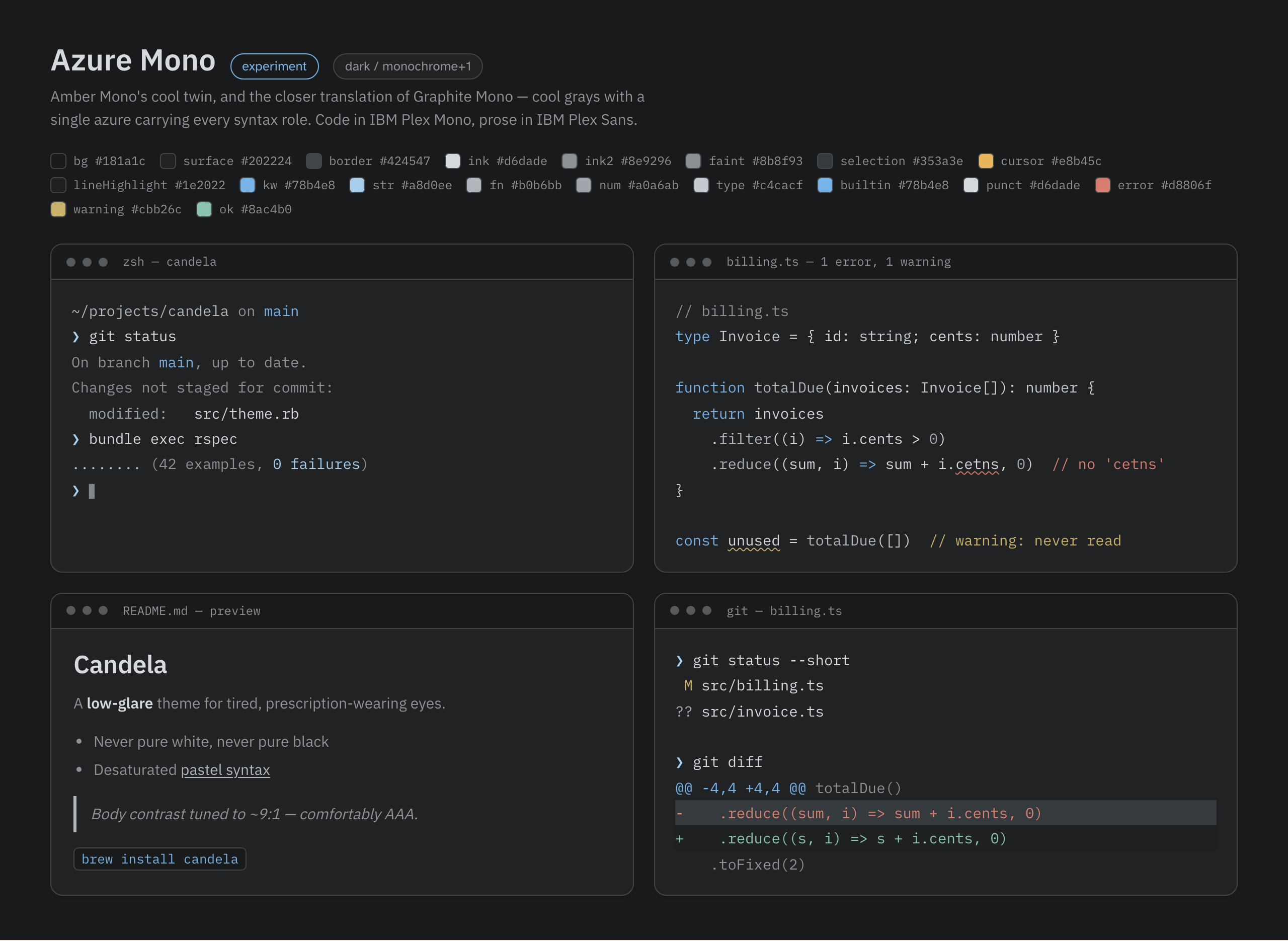
Azure Mono — dark
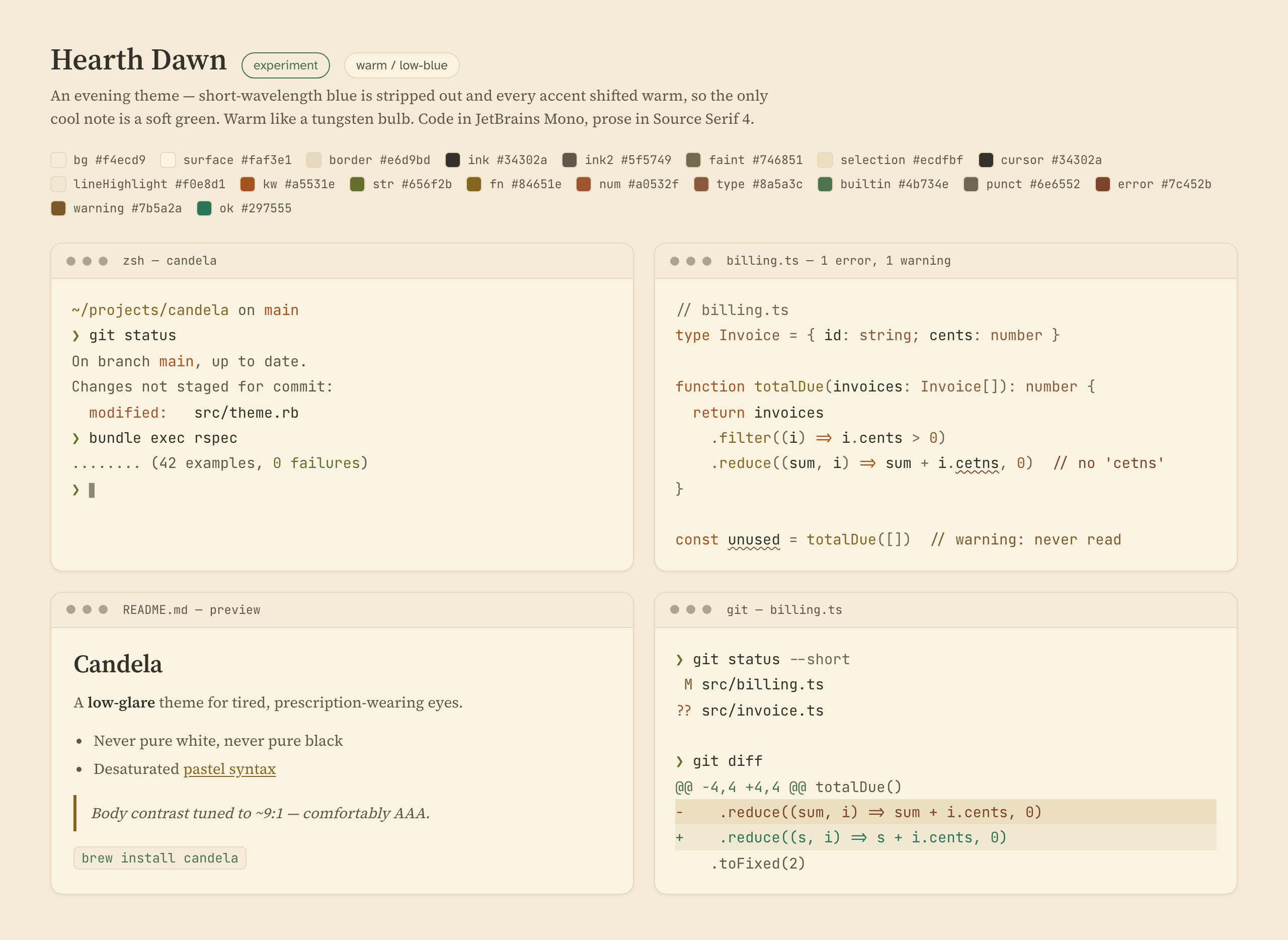
Hearth Dawn — light
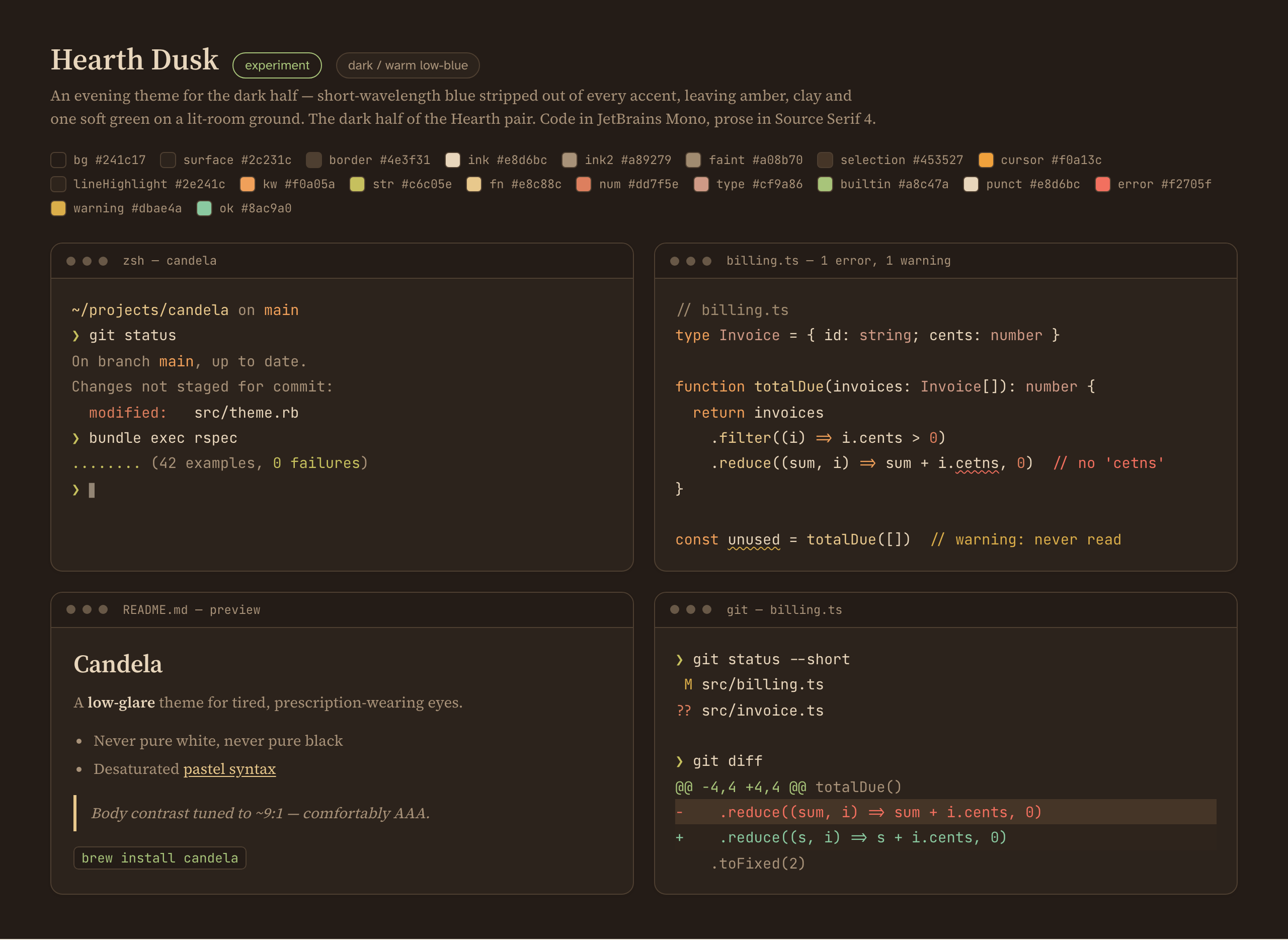
Hearth Dusk — dark
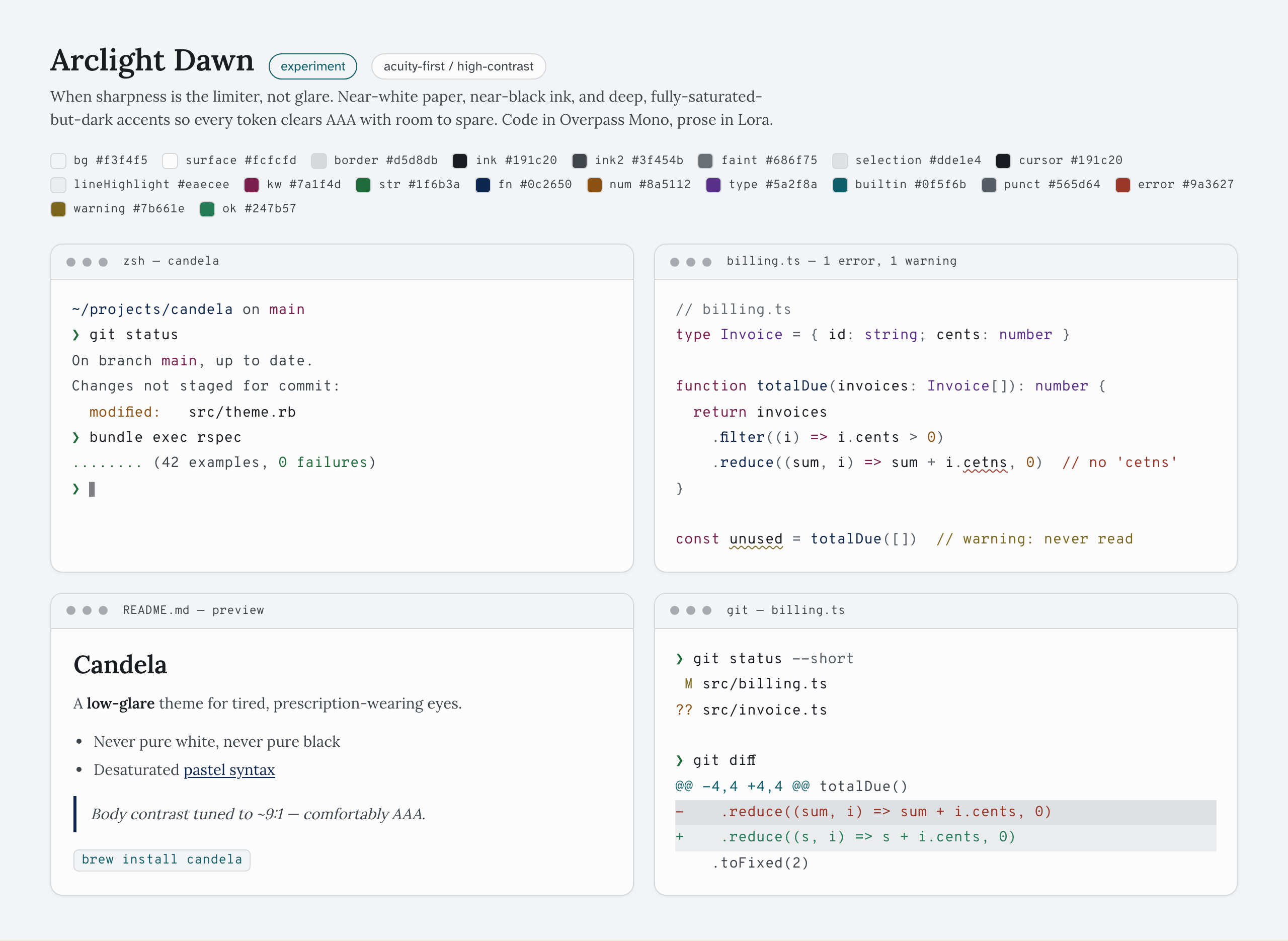
Arclight Dawn — light
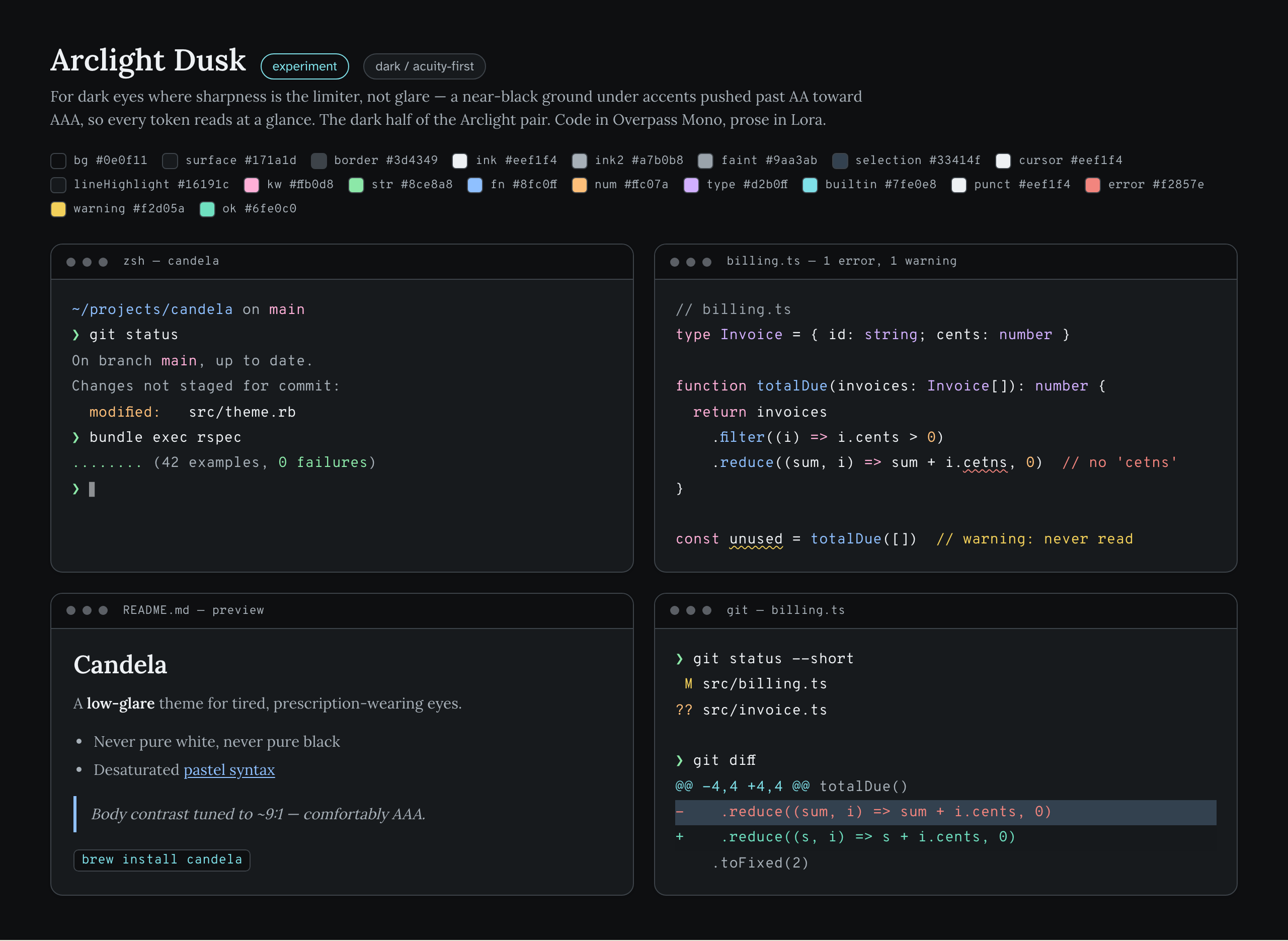
Arclight Dusk — dark
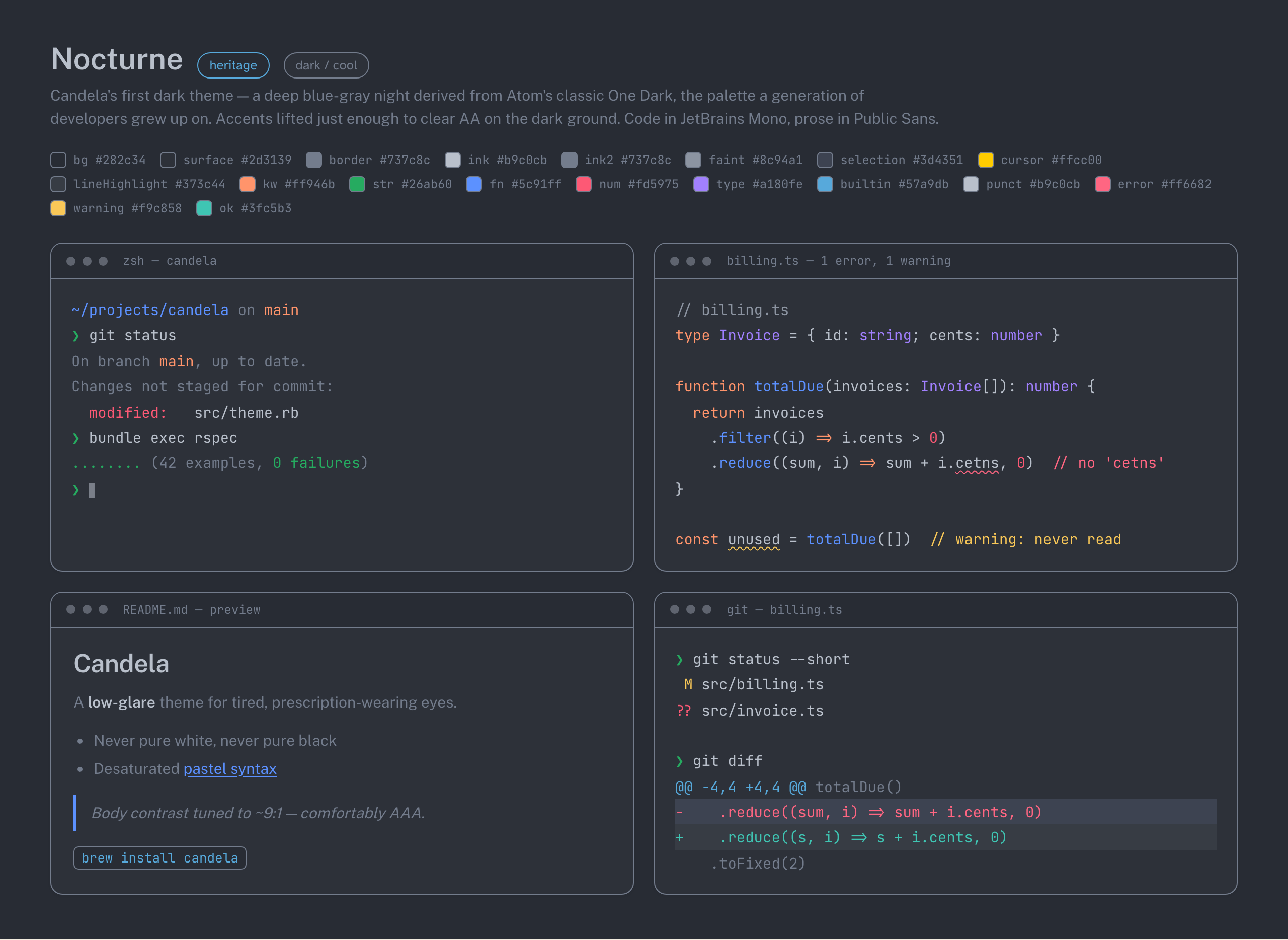
Nocturne — dark
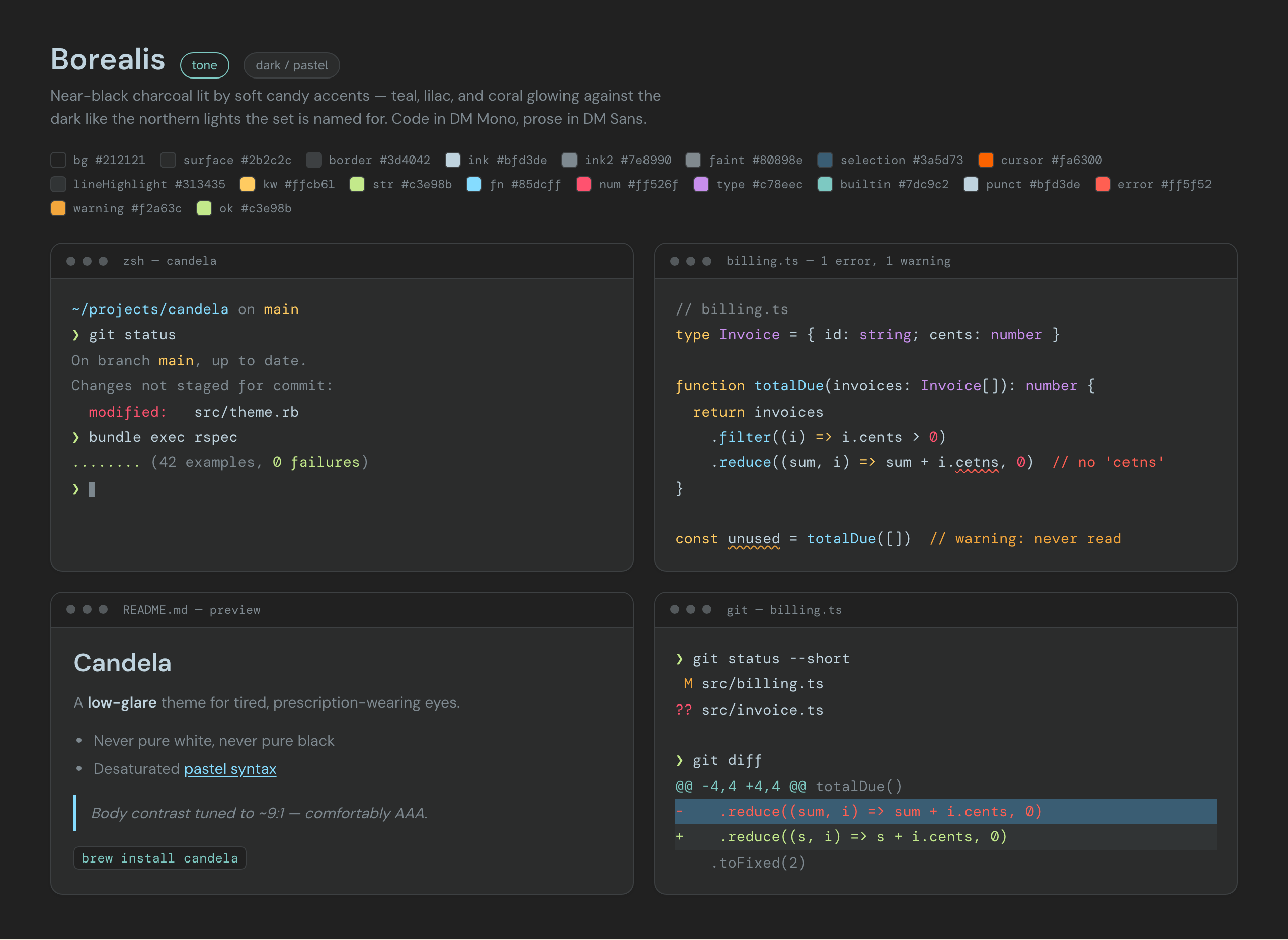
Borealis — dark
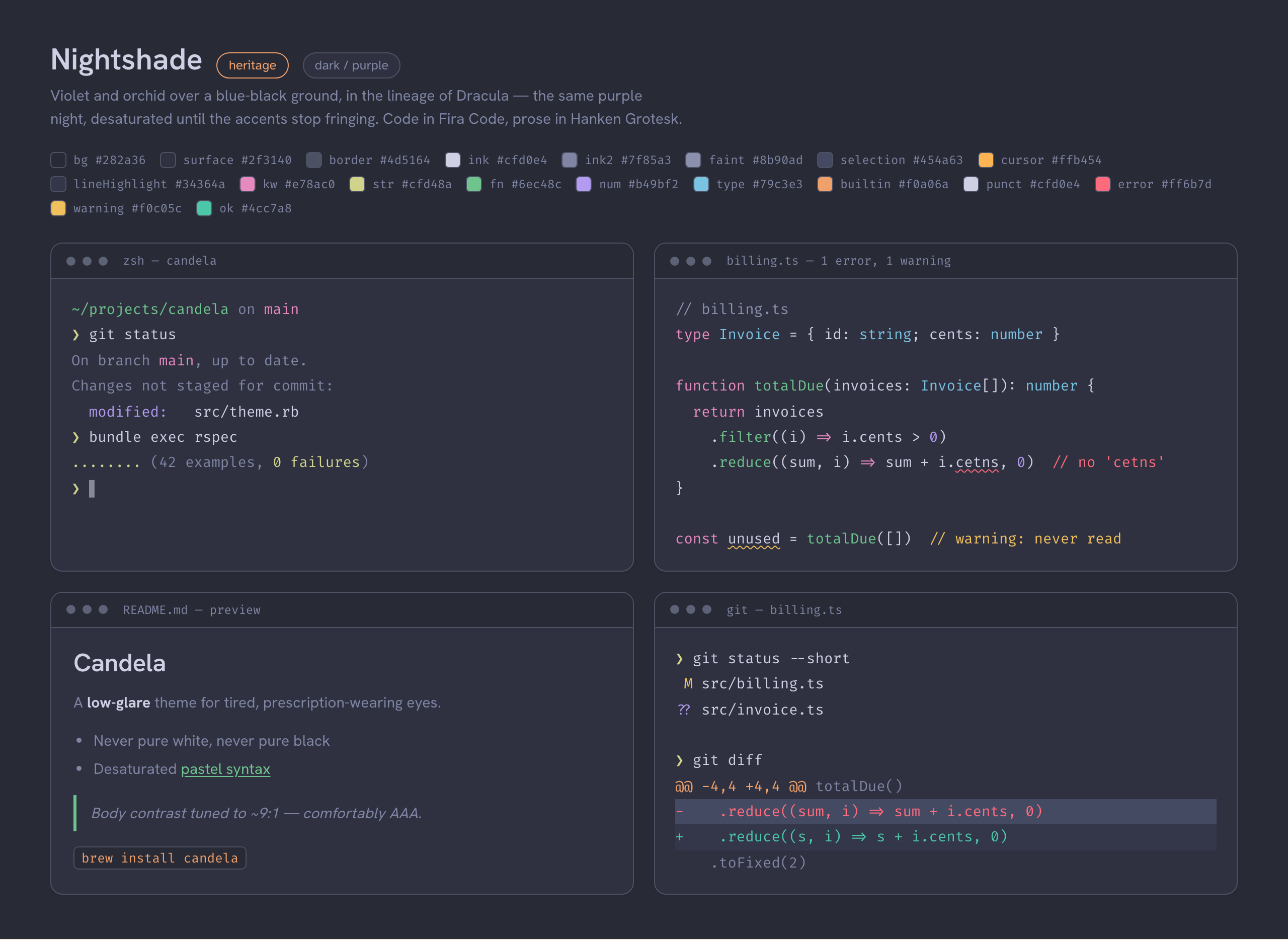
Nightshade — dark
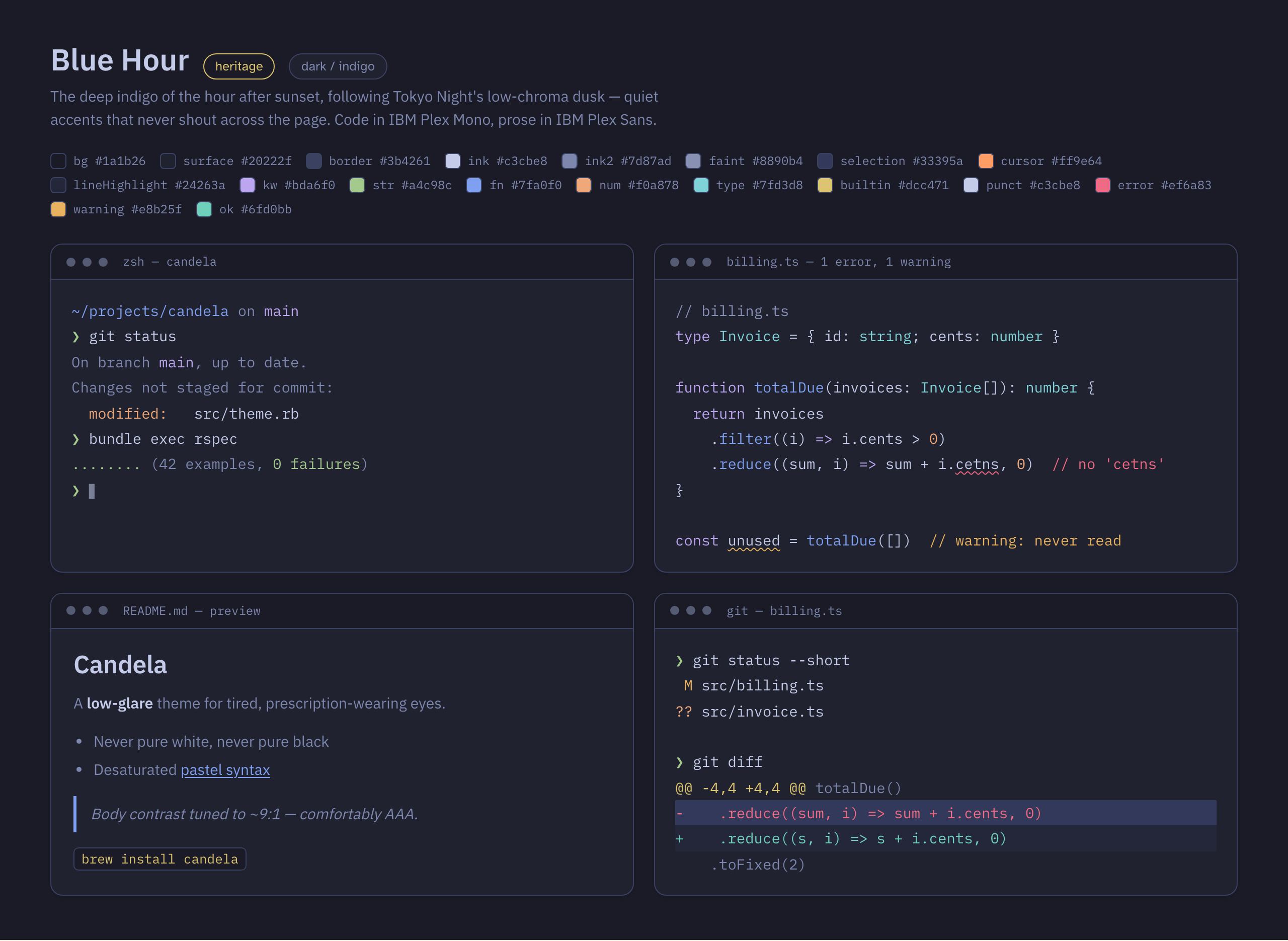
Blue Hour — dark
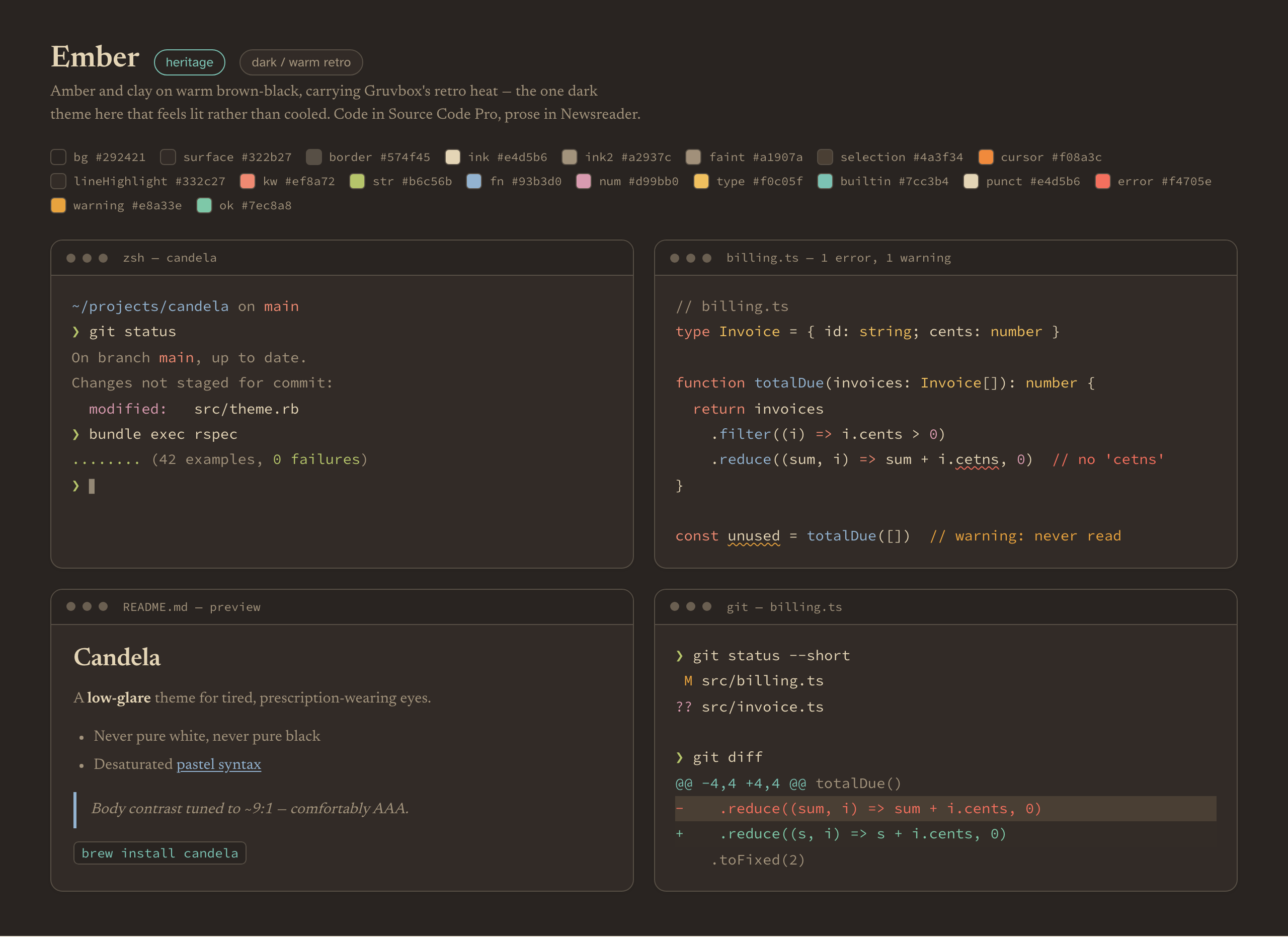
Ember — dark
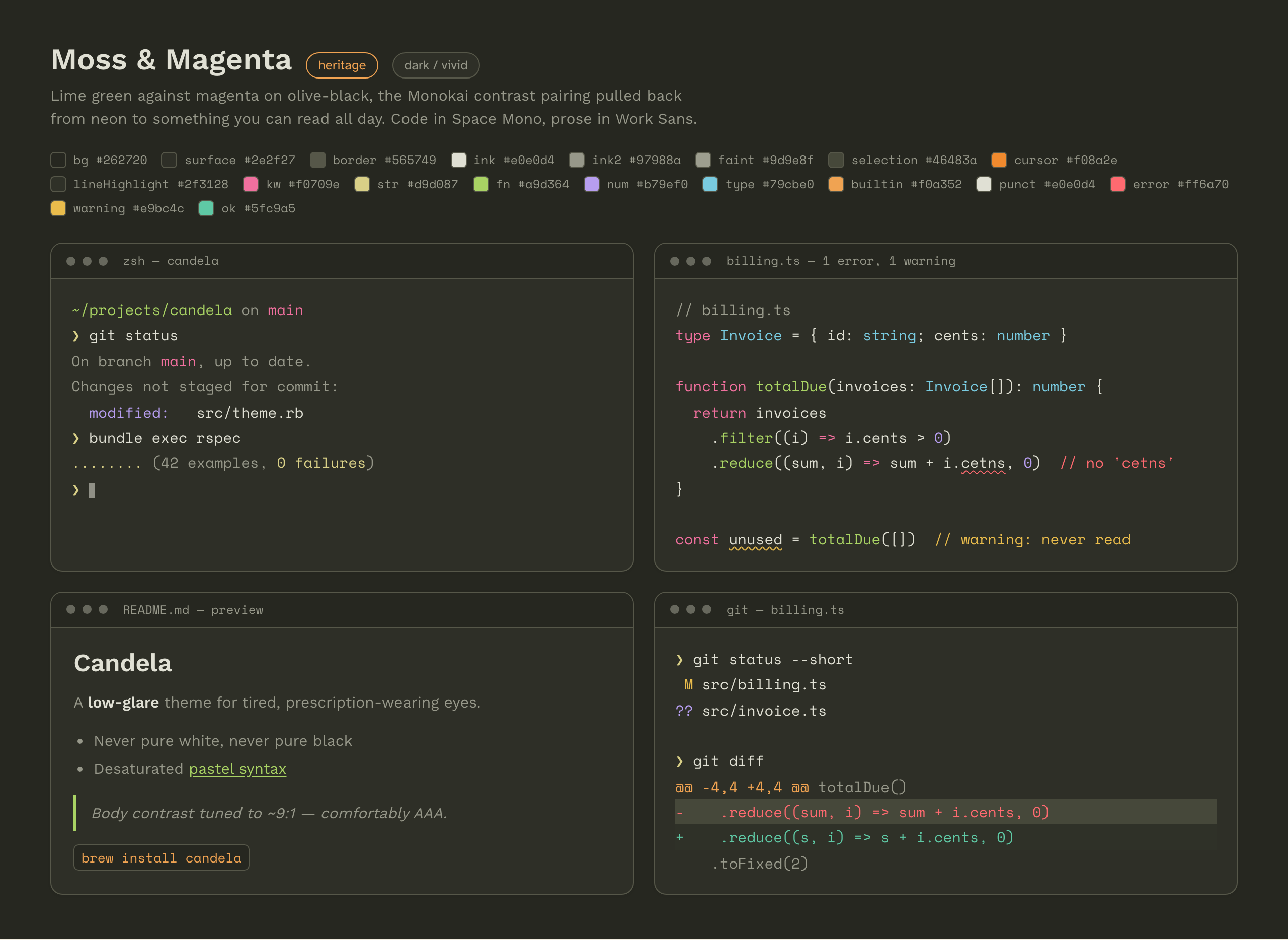
Moss & Magenta — dark
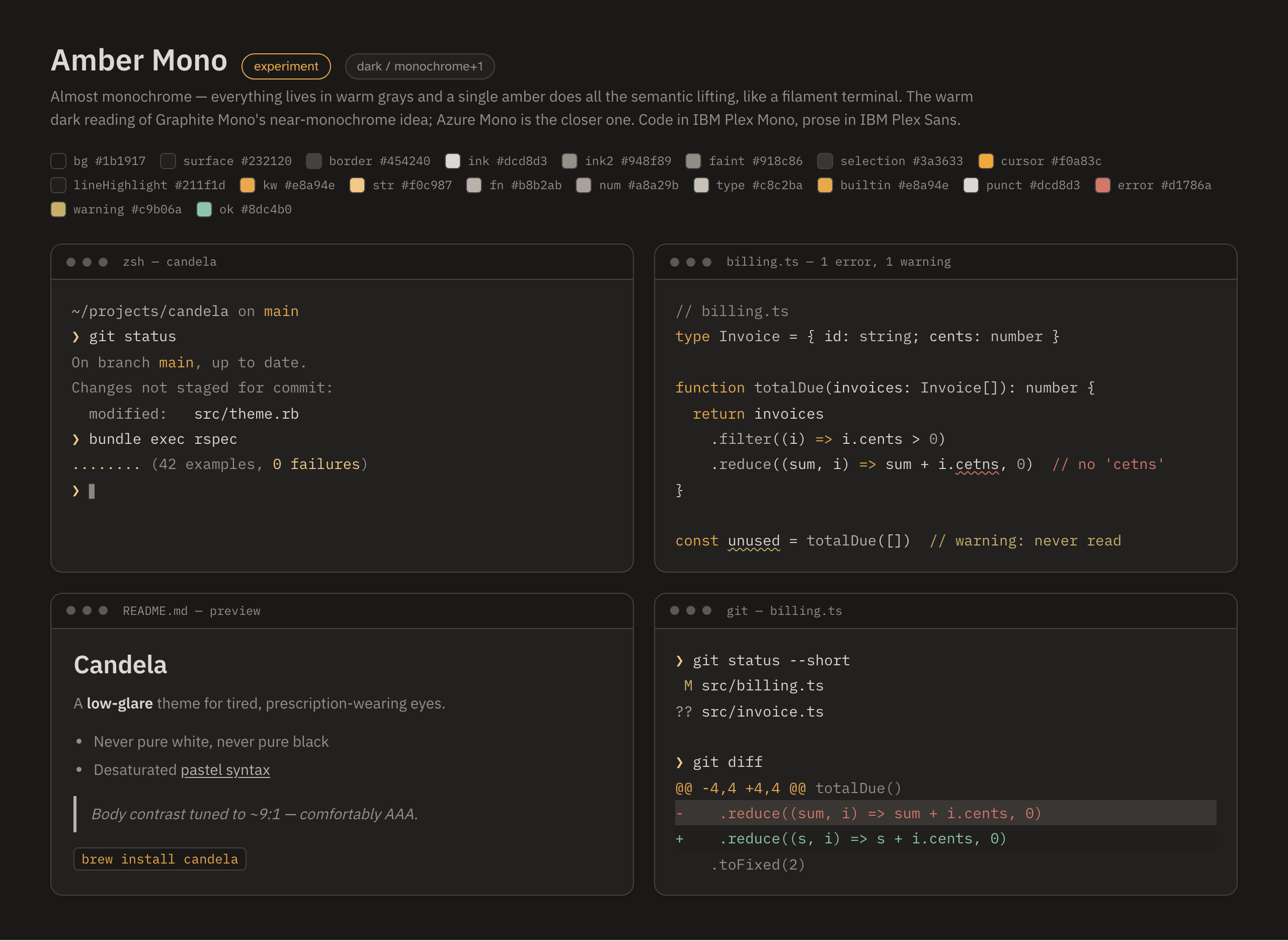
Amber Mono — dark
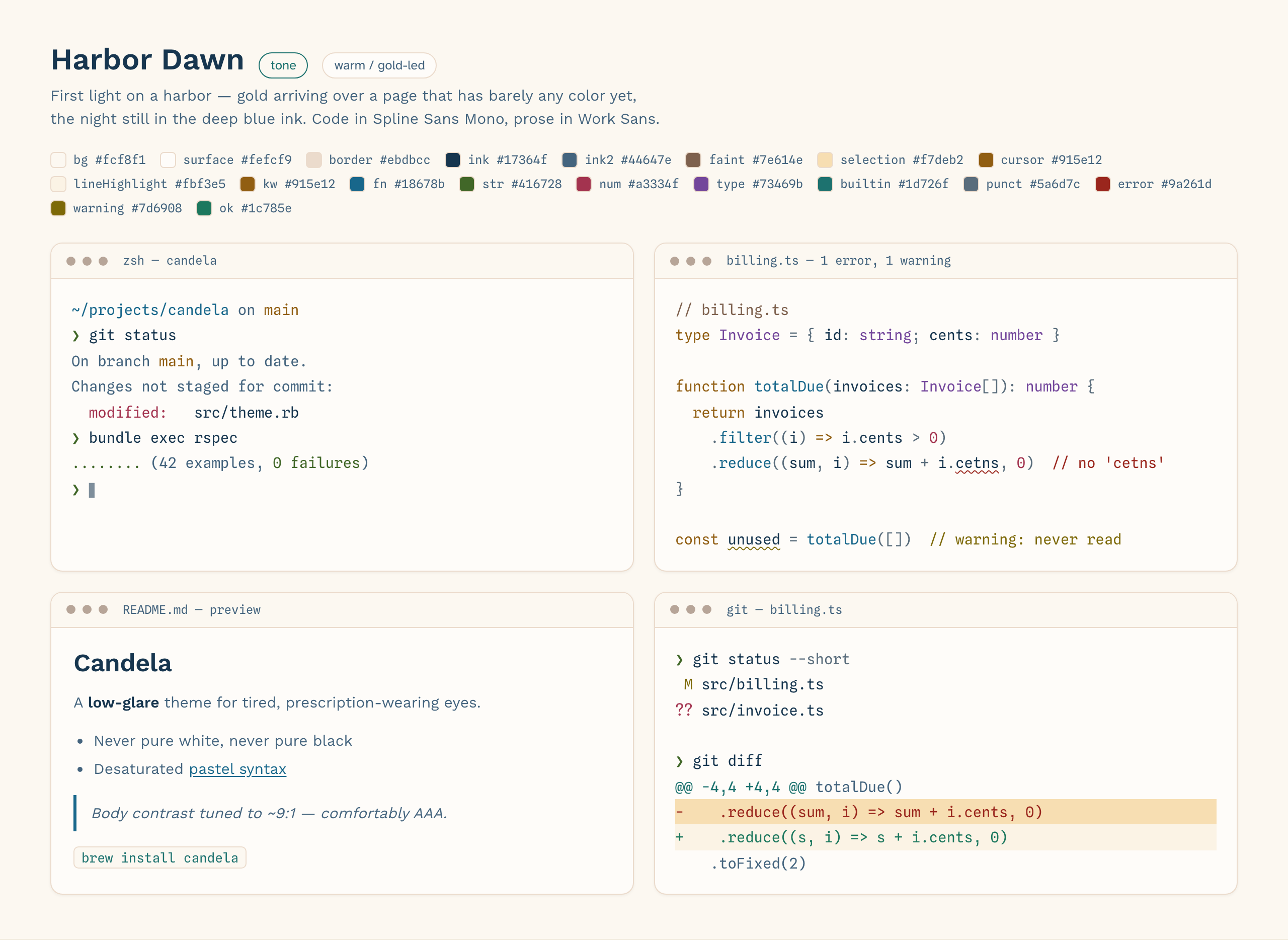
Harbor Dawn — light
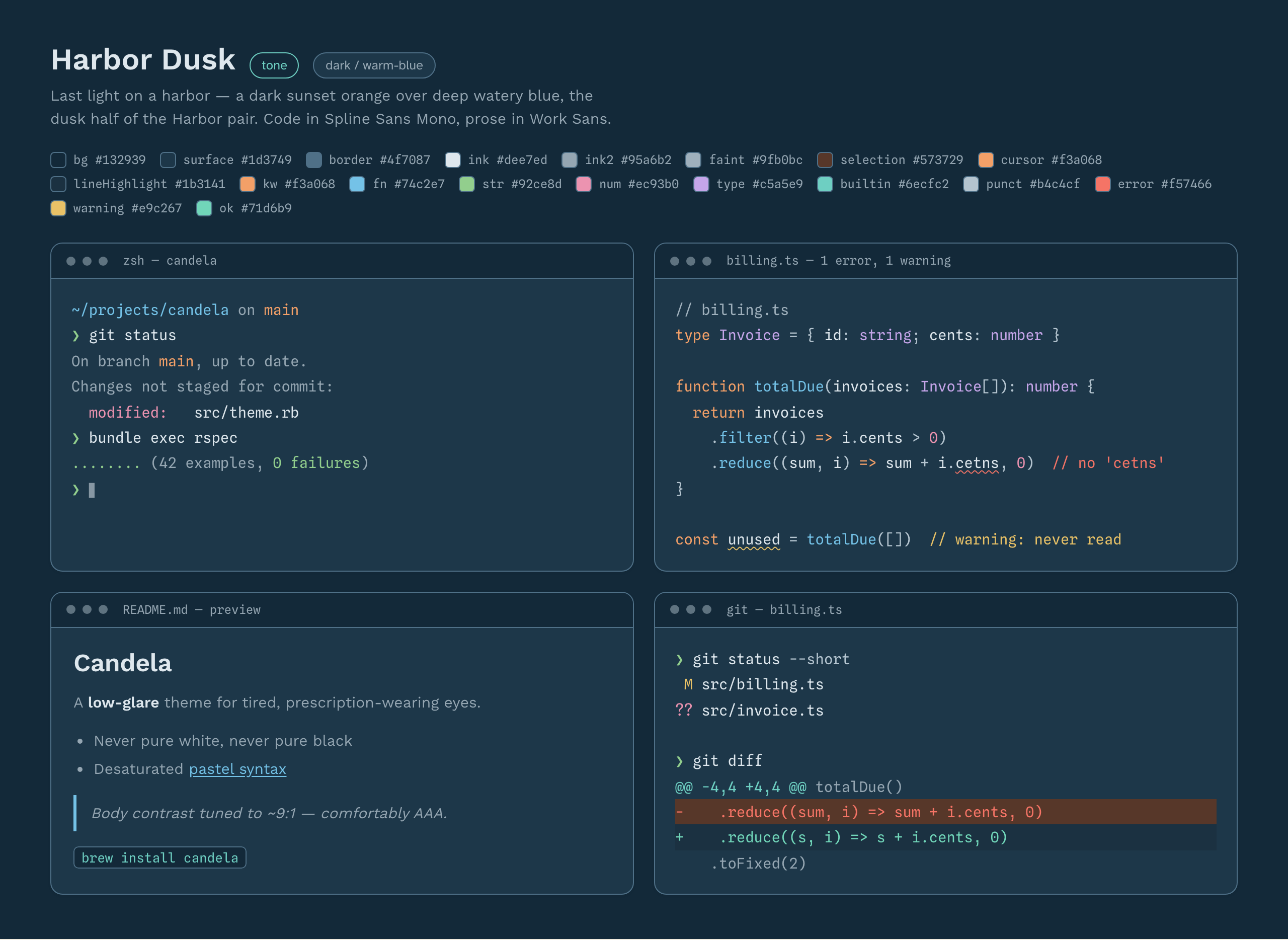
Harbor Dusk — dark
|