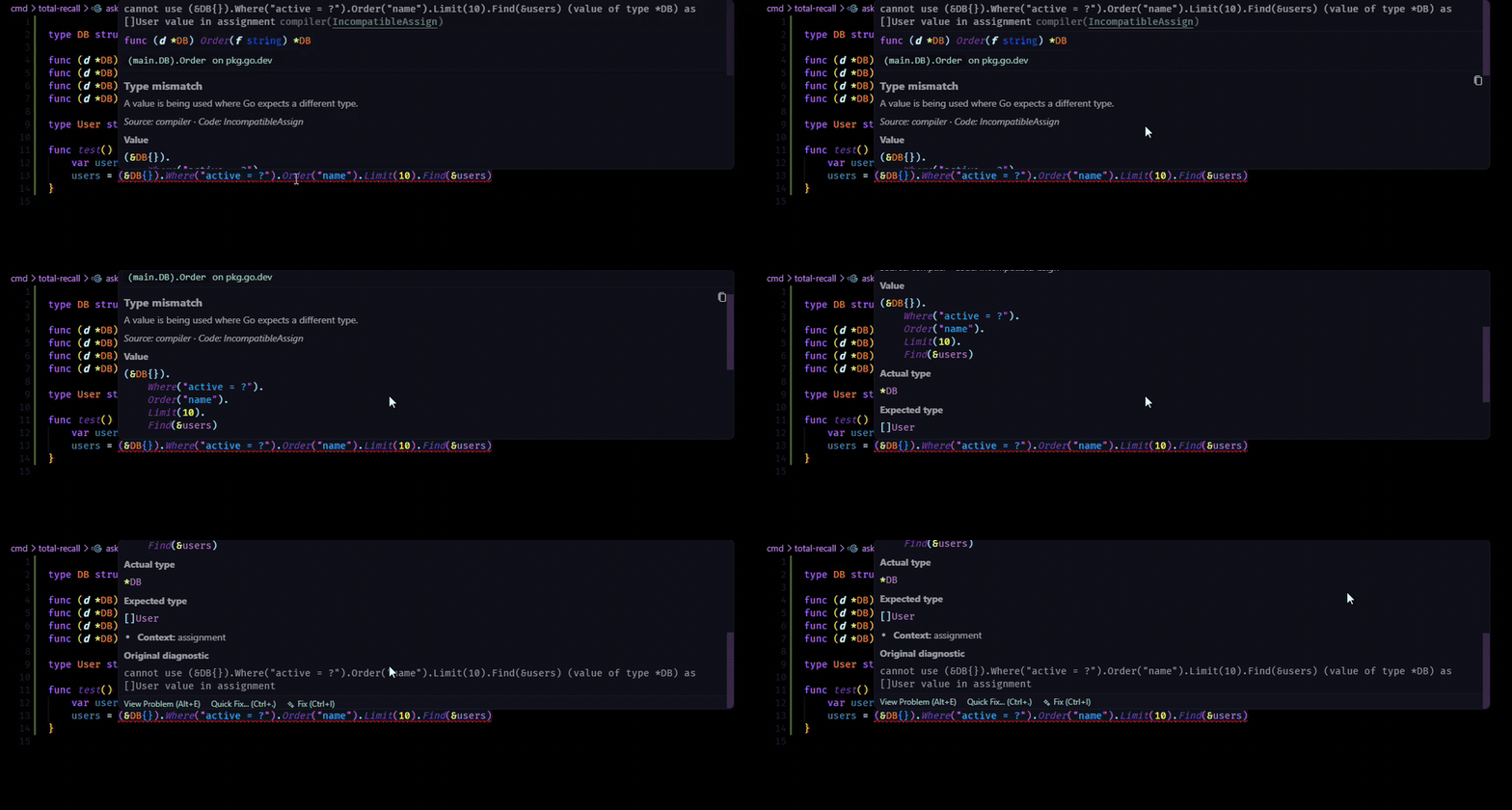
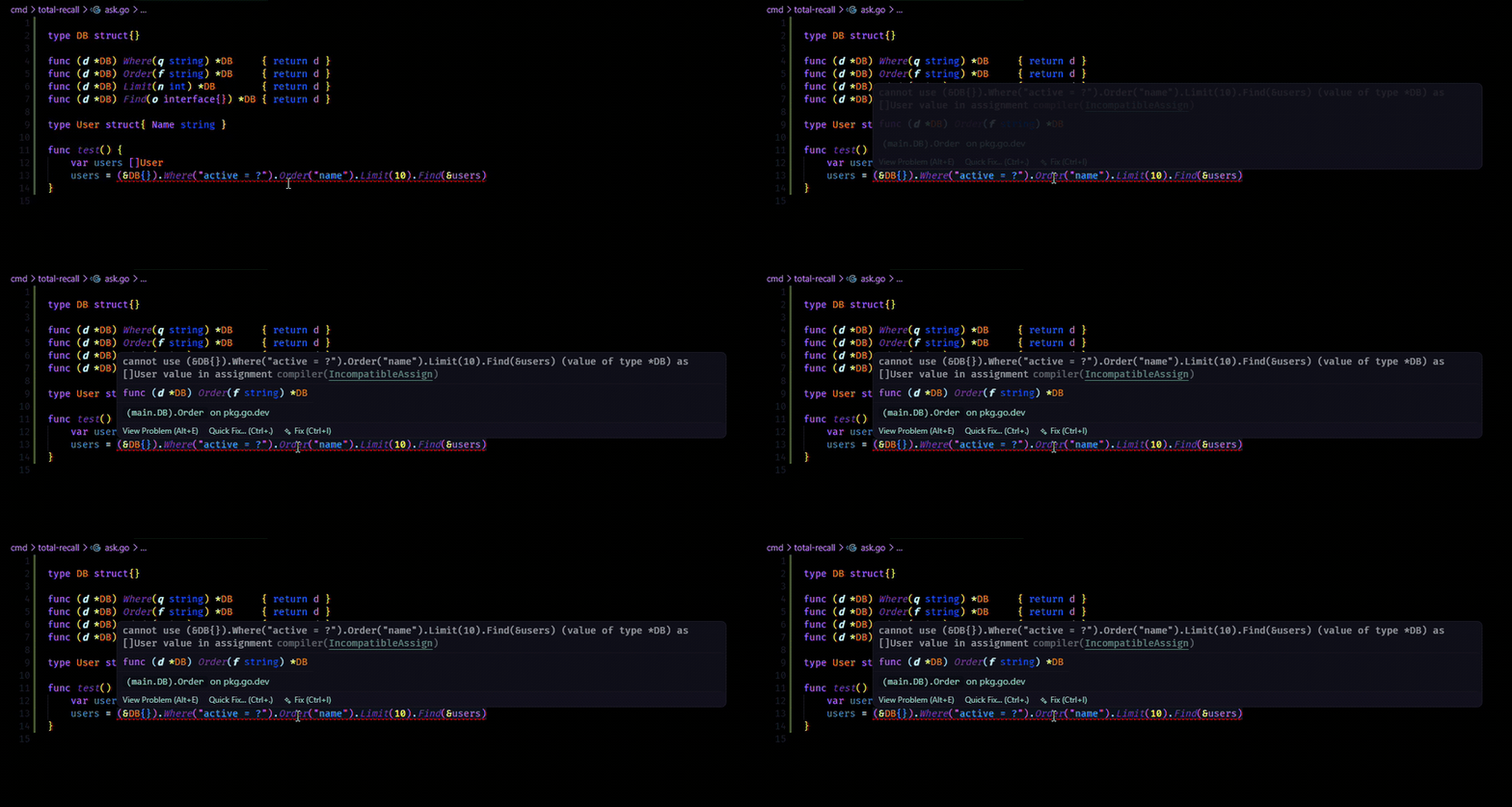
Pretty Go Errors turns dense Go diagnostics into clearer, structured VS Code hovers so you can understand the actual problem faster.
If you regularly stop to mentally unpack gopls or compiler output, this extension shortens that step without hiding the original message.
With:
Without:
Why install it
Pulls useful parts of common Go diagnostics into named fields
Keeps the original diagnostic at the bottom of the hover for verification
Works automatically when you open Go files with diagnostics
Stays lightweight and focused on clarity
Pretty Go Errors was inspired by the value provided from Pretty TypeScript Errors. Check them out if you use TypeScript too!
Before and after
Raw diagnostic:
cannot use value (value of type *bytes.Buffer) as io.Reader value in assignment: *bytes.Buffer does not implement io.Reader (missing method Read)
Pretty Go Errors hover:
Type mismatch

Actual type: *bytes.Buffer
Expected type: io.Reader
Missing method: Read

Original diagnostic
cannot use value (value of type *bytes.Buffer) as io.Reader value in assignment: *bytes.Buffer does not implement io.Reader (missing method Read)
What it improves today
22 error diagnostics and counting!
Diagnostics coming from gopls, compiler, go list, go test, and syntax
Gopls Staticcheck analyzer support begins with SA1000 (Invalid regular expression)
Usage
Install the extension.
Open a Go file that has diagnostics.
Hover the underlined code to see the formatted explanation.