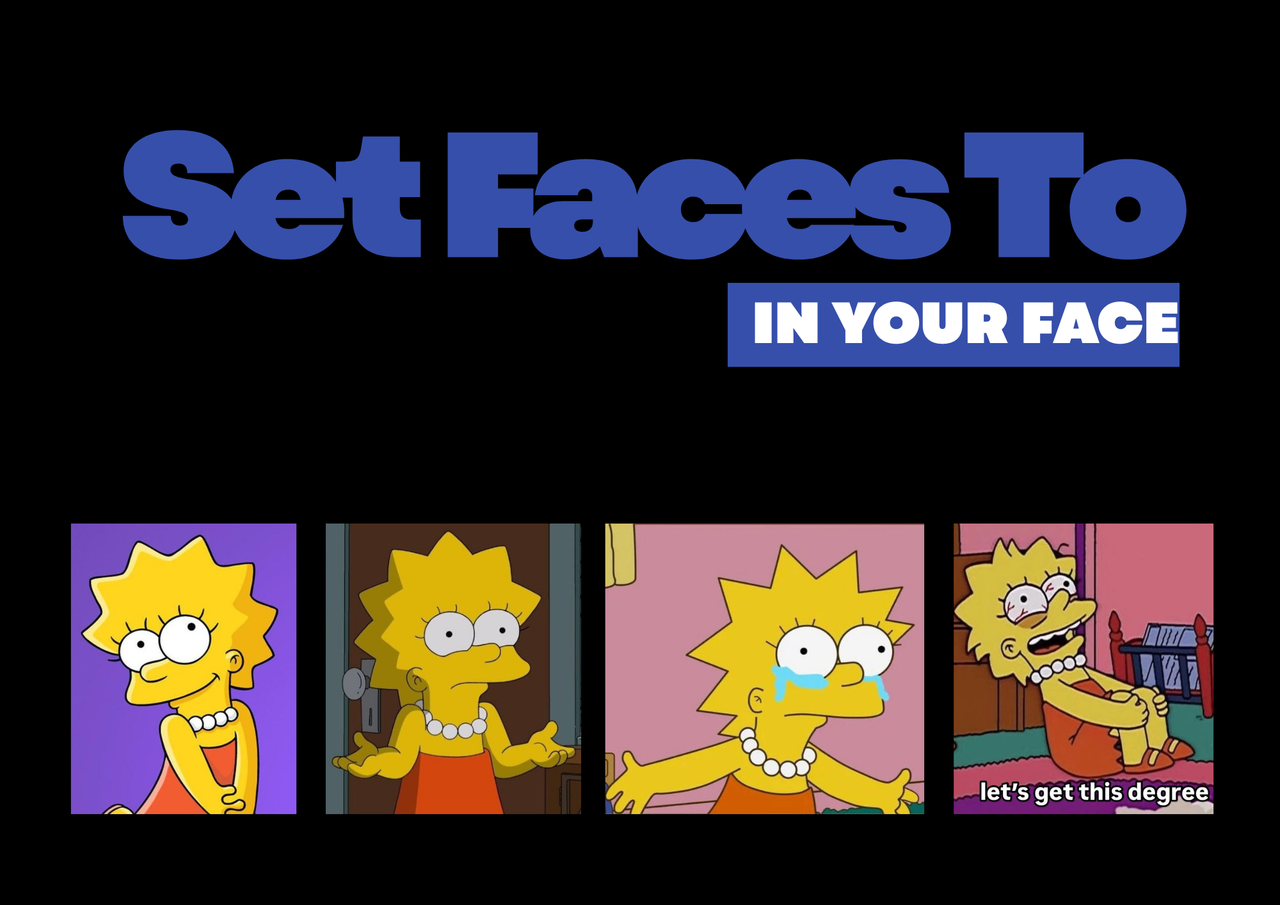
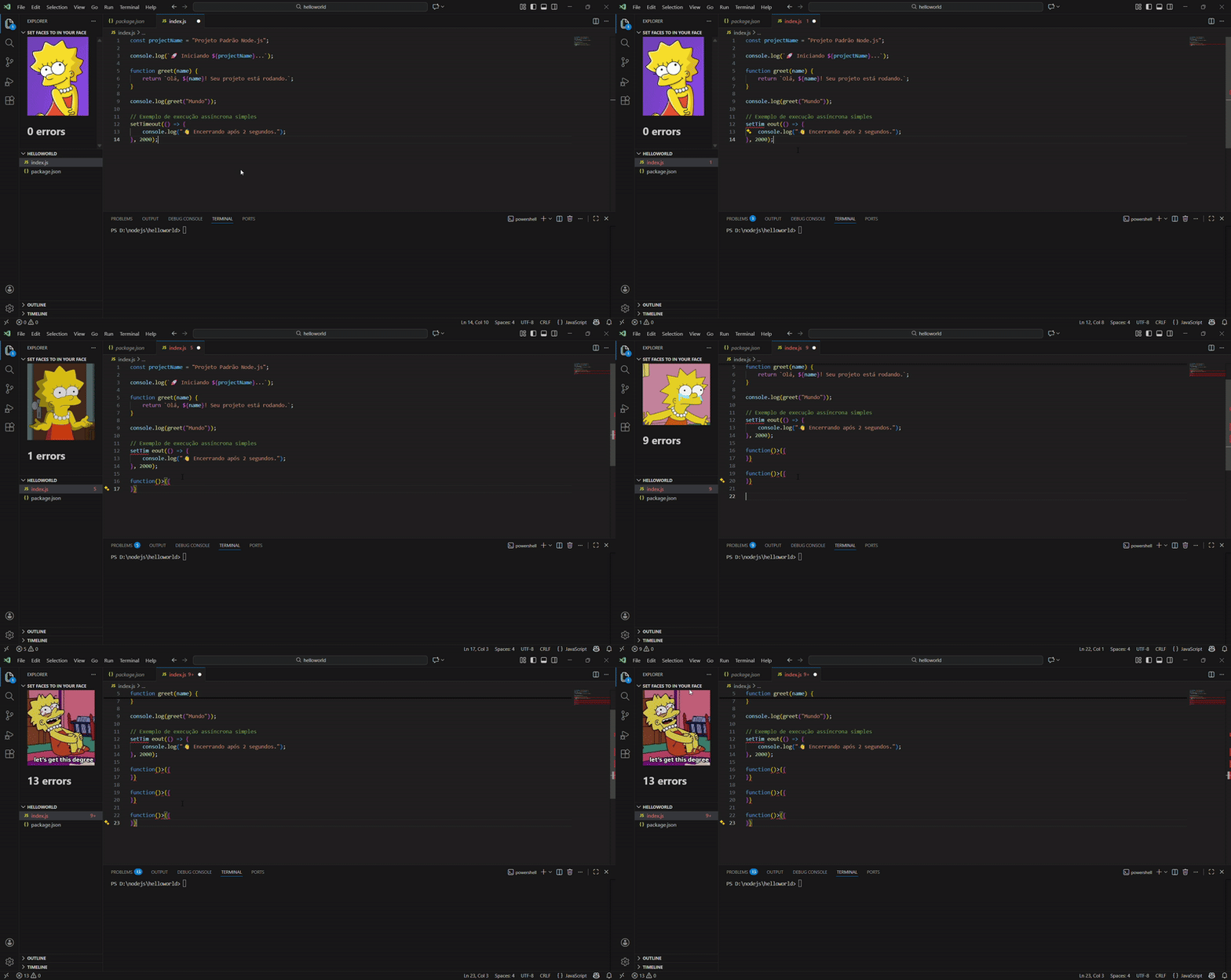
Set faces to In Your FaceSet faces to In Your Face, shows your personalized 'Uncanny Faces' that correlate to the number of errors in your code! Installation Launch VS Code Quick Open ( Ctrl+P), paste the following command, and press enter.Copied to clipboard |

Set Faces To In Your Face, is a VSCode extension that shows your Favorite 'Uncanny Faces' that correlate to the number of errors in your code!
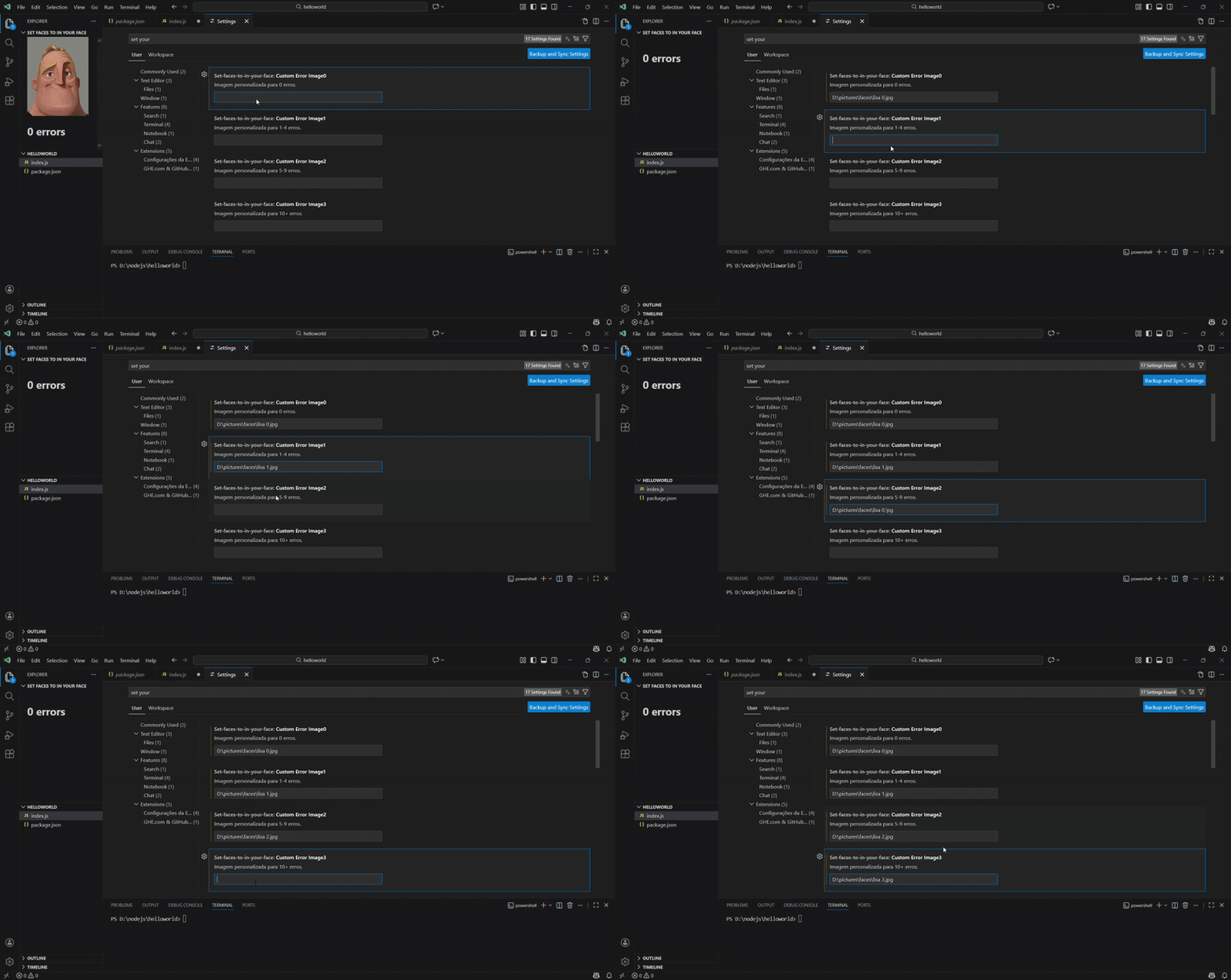
Once the extension is installed, go to the VS Code settings and provide the path to the images that the extension should use to replace the default images for each detected error.
Restart VS Code, and it should work.
Check out In Your Face developed by Virej Dasani which is the base for the creation of Set Faces To In Your Face |